AI models for your clothing photos
Photopurr is best for small clothing sellers who want pay-per-image on-model photos without a subscription.
Upload the photo you already have — a flat lay on the table, a hanger shot, a mannequin, or an old on-model photo — and get the same garment worn by a model you chose. The garment is read from your photo; only the person and the setting are generated.
Keep the cut, color and fabric details
How it works
Three steps, and none of them is writing a prompt.
- 01
Upload one photo of the garment
A phone photo of the piece laid out on a table is enough. Sharpness matters more than resolution: the whole garment in frame, even light, no fold hiding a sleeve. If your supplier already sent photos, or you shot the batch on a hanger when it arrived, use those.
- 02
Pick the model and say where
Choose a saved model or build one from options: gender, age range, body, skin tone, hair. Then one line about the setting, such as a plain studio, a city street, or a room with window light. Presets cover the common ones if you would rather not write anything.
- 03
Keep the images that work
Images come back in under a minute on the 1K and 2K tiers. What you keep is filed in the gallery by style code, ready to download as a ZIP or pull through the API. If one image is wrong, redo that one; the rest of the set and your credits stay where they are.
What you can upload
You do not need a studio photo to start. Photopurr reads the garment out of four kinds of input, and all four are things a small seller already has on their phone.
- Flat lay
- The garment laid out flat. The most reliable input, because the whole print, both sleeves and the true hem length are visible. It is also what most suppliers send.
- Hanger shot
- Quick to take when a batch arrives. It works well for shirts, jackets and anything with structure, and it hides less of the piece than you would expect.
- Mannequin or dress form
- Already close to the final shape. Useful when you also want a ghost mannequin white-background image, because the form is removed in the same pass.
- An existing on-model photo
- A supplier image you are not allowed to use, or a shot of a friend wearing the piece. The garment is kept from that photo and the person is replaced.
Choose your model
The model is built once and reused. That is the whole point: a store where every listing shows a different face reads as a marketplace, not a brand.
- Pick the look
- Gender, age range, ethnicity, hair and overall style come from a short list of options, or from your own reference photos when you have a specific look in mind.
- Set the body
- Body proportions belong to the model, not to each image, so the drape and hem length a buyer sees is what a customer of that size would get. Keep a second model for the other end of your size chart and generate both from one upload.
- Keep the same face
- The model is attached to every generation as an identity reference, so August drops sit next to March drops as if they were shot in one session. When another market needs a different look, swap the model and the garment does not move.
Every image a listing needs
A listing is never one photo. The set is planned from the same upload, so the images match each other instead of being collected one at a time over three weeks.
- On-model hero
- The image that earns the click. Front or three-quarter, standing or walking, in the setting you described.
- White background
- Pure white with a faint contact shadow, as a high-quality JPEG. That is what Amazon, Tmall and most marketplaces check for.
- Close-ups
- Fabric, stitching, buttons and trims, generated from the same shot so the colour matches the hero image.
- Detail page
- Ten fixed positions that scroll: front, back, fabric, trims, scene. Up to 17 images in one set, and a failed image is redone on its own.
Features
More product images from one clothing photo
Photopurr turns the jobs sellers repeat every day into focused, usable entry points. Start with a conversation or jump straight into a batch workflow.
 Most flexible
Conversational generation
Attach a reference and describe the composition, scene, model and mood. Keep refining in the same conversation while the full history stays available.
Open feature Stay consistent
Keep a virtual model consistent
Save a face, hair and visual identity so a product can become a coherent set of model images.
Open feature One product, the whole set
E-commerce image bundles
Ten detail-page images plus optional main images, a white-background shot and a close-up detail. Upload one product and the rest is planned and generated for you.
Open feature Ready to deliver
Gallery and image packs
Every result is archived. Organize by style, download in batches and move it into your listing workflow.
Open featureExamples
See the images first
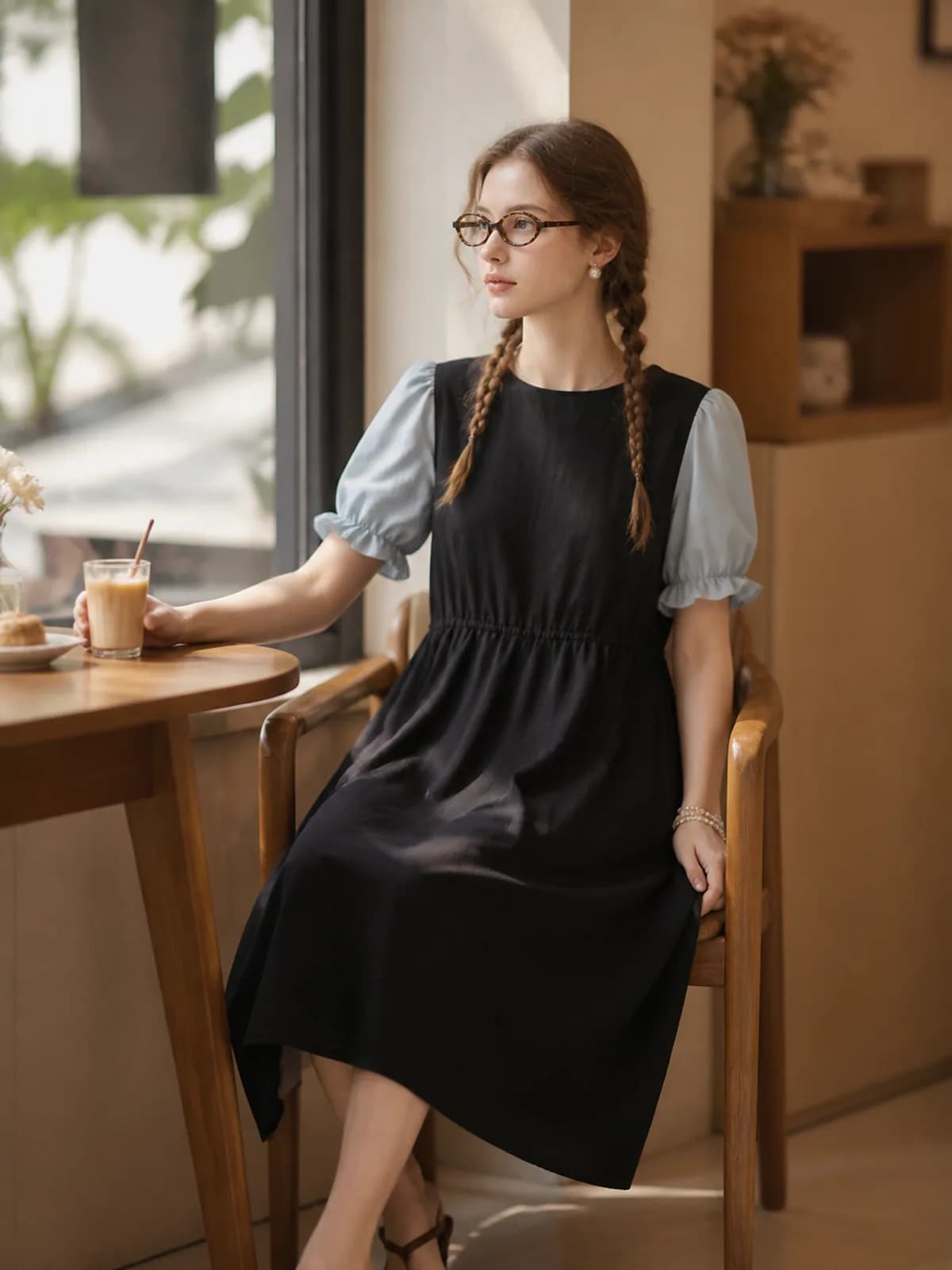
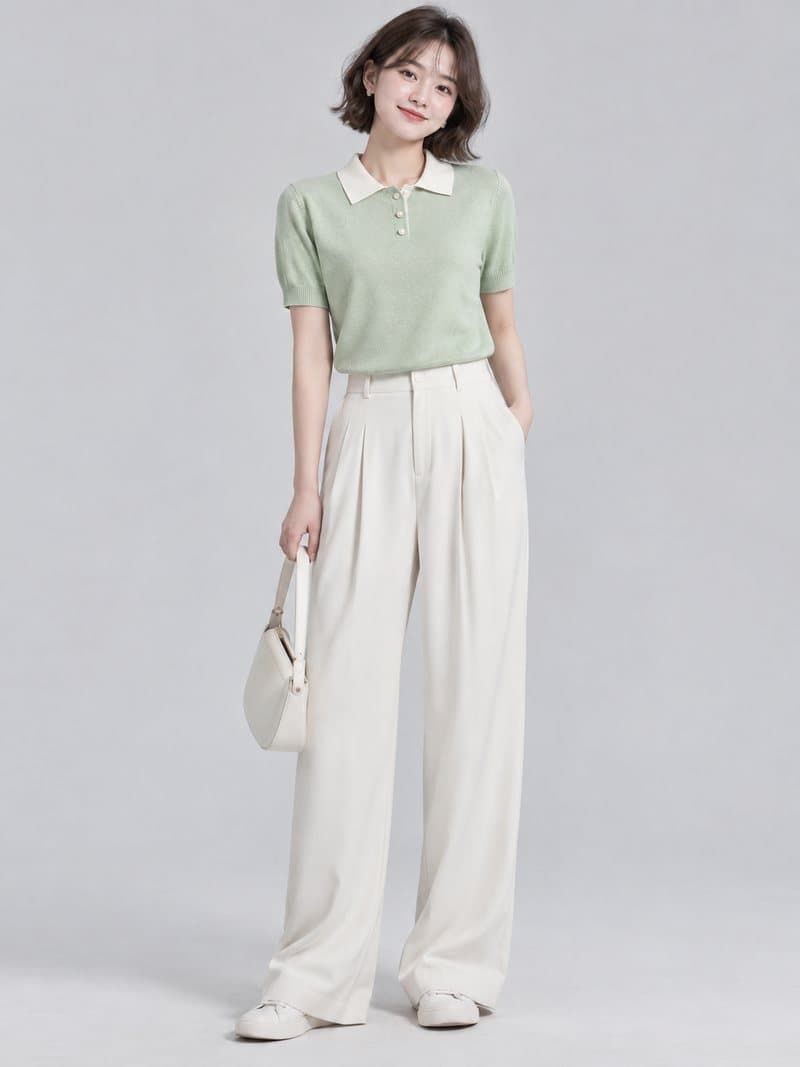
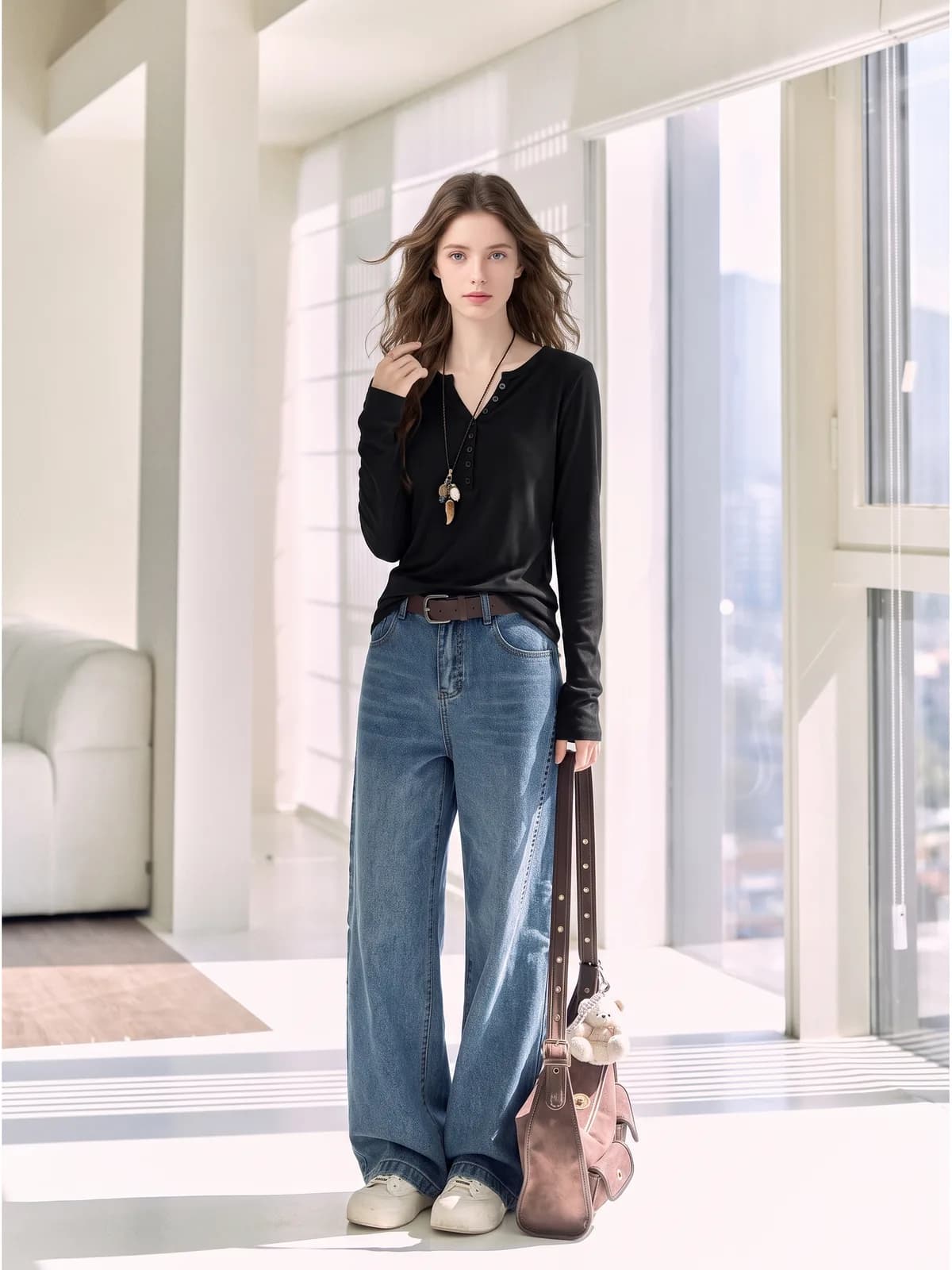
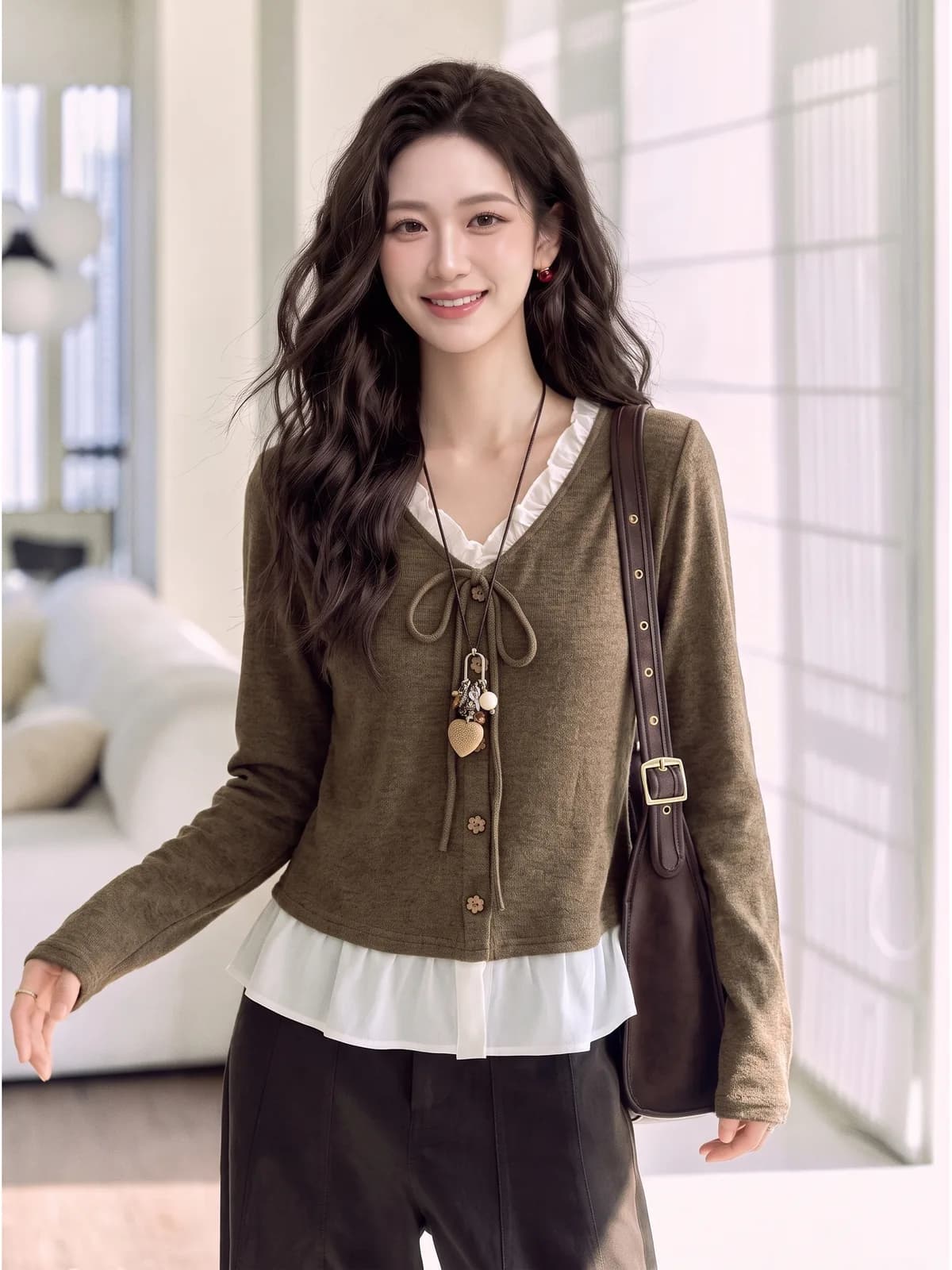
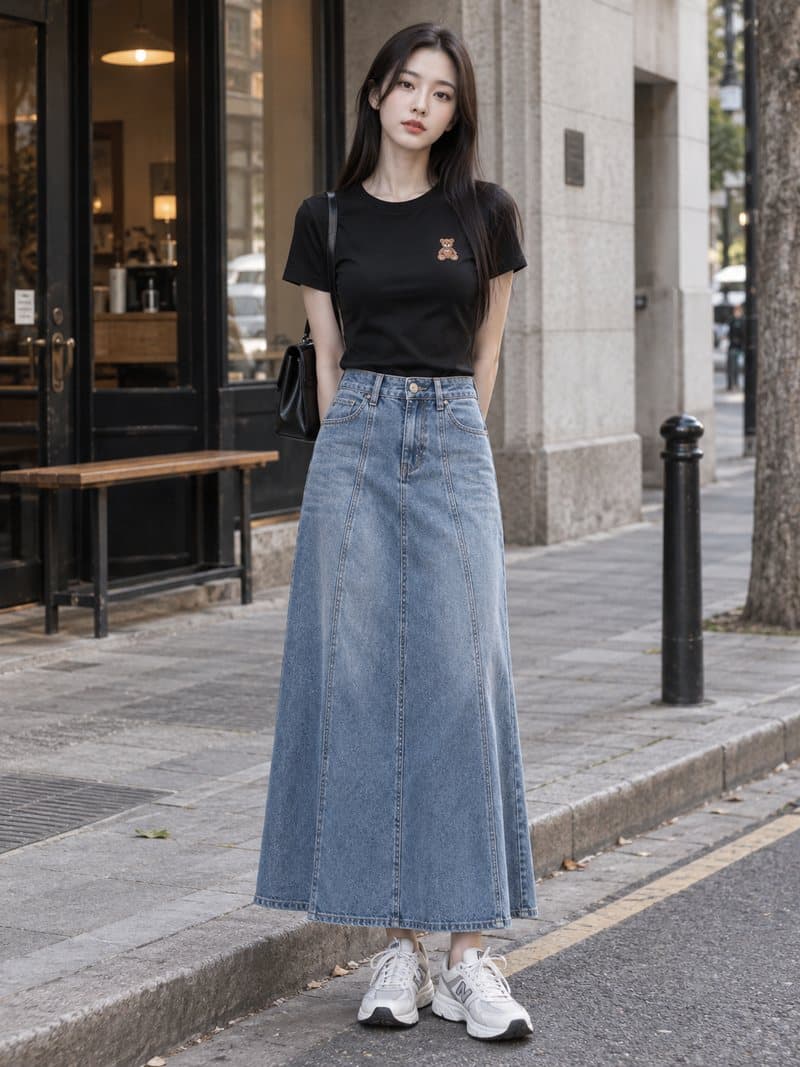
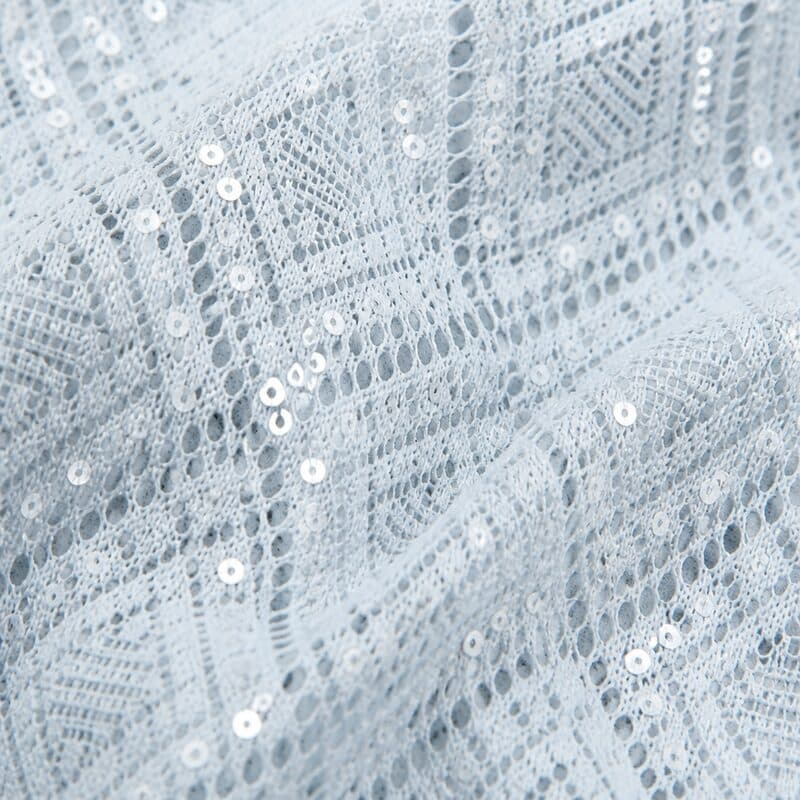
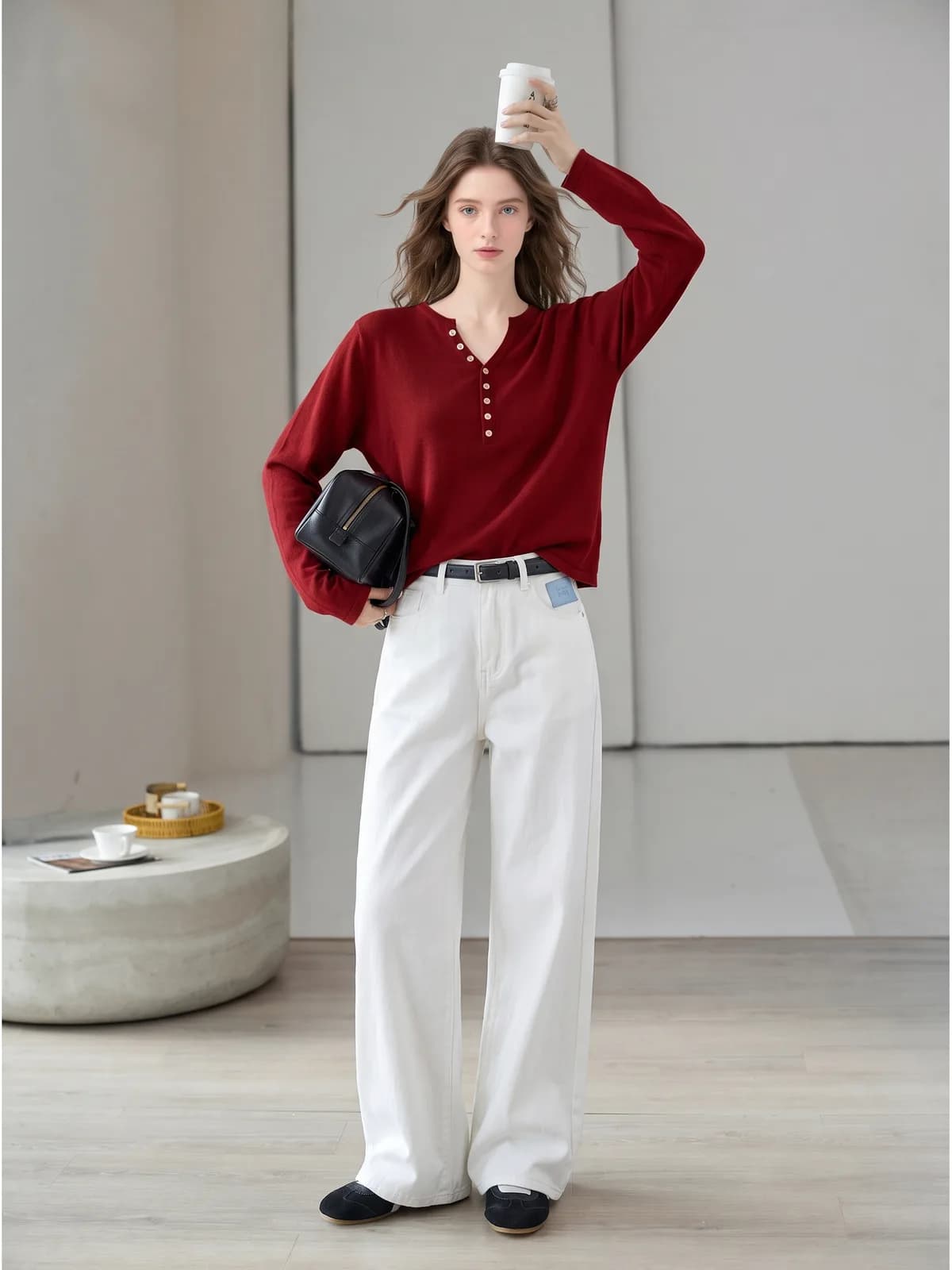
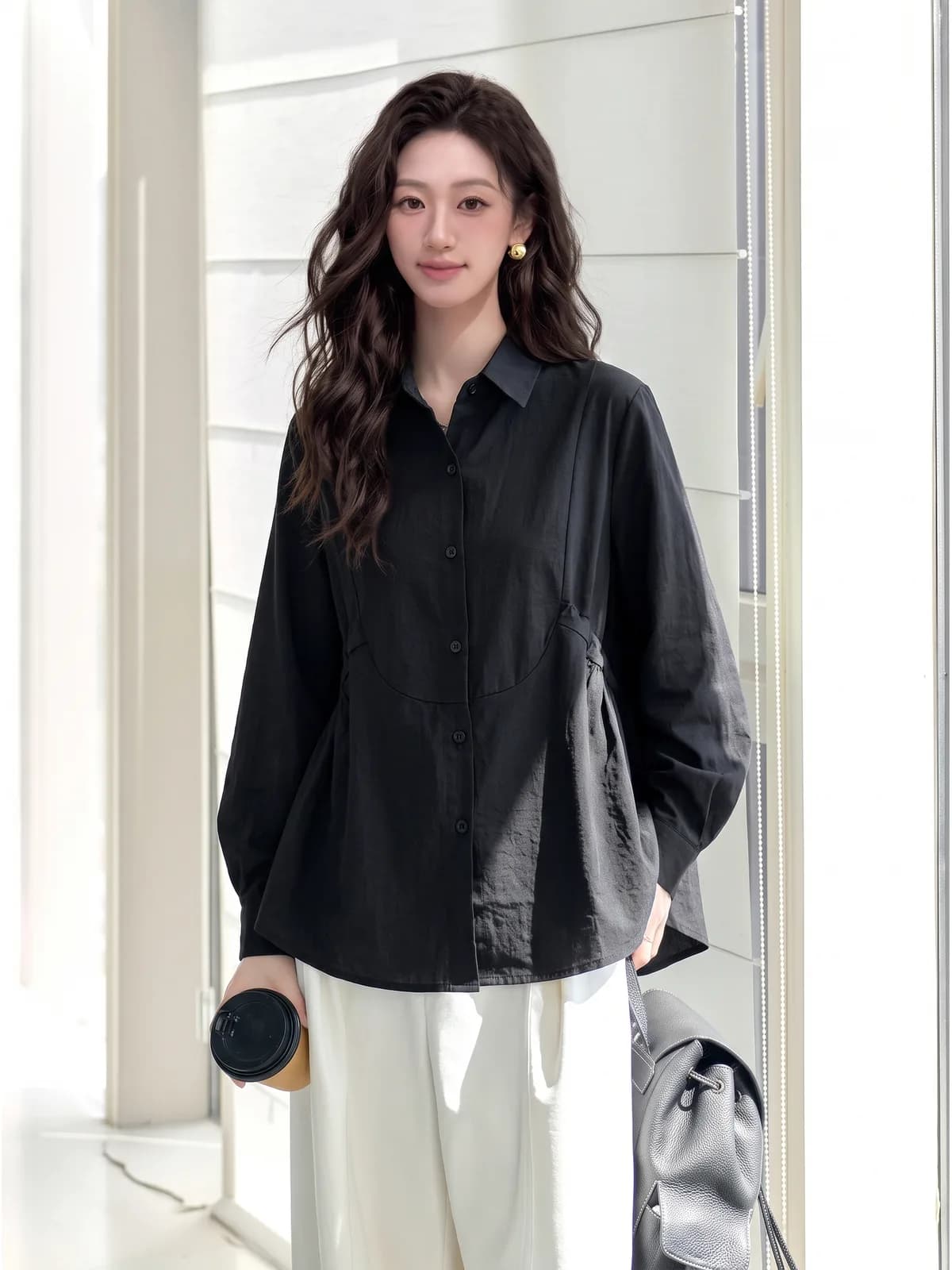
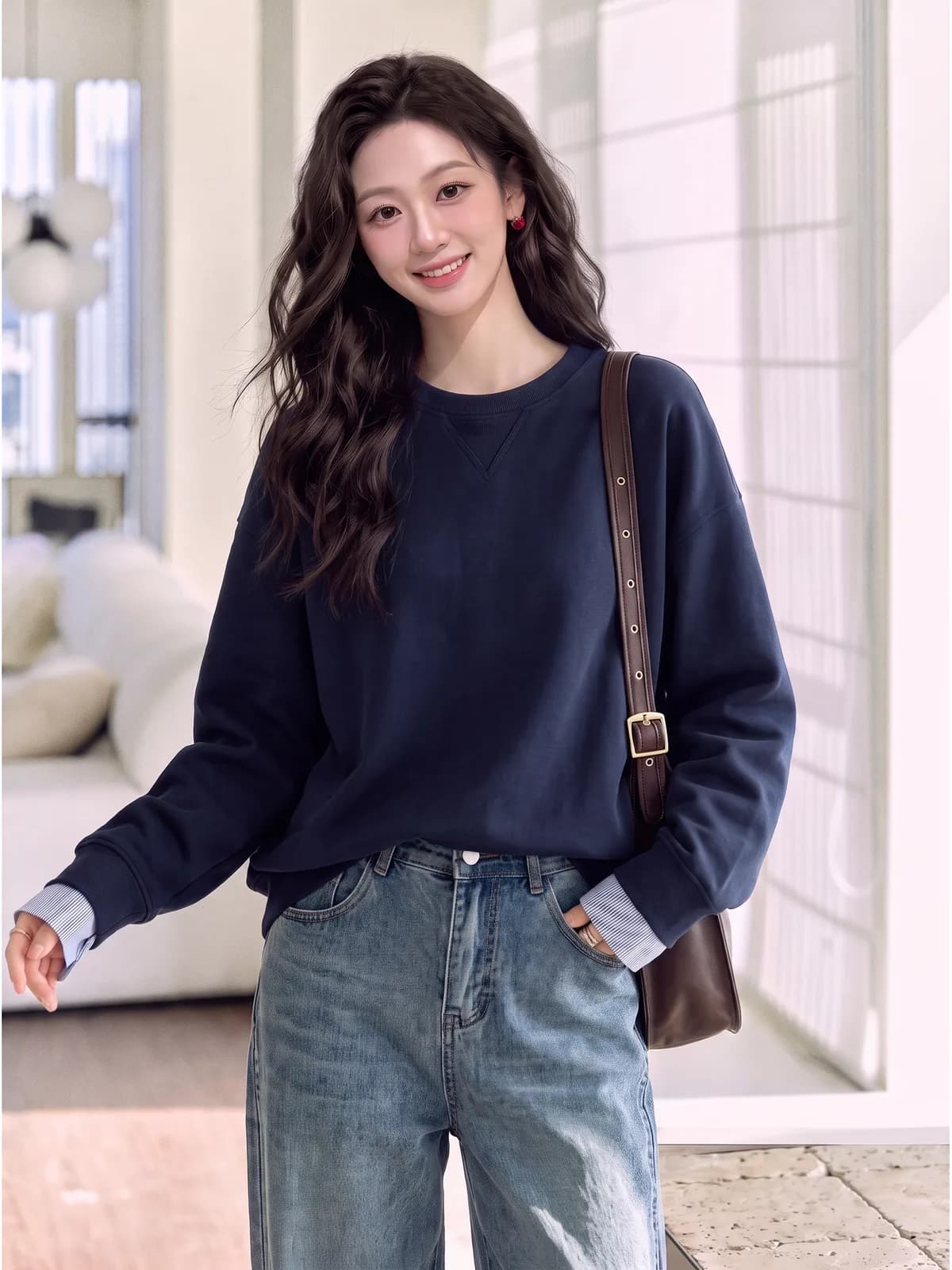
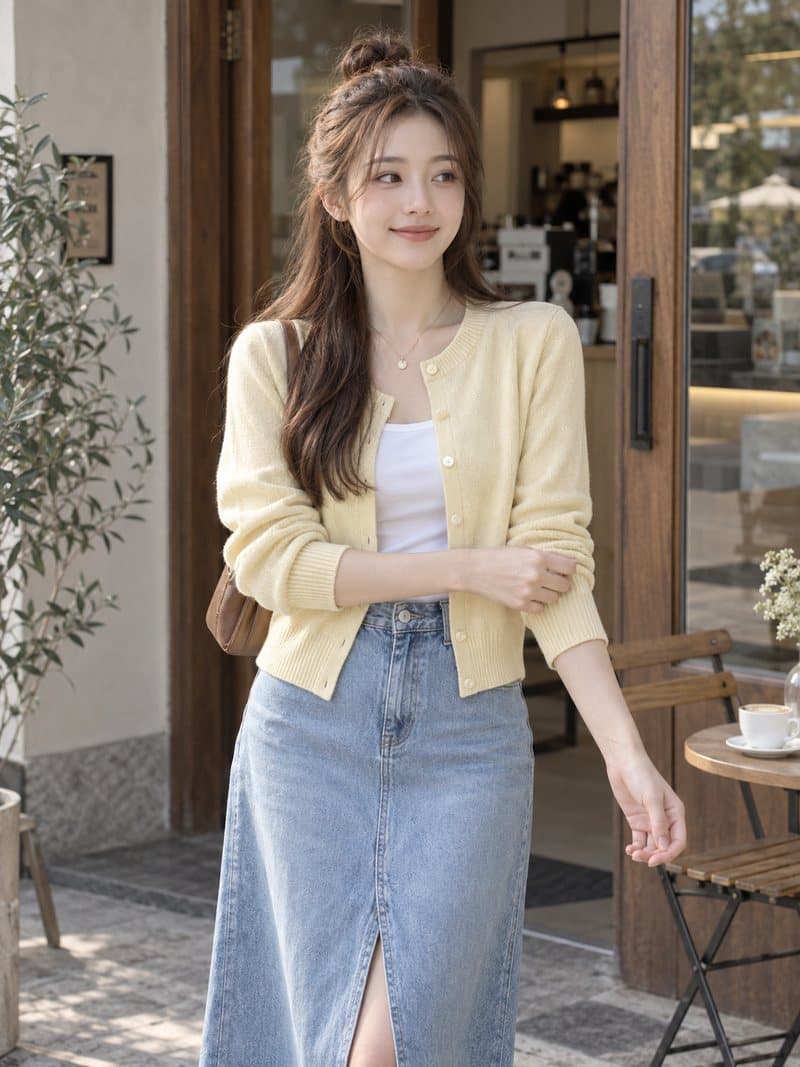
Every image below was generated in Photopurr from a photo of the garment. The same product can become a listing shot, a new scene, a model image or a fabric detail.
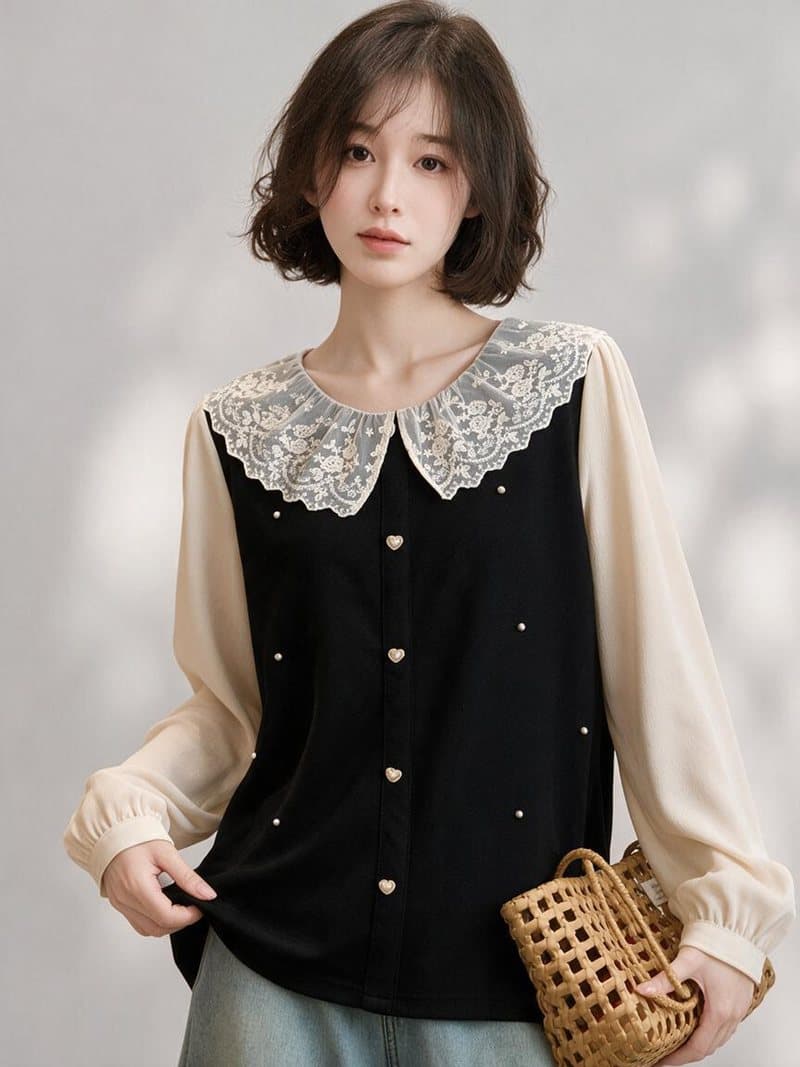
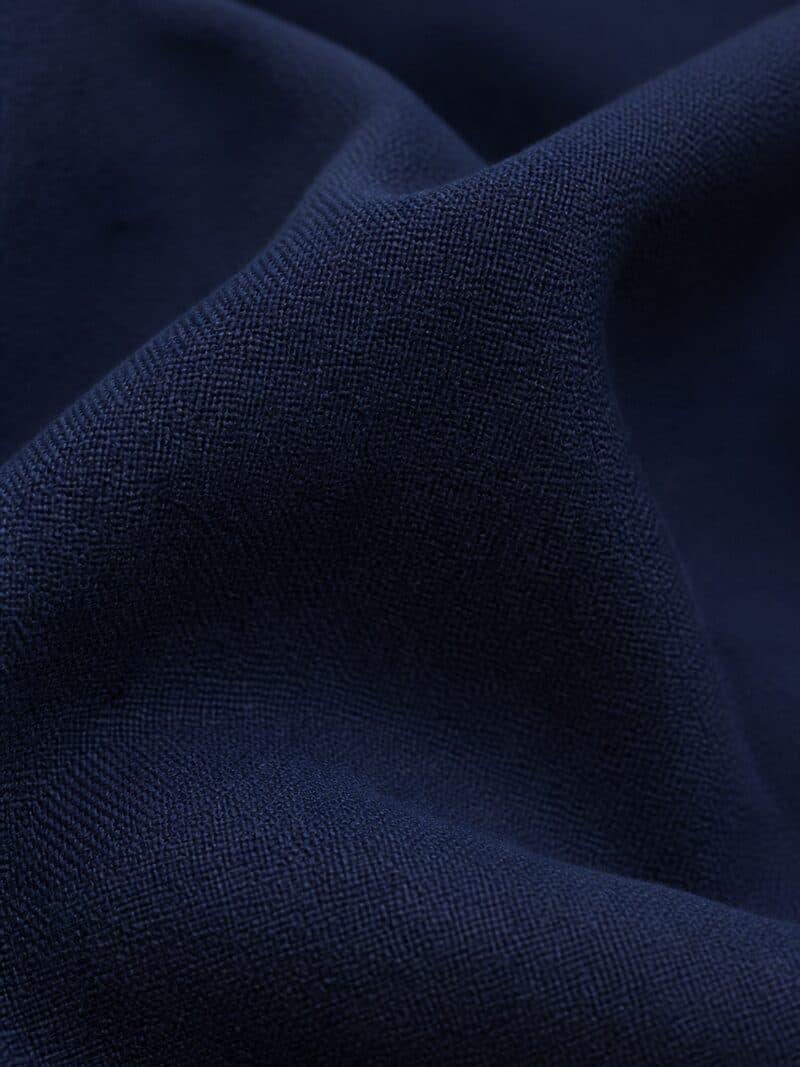
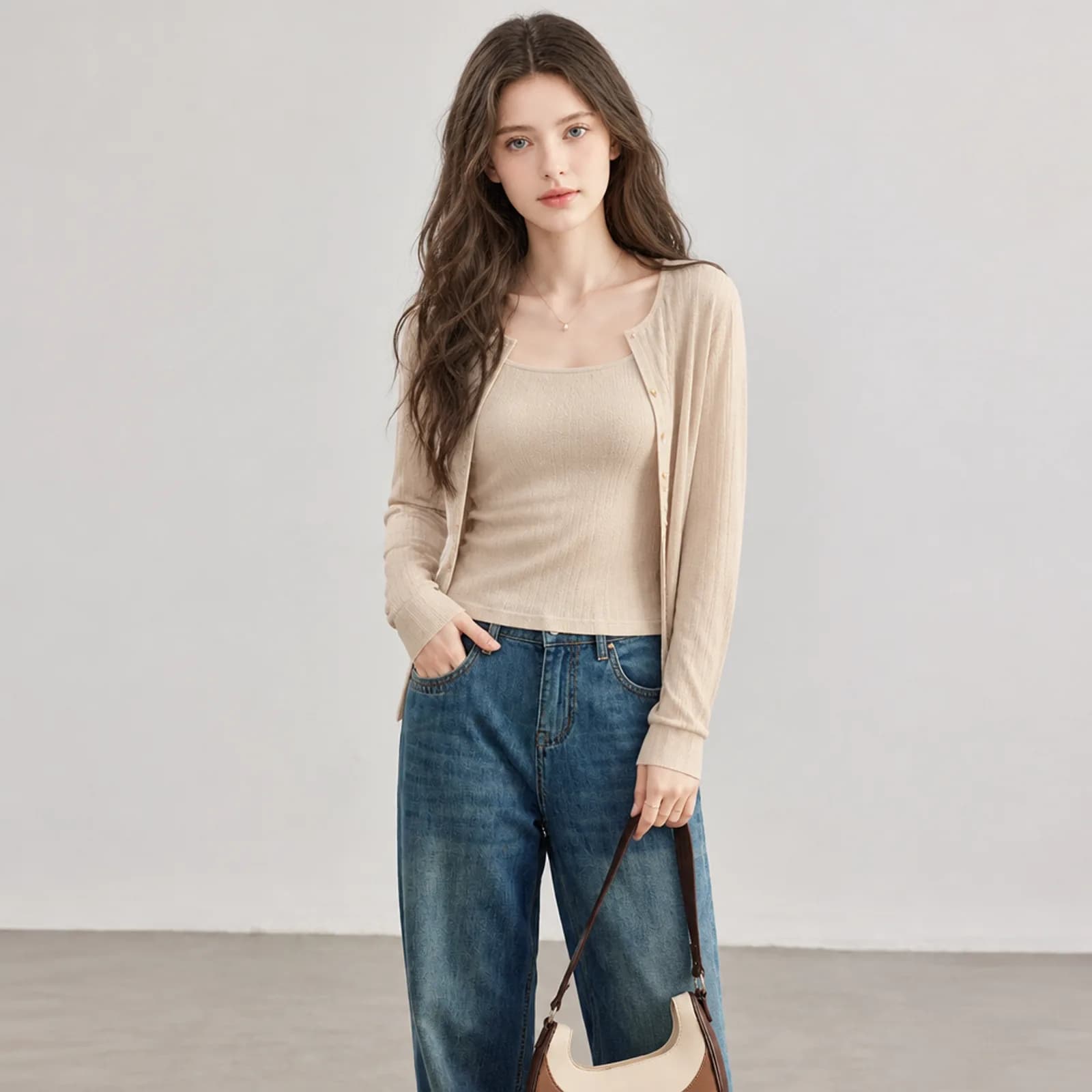
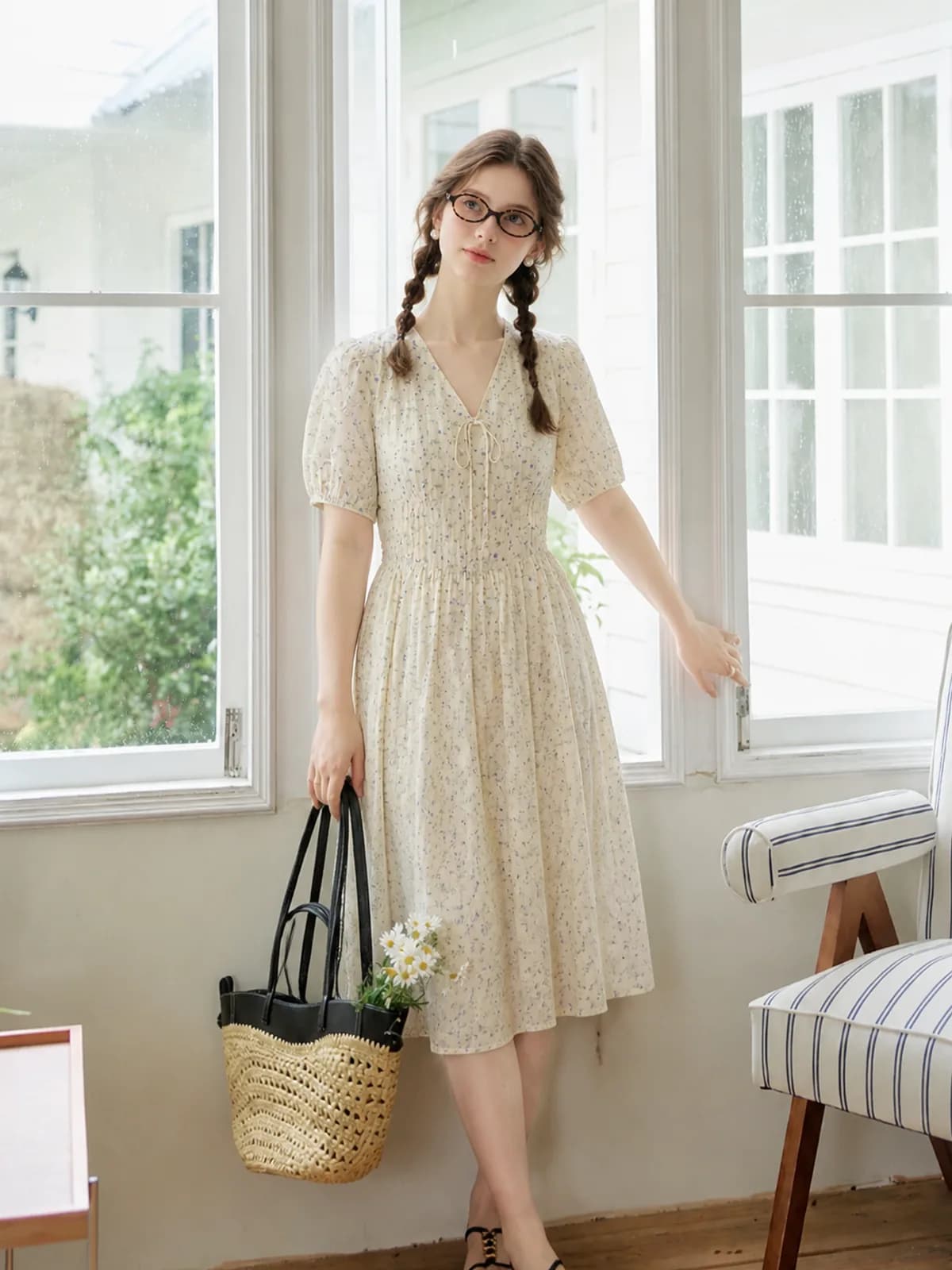
Pricing in one line
From $0.10 an image. You buy credits, an image costs from 6 credits depending on model and resolution, and the exact price is shown before you confirm. No subscription, credits never expire, and a failed generation is refunded automatically. Verifying your email grants 20 free credits, enough to put your own garment through and judge the result before paying anything. See all packs
Who it is for
The common thread is volume without a budget: a few new styles a week, thin margins on each one, and nobody on staff whose job is photography.
- Etsy sellers
- Handmade and small-batch clothing, where the listing photo is the whole shop front and a studio day costs more than the batch is worth.
- Amazon sellers
- The white-background main image is mandatory and the secondary images decide conversion. Both come out of the same upload.
- Shopify stores
- Collection grids line products up side by side, so a grid shot on different people in different light looks like a flea market. One model fixes it.
- Resellers and thrift
- Poshmark, Depop and Vinted listings sell far better on a body than on a hanger, and nobody books a model for a single piece.
Where to go next
Pages on the specific jobs sellers search for.
- AI clothing photos, by job
- Photopurr by platform
- Photopurr compared
- Questions about clothing photos
- Free tools for clothing sellers
- AI fashion model generator
- AI clothing photography
- AI fashion photoshoot
- White background clothing photo AI
- Product to model AI
- AI model swap
- AI product photos for resellers
- AI model photos for Etsy clothing
- AI clothing photos for Amazon sellers
- Botika alternative
- WearView alternative
- Modelia alternative
- Photoroom alternative for clothing
- How do I turn a flat lay into a model photo?
- Can AI put clothes on a model?
- How do I photograph clothes without a model?
- How do I make white background clothing photos for Amazon?
- What size should Etsy clothing photos be?
- How do I keep the same model across product photos?
- How much does a clothing photoshoot cost?
- Flat lay vs on-model photos: which sells better?
Start with one style
Make one to start
Register and verify your email to try a round with 50 credits.
Start generatingNo subscription needed
Credits never expire. Buy what you need.
FAQ
Other questions? Email [email protected]
A generated person who wears your garment in the listing photo. The garment comes from the photo you upload and its cut, colour and print are kept; only the model and the setting are created. It is not a drawing of a similar piece, and it is not a shopper trying something on at home.
Credits, charged per image. The cost depends on model, resolution, quality and count, and is shown before you submit. From 6 credits an image; the usual hero-shot tier is 12. Verifying your email grants 50 credits, which never expire.
Yes, automatically. A failed run is refunded in full; if 2 of 4 images fail, those 2 are refunded. The one exception is cancelling after the request already reached the model — it is billed upstream regardless.
Images live in Cloudflare R2 and account data in a Tokyo database. There are no public image URLs — every fetch is authenticated, so a leaked link opens nothing.
Yes, provided you follow the terms of service. We do not warrant that results are original or free of third-party rights, so assess commercial use yourself.
Yes. Create an sk_ API key under Account → Developer Center and call POST /api/v1/generate. See the API reference in the docs.