AI clothing photos for Amazon sellers
Amazon is strict about the main image and open about everything after it. The main image has to be pure white with the product filling most of the frame, and for adult clothing it has to be a standing model rather than any kind of mannequin. The gallery slots behind it are where the selling happens, and those are the ones you can fill from a single garment photo.
Three photo problems, three fixes
The main image rules are unforgiving: pure white at RGB 255,255,255, the product filling at least 85 percent of the frame, no text, no logos, no borders, no props that are not part of the purchase. A phone shot on a table fails on the background alone.
The fix
Generate the plain white-background version from the same garment photo, then check it against the requirement rather than editing a bedroom photo until it nearly passes.
How it worksAmazon recommends at least six images plus a video, and a clothing catalogue of forty styles means hundreds of slots. Shooting a model for every style is the cost that stops a small seller from ever filling them.
The fix
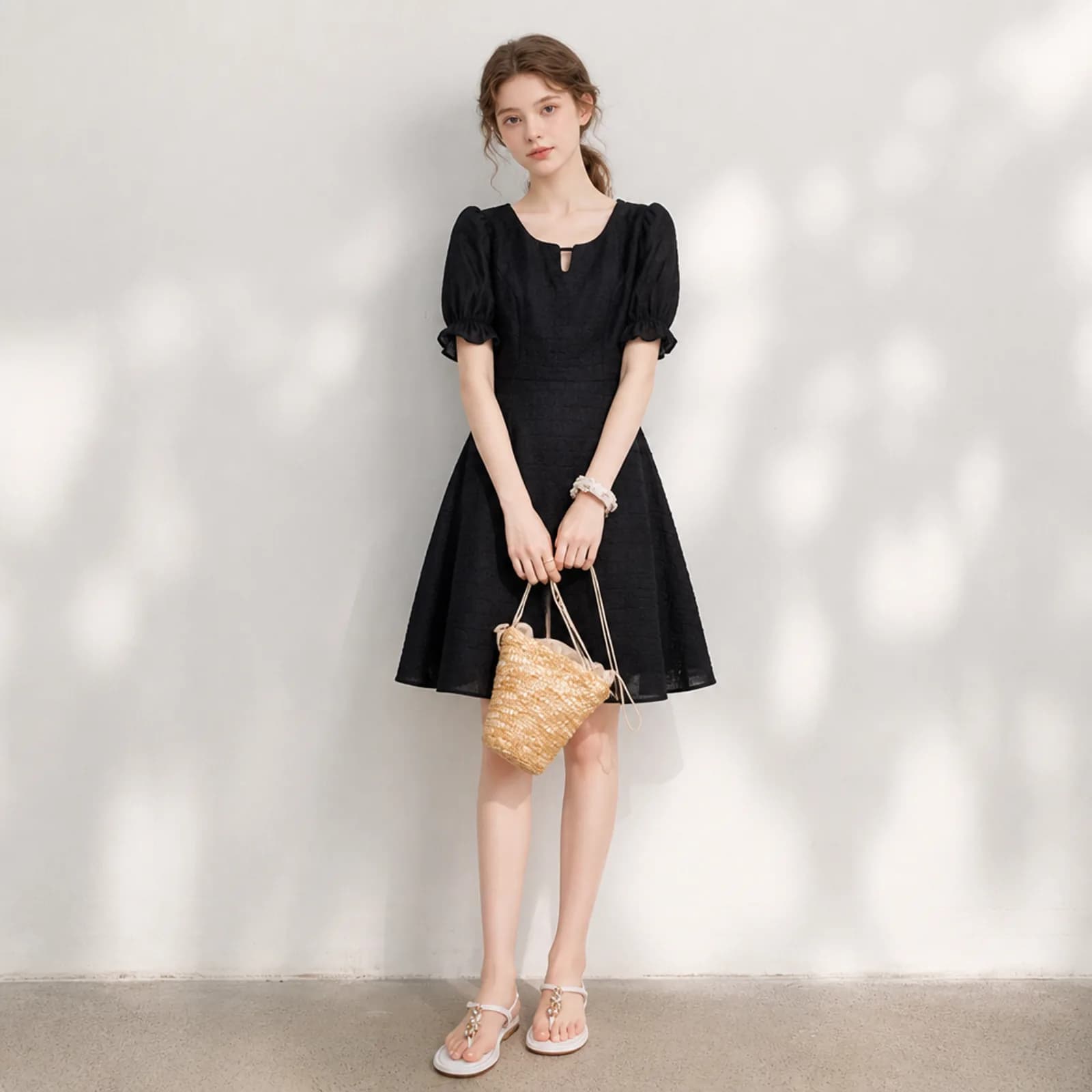
Produce the on-model images for the gallery slots from the photo you already have of each style, on a model you keep consistent across the catalogue.
How it worksThe variant slots and A+ content want context: the piece in a room, on a street, in the situation the buyer is picturing. That is a location, a day and a crew for a listing that may not sell.
The fix
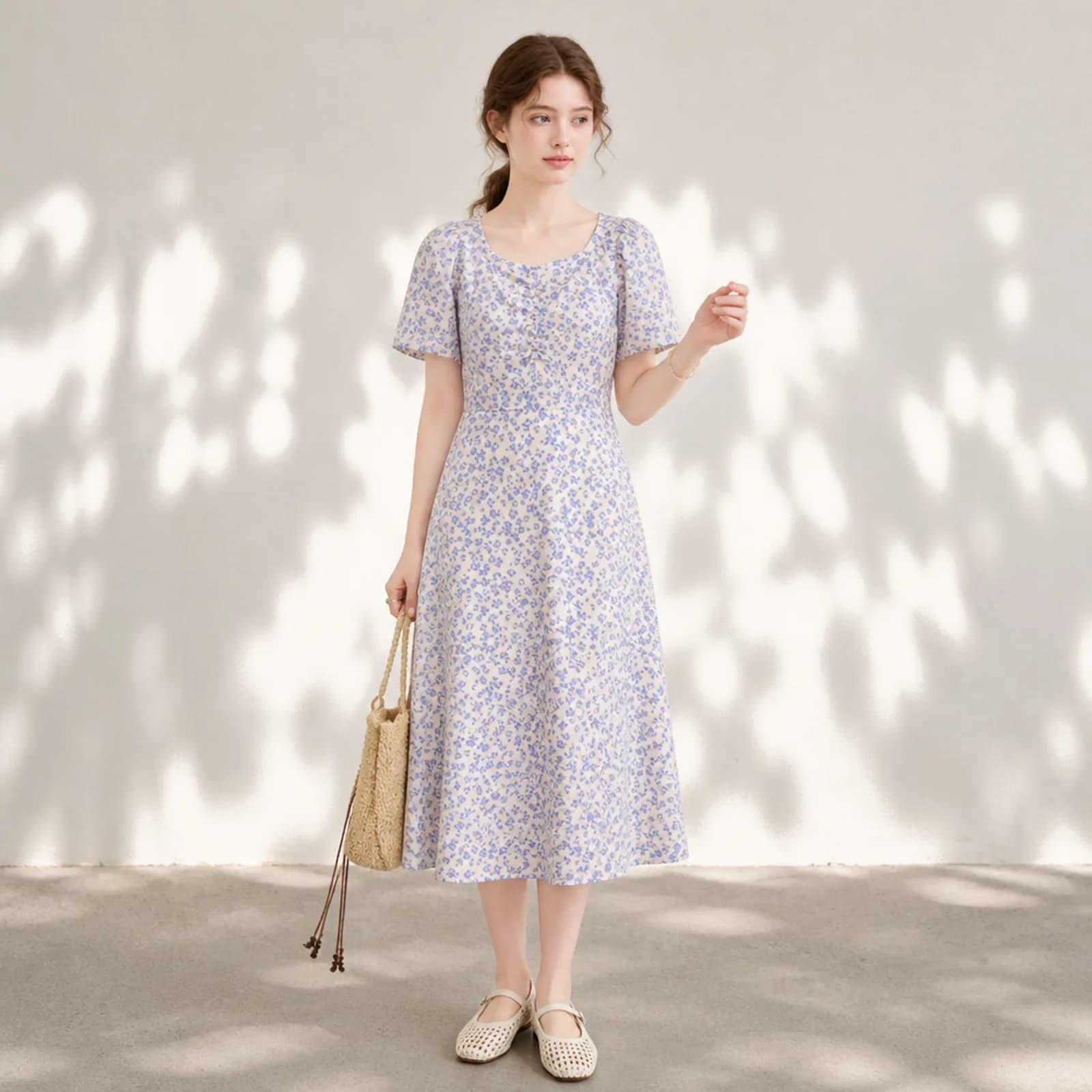
Put the same garment in a setting without leaving the desk, and keep the cut and colour from the original photo so the lifestyle shot still matches the product.
How it works
Examples
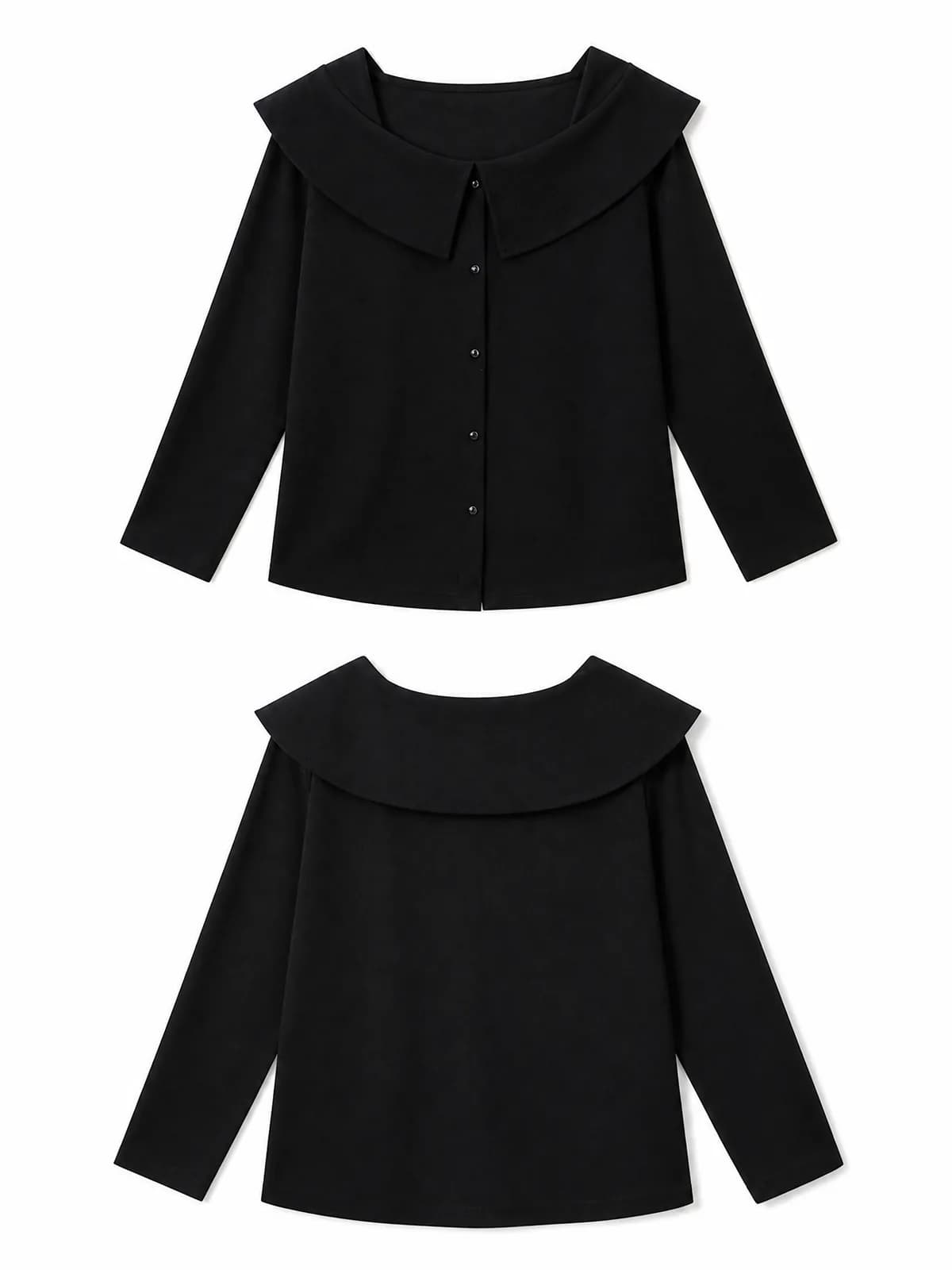
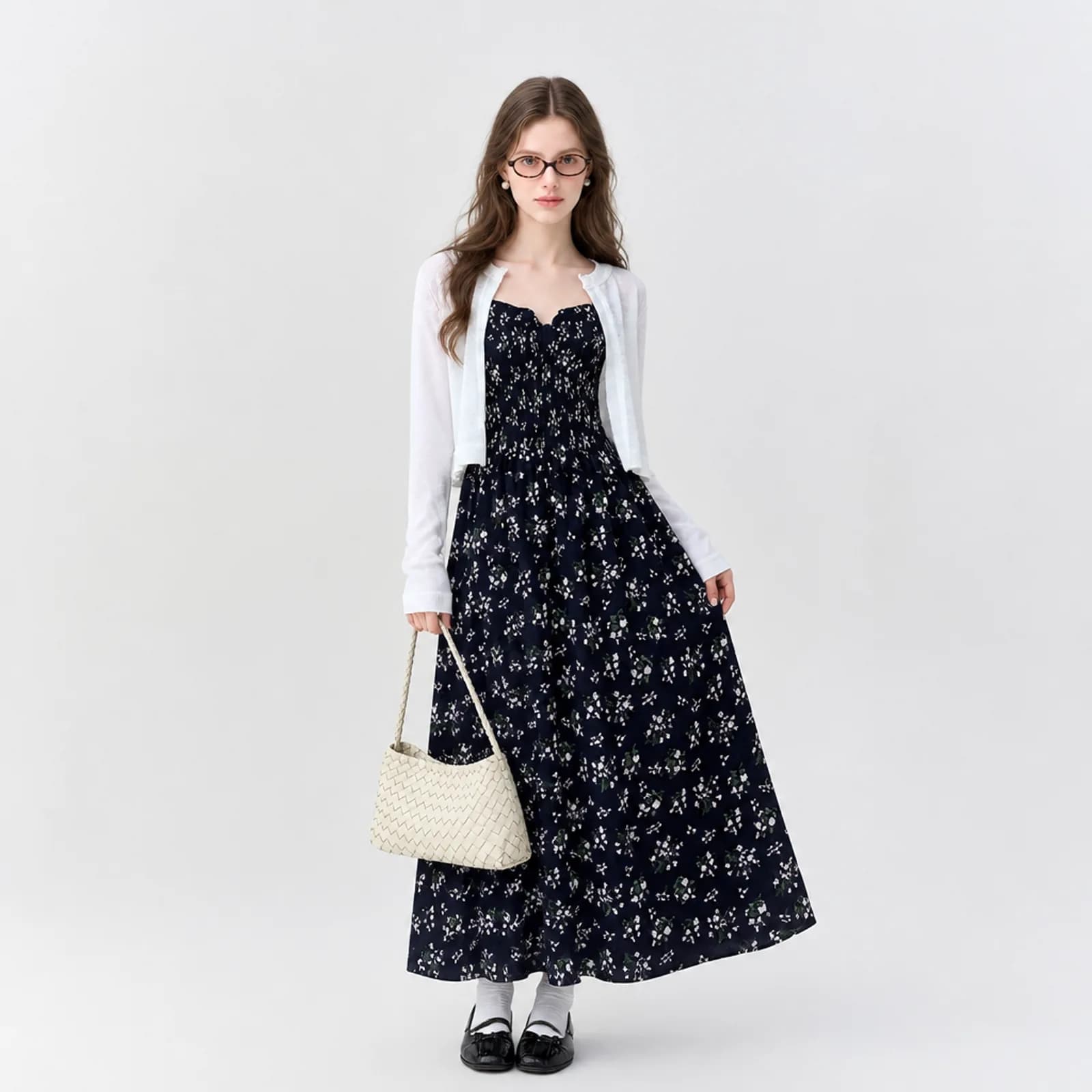
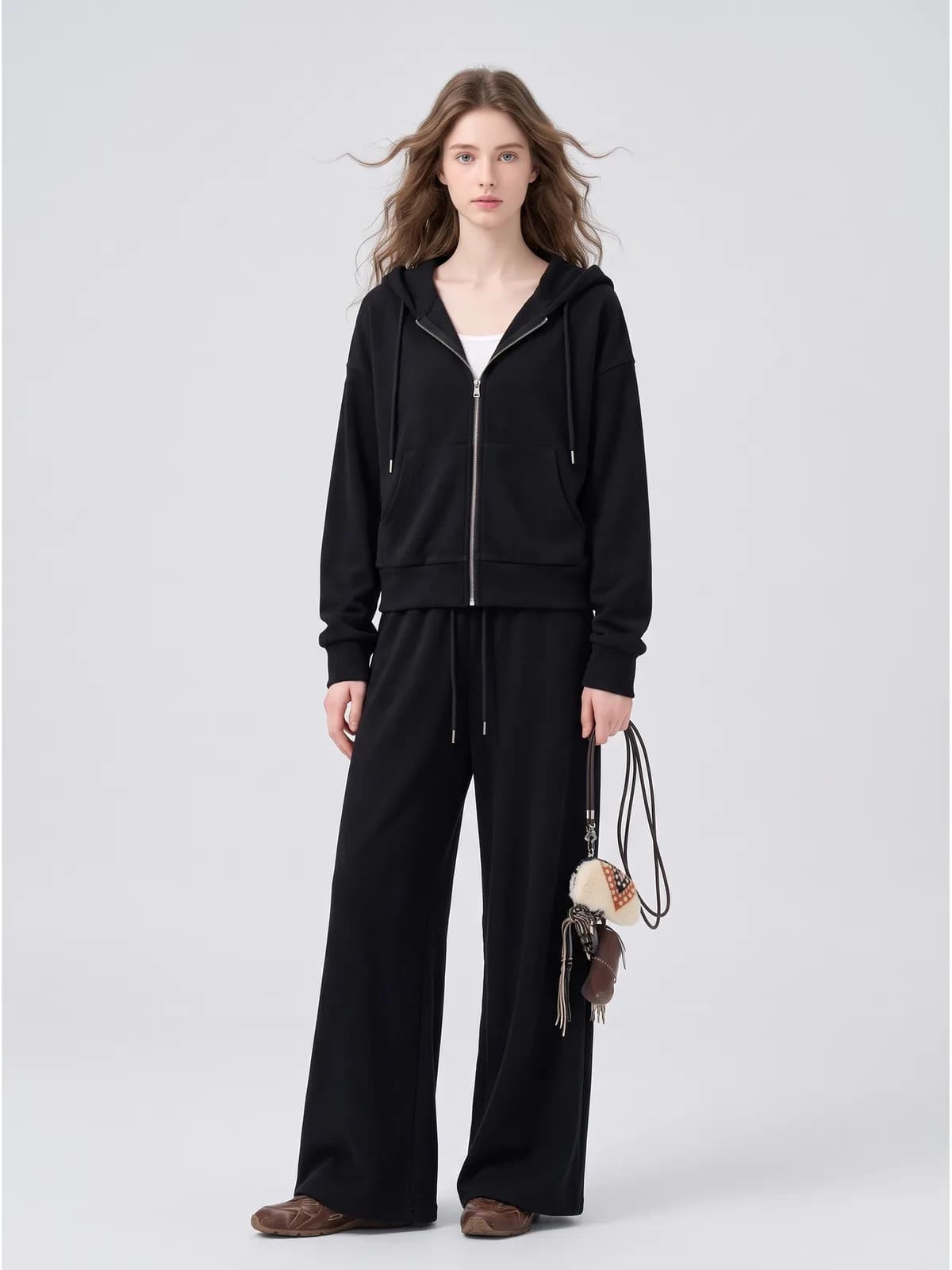
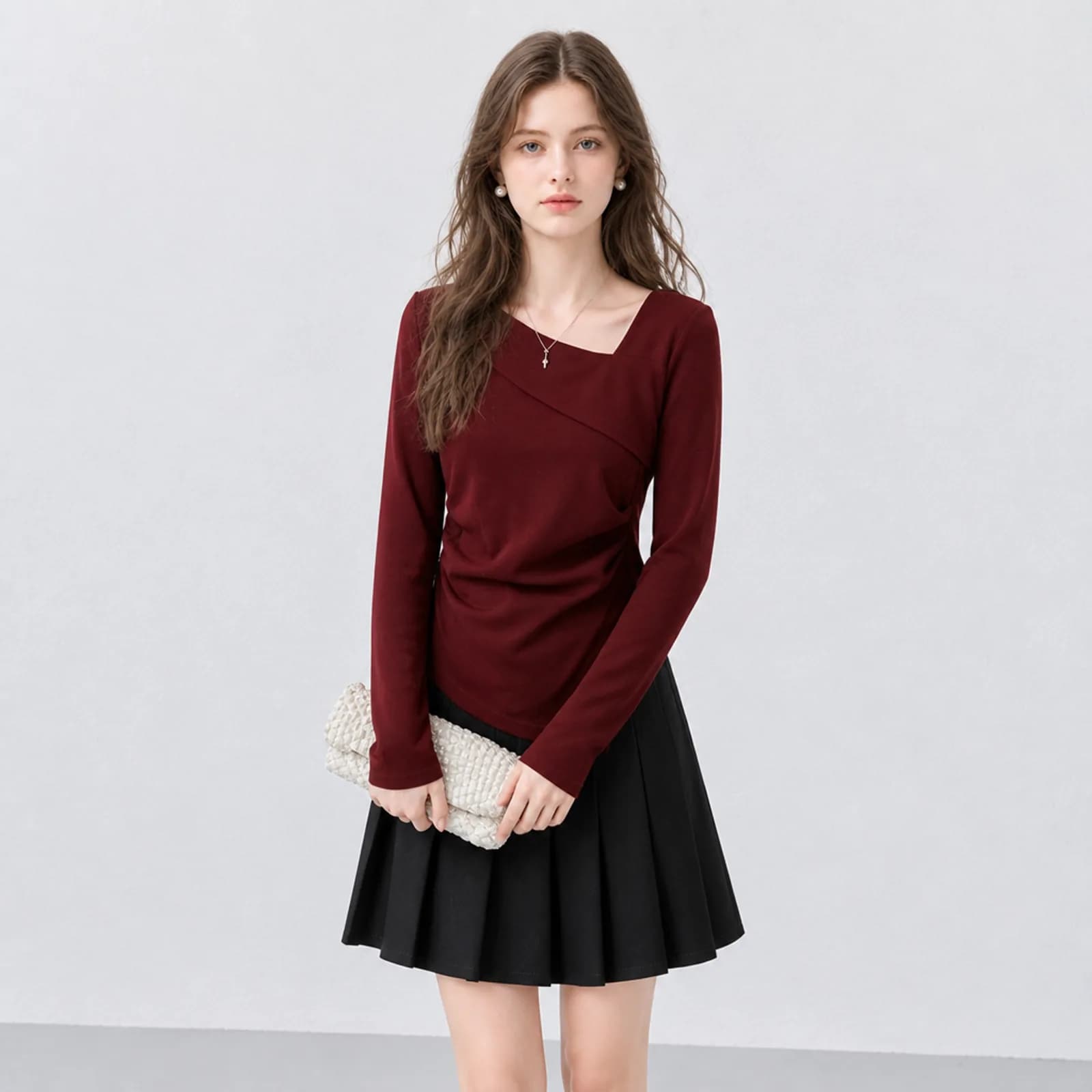
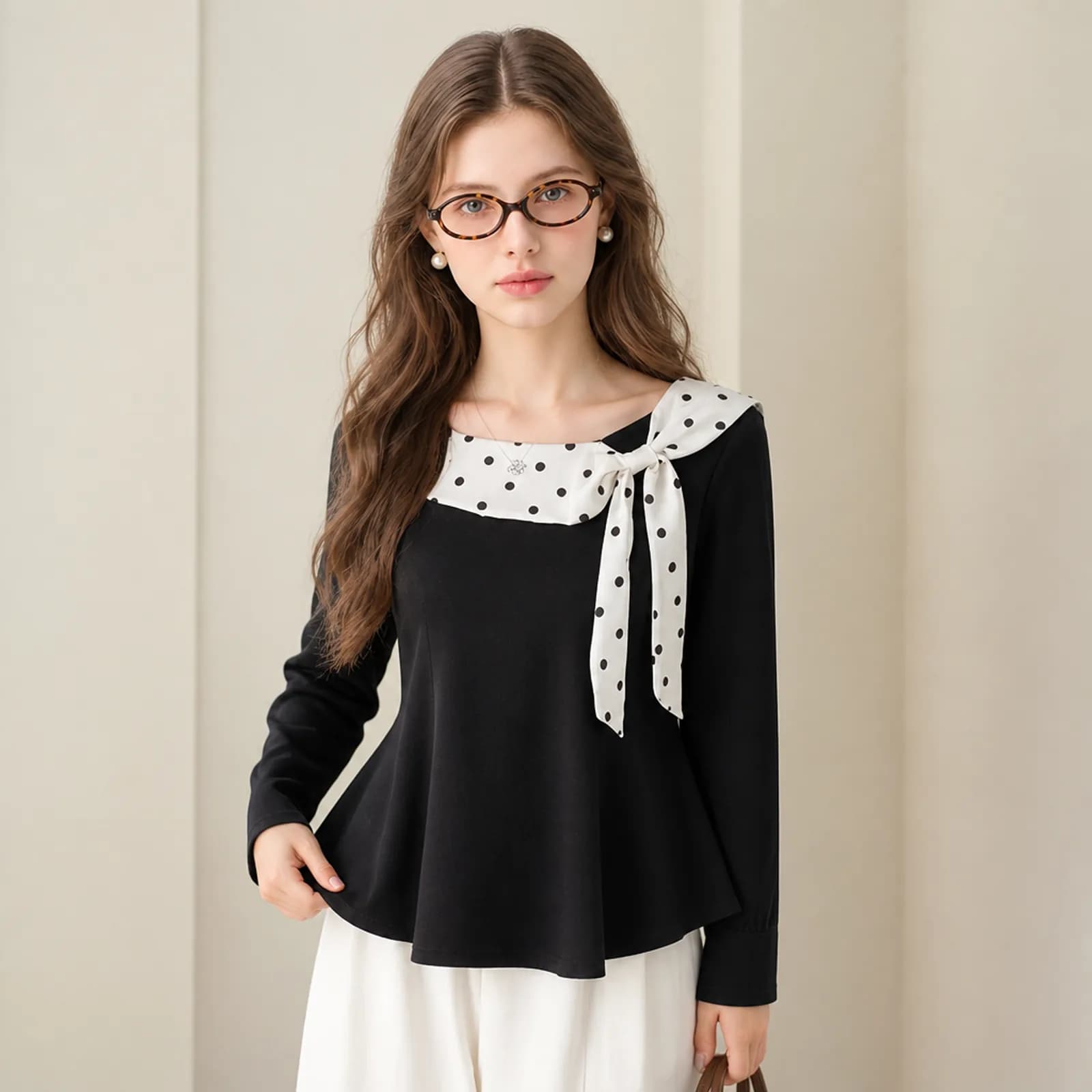
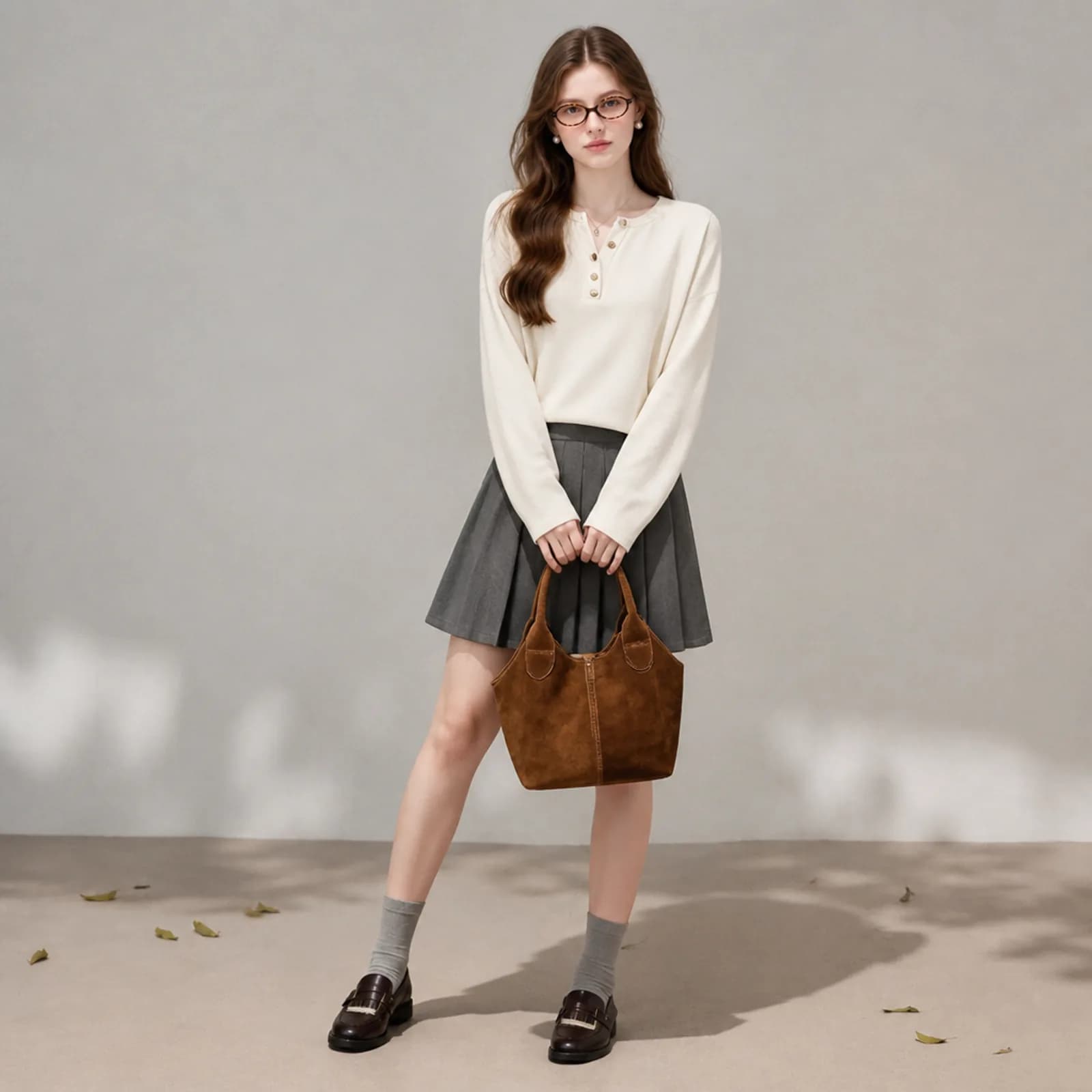
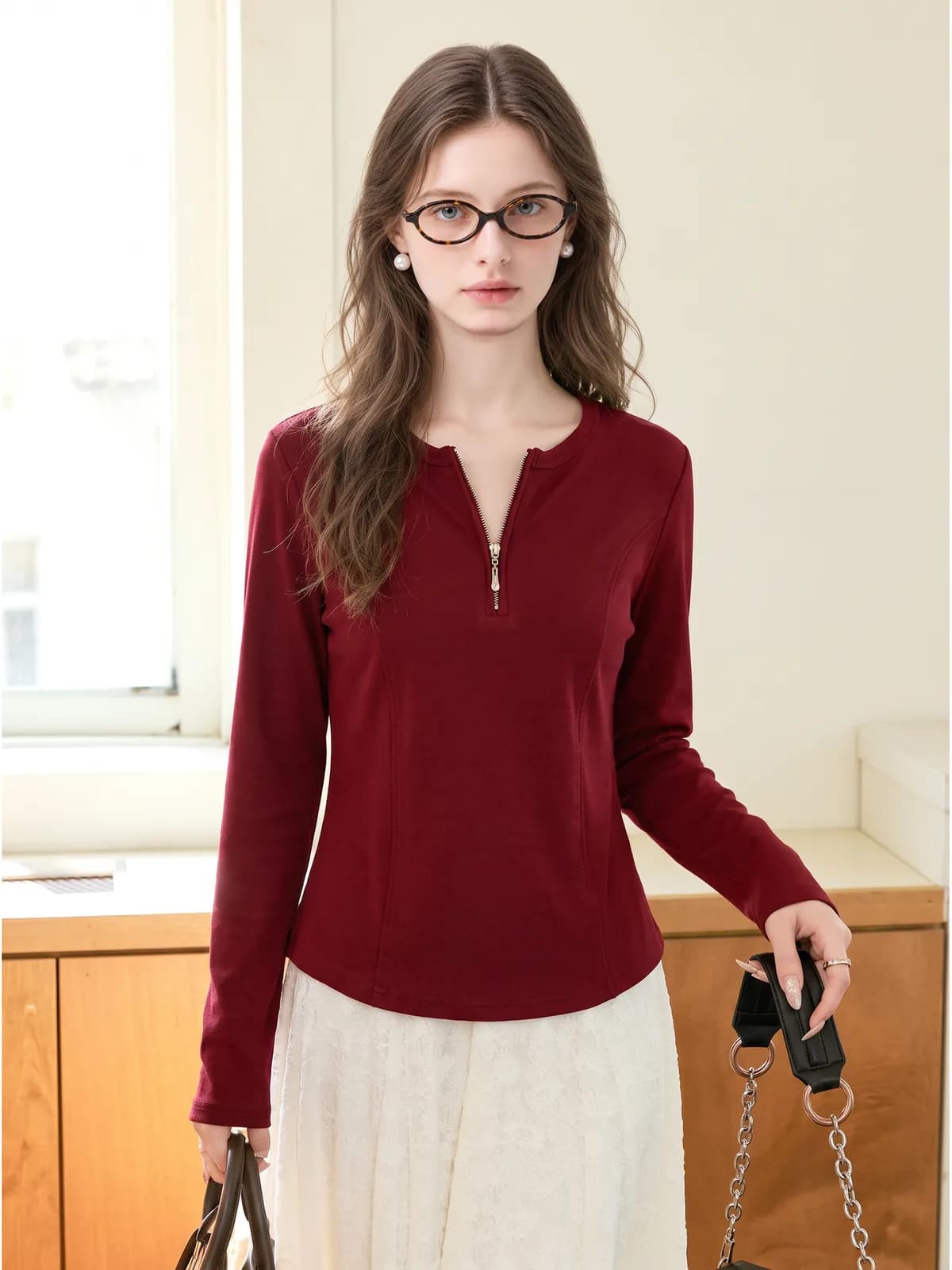
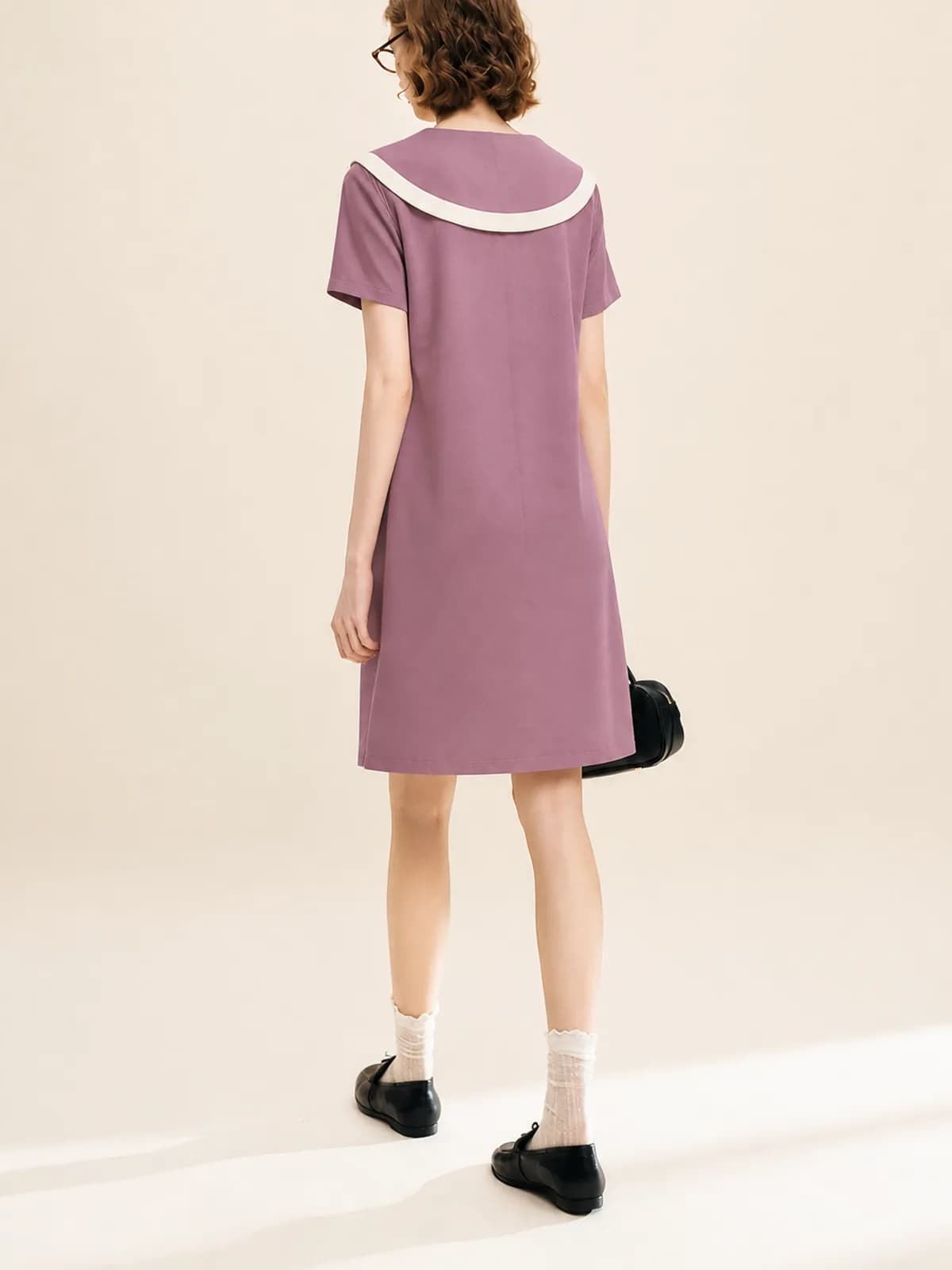
How it works
- 1Photograph each style once, properly
Flat and evenly lit, whole garment in frame, in daylight. This one photo is the source for the white-background image, the on-model images and the close-ups, so it is worth the five minutes it takes to lay the piece out straight.
- 2Generate the slots you need
The plain white version for the listing, the on-model images for the gallery, close-ups for the detail slots, and a scene image for the lifestyle slot. One upload, one model kept the same across the catalogue.
- 3Check against the current policy, then upload
Compare each output with your original photo for colour, hem length and print alignment, confirm the background and framing against the requirements in Seller Central, and upload at 2K or larger so zoom works.
What this unlocks
- A full gallery for every ASIN
- Amazon recommends six or more images plus a video, and most small clothing listings stop at two. Filling the slots stops being a budget decision when every extra image costs the same as the first one.
- Variations that actually look like variations
- A style in eight colourways normally gets one photo and seven colour swatches. Generating each colourway on the same model in the same framing lets a buyer compare them the way they compare them in a shop.
- New styles list the week they arrive
- There is no shoot to book, so the lead time between a sample landing on your desk and a complete listing going live is an afternoon. For seasonal clothing that window is most of the margin.
- Close-ups without a macro lens
- Fabric, seams, hardware and lining are what apparel questions are actually about. Detail images from the same upload answer them in the gallery instead of in the customer questions section a week after launch.
Where sellers use it
- Amazon main image
- Pure white at RGB 255,255,255, product filling at least 85 percent of the frame, longest side between 500 and 10,000 pixels with 1600 or more recommended, and zoom only switches on above 1000 pixels. Adult clothing must be on a standing model framed from the nose down; children’s and baby clothing, accessories and multi-packs must be photographed flat. No mannequin of any kind, including invisible and ghost mannequins.
- Amazon gallery and variant slots
- Everything after the main image is looser: different backgrounds, props and a full face are all allowed, which is where on-model, scene and close-up images belong. Clothing images want at least 1600 pixels of height and JPEG is preferred.
- A+ content and Brand Story
- A+ modules are built from fixed image sizes rather than free crops, so decide the ratio before generating and export once at a size that crops down cleanly rather than upscaling a gallery image to fit a wide module.
- Amazon.co.jp and other marketplaces
- Two independent Japanese sources give the same figures as the US site and no differences were found, so one 2K render generally covers both. Category rules still differ, so check the requirements shown in your own Seller Central before a bulk upload.
Common pitfalls
- Putting an AI model on the main image
- Amazon requires images that accurately represent the product, and for adult clothing the main image must show a real standing model. No explicit Amazon rule about AI-generated models was found when we checked, so the low-risk pattern is a real photo on the main image and generated images in the slots behind it.
- Not-quite-white backgrounds
- Near-white is not white. The requirement is RGB 255,255,255, and a background that reads as white on your screen can still carry a grey or blue cast that fails on inspection. Check the actual pixel values before a bulk upload.
- Props and badges in the frame
- The main image cannot carry text, logos, borders, watermarks, collages, packaging, hang tags, Amazon badges, or props that are not part of the purchase. A bag or a coffee cup that makes the shot look styled is the thing that gets it rejected.
- Children’s clothing rules
- Children’s and baby clothing must be photographed flat, off-model, and children’s underwear, swimwear and bodysuits must never be shown on a child model at all. Listings that do are removed. Generate flat images for those categories, not on-model ones.
- Treating a 2021 PDF as current policy
- The detailed apparel imaging guidance circulating publicly is several years old, and Amazon’s own help pages now sit behind a seller login. Treat any summary, including this one, as a starting point and confirm against the policy shown in your own account.
What it costs
From $0.10 an image, from 6 credits depending on model and resolution, with the price shown before you confirm. No subscription, credits never expire, and verifying your email grants 50 free credits. See pricing
Go deeper
Related
AI product photos for resellers
AI product photos for resellers on Poshmark, Depop, Vinted and eBay: turn a hanger or flat-lay phone shot into an on-model image, one listing at a time.
AI model photos for Etsy clothing
AI model photos for Etsy clothing: on-model shots from your own flat lay, one face across the whole shop, and the plain versions the search grid needs.
Botika alternative
Looking for a Botika alternative? Photopurr is pay-per-image, no subscription. Botika’s plans, credits and rollover rules, from its pricing page, dated.
Questions
- Can I use an AI-generated model on an Amazon main image?
- We would not. Amazon requires images that accurately represent the product and requires adult clothing main images to show a real standing model rather than any mannequin. We found no explicit Amazon rule about AI models, which is exactly why the main image is the wrong place to test it.
- What are the actual main image requirements?
- Pure white at RGB 255,255,255, product filling at least 85 percent of the frame, longest side 500 to 10,000 pixels with 1600 or more recommended, no text, logos, borders, watermarks or extra props. Adult clothing on a standing model; children’s clothing and accessories flat.
- Where can AI images go safely?
- The gallery and variant slots, where different backgrounds, props and a full face are all allowed, and A+ content. That is where the on-model shots, the scene images and the close-ups belong, and it is also where most buyers actually look before adding to basket.
- How many images should a clothing ASIN have?
- Amazon recommends at least six images plus one video. Most small clothing listings run two or three, so filling the gallery is usually the cheapest improvement available to a listing that already ranks but does not convert. A front view, a back view, two details and one scene image is a reasonable minimum set.
- Do I need a different image for every colourway?
- Variation children are expected to use the same framing as the parent with a per-colour image. Generating each colourway on the same model in the same pose keeps that consistent, which is what lets a shopper compare eight colours without the photographs getting in the way.
- What resolution should I export at?
- Export at 2K on the long edge. That clears the 1600 pixel recommendation, switches on zoom, which needs more than 1000 pixels, and leaves room to crop for A+ modules without upscaling. Files come back as full-size, high-quality JPEG, so you can upload them as they are.
- Does this work for Amazon Japan and other marketplaces?
- The figures we checked for Amazon Japan match the US site, so one 2K render generally covers both. Category requirements still vary and change, so confirm against the policy shown in your own Seller Central rather than against any third-party summary.
- Can I generate the video Amazon recommends?
- No. Photopurr makes still images: on-model shots, white backgrounds, close-ups and full listing sets for clothing. Video is outside what it does, so the recommended Brand Story or Sponsored Brand video still has to come from somewhere else. It is worth saying plainly rather than letting you find out after you have bought credits.
- What does a full set cost per style?
- A white-background image, three or four on-model shots and two close-ups is six or seven generated images per style. Each one is priced in credits and shown to you before you confirm, there is no subscription, credits do not expire, and failed generations are refunded automatically.
Make one and see
Verify your email and 50 credits are yours. Failed runs are refunded automatically.
Make your first image free