AI clothing photography
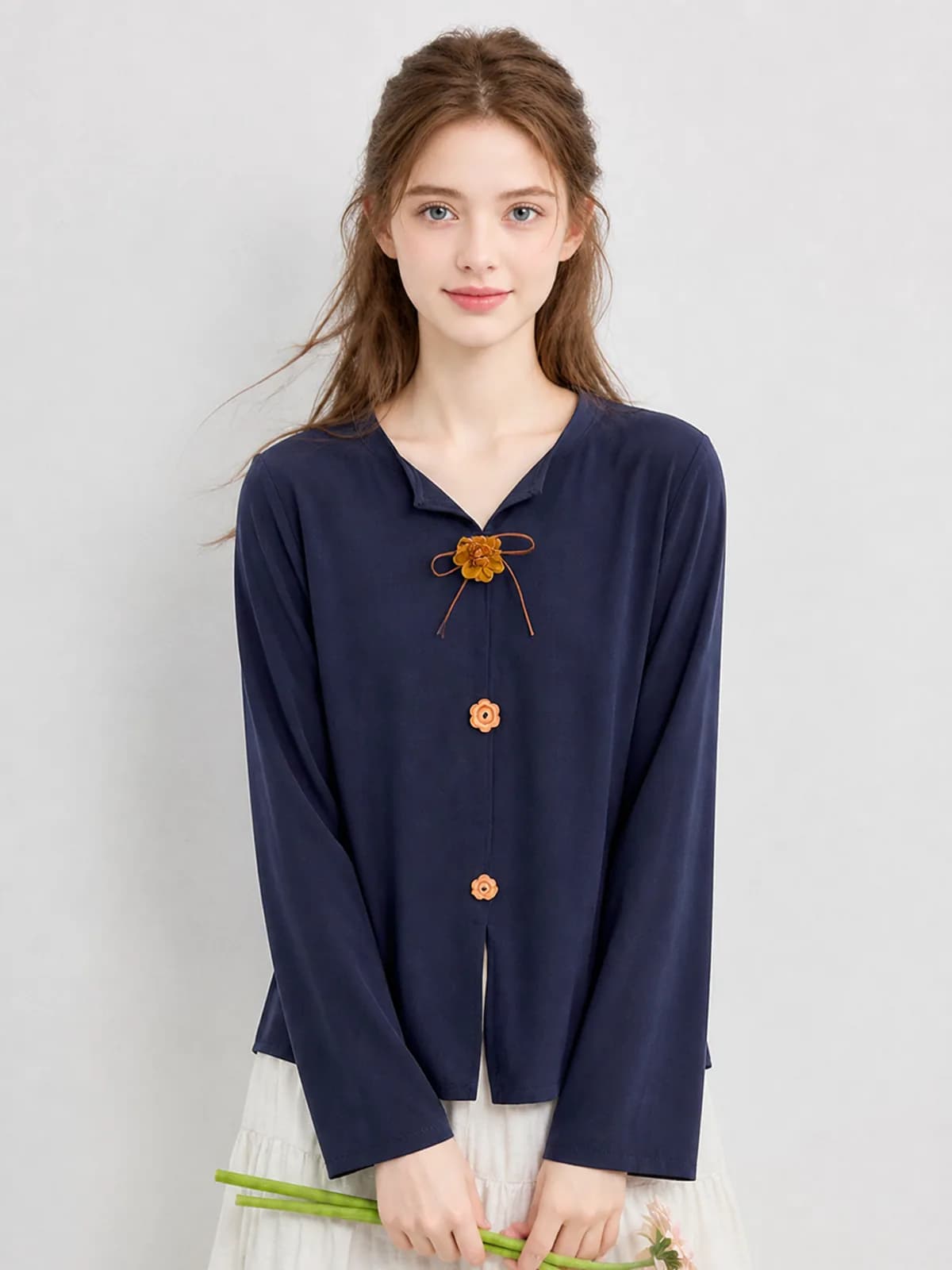
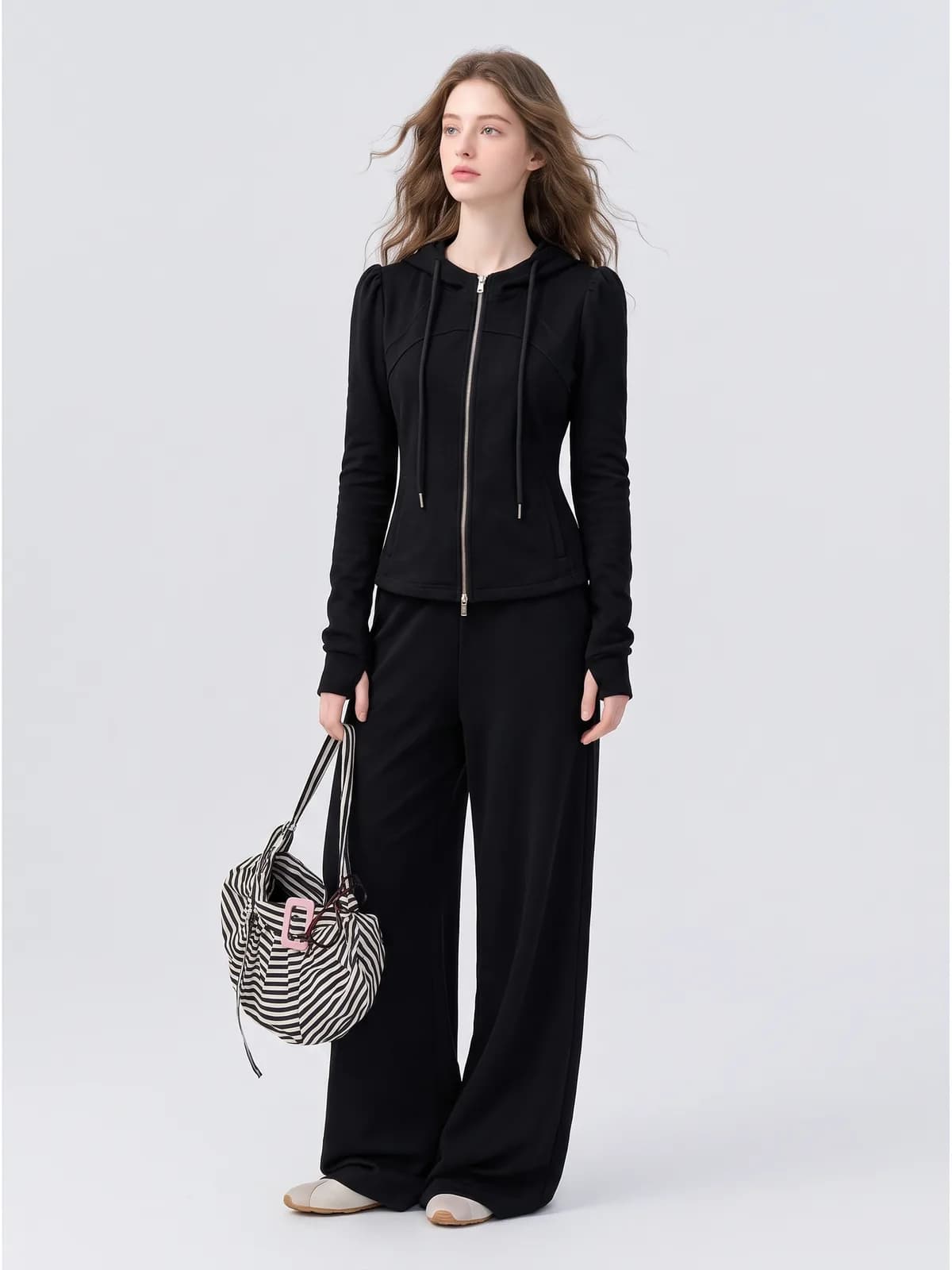
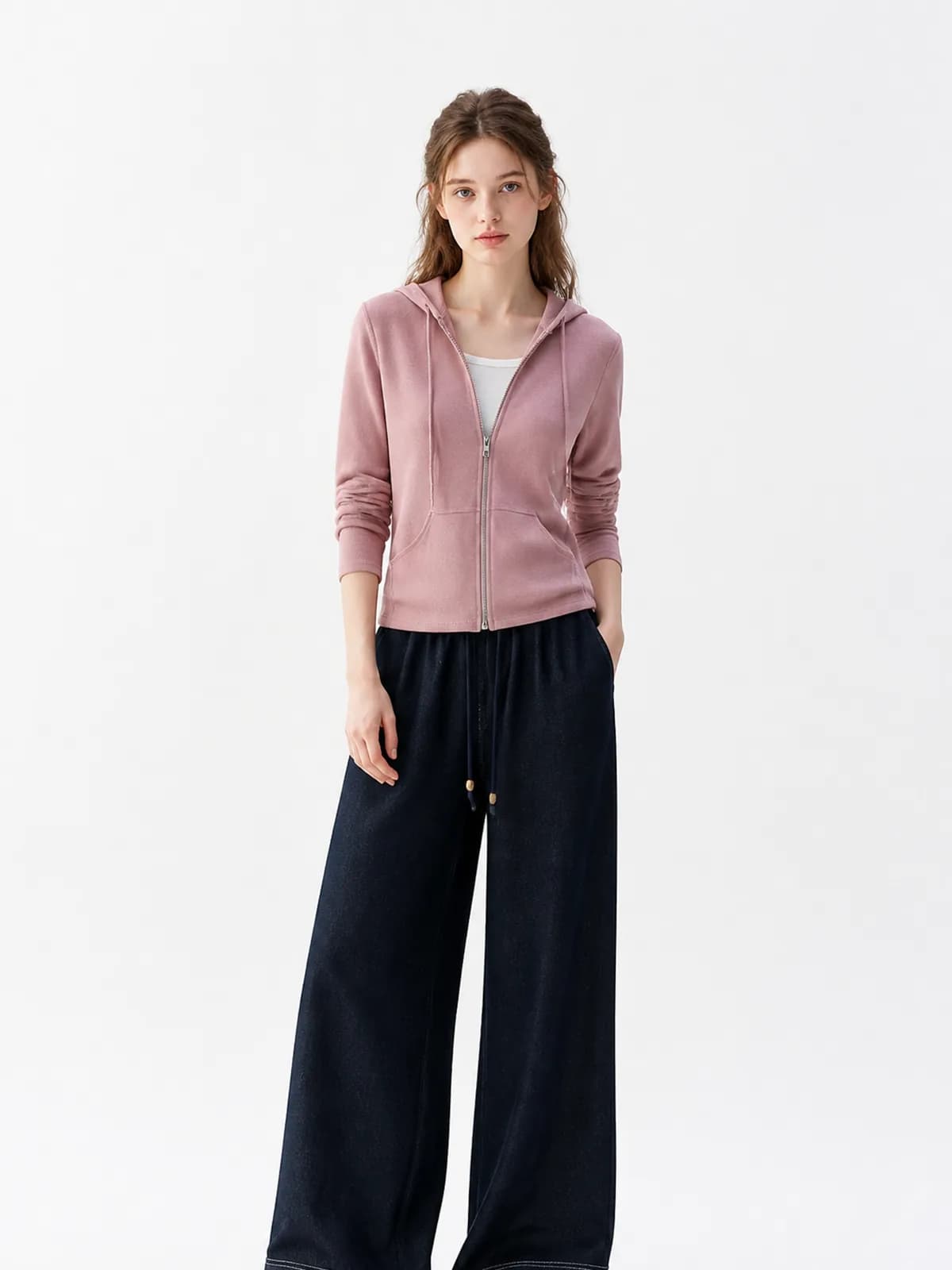
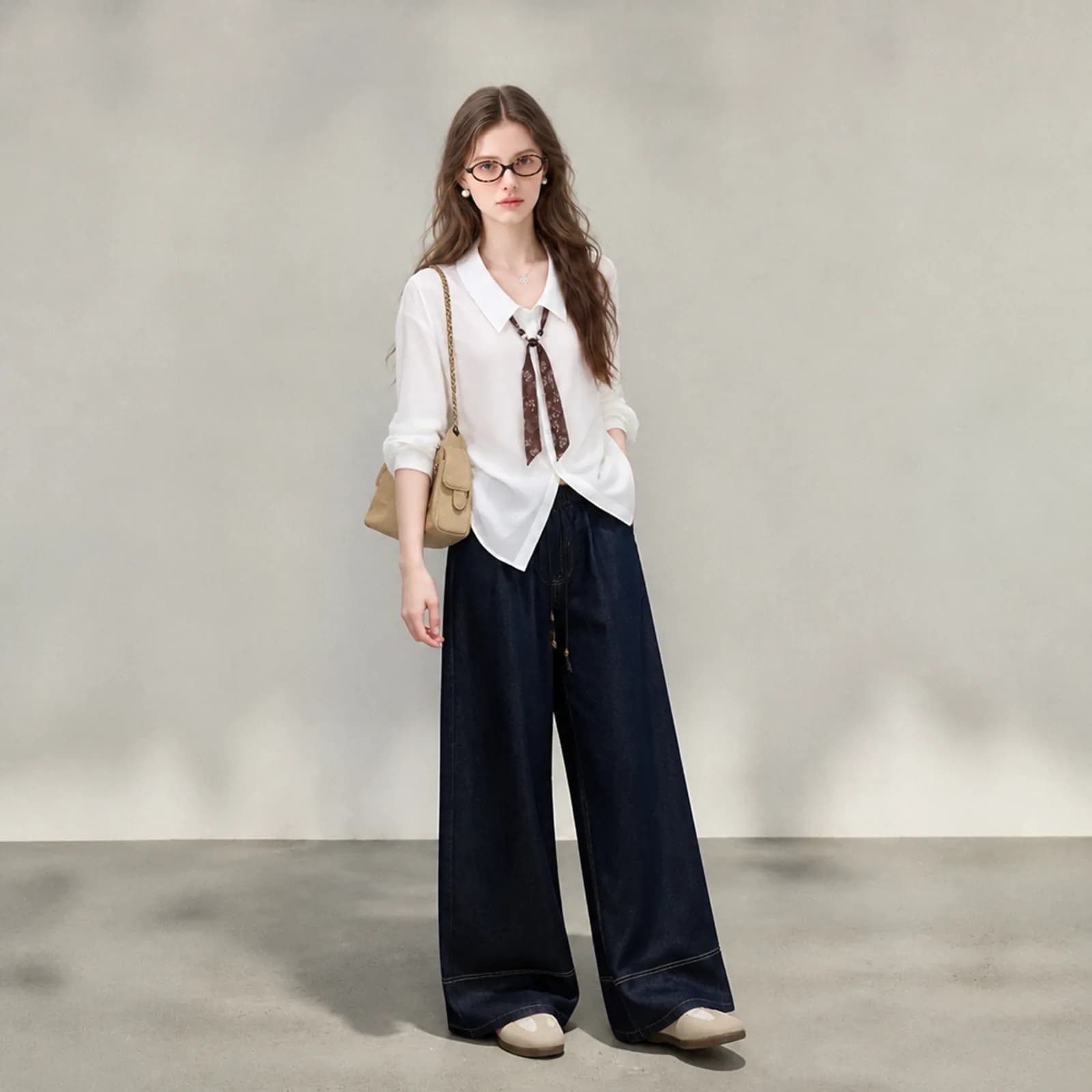
AI clothing photography replaces the shoot, not the standards. A listing still needs a hero image, a clean white-background version and a close-up that shows what the fabric actually is. All three come from one photo of the garment, generated with the same persona and the same light, so the images in a single listing look like they were taken in one session.
Examples
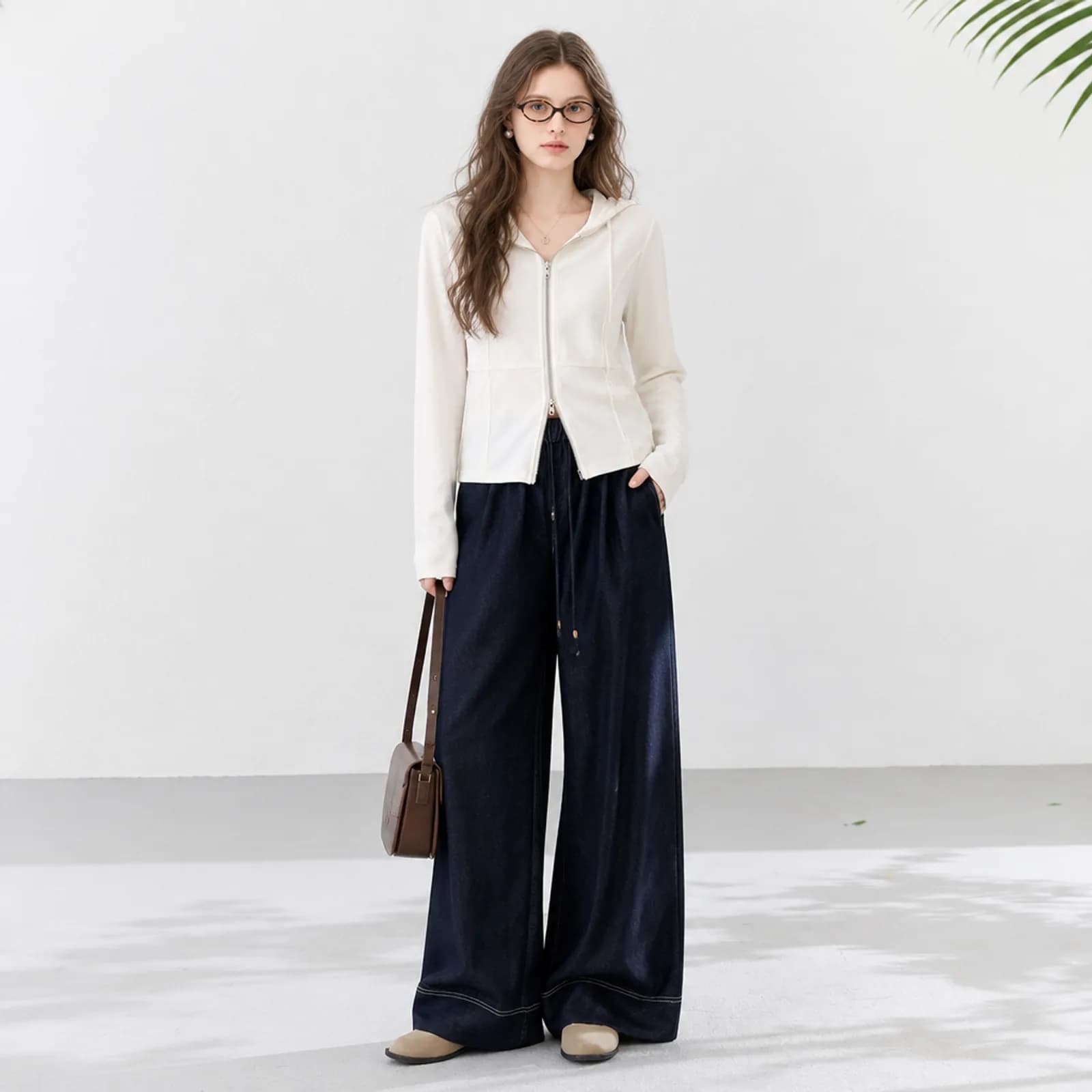
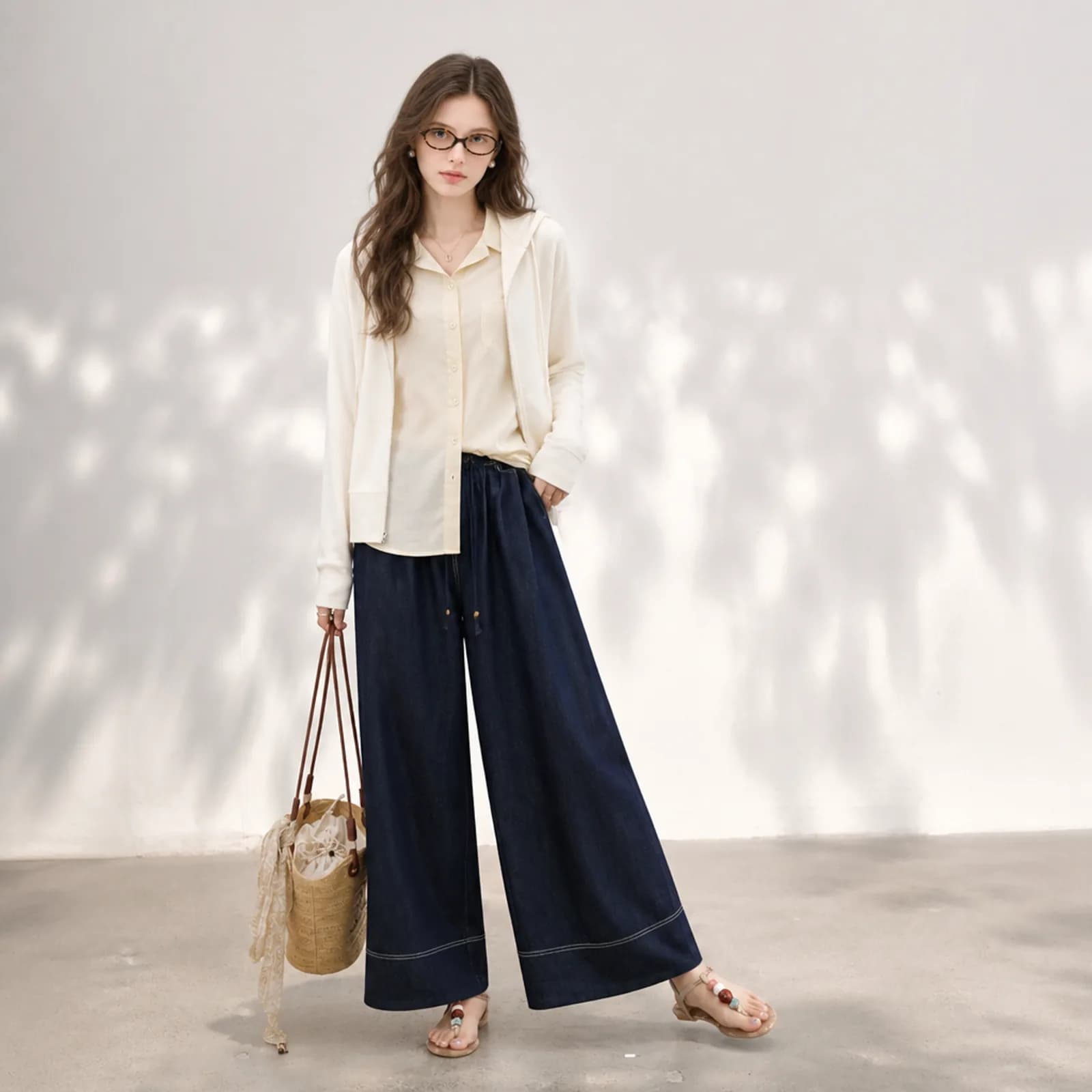
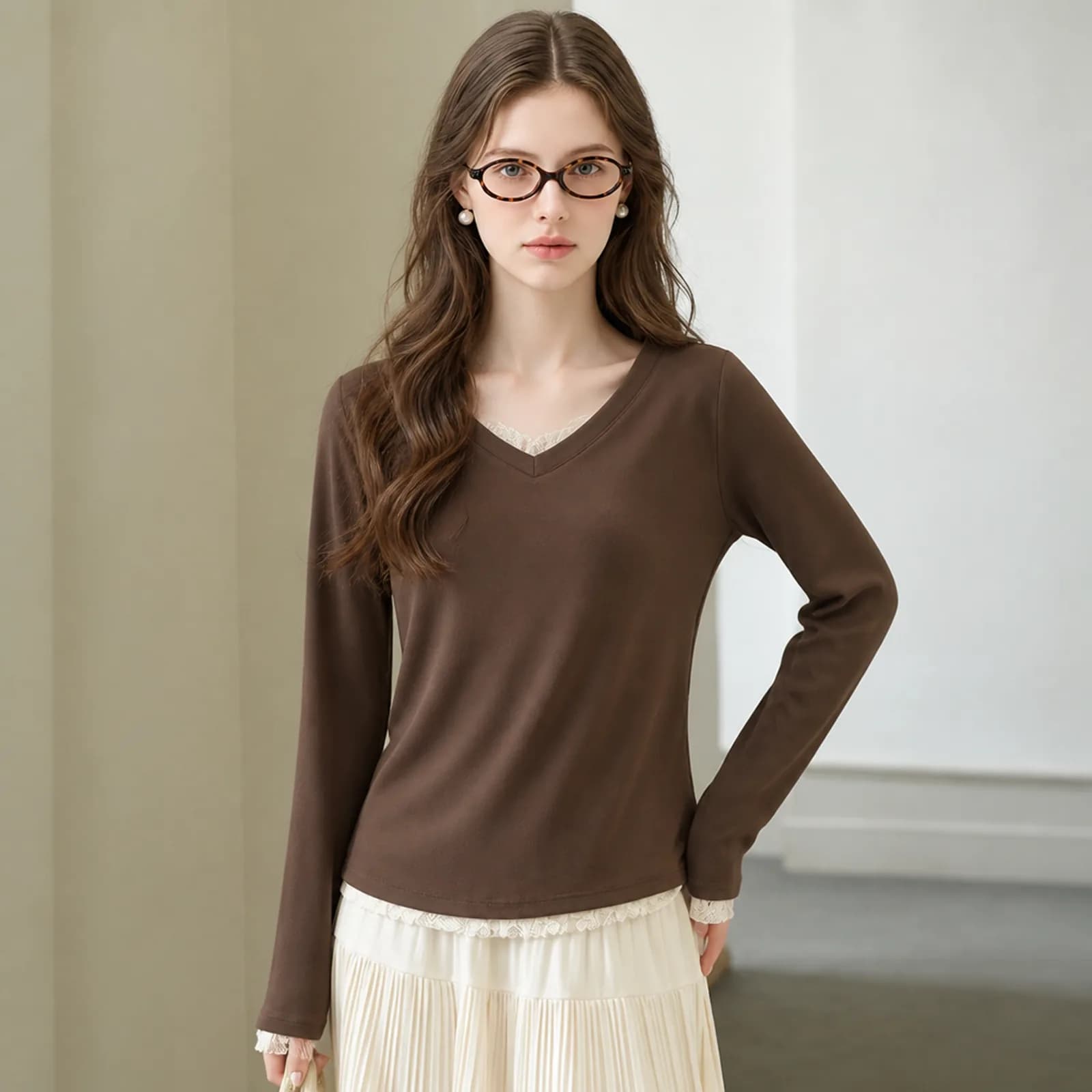
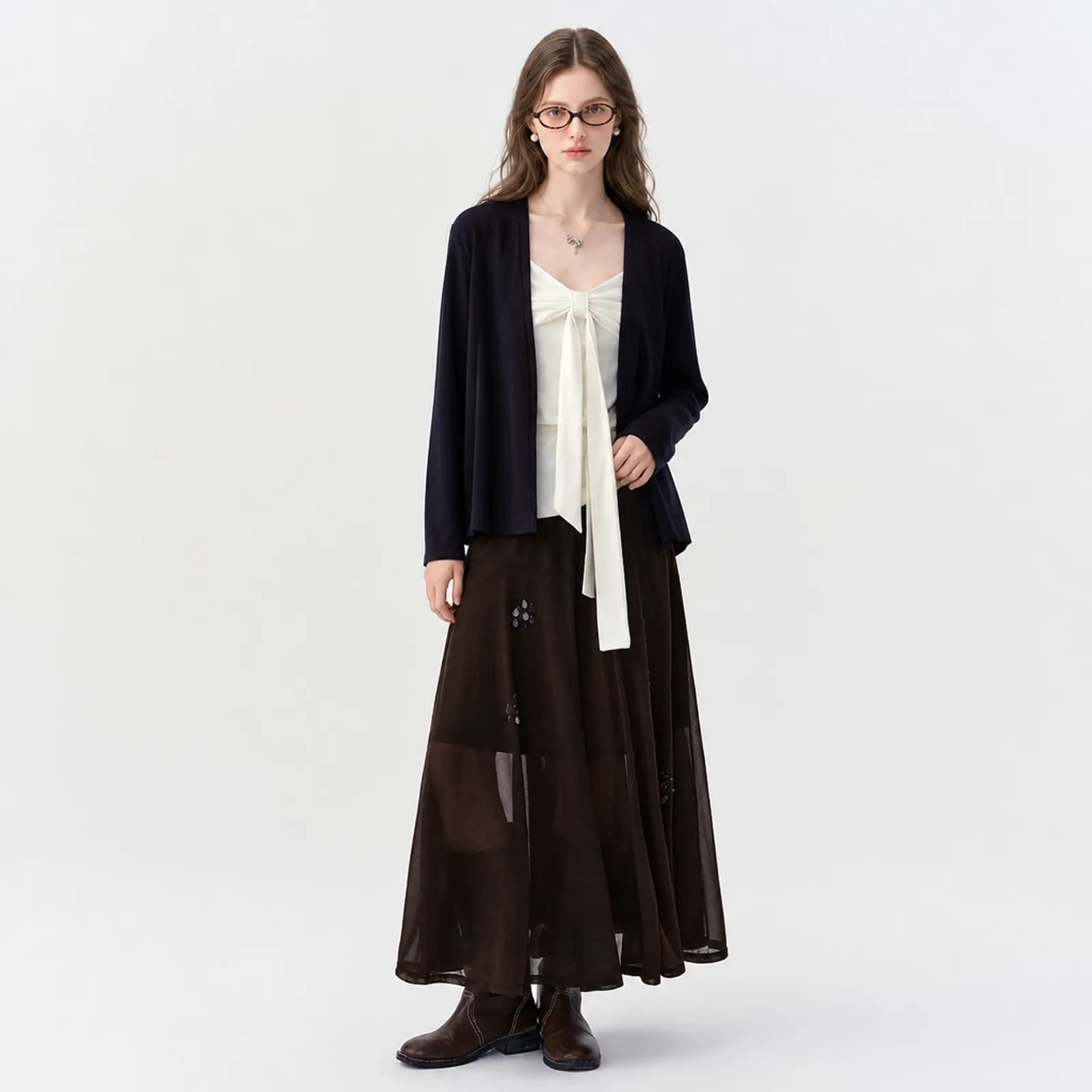
Key features
Shot purpose instead of prompt writing
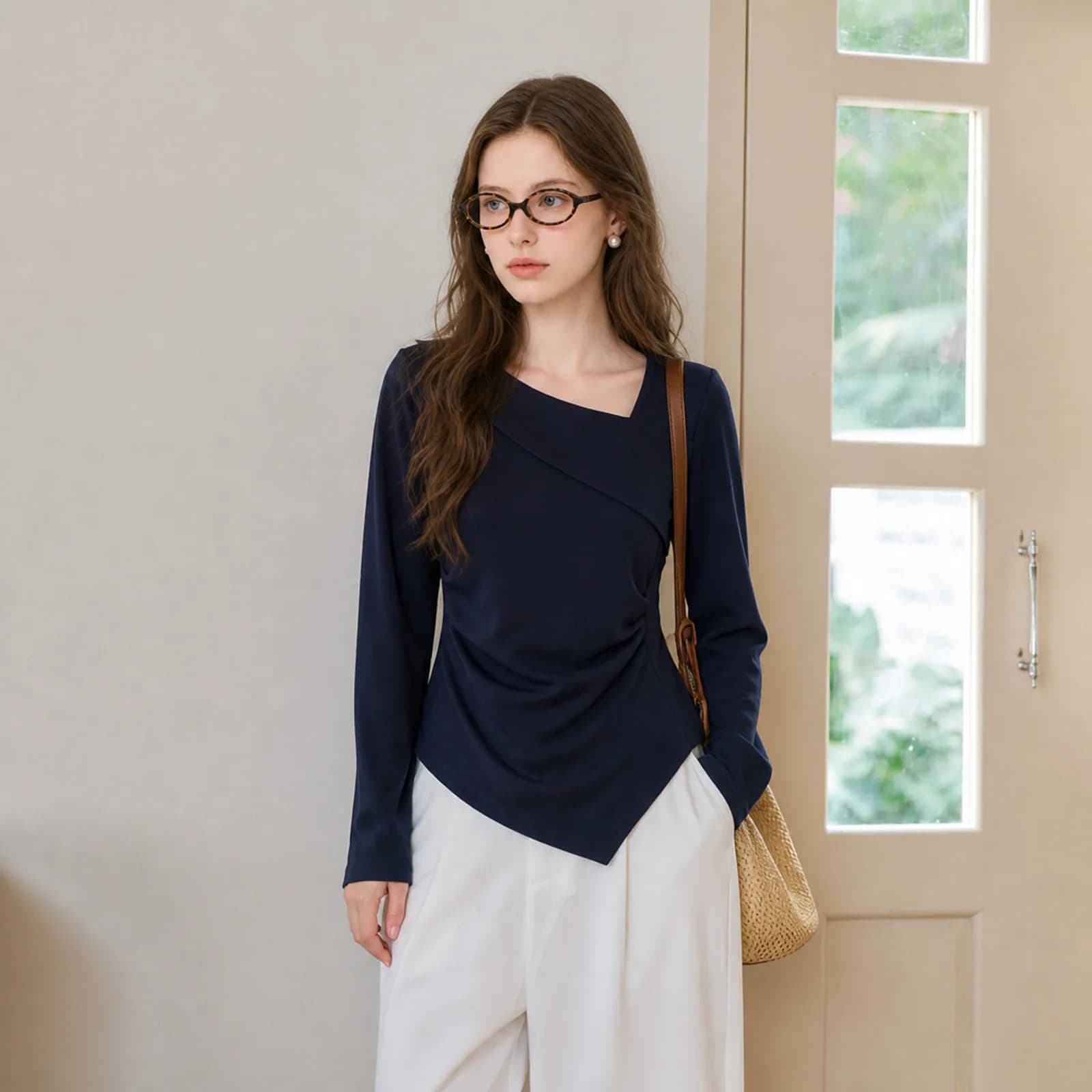
You pick what an image is for — hero, white background, close-up, detail page — and the framing, lighting and crop rules for that job are applied for you. Nobody at a small shop should have to learn prompt syntax to get a product photo that sits straight in a marketplace grid.
Colour taken from your file
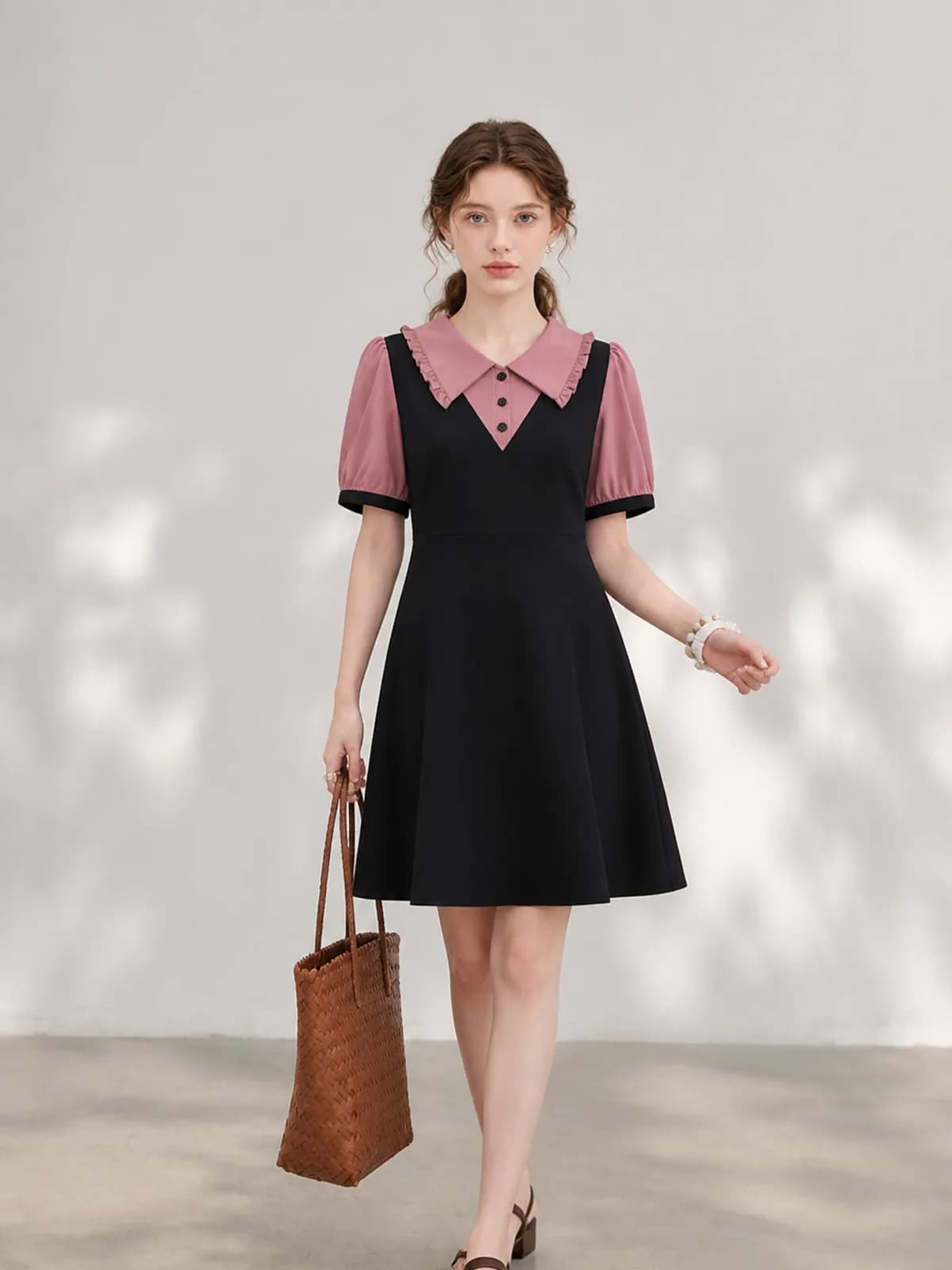
Shade, weave and trim come off the photo you uploaded rather than from a guess. That puts the burden back where you can control it: photograph each week’s samples under the same light, and the generated images stay consistent across a drop instead of drifting warmer or cooler batch by batch.
Costed per image, not per month
Each image shows its credit price before you confirm it, credits do not expire, and there is no monthly floor to clear. A shop that photographs six pieces one month and none the next pays for six images. Failed generations are refunded automatically rather than argued about.
How it works
- 1Photograph the week’s arrivals the same way
Lay each garment out under the same light, on the same surface, and take one clear photo of each. This is the only manual step, and consistent input is the single biggest thing separating a tidy drop from a patchy one.
- 2Pick a purpose for each image you need
Hero on a model, white background for the compliance slot, fabric close-up for the description, full detail page for the scroll. Each purpose carries its own framing and lighting rules, so the same upload produces different images rather than four versions of one.
- 3Archive the finished set by style
Completed images are collected into an image pack per style, ready to download in bulk or pull through the API. That is also how you hand a whole style over to whoever writes the listing, without emailing files around.
Who it is for
Amazon clothing sellers
Amazon is specific about backgrounds and about what may appear on a main image for adult clothing. Generating the white-background version and the gallery shots together means the compliant image and the persuasive one come from the same photo.
See the seller guide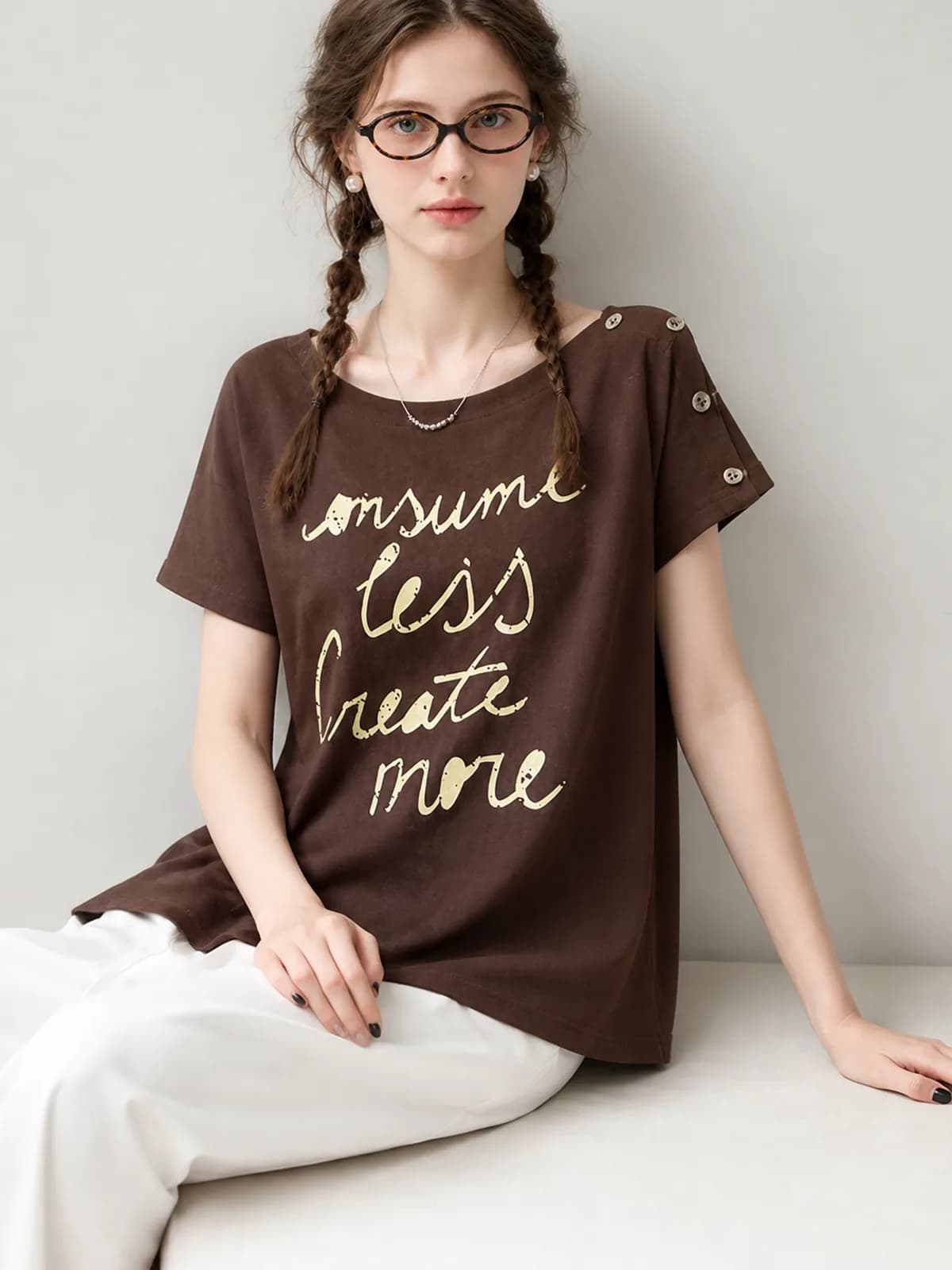
Resellers with mixed stock
When every piece comes from a different source, the photos are the only thing that can unify them. One persona and one backdrop across a mixed rail does more for a shop front than any single good photograph does.
See the seller guide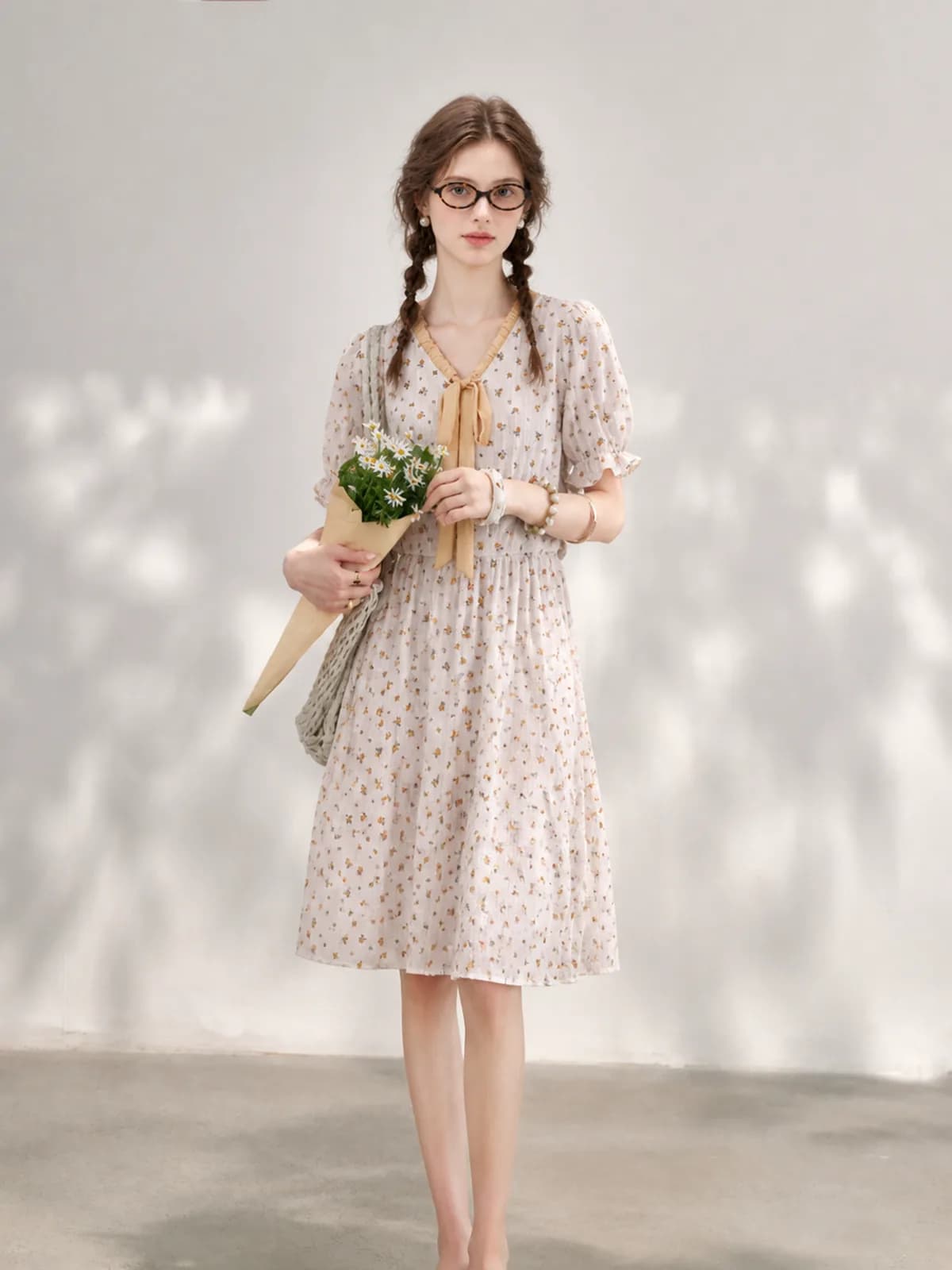
Etsy clothing sellers
Etsy crops the first image three ways, so a full-length shot with margin around the garment survives better than a tight crop. Generate the hero at a square ratio and you stop losing hems to the thumbnail.
See the seller guide
Compared with a photo shoot
| What you are comparing | Photo shoot | Outsourced editing | Photopurr |
|---|---|---|---|
| Images per style | Whatever fits in the booked time, then it is over | Priced per image, so a full set multiplies quickly | As many as you need, each priced from $0.10 before you confirm |
| Turnaround on a new arrival | Wait for the next booking, then wait for retouching | Quoted per batch, normally in days | Usually under a minute per image at 1K or 2K |
| Keeping a drop consistent | Book the same crew, the same studio, the same model again | Depends which editor picks up the batch | Reuse the saved persona and the saved setting |
| Getting a white-background version | A separate setup, often a separate session | A separate line on the invoice | Another purpose on the same upload, priced as one image |
| What it costs to do nothing | Nothing, but the day rate resets every time | Nothing between batches | Nothing: no subscription, and credits do not expire |
Shoot and outsourcing costs vary by market, so this compares how you are charged rather than quoting other people's prices. The Photopurr figure is our own lowest per-image price, taken from the pricing page.
What it costs
From $0.10 an image, from 6 credits depending on model and resolution, with the price shown before you confirm. No subscription, credits never expire, and verifying your email grants 50 free credits. See pricing
Go deeper
Related
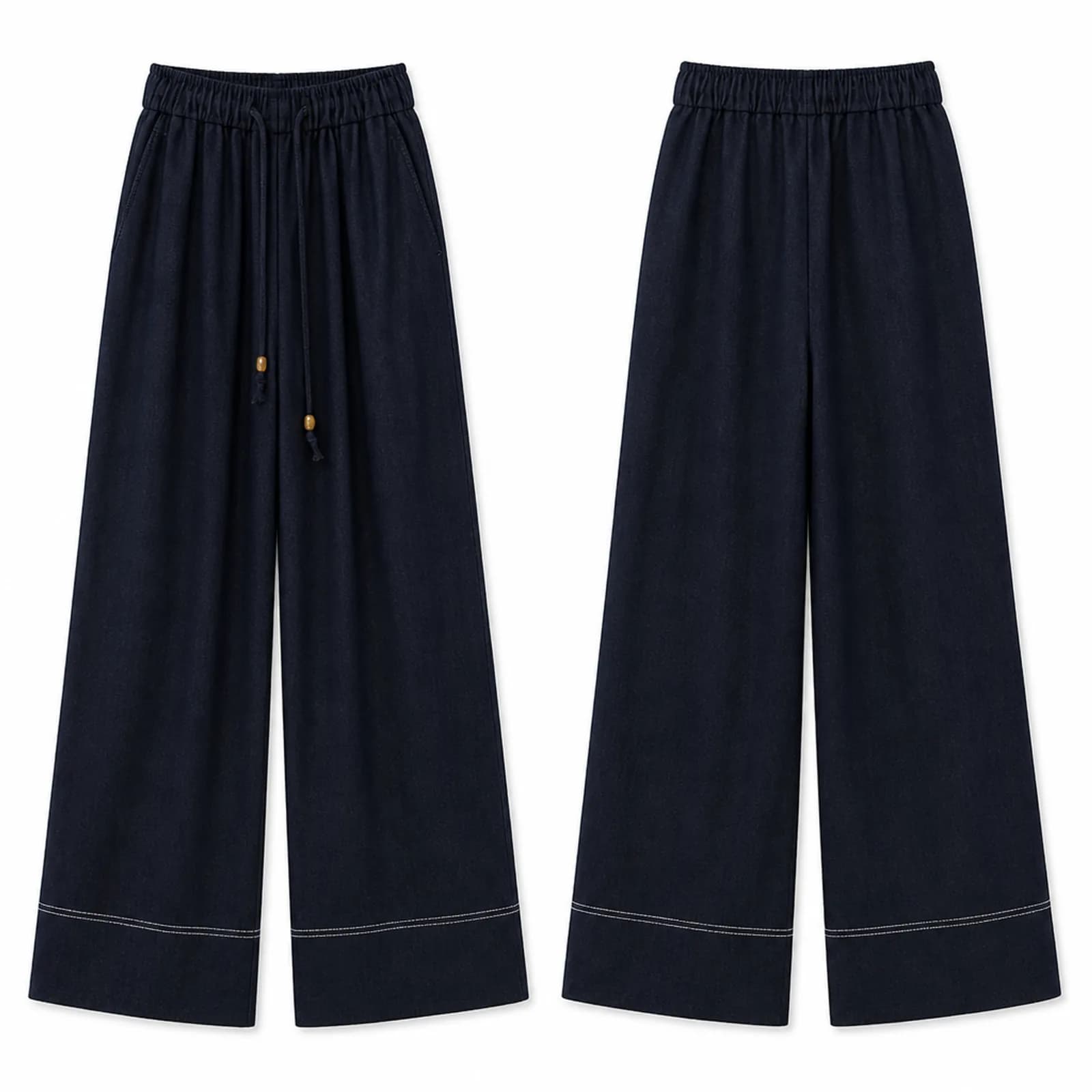
White background clothing photo AI
White background clothing photo AI: pure white front and back product shots from any garment photo, sized for Amazon, Etsy and eBay listing slots.
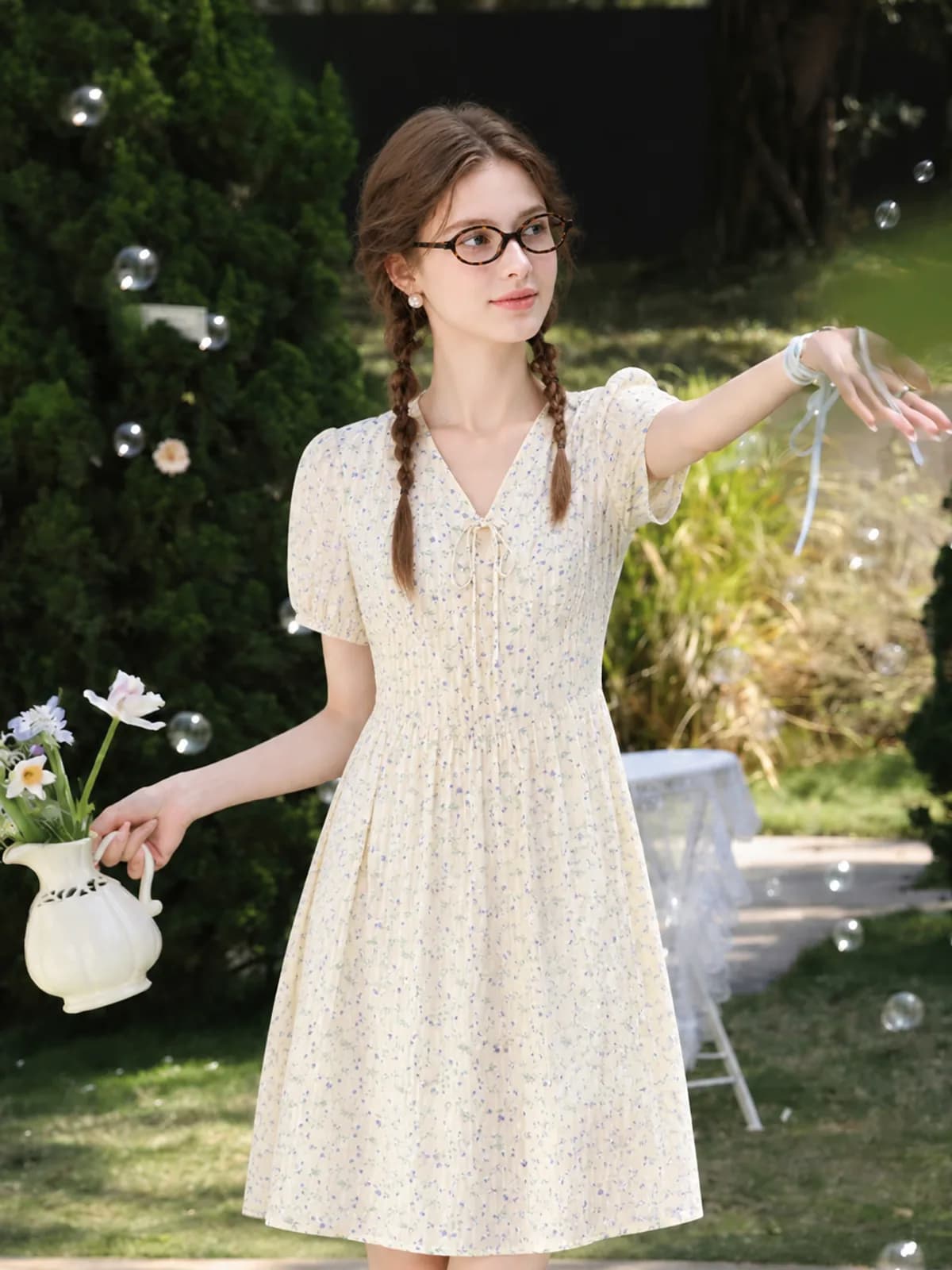
AI fashion photoshoot
Run an AI fashion photoshoot from one garment photo: the same piece in several settings on one saved model, with no studio, crew or booking.
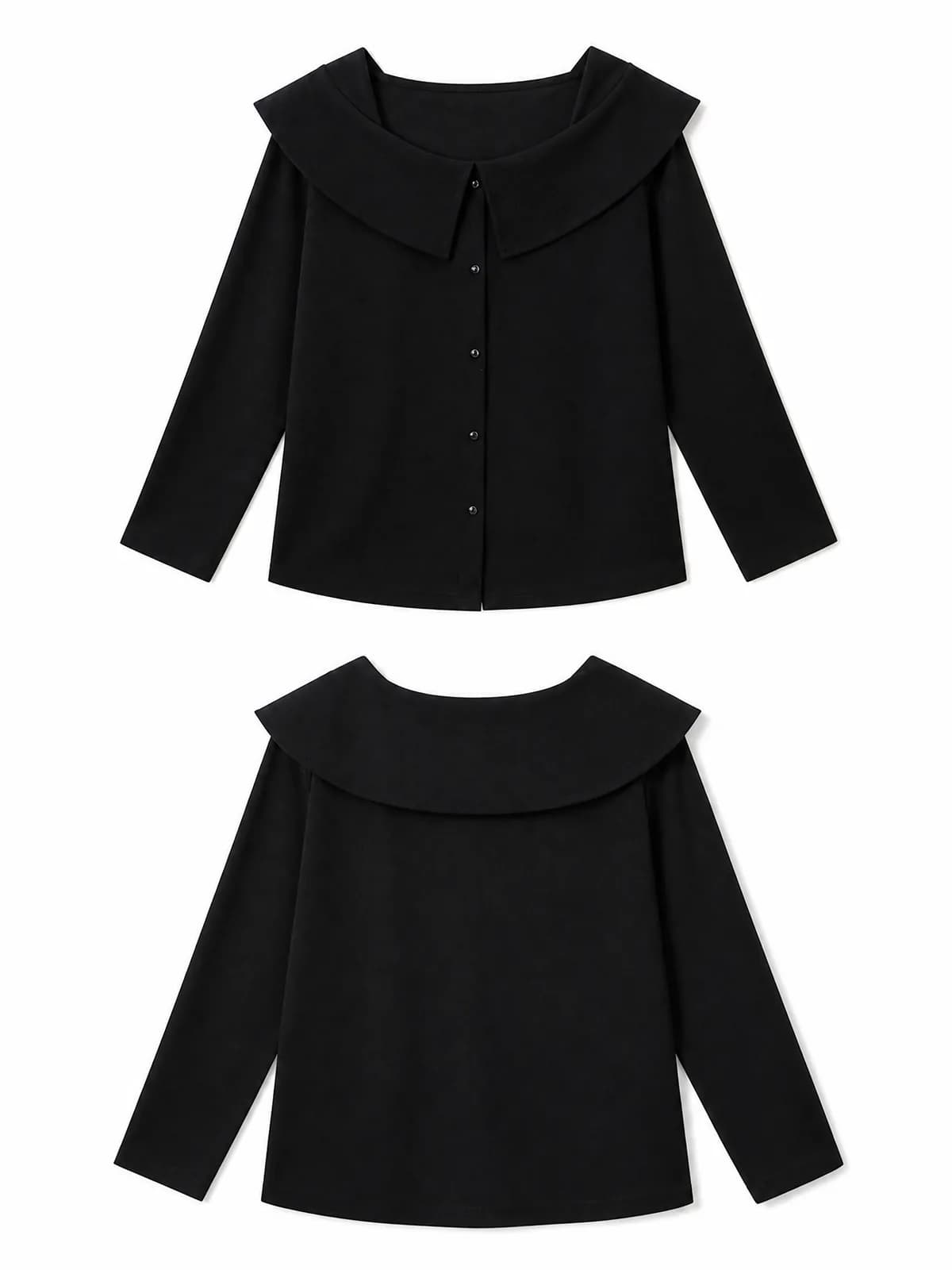
AI clothing photos for Amazon sellers
AI clothing photos for Amazon listings: pure white images, on-model gallery shots and close-ups from one garment photo, plus what Amazon allows where.
Questions
- Do I need good photos to start?
- A clear phone photo of the garment on a table or a hanger is enough. Even lighting and a plain surface matter more than the camera. What does break results is a folded sleeve, a heavy shadow across a print, or a photo taken under mixed daylight and tungsten light.
- What resolution do the images come out at?
- High-quality JPEG at 1K, 2K or 4K on the long edge (a PNG only when the image needs transparency). The image is never resized or cropped after it is generated, and preview thumbnails are generated separately, so the download is always the full-size file. One 2K render covers the recommended size on Shopify, Amazon, Etsy and eBay, which is why most sellers work at 2K and only go to 4K for finals.
- How is this different from a background remover?
- A background remover edits a photo you already have. This generates the photos you do not have: the garment worn by a person, in a setting, from angles you never shot. Background removal is one of the purposes here, not the whole product.
- Can I get two angles of the same outfit?
- Yes. Run the same upload twice with the same persona and ask for a different pose or camera position. The garment is read from your file each time, so the second angle is the same piece rather than a new interpretation of it. Both images are priced separately.
- Which image ratio should I generate?
- Choose the ratio before generating rather than cropping afterwards. Square suits Amazon and Shopify grids; Etsy wants the first image landscape or square; 4:5 and 3:4 suit social. Cropping a generated 1:1 down to a tall frame throws away the part of the garment you paid to render.
- Can two people work on the same shop?
- Yes. Personas and the image library are shared inside an account, so whoever photographs the samples and whoever writes the listings are looking at the same saved model and the same finished files. There is also an API for pulling completed image packs into your own tools.
- What if the fabric texture comes out wrong?
- Textured knits, sequins and sheer layers are the hardest cases. Give the generator a close-up of the fabric as well as the full-garment photo, generate the close-up as its own image, and regenerate just that frame if the weave looks invented. You pay for the one retry, not the set.
- Are AI-generated images allowed on marketplaces?
- Rules differ by platform and change. Etsy asks sellers to disclose AI involvement. Amazon requires images to represent the product accurately and restricts what may appear on the main image for clothing. Check the current policy inside your own seller account before publishing, not a blog post about it.
- How long does a full listing set take?
- For one garment, budget a few minutes: one upload, then each image generated in roughly a minute at 1K or 2K, plus your own time checking them against the original. The slow part is photographing the samples well, which is also the part that decides the result.
Make one and see
Verify your email and 50 credits are yours. Failed runs are refunded automatically.
Make your first image free