White background clothing photo AI
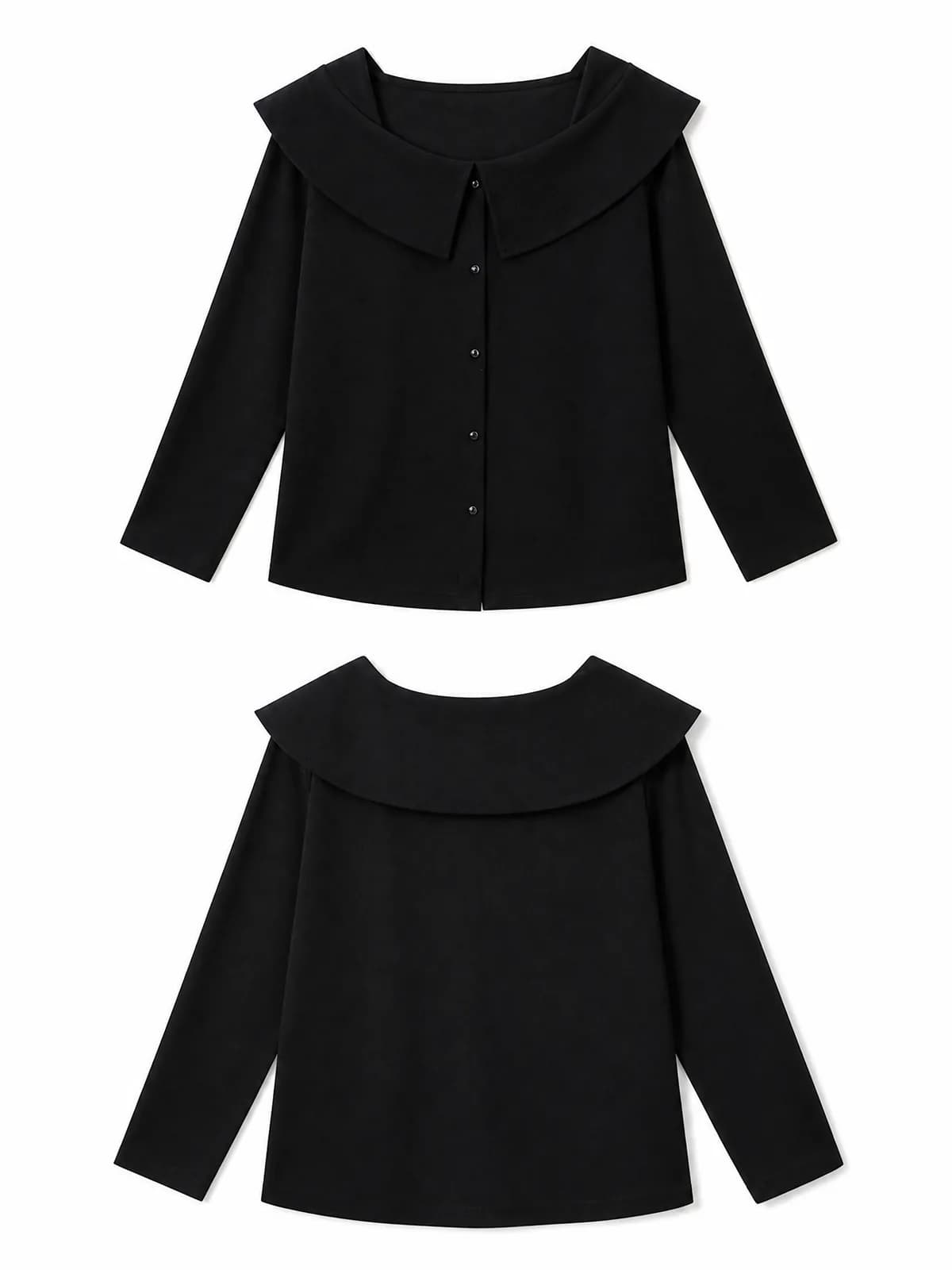
Every marketplace wants at least one image of the garment on clean white, and automated checks reject anything that is off-white, grey or busy. The white-background mode produces that image from whatever photo you have — on-model, hanger, flat lay or mannequin — and renders the front and the back together, so the listing slot and the size chart both get what they need.
Examples
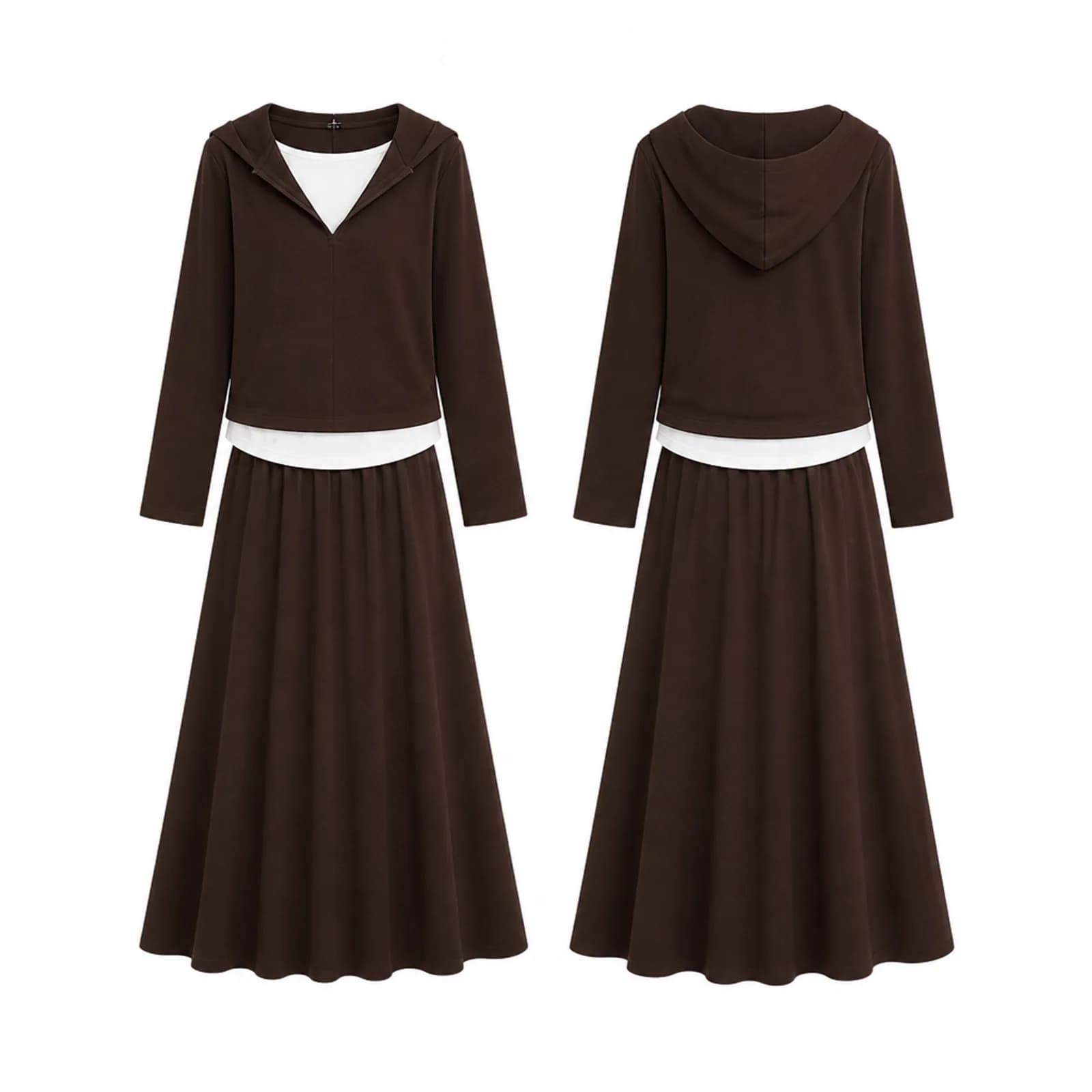
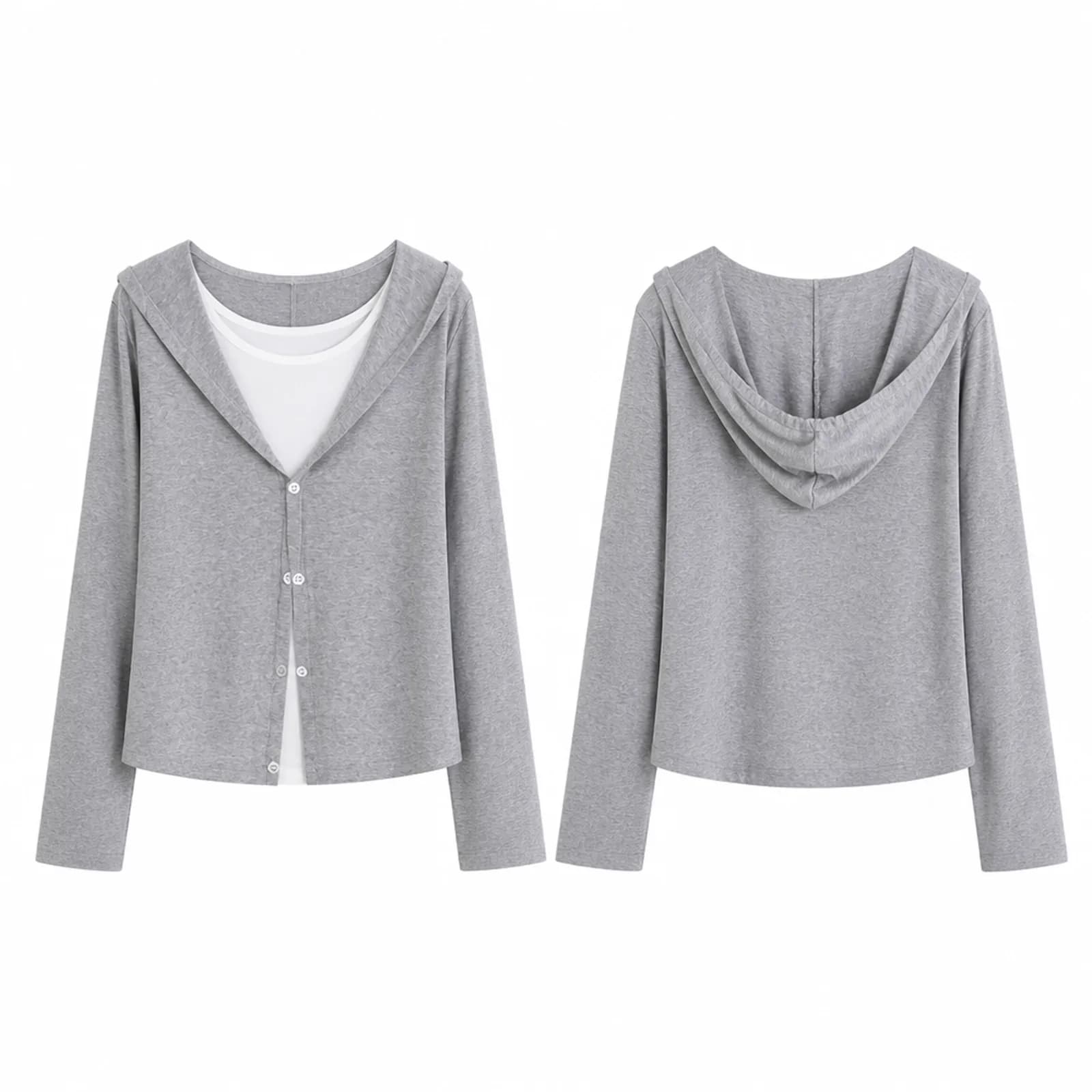
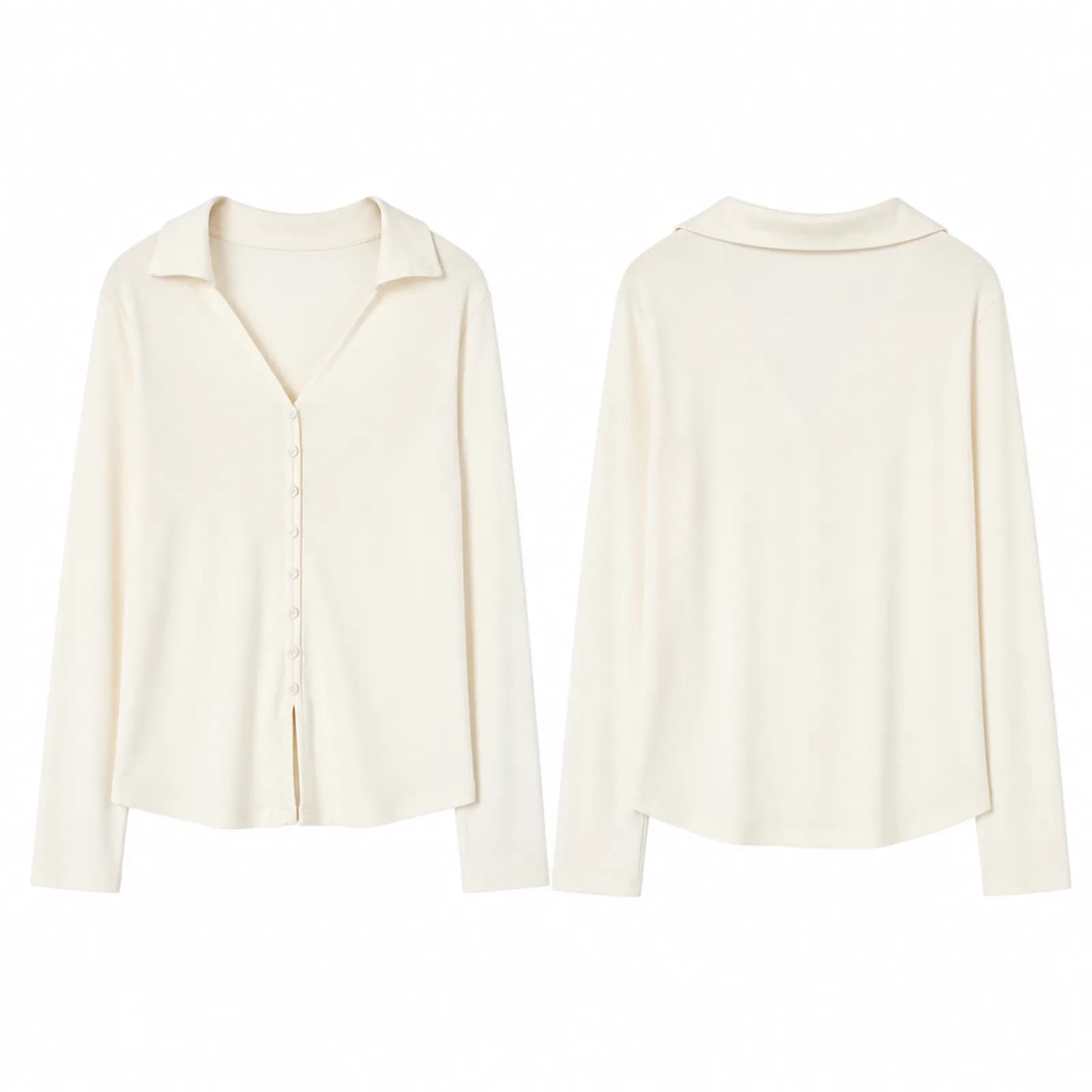
Key features
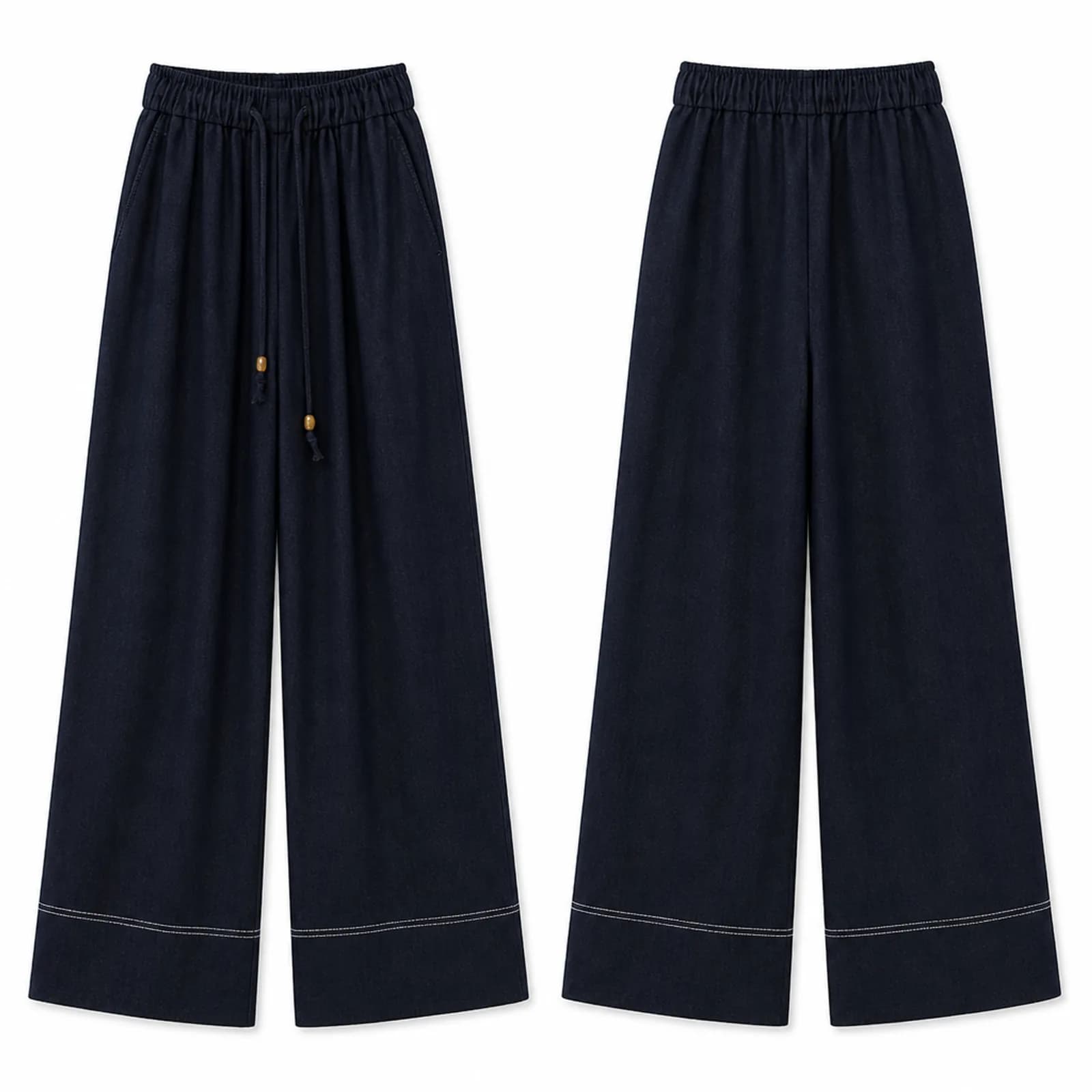
Pure white, not nearly white
Marketplace checks look for true white, and a backdrop that photographs as light grey fails them. The background here is rendered white rather than corrected towards it, which is the difference between an image that passes automatically and one that sits in review while your listing does not go live.
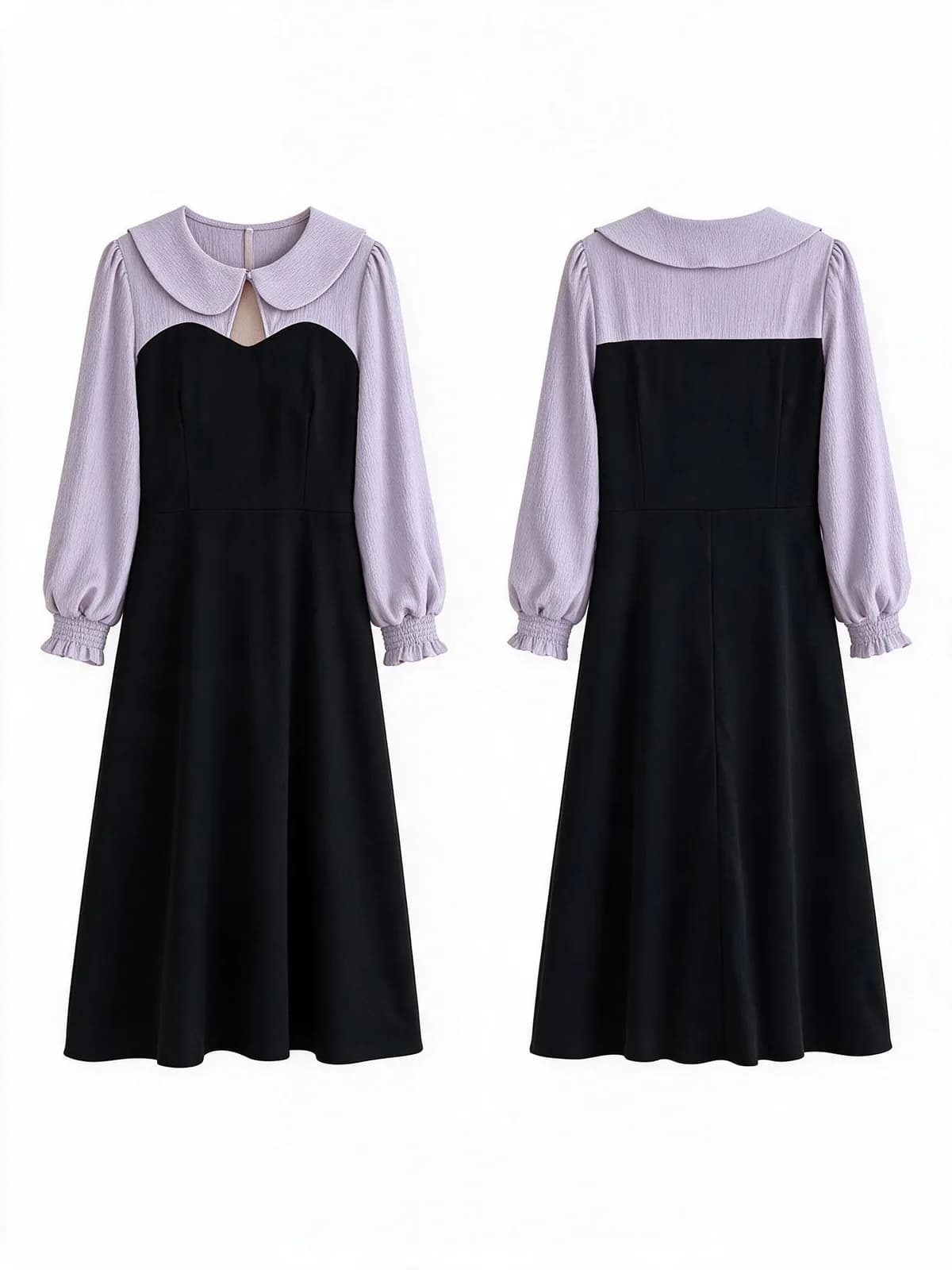
Front and back in one frame
Most of these renders place the front and back views side by side. Buyers looking at a dress want to know whether it zips, ties or buttons at the back, and a single image that answers that removes a question from your inbox and a reason to return the parcel.
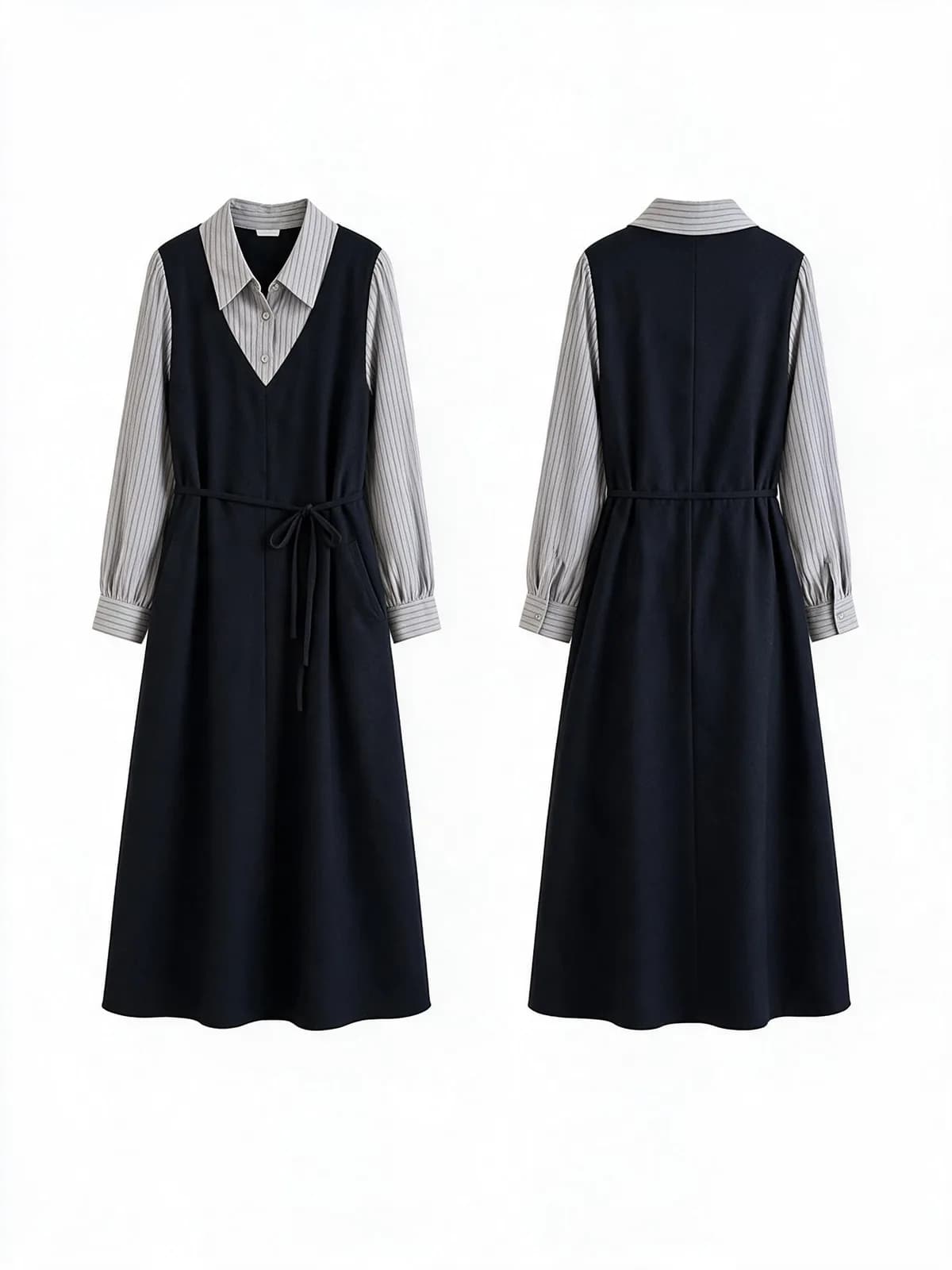
Edges that survive a close look
Lace, fringe, loose threads and sheer panels are where cheap cutouts fall apart, because a mask blurs them away. These are generated with the edge intact, which matters most on exactly the fabrics a small shop is trying to charge more for.
How it works
- 1Upload whatever photo you already have
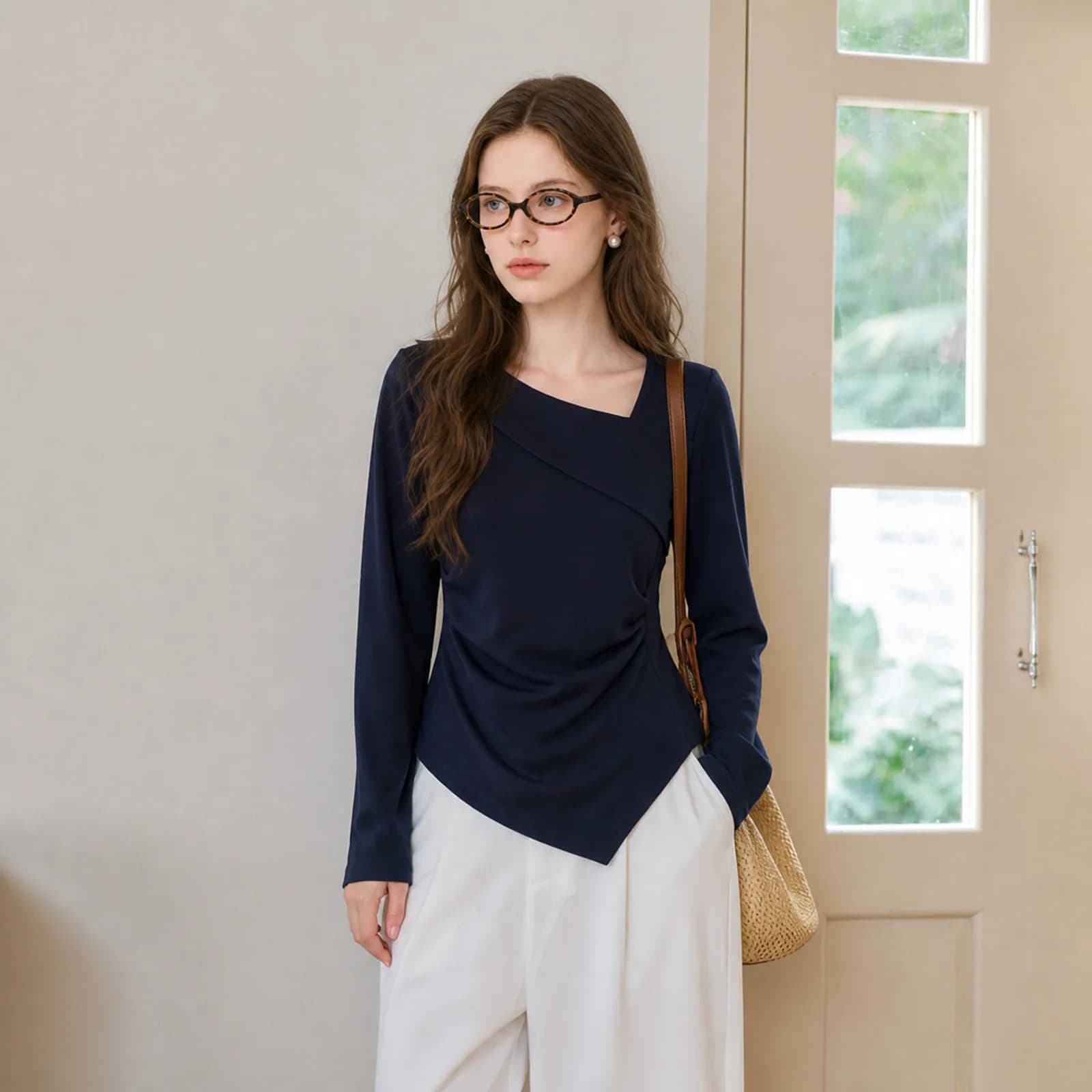
On-model, hanger, flat lay or mannequin. The background does not need to be clean beforehand, and a cluttered room behind the garment is not a problem. What matters is that the whole piece is visible and in focus.
- 2Say what to keep and what to cut
Keep the model and cut only the background, or remove the model as well and show the garment alone. Add “no shadow” if your platform wants none; the default leaves a faint contact shadow because most listings read better with one.
- 3Export at the size the slot needs
High-quality JPEG at 1K, 2K or 4K on the long edge. Pick the ratio before you generate rather than cropping afterwards, and check the garment fills enough of the frame for the platform you are uploading to.
Who it is for
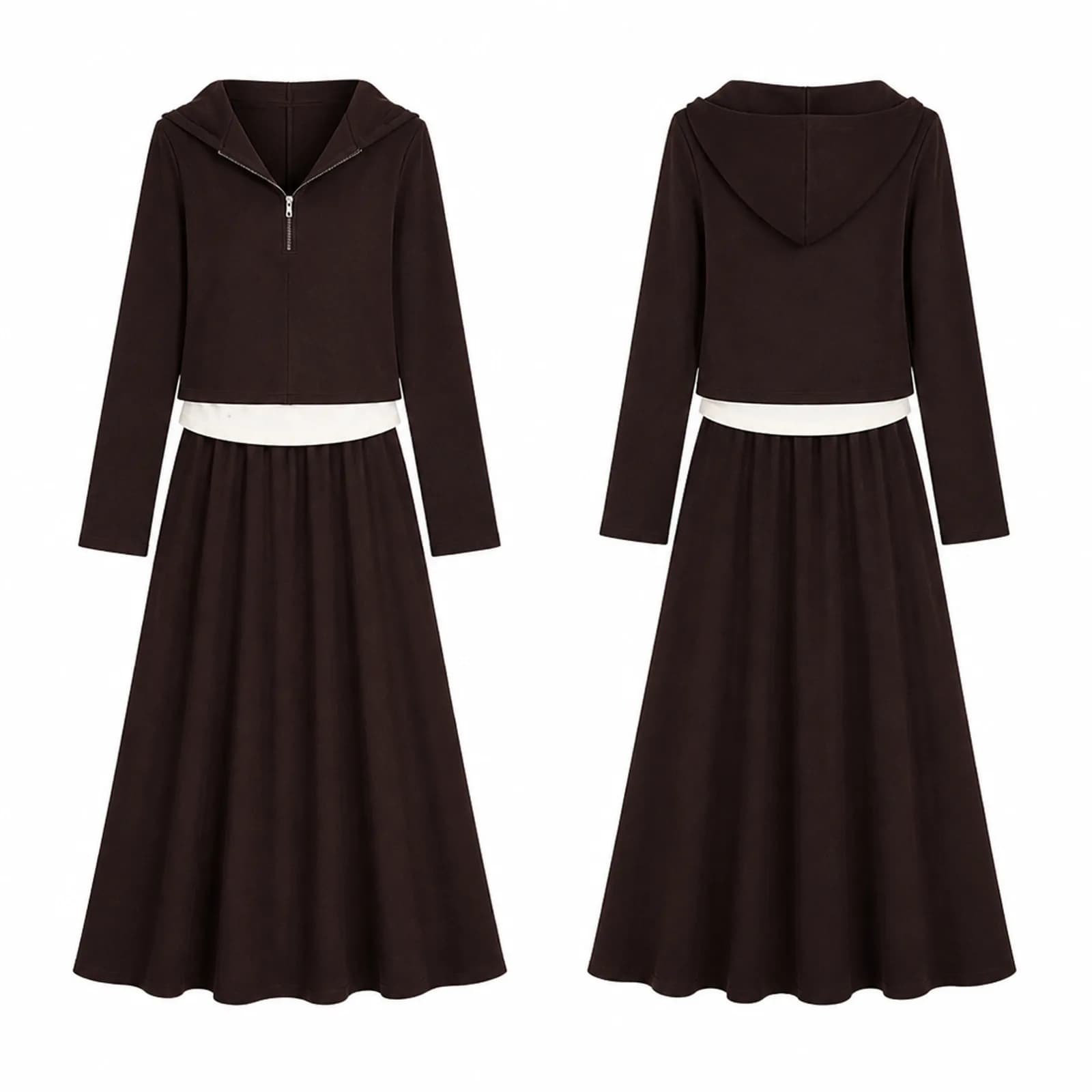
Amazon clothing sellers
Amazon wants the main image on pure white with the product filling at least 85% of the frame. For adult clothing it also wants a standing model on that slot, so a white-background flat product shot belongs in the gallery rather than in position one.
See the seller guide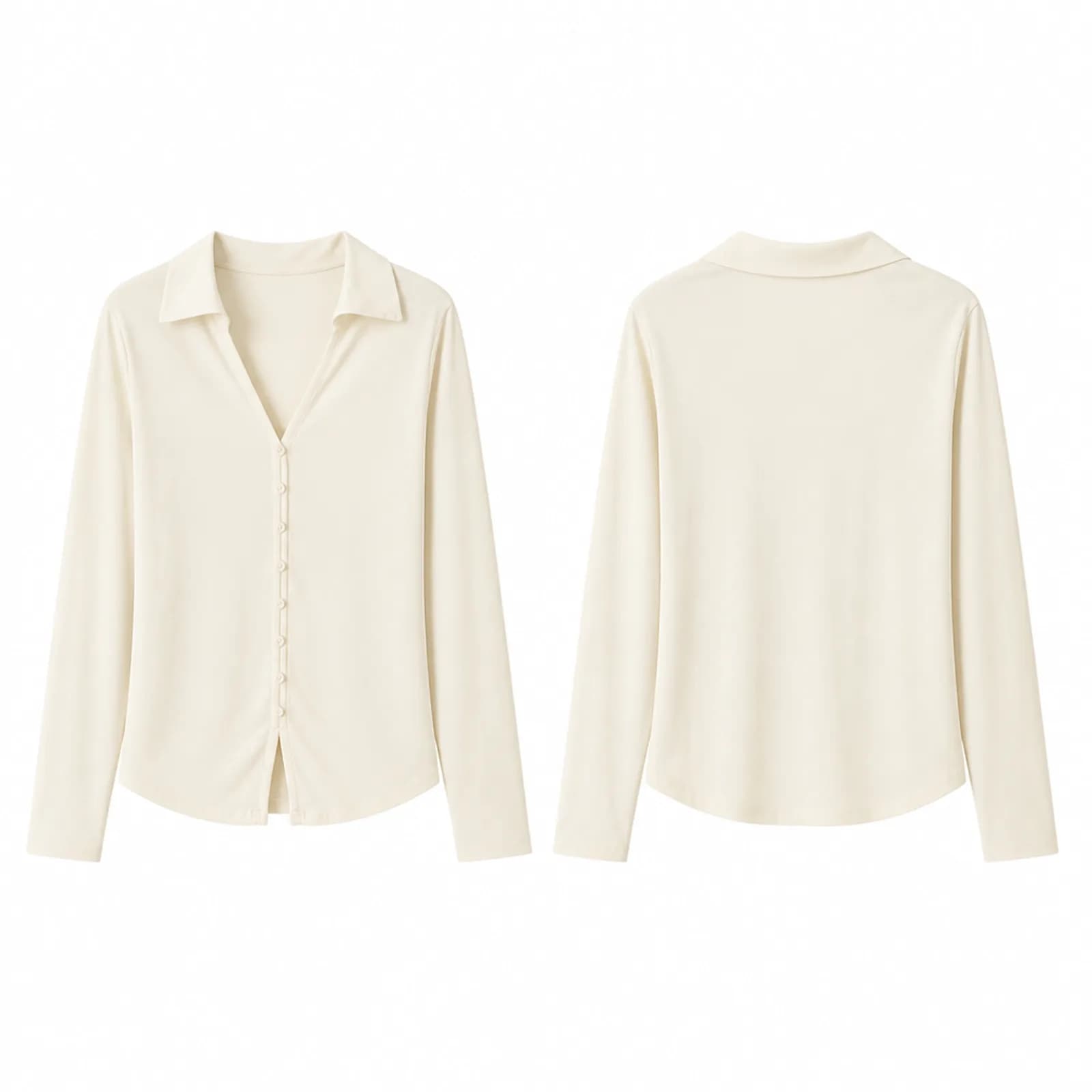
Resellers listing across several apps
The same white-background file can be reused on every platform you list to, which is the one image worth generating first. Sizes differ but the image does not: render once at 2K and it clears the recommended size nearly everywhere.
See the seller guide
Compared with a photo shoot
| What you are comparing | Photo shoot | Outsourced editing | Photopurr |
|---|---|---|---|
| Getting a clean white frame | A sweep, lights and someone who knows how to expose for white | A per-image cutout fee, quoted per batch | A purpose on the upload you already made, from $0.10 per image |
| Front and back of one garment | Two setups and two frames to composite afterwards | Usually two images on the invoice | Commonly rendered together in a single image |
| Fixing a background that failed review | Reshoot, or send the file to be edited | Another revision round, if revisions are included | Regenerate that one image and pay for one image |
| Adding a new colourway | Another sample on the sweep, another frame | Another image at the same per-image fee | Another upload, priced the same as the first |
| Cost while you are not listing | Nothing, but every restart pays the setup again | Nothing between batches | Nothing: no subscription and credits do not expire |
Shoot and outsourcing costs vary by market, so this compares how you are charged rather than quoting other people's prices. The Photopurr figure is our own lowest per-image price, taken from the pricing page.
What it costs
From $0.10 an image, from 6 credits depending on model and resolution, with the price shown before you confirm. No subscription, credits never expire, and verifying your email grants 50 free credits. See pricing
Go deeper
Related
AI clothing photography
AI clothing photography for small sellers: on-model hero shots, white-background versions and fabric close-ups from one photo of the garment.
AI clothing photos for Amazon sellers
AI clothing photos for Amazon listings: pure white images, on-model gallery shots and close-ups from one garment photo, plus what Amazon allows where.
How do I turn a flat lay into a model photo?
How to turn a flat lay into a model photo: what to photograph, which AI tool setting to use, and what to check before the image goes into a listing.
Questions
- Can a white-background image be my Amazon main image?
- For adult clothing, no. Amazon requires the main image to show the garment on a standing model and does not allow mannequins of any kind, including invisible and ghost mannequins. Children’s clothing, accessories and multi-packs are the opposite: those must be photographed flat, off-model.
- How white does the background have to be?
- Amazon specifies pure white, RGB 255,255,255, with the product filling at least 85% of the frame. Other marketplaces are looser — eBay asks for a neutral background and says white usually works best — but the pure-white file clears all of them, so it is the one worth generating.
- What size should I export?
- Amazon accepts a longest side between 500 and 10,000 pixels and recommends 1600 or more, with zoom switching on above 1000. Etsy wants at least 2000 pixels on both sides. eBay starts at 500 by 500. A single 2K render clears all of those at once.
- Can I remove the contact shadow?
- Yes. Add “no shadow” to the note and the garment is rendered flat on white. The default keeps a faint shadow because it stops a pale garment dissolving into the background, but some platforms and some brand guidelines want none at all.
- Does it work on white and cream garments?
- Yes, and this is the case worth checking by eye. A white shirt on white is separated by its shadow and by the edge line, so look at the shoulder seam and the hem at full size. If it reads flat, regenerate that image asking for a slightly stronger shadow.
- Can I keep the model and just clean the background?
- Yes. Say to keep the model, and the person stays while the room behind them goes white. That version is what you want for an Amazon adult-clothing main image, since a standing model on white is exactly what the rule asks for.
- What about text, logos and size labels on the image?
- Keep them off the main image. Amazon does not allow text, logos, borders, watermarks or props that are not part of the purchase in that slot, and eBay says watermarks and added text can affect where a listing places in search. Put callouts in the gallery images instead.
- Are these ghost mannequin images?
- Not in the strict sense. A ghost mannequin shows the garment standing in three dimensions with a hollow neckline and the inner collar visible. These renders show the garment on white without a model. If you specifically need the hollow-neck look, ask for it and check the inside of the collar first.
- How many images does a listing usually need?
- Amazon recommends at least six images plus a video; eBay allows up to 24; Rakuten caps a product at 20. One white-background frame is the compliance floor, not the target. Treat it as the first of a set that also includes on-model shots and a fabric close-up.
Make one and see
Verify your email and 50 credits are yours. Failed runs are refunded automatically.
Make your first image free