Photoroom alternative for clothing
Photoroom is a general product-photo editor: background removal, batch edits, a phone app, any category you sell. Putting a garment on an AI model is one tool inside it. Photopurr does clothing and nothing else, and sells credits one at a time instead of a monthly plan. This page sets the two side by side for a seller who photographs garments, using figures read from Photoroom’s own pricing pages.
We have not tested Photoroom ourselves. Everything stated about it here comes from its public pricing page, read on 2026-09-21.
Three garments, run through Photopurr
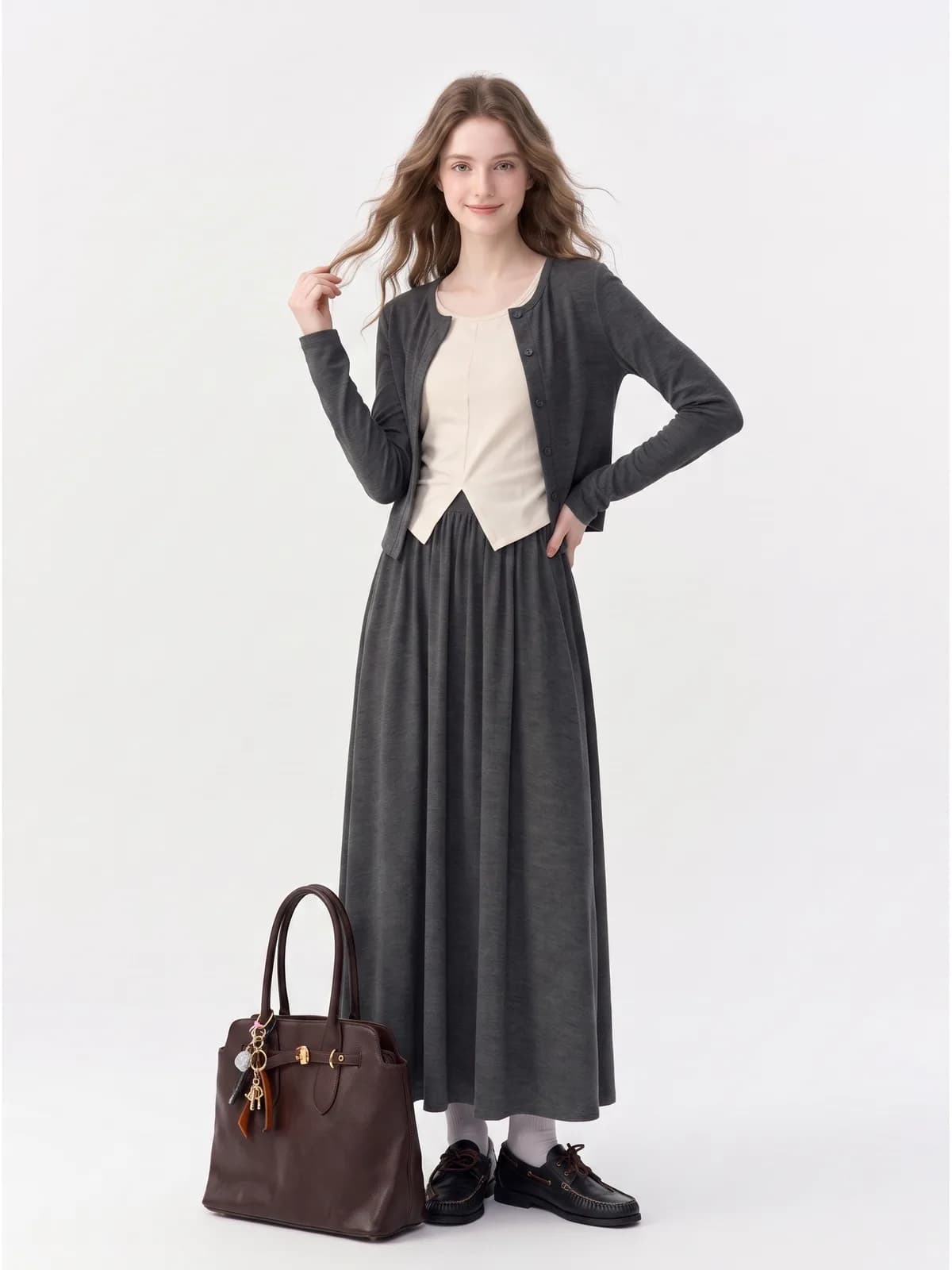
The same three garments every tool in this category has to handle. These are our outputs.
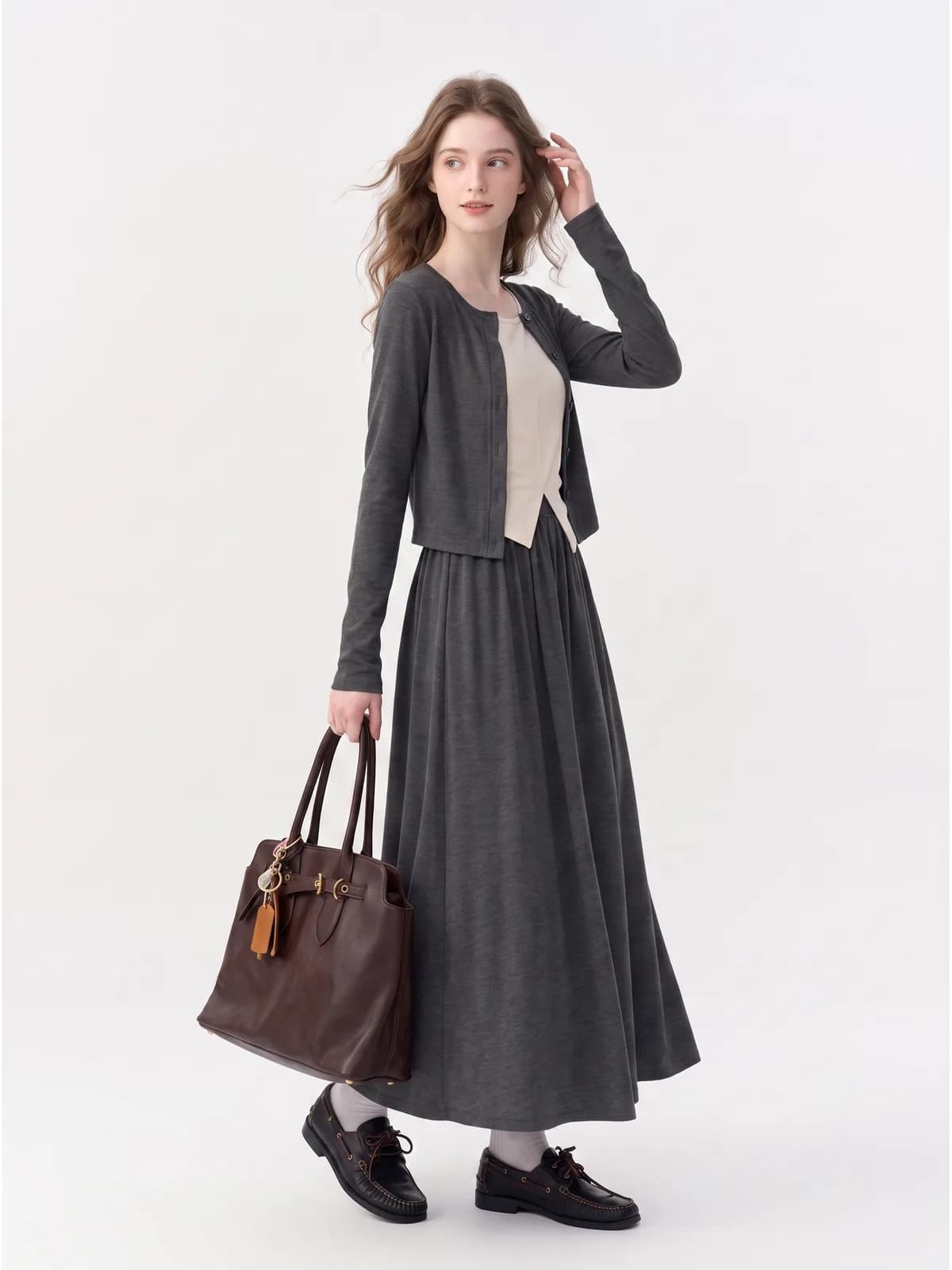
A charcoal cardigan and long skirt in the same marled knit
Three pieces in almost one colour, two of them cut from the same heathered grey. The marl is the hard part: it is a mix of light and dark fibres, and a tool that smooths it turns a textured knit into flat felt, which is exactly the complaint that comes back as a return. The cardigan hem has to stay findable against the gathered skirt below it, and the cream top between them has to keep its own pointed hem.
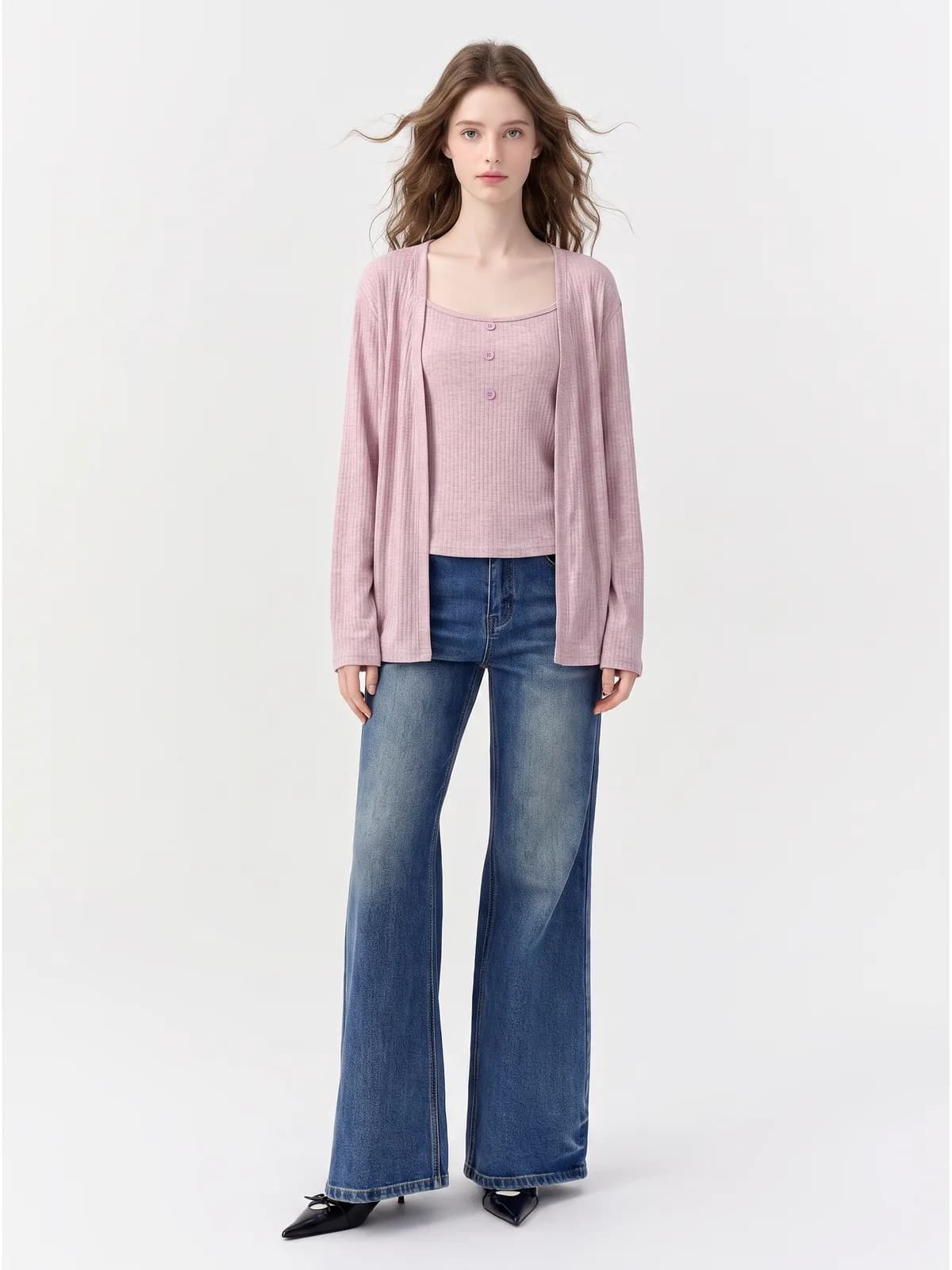
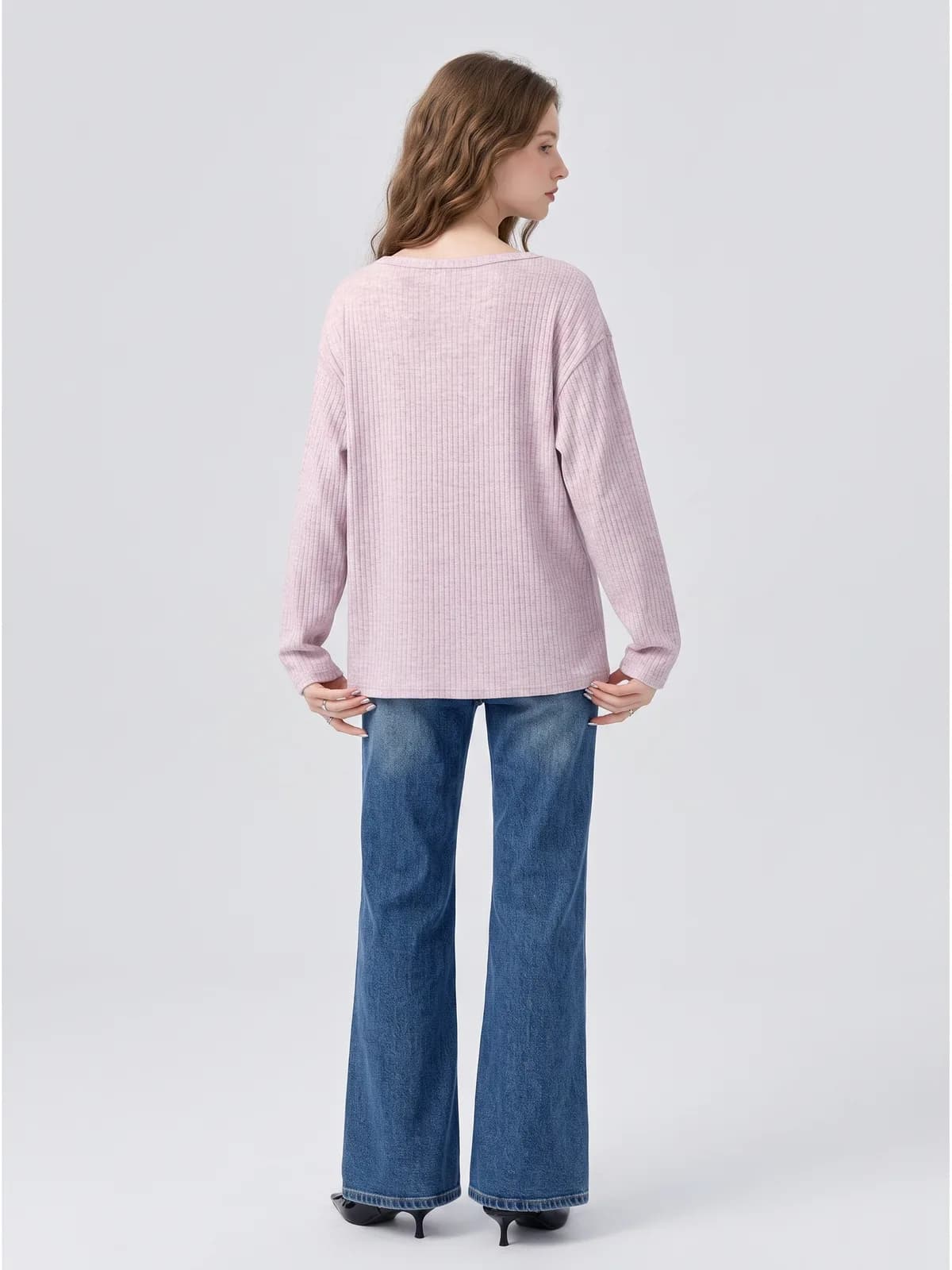
A pink ribbed cardigan and cami, front and back
A listing needs the back as well as the front, and the back is where generated images drift. The rib has to run at the same scale on both shots, the shoulder seam has to sit in the same place, and the heathered pink has to be the same pink in both files rather than one warm and one cold. If the two do not agree, a buyer flicking between gallery images notices before you do.
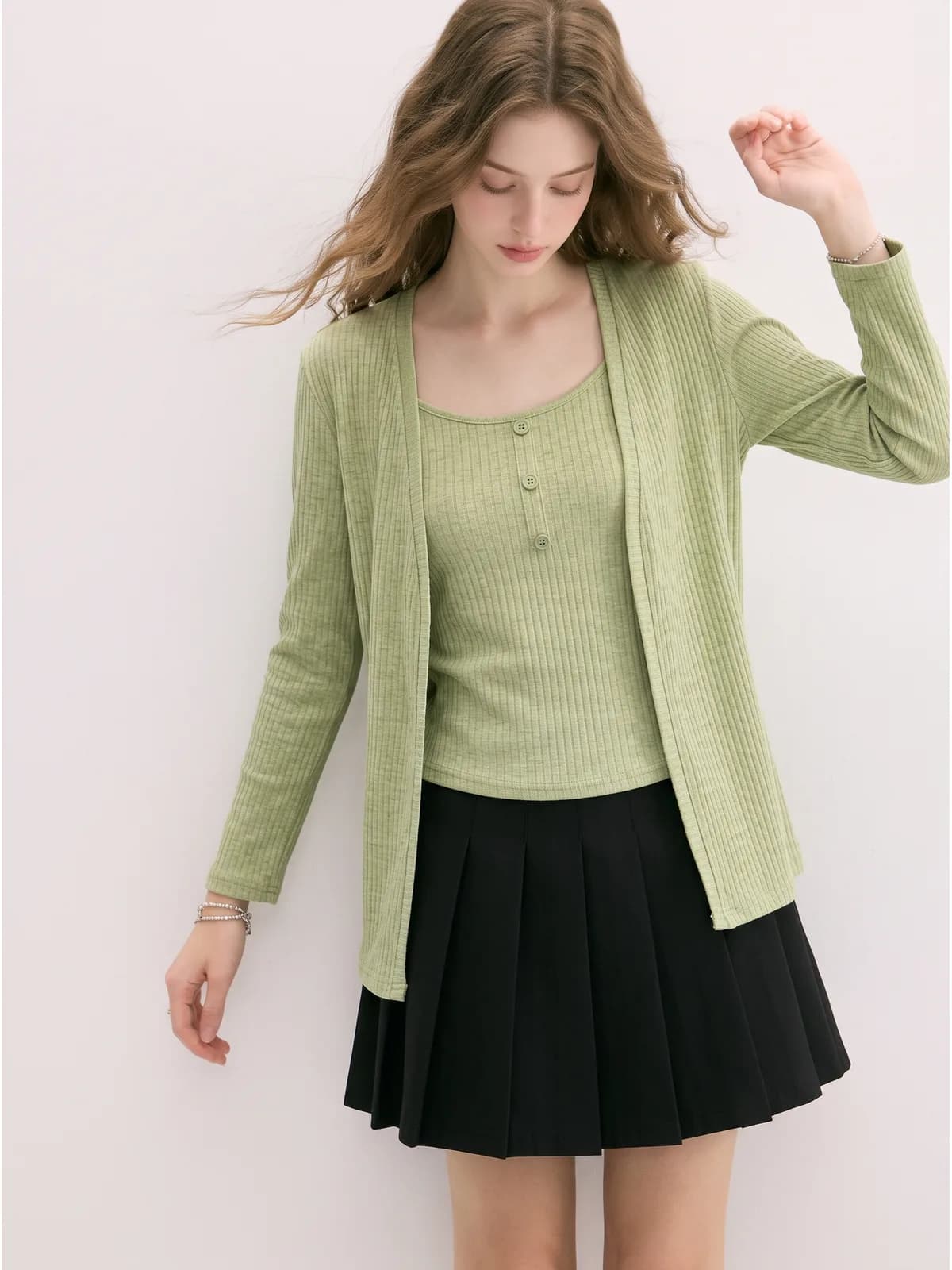
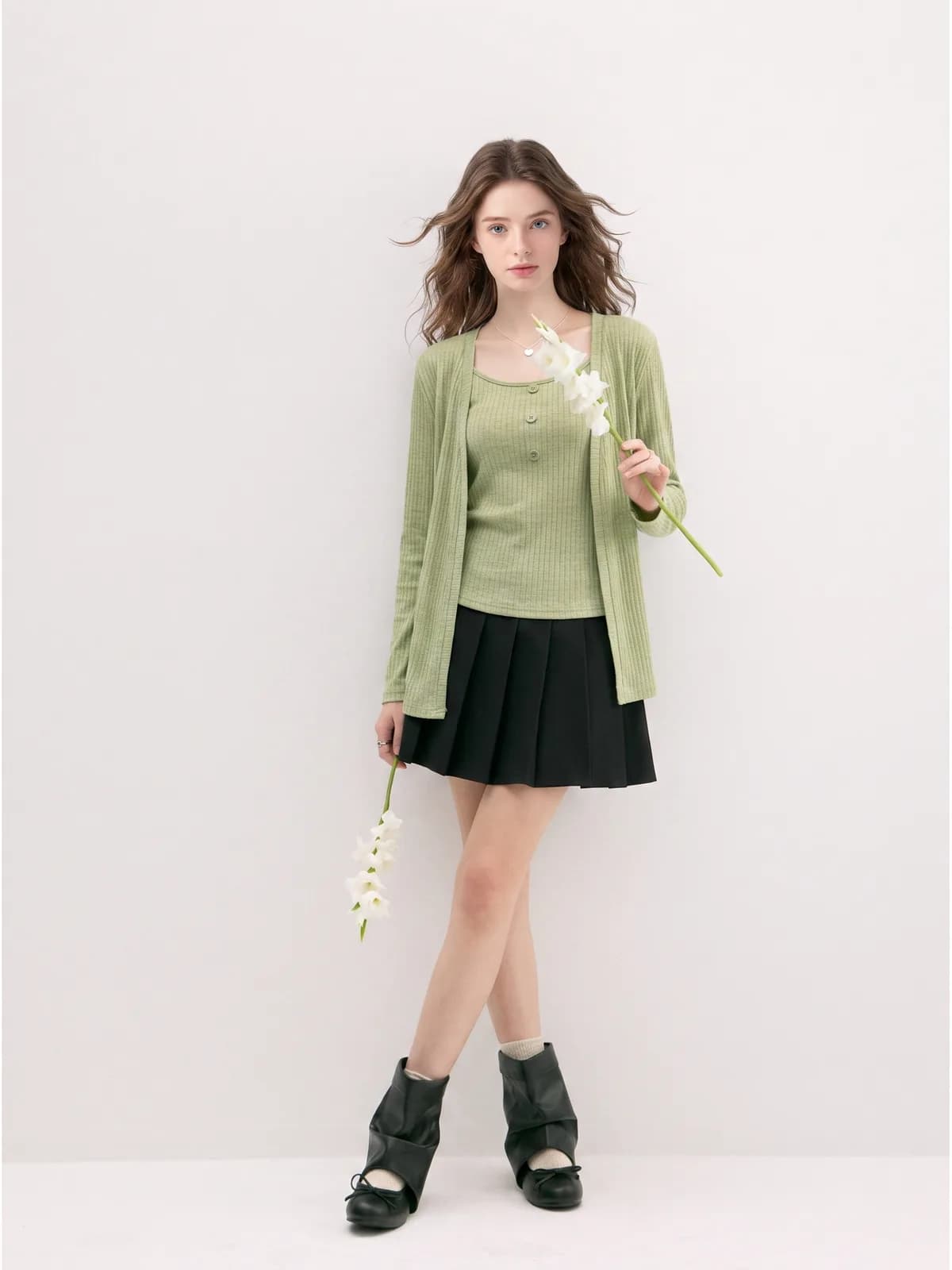
A sage ribbed cardigan over a matching cami
This one is a test of what survives a thumbnail. The rib is fine, the three buttons are the same colour as the fabric they sit on, and the cami neckline is square rather than round. At gallery size all three can quietly disappear: the rib smooths into jersey, the buttons melt into the knit, and the square neck rounds off. A close crop is where you find out whether they held.
How Photoroom charges
Photoroom is a subscription. Its pricing page, read on 21 September 2026, lists Pro with 8,000 AI credits and 1,000 exports a month, Max with 25,000 and 3,000, Ultra with 75,000 and 10,000, and a custom Enterprise tier, with yearly billing advertised at 33 percent off. The monthly money figures on that page are drawn in the browser rather than written into the page source, and we could not read them reliably on the day, so we are not quoting them here. Credits are described as a monthly pool renewed each billing cycle, with the amount varying by country. Core editing tools cost no credits on a paid plan; the AI tools draw from the pool. Its API is priced per image instead: $0.02 on the Basic plan for background removal, and $0.10 on Plus, which is the plan that carries Virtual Model, Virtual Try-On and Ghost Mannequin.
Photopurr and Photoroom, side by side
| What you are comparing | Photopurr | Photoroom |
|---|---|---|
| How you pay | Credits bought as a one-off. No plan, no monthly reset, nothing to cancel. | A monthly or yearly subscription: Pro, Max, Ultra or Enterprise. Yearly is advertised at 33 percent off. |
| What the plan includes | A balance, spent when you list. Nothing arrives each month and nothing lapses. | A monthly AI credit pool plus a separate export allowance: 8,000 and 1,000 on Pro, 25,000 and 3,000 on Max, 75,000 and 10,000 on Ultra. |
| Unused allowance | Credits never expire, on every pack. | Credits are a monthly pool renewed each cycle. Its FAQ says a cancelled plan’s remaining credits are kept for six months. |
| On-model images at 1K | Priced per image. 1K, 2K and 4K all come out of the same balance. | Its plan table lists AI Fashion Models at 1K as up to 1,600 generations on Pro, 5,000 on Max and 15,000 on Ultra, using all of that plan’s credits on the one feature. |
| On-model images at 2K | Same price as any other resolution on the same model, shown before you confirm. | The same table lists AI Fashion Models at 2K as not included on Pro, up to 185 generations on Max and up to 555 on Ultra. |
| Saving a finished file | Every image you generate is yours. There is no second counter to run out of. | Each image saved counts as one export against the monthly export allowance, which its FAQ says applies to assets up to 2K. |
| Free start | 50 credits when you verify your email. No card, no watermark. | A free start is offered from the pricing page, which does not set out what that tier includes. |
| Paying per image | The only way we sell. The current per-image price is on our pricing page. | On the API only: $0.02 an image on Basic for background removal, $0.10 on Plus, the tier with Virtual Model, Virtual Try-On and Ghost Mannequin. |
| What comes out | On-model images, white backgrounds, close-ups and a full listing set, clothing only. | A general editor for any category: background removal, batch editing, AI backgrounds, shadows, resizing, video, and phone apps. |
Figures for Photoroom taken from its public pricing page on 2026-09-21.
Choose Photoroom when
- You edit more than clothes. Photoroom is a general editor and it works on homeware, cosmetics, prints and anything else in the shop. We only do clothing, so a mixed catalogue needs a second tool anyway, and one subscription is simpler than two accounts.
- You want to work on your phone. Photoroom has mobile apps, and cutting a product out while you are standing in the queue at the post office is a real advantage over a desktop-only workflow.
- Your volume is high and you actually fill the plan. Thousands of credits a month gets cheap per image once they are spent, and paying per image never gets cheaper than the pack you already bought.
- You need background removal at volume through an API. Its Basic API plan is priced at $0.02 an image for that single job, which is a rate we do not try to match.
Choose Photopurr when
- Clothing is what you sell. Every default here is set for garments: layering, knit texture, the way a hem falls, the same model across a catalogue, rather than for a tool that has to handle every category.
- You list in bursts. An unfilled month on a plan is money spent on nothing, and a balance that never expires does not care that you skipped August.
- You want the whole listing out of one upload: the on-model shot, the white-background version, the detail close-ups and the full set, rather than one edited photo at a time.
- You would rather track one number. There is a single balance here, so there is no export allowance to run out of while you still have credits sitting unused.
Examples
What it costs
From $0.10 an image, from 6 credits depending on model and resolution, with the price shown before you confirm. No subscription, credits never expire, and verifying your email grants 50 free credits. See pricing
Related
Modelia alternative
A Modelia alternative with no plan and no minimum. Modelia’s free tier, its $12 pack and its monthly plans, read from its own pricing page and dated.
Botika alternative
Looking for a Botika alternative? Photopurr is pay-per-image, no subscription. Botika’s plans, credits and rollover rules, from its pricing page, dated.
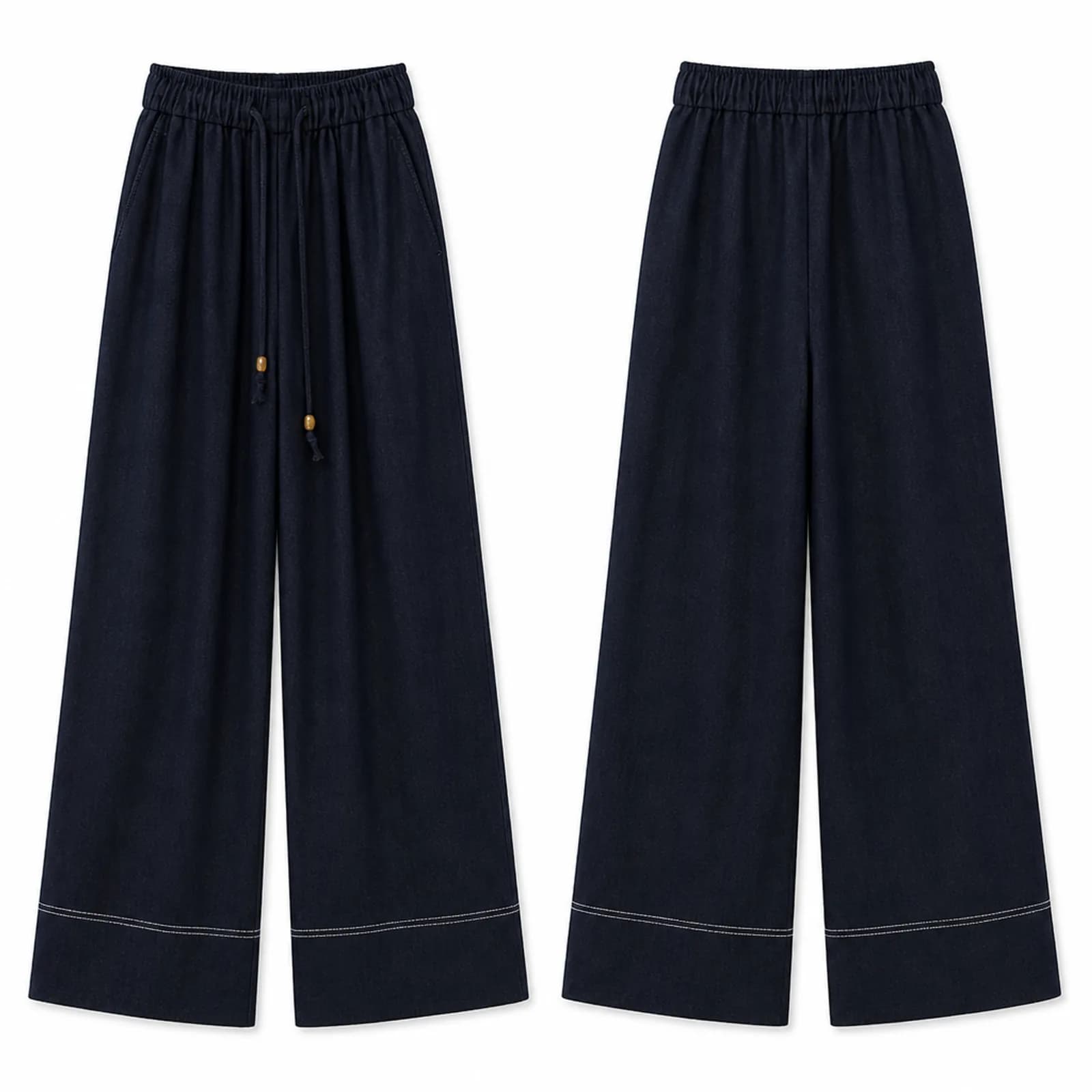
White background clothing photo AI
White background clothing photo AI: pure white front and back product shots from any garment photo, sized for Amazon, Etsy and eBay listing slots.
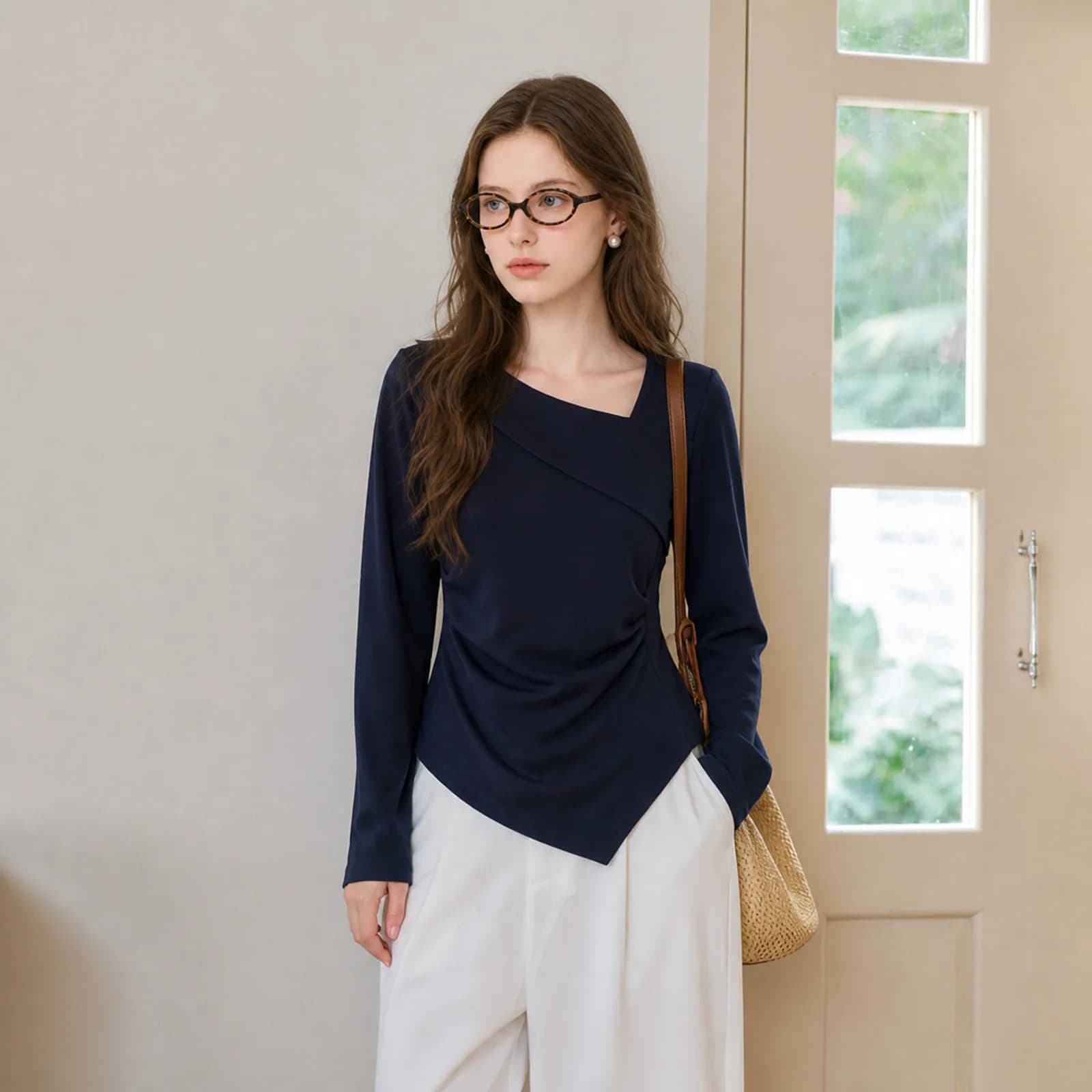
AI clothing photography
AI clothing photography for small sellers: on-model hero shots, white-background versions and fabric close-ups from one photo of the garment.
Questions
- How much does Photoroom cost?
- Its pricing page lists Pro, Max, Ultra and a custom Enterprise tier, with 8,000, 25,000 and 75,000 AI credits a month and 1,000, 3,000 and 10,000 exports, and advertises 33 percent off for yearly billing. The monthly money figures are drawn in the browser and we could not read them reliably on 21 September 2026, so we are not quoting a number we cannot stand behind.
- Is Photoroom good for clothing photos?
- It is built for product photos of every kind, and AI Fashion Models is one of the tools its pricing page names on every paid tier. If you sell clothing alongside other categories, that breadth is the reason to use it. If clothing is all you sell, a tool that only does clothing is set up for your case by default.
- Does Photoroom have a free plan?
- Its pricing page offers a free start but does not set out what that tier includes, so we cannot tell you its limits. On the API side the page is specific: 1,000 sandbox calls a month on the Image Editing API with watermarked results, plus 10 free production calls on the Remove Background API.
- Do Photoroom credits roll over?
- Its FAQ describes the plan figure as a monthly AI credit pool renewed each billing cycle, which is a reset rather than a rollover, and adds that the amount included can vary by country. It also says that if you cancel, remaining credits are preserved for six months and become usable again if you resubscribe.
- Can I use Photoroom without a subscription?
- Not on the consumer side, where the page lists subscriptions only. Its API is priced per image instead, at $0.02 on Basic and $0.10 on Plus, but that is a developer product you call from your own code rather than an editor you open in a browser.
- How much does the Photoroom API cost?
- Its API pricing page, read on 21 September 2026, lists $0.02 an image on the Basic plan, which is the Remove Background API, and $0.10 an image on Plus, which adds the Image Editing API including Ghost Mannequin, Virtual Try-On and Virtual Model. Enterprise needs an annual commitment and a 200,000 image minimum.
- Is there a Photoroom alternative for clothing that charges per image?
- That is what Photopurr is. You buy a credit pack once, each image is priced in credits by model and resolution and shown before you confirm, and the credits do not expire. There is no plan to keep alive, no export allowance running alongside the credits, and nothing to cancel.
- What is the difference between an AI credit and an export?
- They are two separate counters on Photoroom. Its FAQ says credits power the AI tools while exports count every image you save, from the editor, from Batch or from a Shopify sync, against a second monthly allowance. Running out of either one stops you until the next cycle. Photopurr has one balance and no export limit.
- Have you tested Photoroom yourself?
- No. Testing it properly means paying for a plan and running the same garments through both tools under matched settings, and we have not done that. Everything stated here about Photoroom comes from its own public pricing and API pricing pages, read on the date shown above the comparison table.
- Can I keep the same model across a whole catalogue?
- Yes. Save a model once and attach it to every generation, so a hundred listings show the same face and body instead of a different person on each one. You can also swap the model while keeping the garment, which is useful when one piece sells to two different audiences.
Make one and see
Verify your email and 50 credits are yours. Failed runs are refunded automatically.
Make your first image free