AI product photos for resellers
Reselling is a one-of-one business. Every piece is a different size, a different decade and a different colour, it sells once, and none of it is worth booking a model for. AI product photos for resellers take the phone shot you already take, garment on a hanger or laid out on the floor, and return a clean on-model image, one listing at a time, charged per image.
Three photo problems, three fixes
The photo is a garment hanging on a door, and it reads as a garment hanging on a door. Nobody can tell where the hem lands, how the shoulder sits, or whether the waist is high or dropped, so the questions arrive as messages instead of orders.
The fix
Put the same piece on a model. The garment is read out of your photo, so the print, the wear and the cut stay as they are, and the buyer gets the one thing a hanger shot can never show: the shape on a body.
How it worksOne item was shot on the bed, one in the hallway, one against the wardrobe, all on different days in different light. Individually they are fine. As a grid they look like a clear-out rather than a shop, and that is what a buyer decides on in half a second.
The fix
Save one model and one backdrop and use them on every listing. When a piece genuinely suits a different body or a different look, change the model and keep the garment, instead of photographing the garment again.
How it worksCross-listing means the same item gets uploaded five times, and the platforms do not agree: some grids reward a plain background, some crop square, some crop tall, and re-cropping a busy bedroom photo five ways never quite works.
The fix
Produce the plain white-background version alongside the on-model shot, from the same upload, and crop each platform from a file that has nothing in the frame to fight with.
How it works
Examples
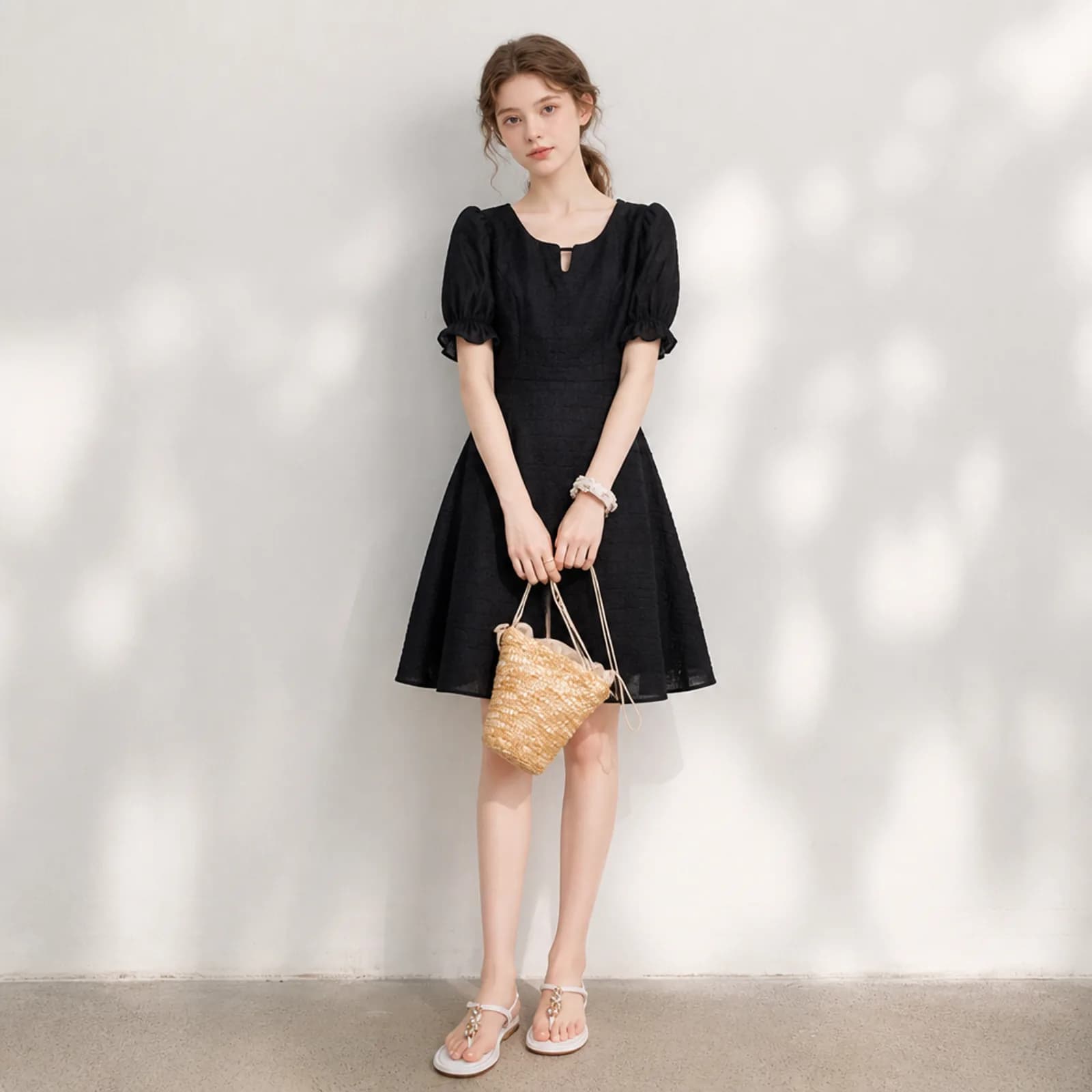
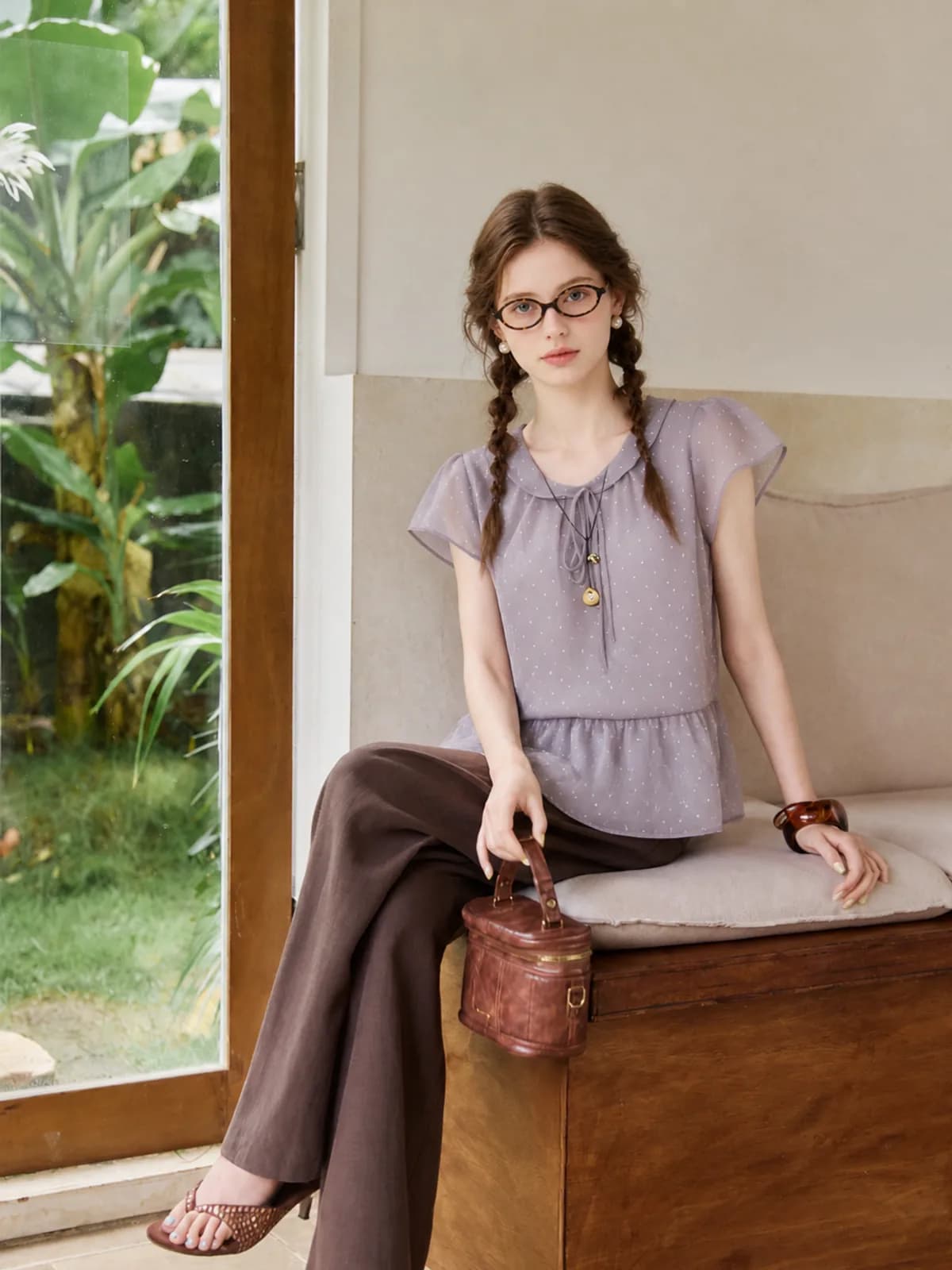
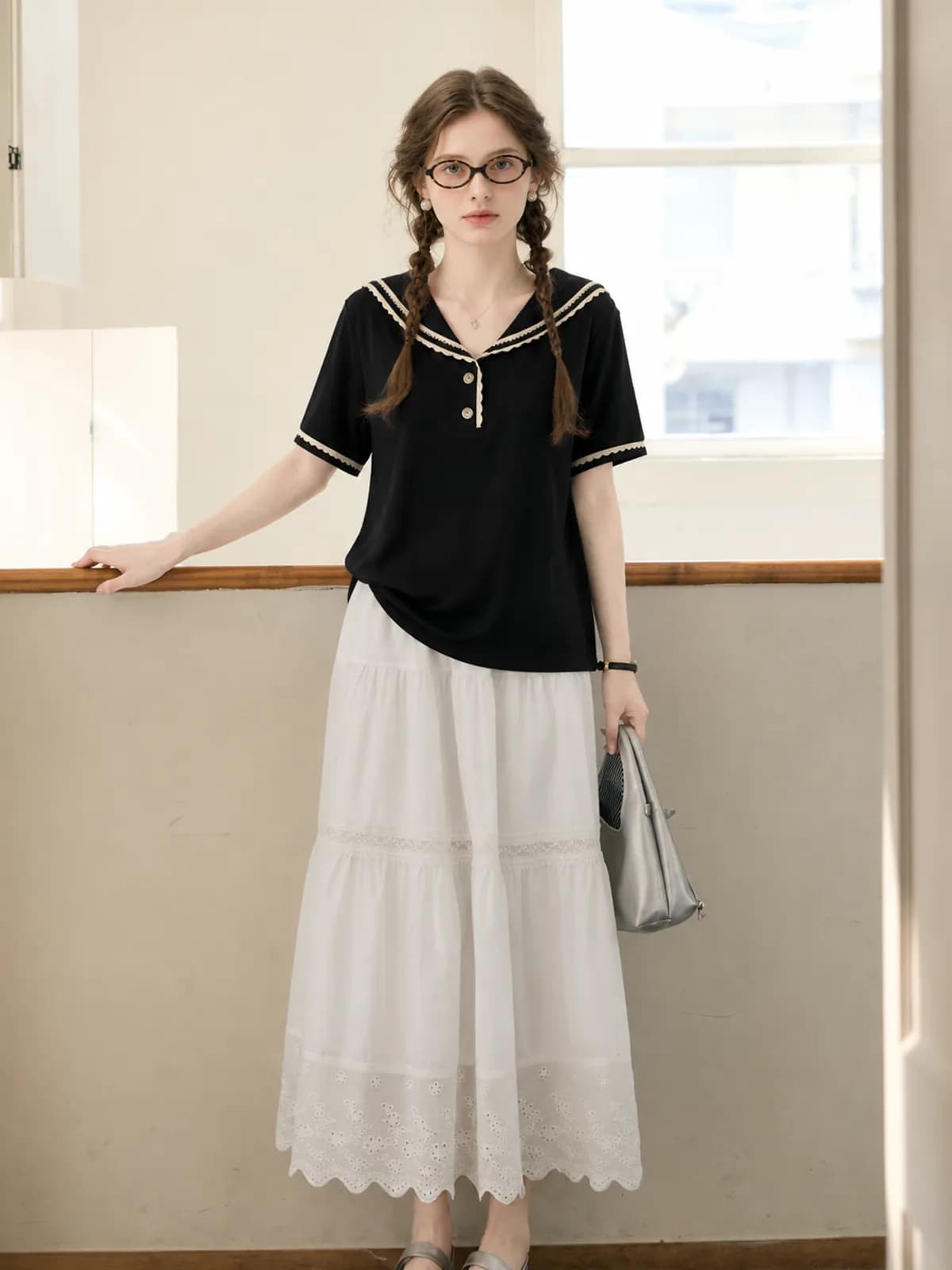
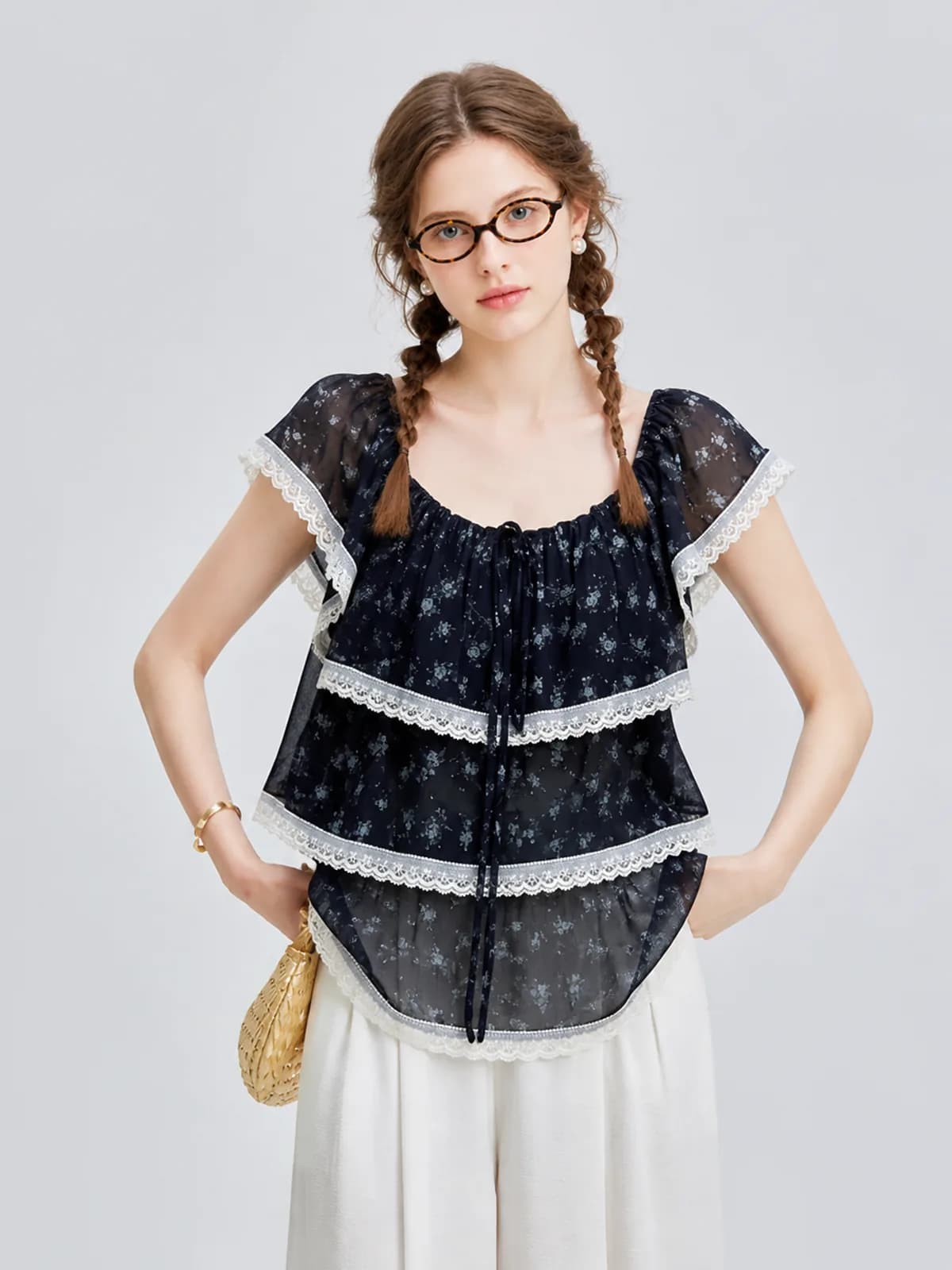
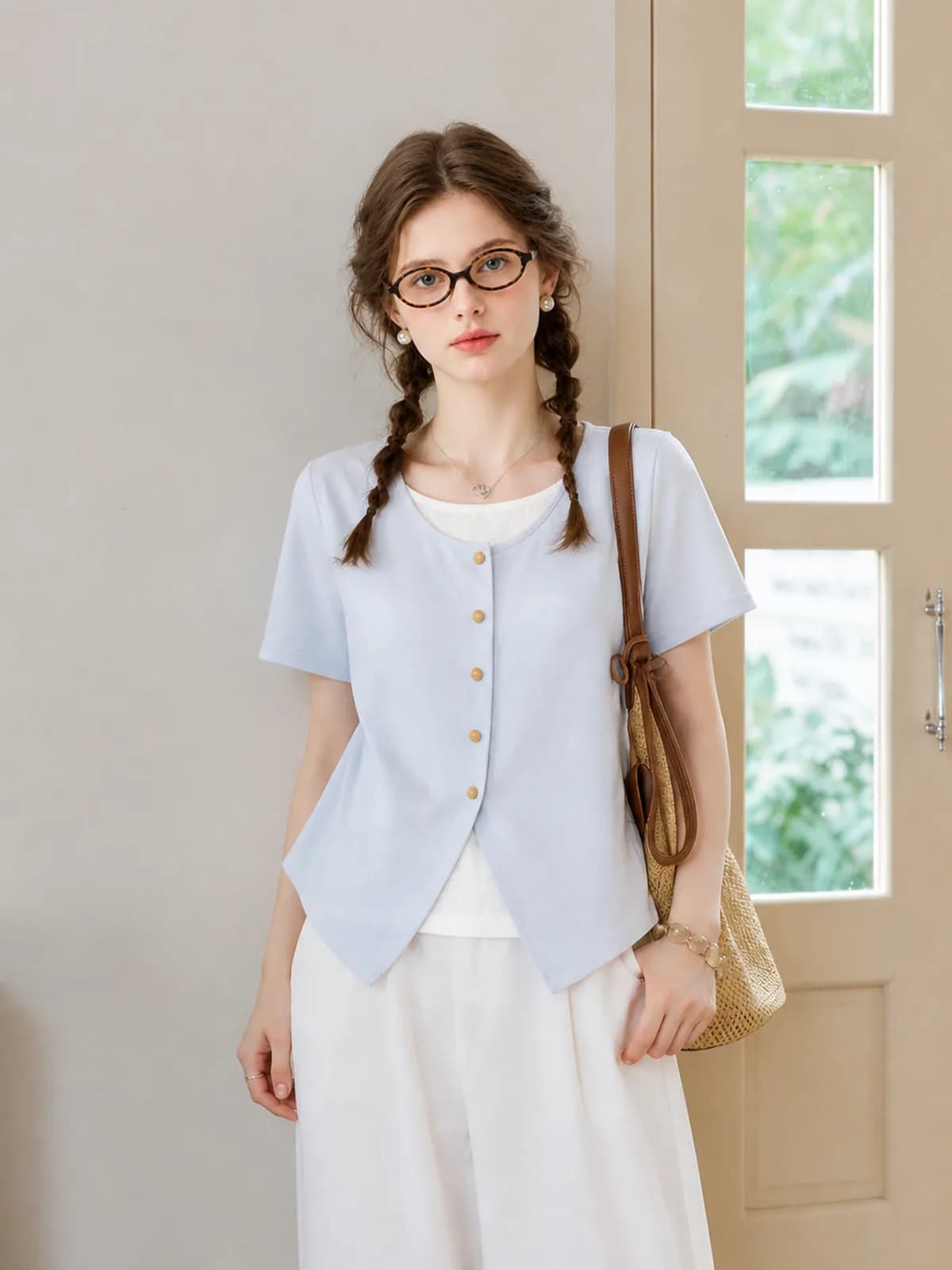
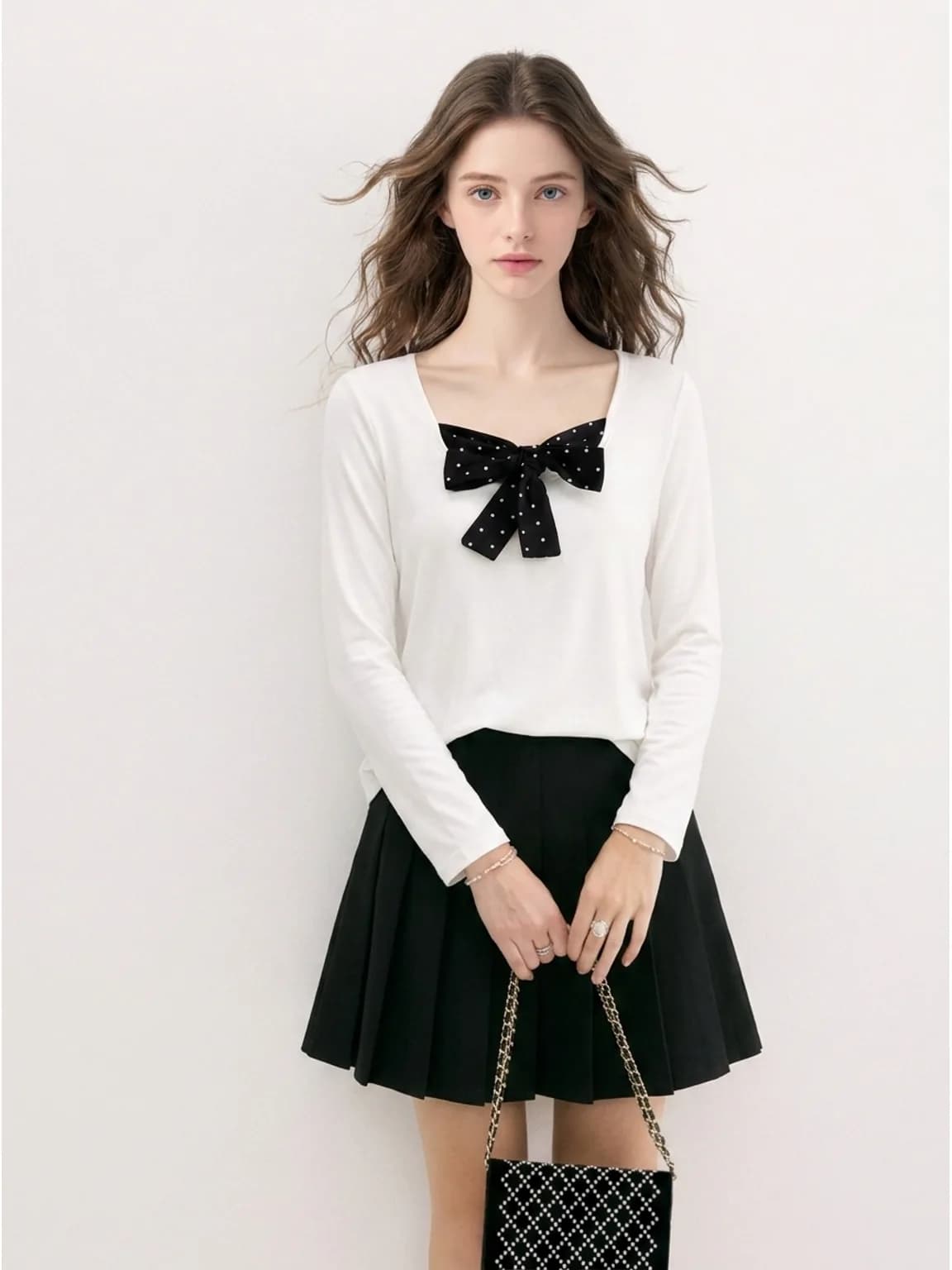
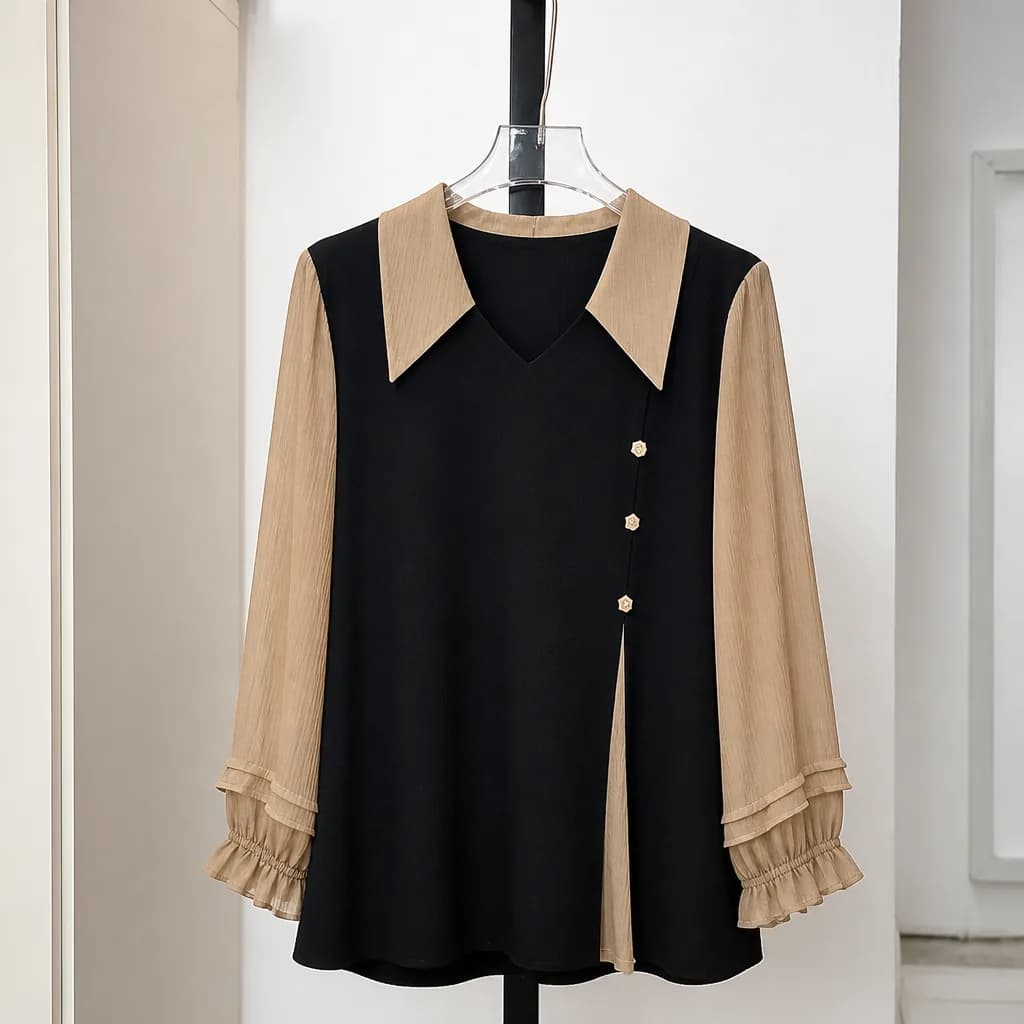
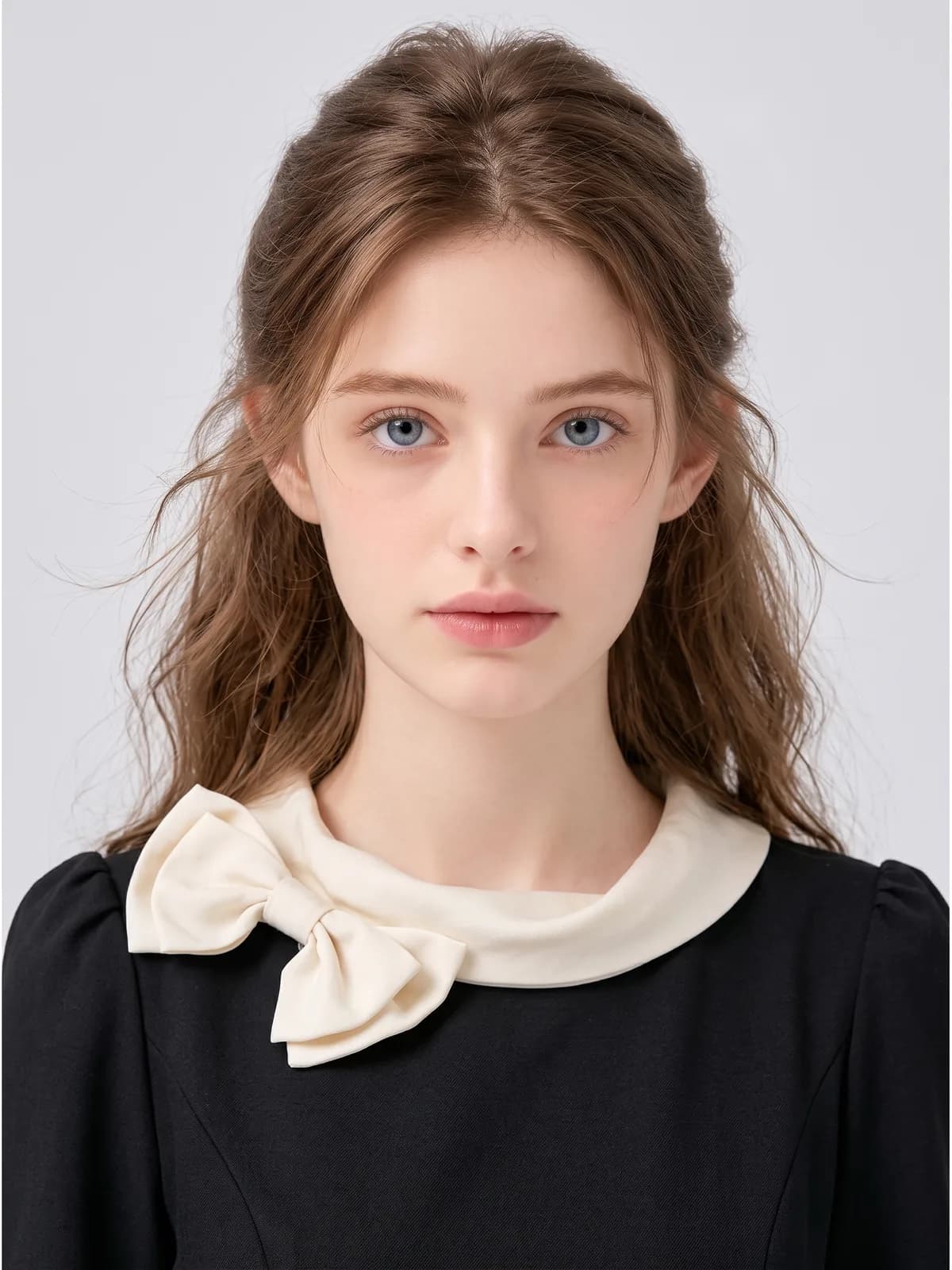
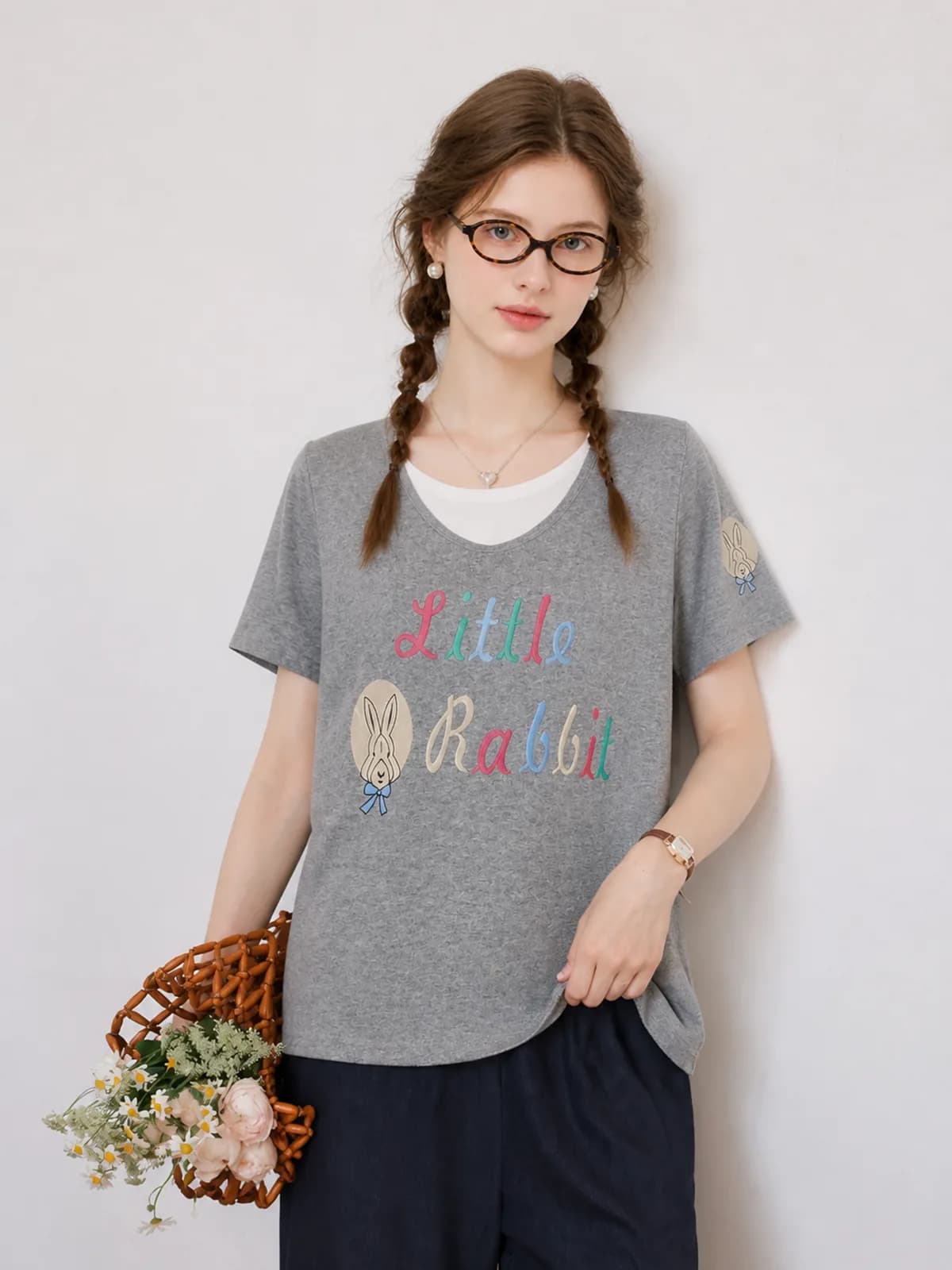
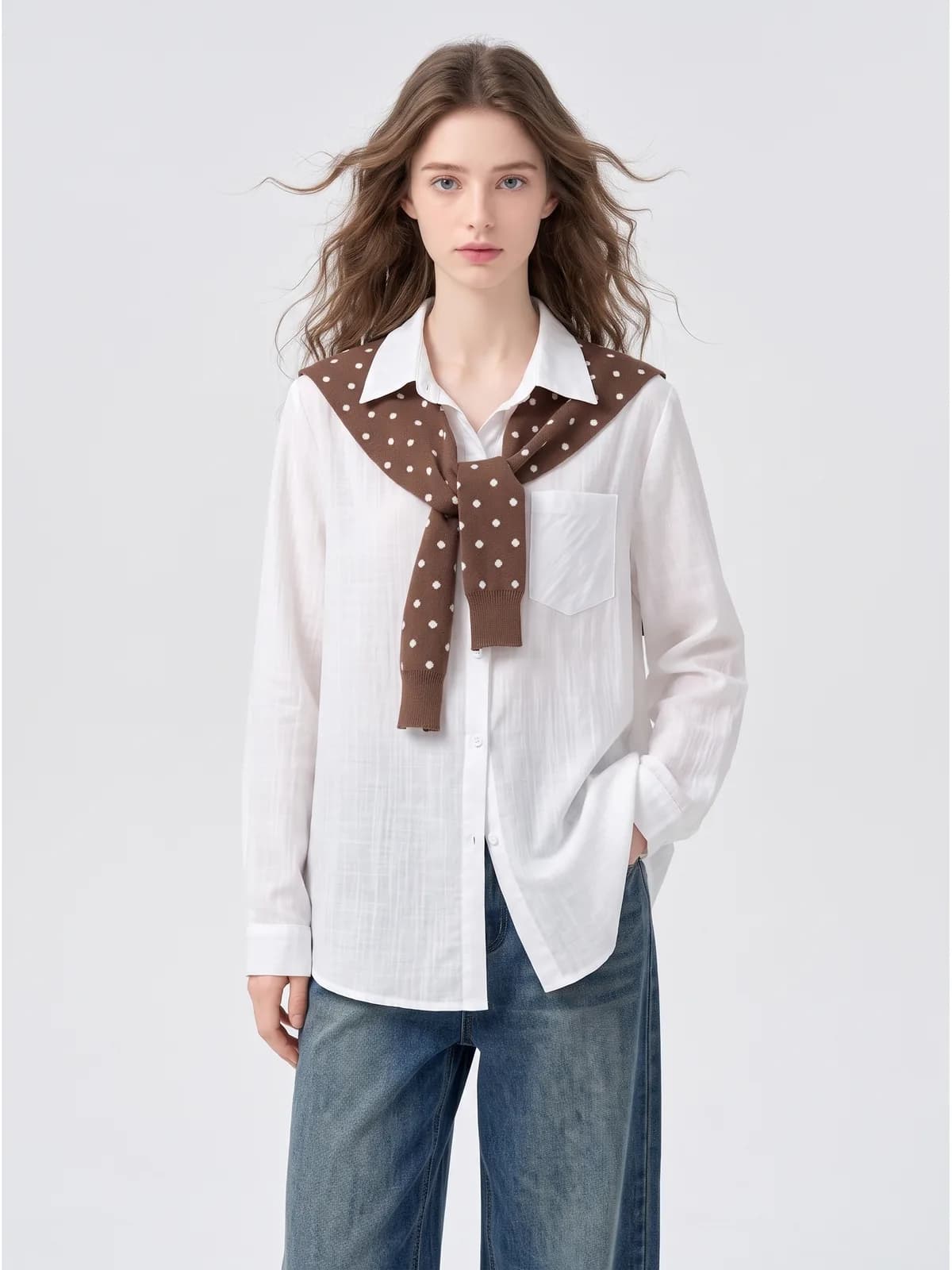
How it works
- 1Photograph the piece the way you already do
On a hanger, flat on the floor, or over a door. Daylight rather than a warm bulb, whole garment in frame, sleeves open and the hem straight. You do not need to tidy the room behind it.
- 2Run it on your saved model
Pick the model you use for the whole shop so the new listing matches the last forty. Add a line about the setting only when the piece needs one, such as a coat that should read as outdoor.
- 3Download the set and cross-list it
Take the on-model image and the white-background version, keep your own close-ups of labels, wear and measurements, and upload the same set to every app you list on.
What this unlocks
- No mannequin to buy, pin or store
- A dress form is one size, needs pinning for anything that does not fit it, and lives in the corner of a room you are already using for stock. The on-model image does the same job without the object.
- A rail of unrelated items reads as one shop
- Consistency is the only thing a resale grid has instead of branding. The same model and the same backdrop across every listing is what makes fifty unconnected finds look curated rather than dumped.
- Items go up the day they come in
- There is no shoot to schedule and no minimum batch, so a piece sourced on a Saturday morning can be photographed, generated and listed the same afternoon while you still remember what it is.
- Fewer fit questions before the sale
- Most pre-purchase messages are about length and drape. Seeing the piece worn answers both without a reply, which matters most on the apps where a slow answer costs you the sale.
Where sellers use it
- Poshmark
- The cover photo decides whether anyone taps, and it is shown square, so a hanger shot with a doorframe in it loses before it starts. Use the on-model image or the white-background version as the cover and keep your own detail shots in the slots behind it.
- Depop
- The grid is the shop. A Depop page is judged as a whole, which is exactly what one saved model and one backdrop across every listing gives you. There are few photo slots, so the cover has to carry the fit and the styling at once.
- Vinted
- Buyers scroll quickly and ask about fit constantly. An on-model image plus a plain flat of the same piece answers most of it before the message arrives, and the plain version is the one that survives a small thumbnail.
- eBay
- eBay accepts up to 24 pictures per listing and asks for at least 500 by 500 pixels, recommending around 1600 by 1600, with no watermarks, badges or added text. A plain-background image for the search grid plus on-model shots in the gallery covers both surfaces.
- Mercari
- Listings live or die on the first thumbnail, and most of them are bedroom photos, so a clean cover stands out without any other effort. Keep the condition photos in the gallery, because resale buyers open them before they buy.
Common pitfalls
- Hiding the condition
- Generate the on-model image, then keep every one of your own photos of pilling, stains, missing buttons and repairs. Resale buyers look for them, and a listing that only shows a flawless render is the one that comes back as a return.
- Letting the light change the colour
- Colour is read out of your photo. Shoot in daylight, not under a warm bulb or a coloured lampshade, or a cream blouse arrives as a yellow one and the buyer is right to complain.
- Changing the model every week
- The whole benefit is that the grid looks like one shop. Pick a model, save it, and leave it alone until you have an actual reason to change, such as opening a separate menswear account.
- Not saying the image is AI-generated
- Write it in the description. Every marketplace treats AI imagery differently and the rules keep moving, so check the current policy for each app you list on rather than assuming what was true last season still holds.
- Bunching the garment in the input photo
- An unusual cut has to be visible before it can be reconstructed. Lay the piece out so the silhouette is obvious, sleeves open and hem flat, rather than folded under itself on a hanger.
What it costs
From $0.10 an image, from 6 credits depending on model and resolution, with the price shown before you confirm. No subscription, credits never expire, and verifying your email grants 50 free credits. See pricing
Go deeper
Related
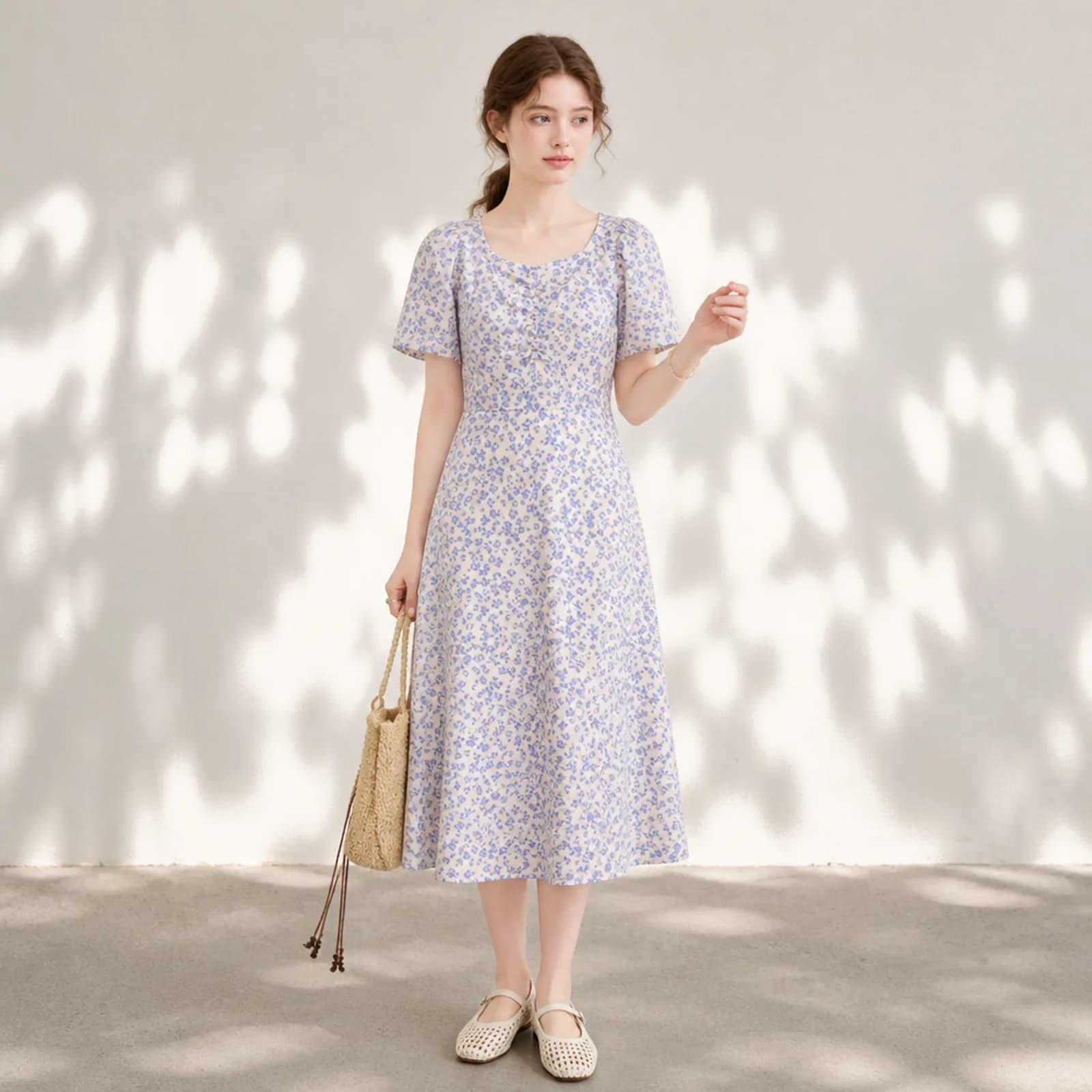
AI model photos for Etsy clothing
AI model photos for Etsy clothing: on-model shots from your own flat lay, one face across the whole shop, and the plain versions the search grid needs.
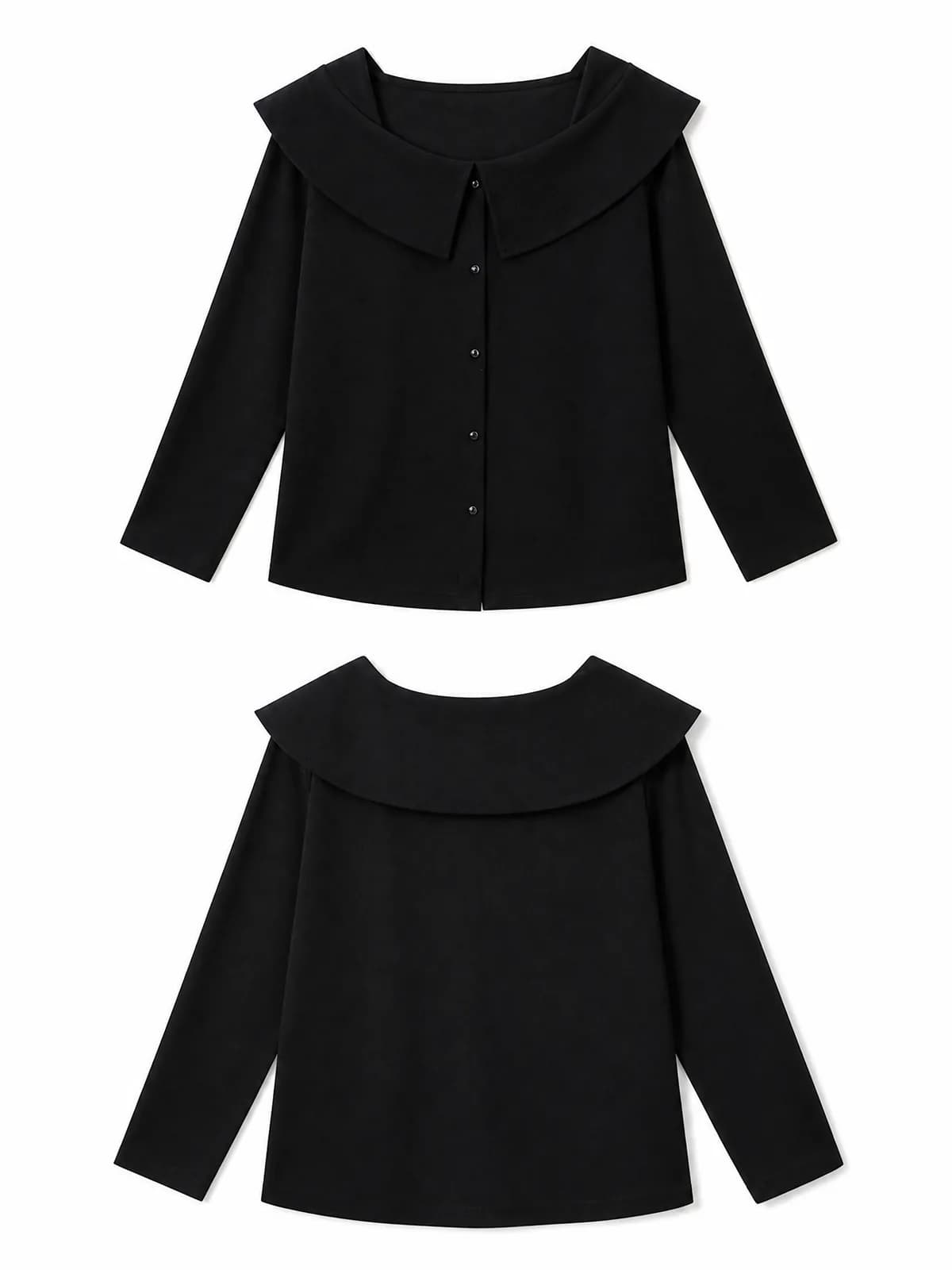
AI clothing photos for Amazon sellers
AI clothing photos for Amazon listings: pure white images, on-model gallery shots and close-ups from one garment photo, plus what Amazon allows where.
How do I turn a flat lay into a model photo?
How to turn a flat lay into a model photo: what to photograph, which AI tool setting to use, and what to check before the image goes into a listing.
Questions
- Do I still have to photograph the actual item?
- Yes, and that is the point. The garment in the output is read from your photo of the piece in your hands, so every listing still starts with a real photo of the real item. What changes is that the photo no longer has to be good enough to sell on its own.
- Should I tell buyers the model photo is AI-generated?
- Say so in the description, and keep your own photos of the real piece in the gallery. The garment shown is the one you are selling, and being direct about how the image was made costs you nothing while an argument after delivery costs you a return and a rating.
- Does it work on vintage pieces with unusual cuts?
- Usually. Unusual silhouettes are rebuilt from what your photo shows, so the result depends on how clearly you laid the piece out. Open the sleeves, straighten the hem, and let an asymmetric or heavily draped piece sit the way it would hang rather than folded.
- How many images does one listing need?
- Most resale listings work with one on-model image, one plain-background image and your own close-ups of the label, the measurements and any flaws. That is two generated images per item, each priced in credits and shown to you before you confirm.
- Can I keep the same model across my whole shop?
- Yes. Save a model once and attach it to every generation. That is what turns a grid of unrelated finds into something that looks like one shop, and it is the single easiest thing a reseller can do to a profile page.
- What about shoes, bags and other accessories?
- They go through the same route. An accessory can be generated worn or carried by the same saved model, which is more useful than a flat shot for anything where scale is the question, such as a bag that is smaller than it looks on a table.
- Can I run a whole haul in one sitting?
- Yes. Upload the pieces one after another; generation runs in the background, so you can keep uploading while earlier images come back. Sourcing days produce a pile of items at once, and the workflow is built for that rather than for one item at a time.
- What sizes do the resale apps actually want?
- They differ, and they change. eBay asks for at least 500 by 500 pixels and recommends about 1600 by 1600; other apps crop square or tall. Export at 2K and you clear the common minimums with room to crop.
- What happens to my images if I stop using Photopurr?
- Download them and they are yours. Files come back as full-size JPEG, there is no subscription to cancel, and credits you have already bought do not expire, so an account you leave alone for three months is exactly where you left it.
Make one and see
Verify your email and 50 credits are yours. Failed runs are refunded automatically.
Make your first image free