AI fashion photoshoot
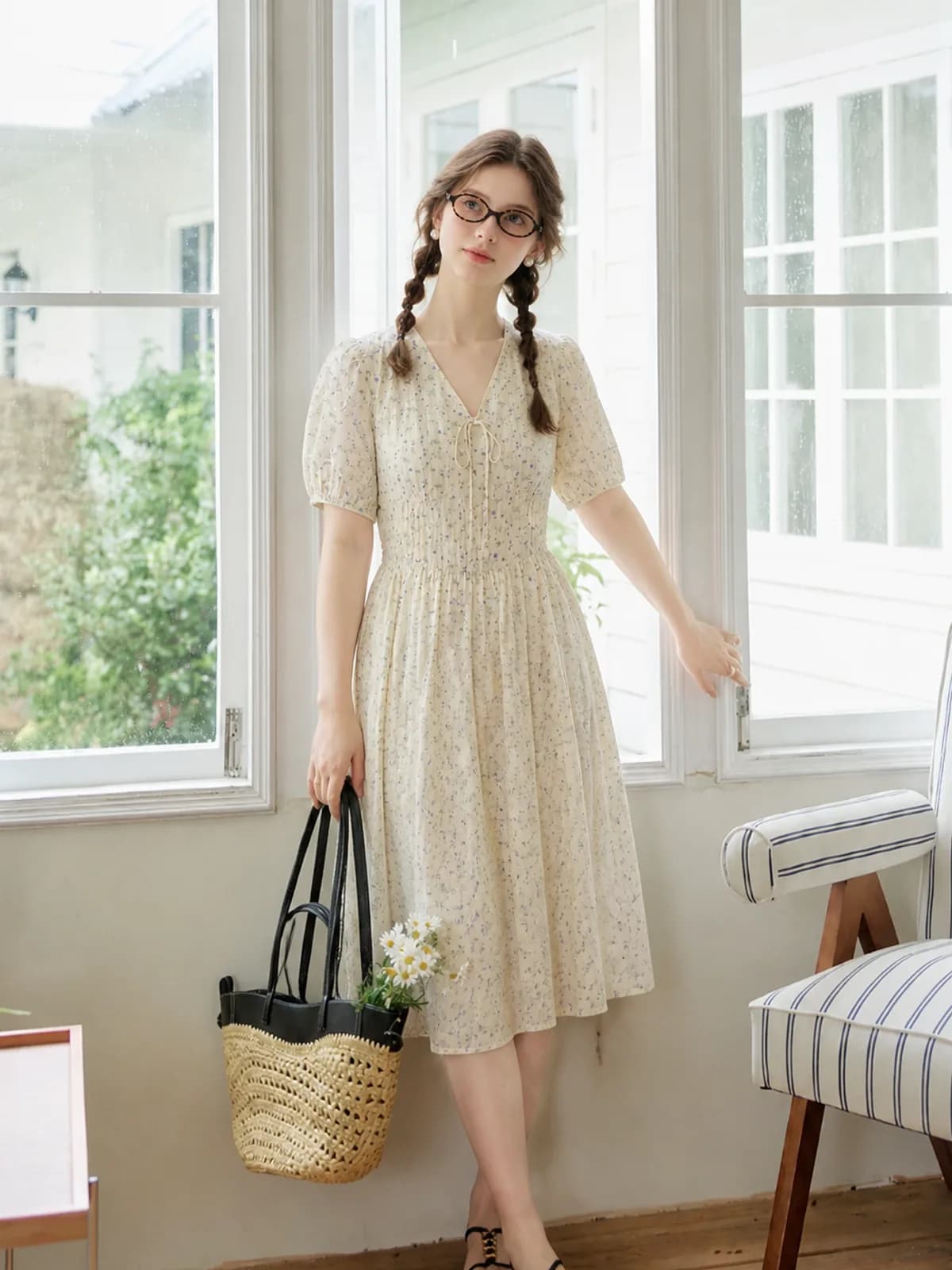
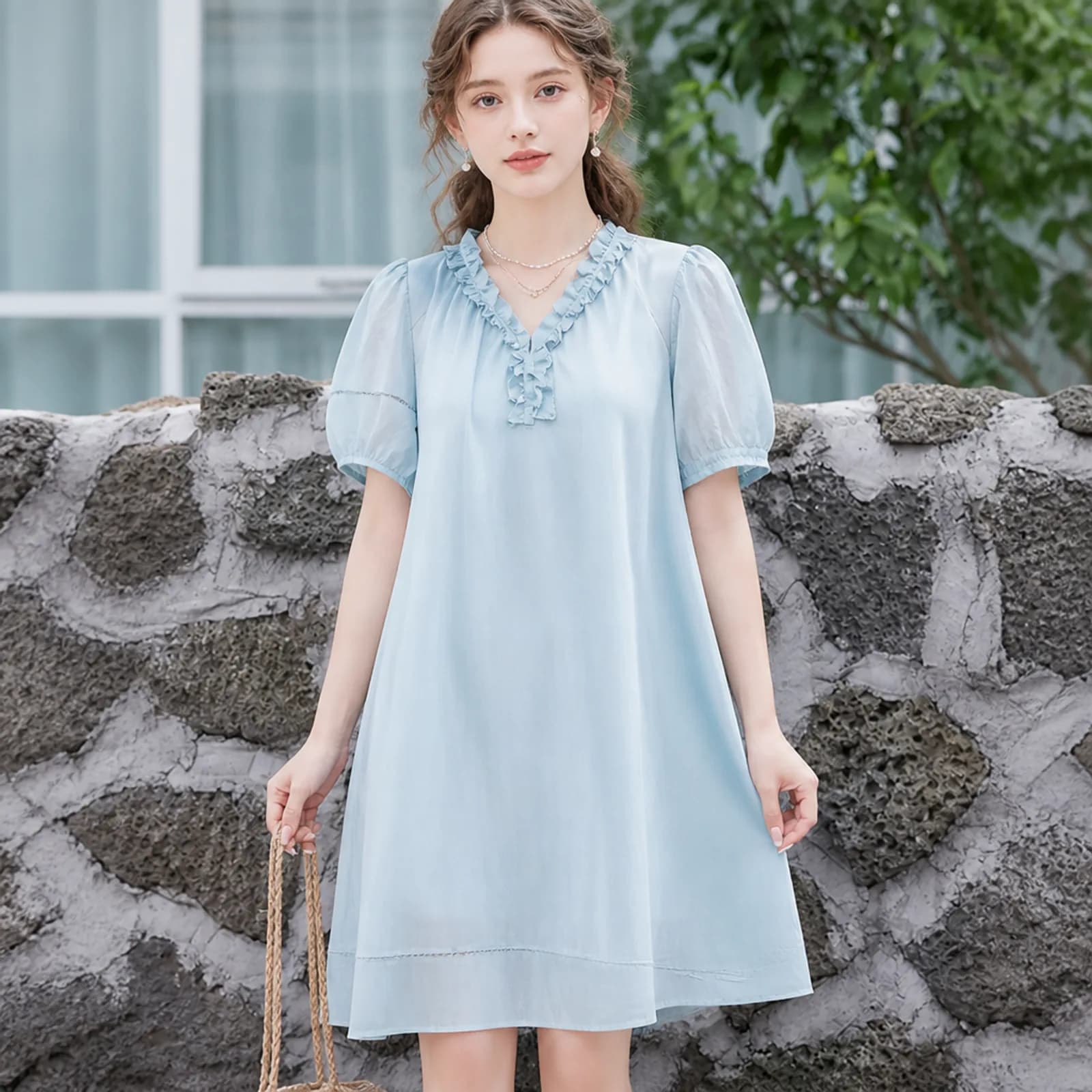
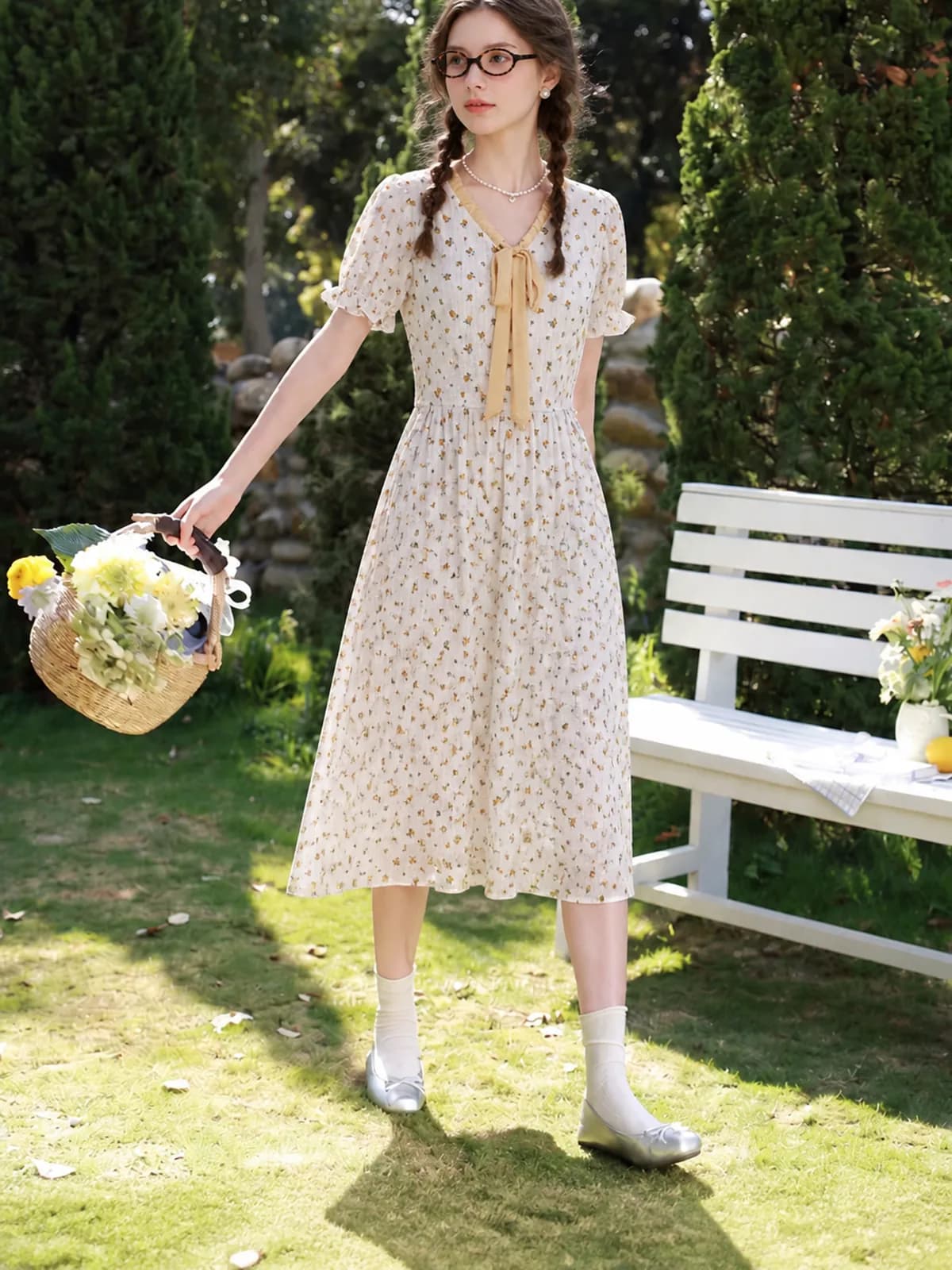
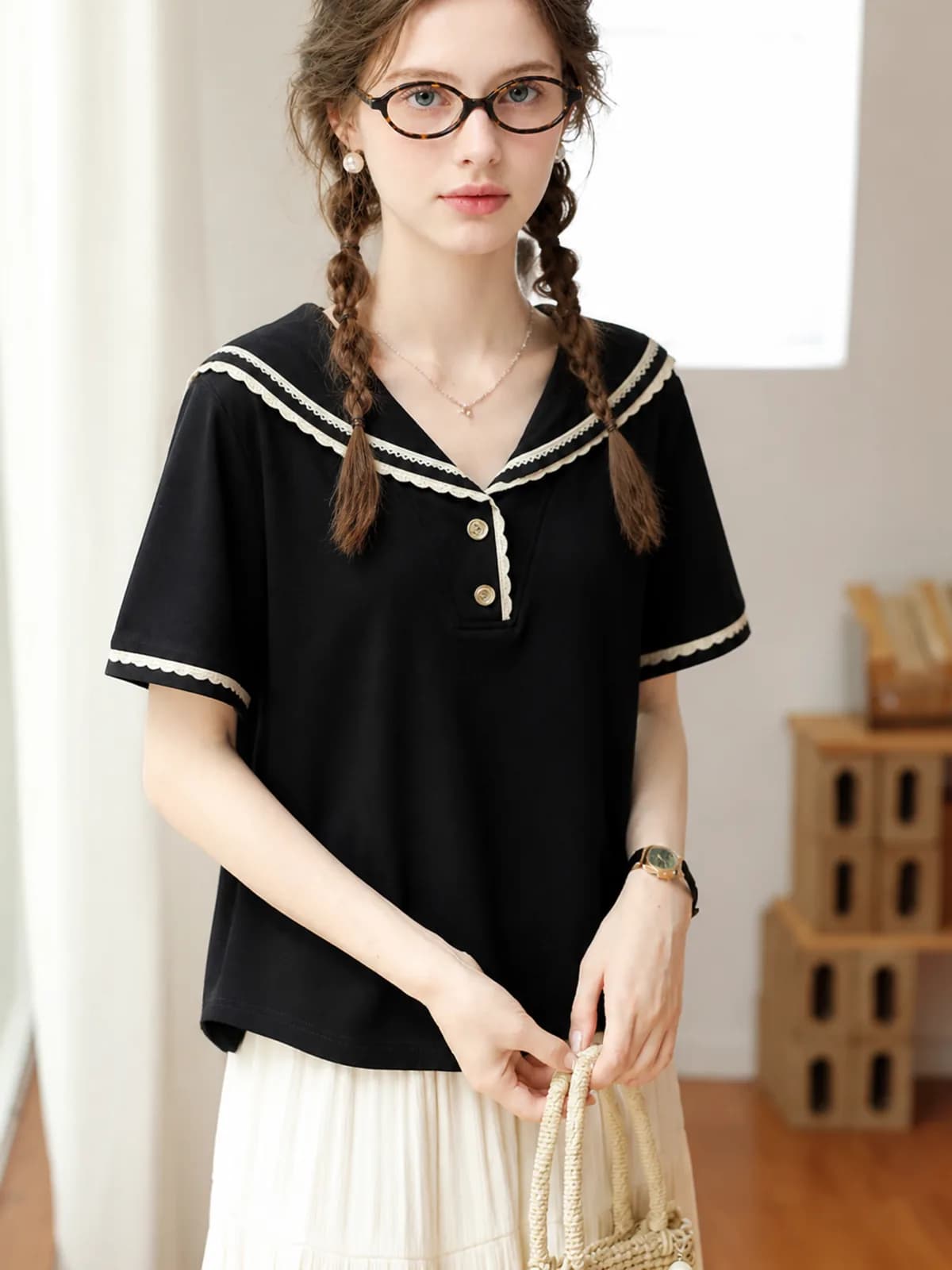
A photoshoot is a location, a model and a run of frames, not a single picture. An AI fashion photoshoot gives you the same three from one photo of the garment: pick the persona, pick where she stands, and generate as many frames as the listing needs. Change the location and the piece stays exactly as you photographed it.
Examples
Key features
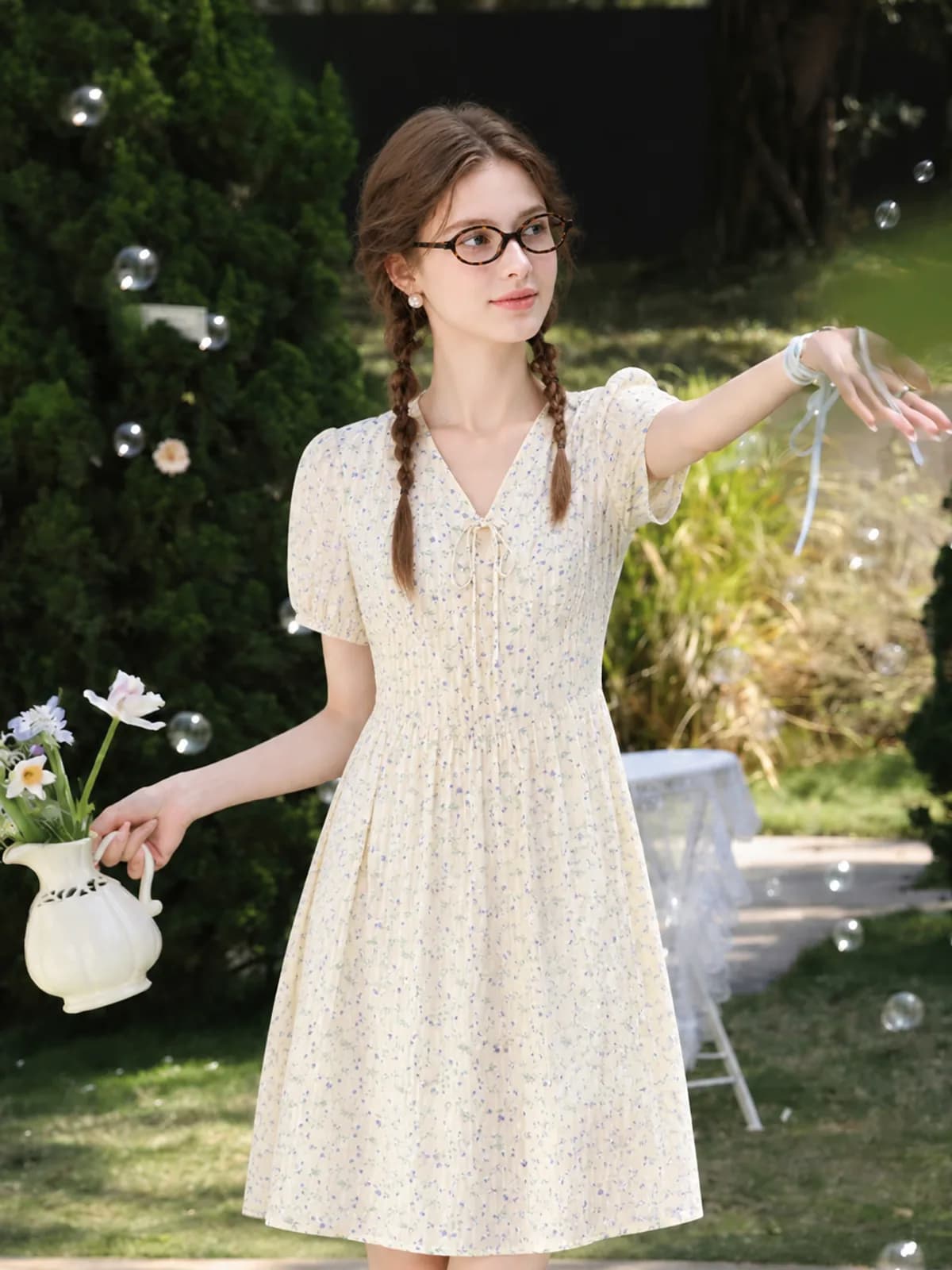
A run of frames, not one picture
A listing that converts usually needs a full-length hero, a half-length crop, a detail of the fabric and something that shows the piece in use. Those are planned together from one upload, so they share a persona and a light direction instead of looking like four photos borrowed from four places.
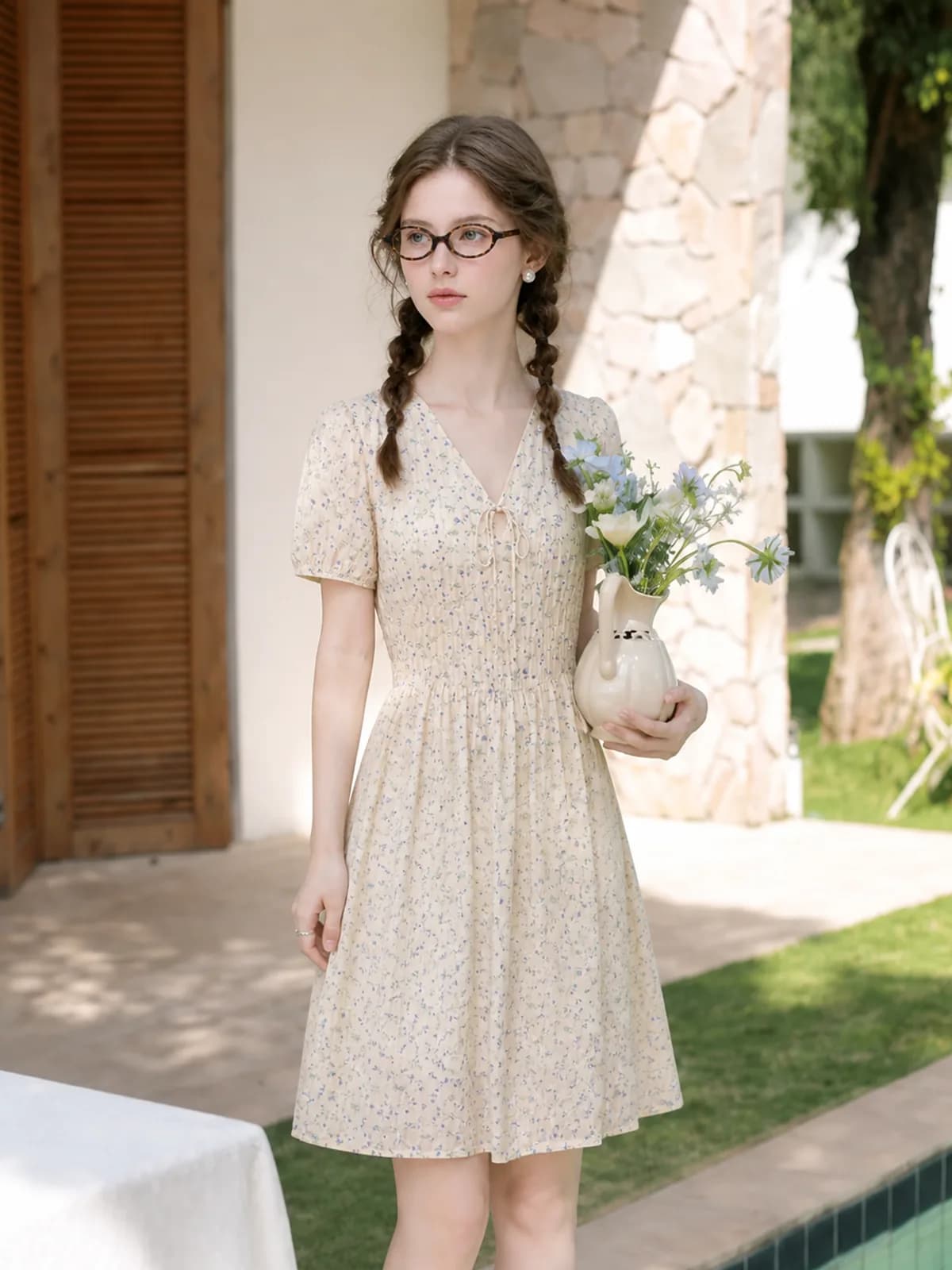
Move the location, keep the garment
A garden, a poolside, a café window and a city street are a line of description each. The garment is re-read from your original photo every time, so the print and the cut do not drift as the background changes. That is the part a real location shoot charges a day rate for.
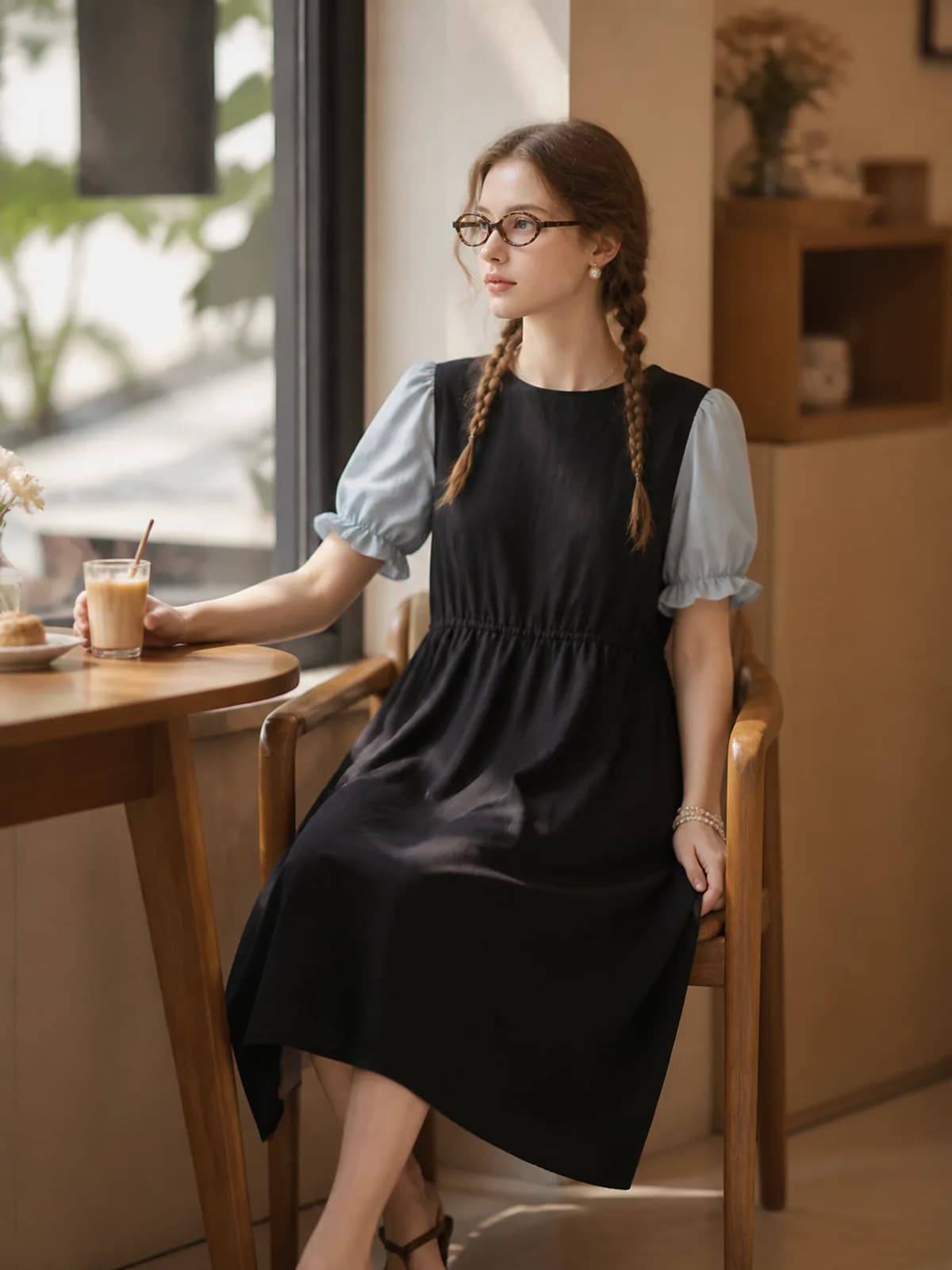
Redo one frame, keep the rest
If one image comes back with a bad hand or a hem that landed wrong, regenerate that frame alone. The rest of the set is untouched and is not charged again. Expect this occasionally: AI images drift on details, which is why the unit of work here is one image rather than a session.
How it works
- 1Decide the frames before you generate
Write down what the listing needs — full length, half length, fabric close-up, one lifestyle frame. Knowing the list first is what stops a photoshoot turning into twenty near-identical images you then have to choose between.
- 2Fix the persona and the setting
Choose the saved persona, then describe the location in one line: garden in late afternoon light, plain studio, café by a window. Save the setting alongside the persona and next month’s drop will sit beside this one instead of clashing with it.
- 3Review, redo, then download the set
Check each frame against the original garment photo, regenerate anything that missed, and download the finished pack by style. The persona and setting stay saved, so the next garment starts from the same look rather than from scratch.
Who it is for
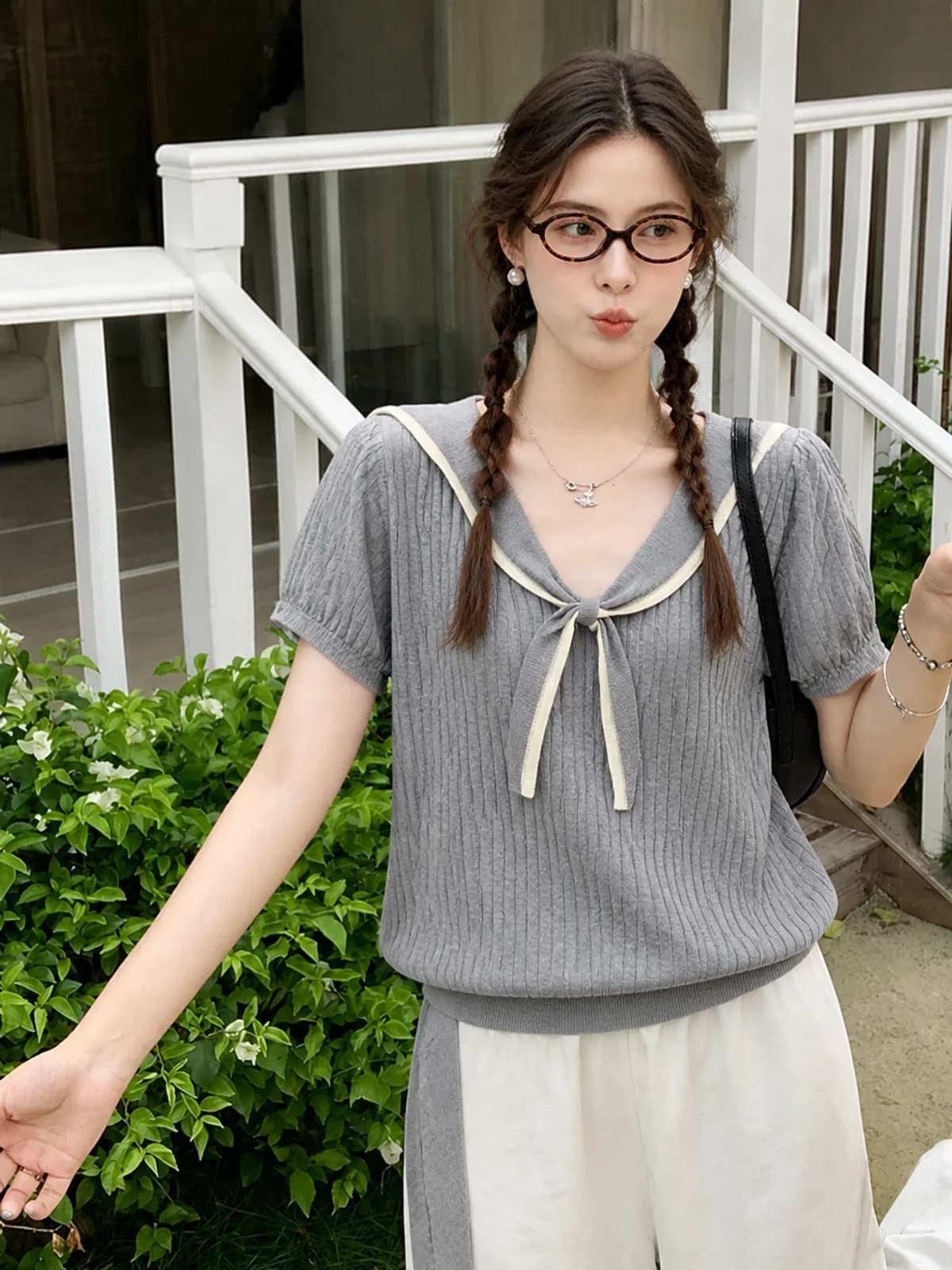
Etsy clothing sellers
Etsy listings reward a full set: the piece worn, the piece detailed, the piece in a room someone recognises. A photoshoot per style is what small makers cannot normally afford, and it is exactly what this replaces.
See the seller guide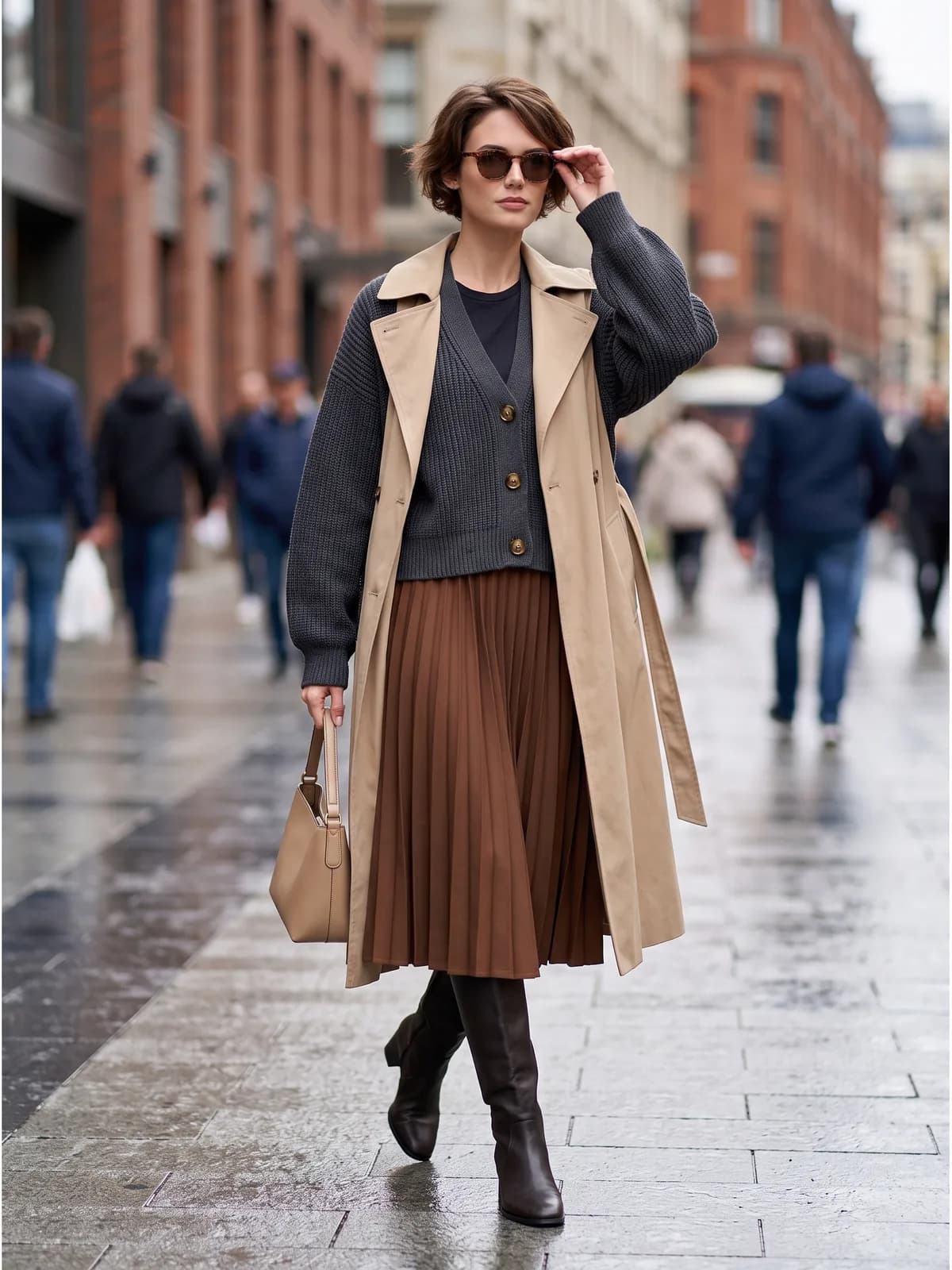
Resellers with one-off pieces
A single vintage coat does not justify a location shoot, but it still sells better on a street than on a hanger. Generating one lifestyle frame per piece is affordable in a way that booking anything never is.
See the seller guide
Compared with a photo shoot
| What you are comparing | Photo shoot | Outsourced editing | Photopurr |
|---|---|---|---|
| Booking a location | Permits, travel, a weather day and a crew that all has to be free | Not offered; editing cannot invent a location | A line of description, priced as one image from $0.10 |
| Second location for the same piece | A second half-day, or a rushed move between sites | Not offered | Re-run the same upload with a different setting |
| Bad weather | Reschedule everybody, pay some of it anyway | Not applicable | Not applicable |
| How many frames you end up with | Whatever fits the booked hours | Whatever you paid per image for | As many as the listing needs, each priced before you confirm |
| Matching next month’s drop | Rebook the same model, crew and location and hope | Depends who edits the batch | Reuse the saved persona and setting; no subscription in between |
Shoot and outsourcing costs vary by market, so this compares how you are charged rather than quoting other people's prices. The Photopurr figure is our own lowest per-image price, taken from the pricing page.
What it costs
From $0.10 an image, from 6 credits depending on model and resolution, with the price shown before you confirm. No subscription, credits never expire, and verifying your email grants 50 free credits. See pricing
Related
AI fashion model generator
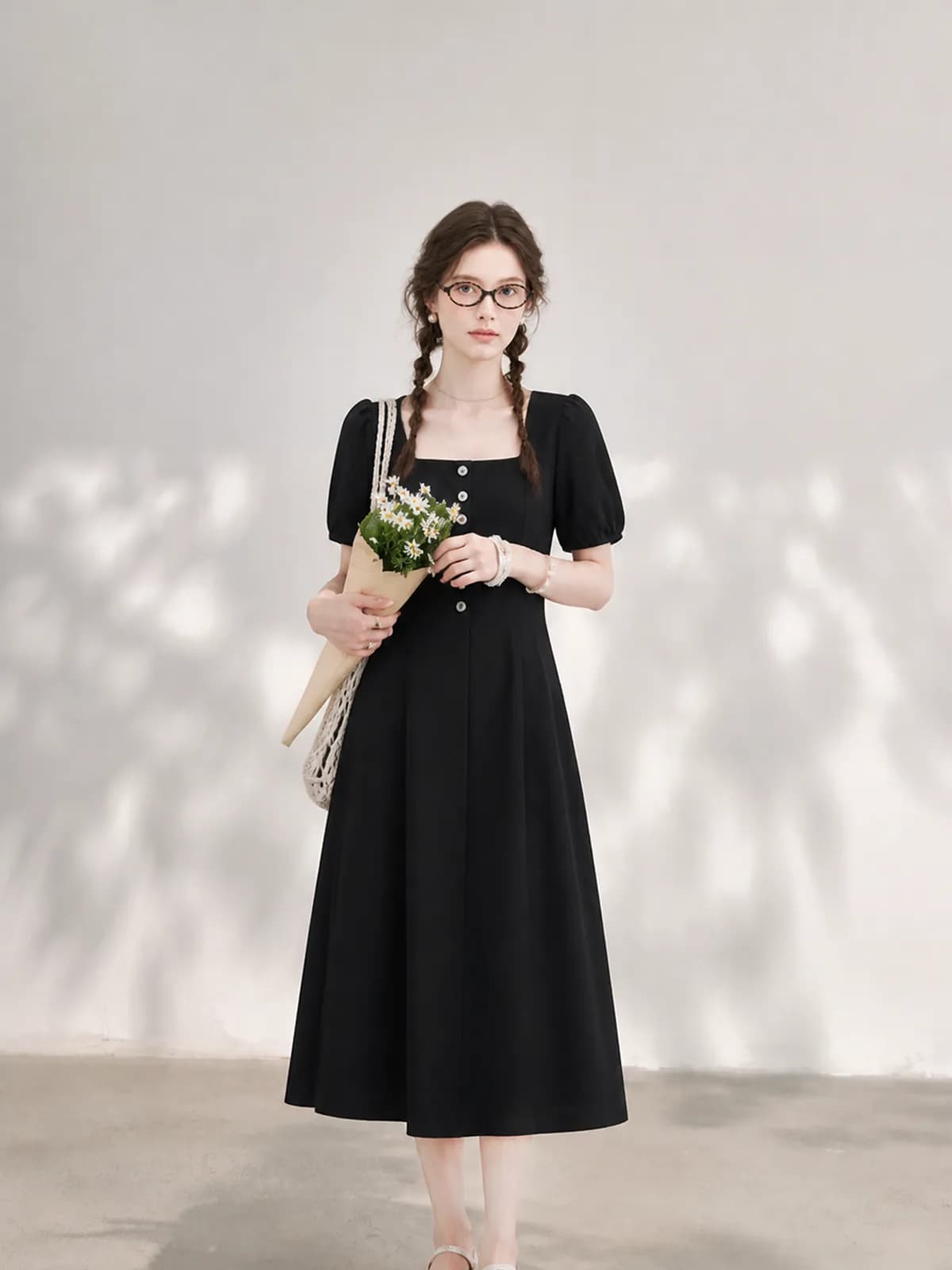
Put your own garments on an AI fashion model you build once and reuse. One photo in, an on-model shot out, priced per image with no subscription.
AI clothing photography
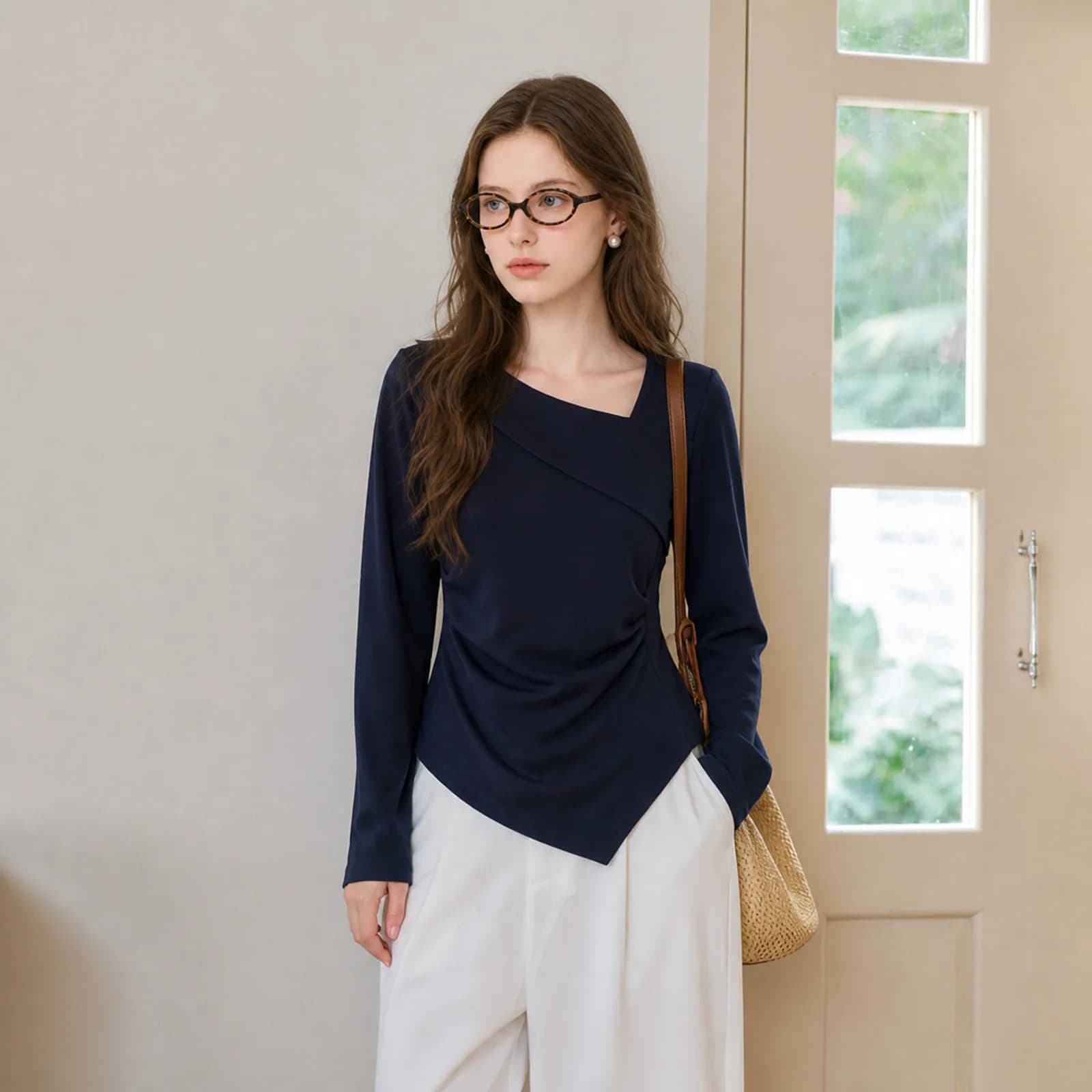
AI clothing photography for small sellers: on-model hero shots, white-background versions and fabric close-ups from one photo of the garment.
AI model photos for Etsy clothing
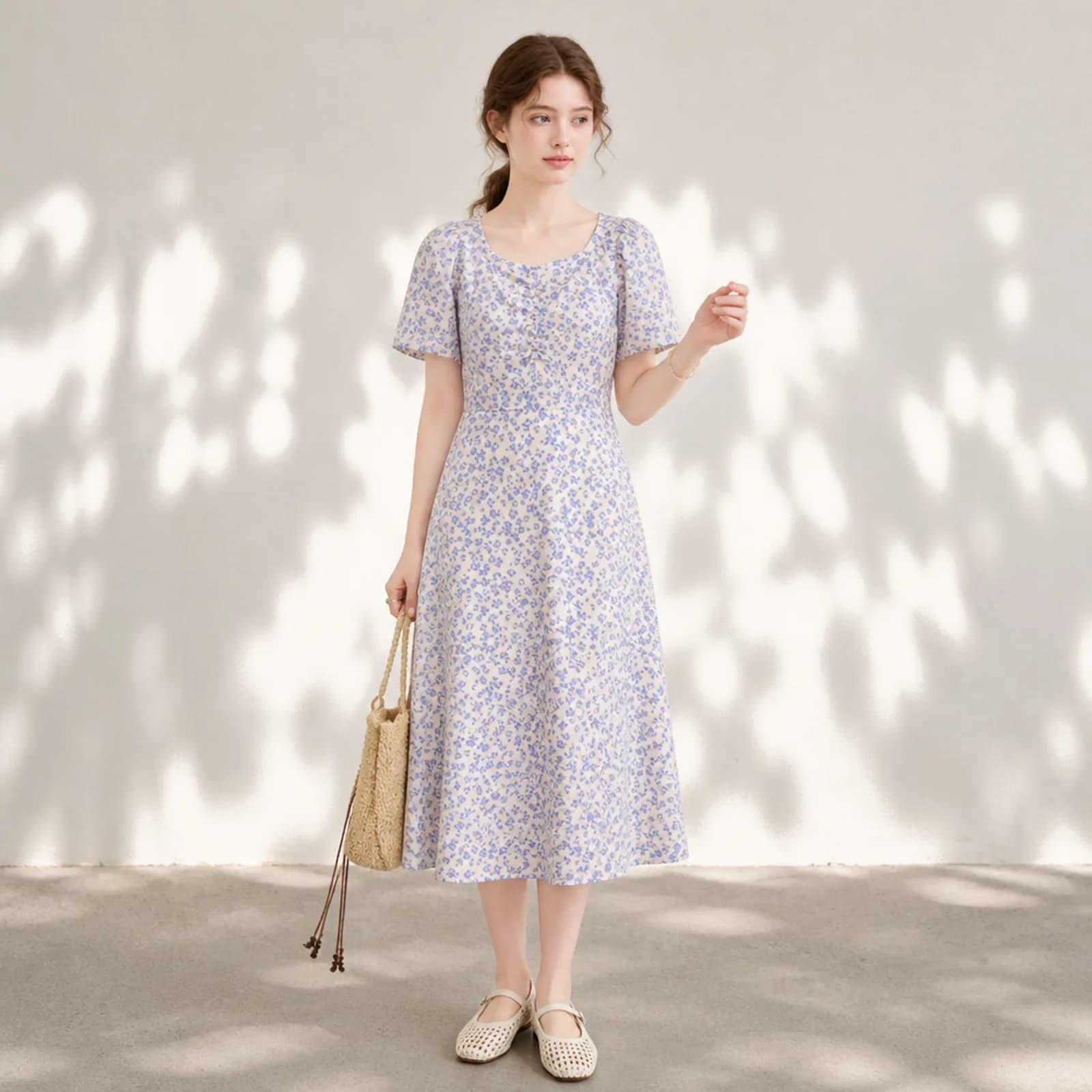
AI model photos for Etsy clothing: on-model shots from your own flat lay, one face across the whole shop, and the plain versions the search grid needs.
Questions
- Can I use one garment in several different settings?
- Yes, and it is the main reason to treat this as a photoshoot rather than a single render. Run the same upload with different setting descriptions. The garment is re-read from your file each time, so a dress photographed once can appear in a garden, by a pool and in a room.
- How many images make a usable listing set?
- Most small sellers land on four to six: one full-length hero, one half-length, one fabric close-up, one white-background version and one or two lifestyle frames. Marketplaces differ on the maximum; eBay allows up to 24 pictures, Amazon recommends at least six plus a video.
- Will the model look the same in every frame?
- The persona is attached to each generation as an identity reference, so the face, body and skin tone carry across the set. Expression, hair movement and pose vary between frames, which is what you want — a set where every frame is identical looks like a mistake.
- Does it work for shoes, bags and hats?
- Yes. Accessories go through the same pipeline, though they are worth generating as their own close frames rather than hoping they read at full length. A bag held at the hip in a full-length shot is decoration; a frame composed around the bag is a product photo.
- How do I keep colour accurate across a drop?
- Photograph each week’s samples under the same light, ideally the same time of day and the same surface. Colour is taken from your file, so consistent input is what produces a consistent drop. If two pieces were shot under different light, fix that before generating rather than after.
- Can I copy a pose from a reference photo?
- Yes. Drop a pose reference into the workflow alongside the garment and the model takes that stance. This is useful for matching an existing catalogue, and it is also the safest way to get a specific hand position rather than describing one in words.
- What does a full set cost?
- Each image is priced in credits by model and resolution, and the total for a run is shown before it starts. Since there is no subscription, the honest answer is: however many images you generate, at the per-image price on the pricing page, and nothing in the months you skip.
- How long does a set take to generate?
- Roughly a minute per image at 1K or 2K, longer at 4K. In practice the wall-clock time is dominated by your own review pass, because checking each frame against the original garment is what stops a wrong hem reaching a listing.
- Is the output good enough for a homepage banner?
- Generate at 4K for anything that will be displayed large or cropped hard, and review it at full size before using it. Detail errors that are invisible in a marketplace thumbnail become obvious in a wide banner, so the review standard should match where the image will be shown.
Make one and see
Verify your email and 50 credits are yours. Failed runs are refunded automatically.
Make your first image free