Product to model AI
Product to model means starting from the photo you have of the thing itself and ending with it worn. It matters most for accessories, because a hat on a table and a hat on a head are two different products to a buyer. Upload the item, choose a persona, and get a frame composed around the accessory rather than around an outfit.
Examples
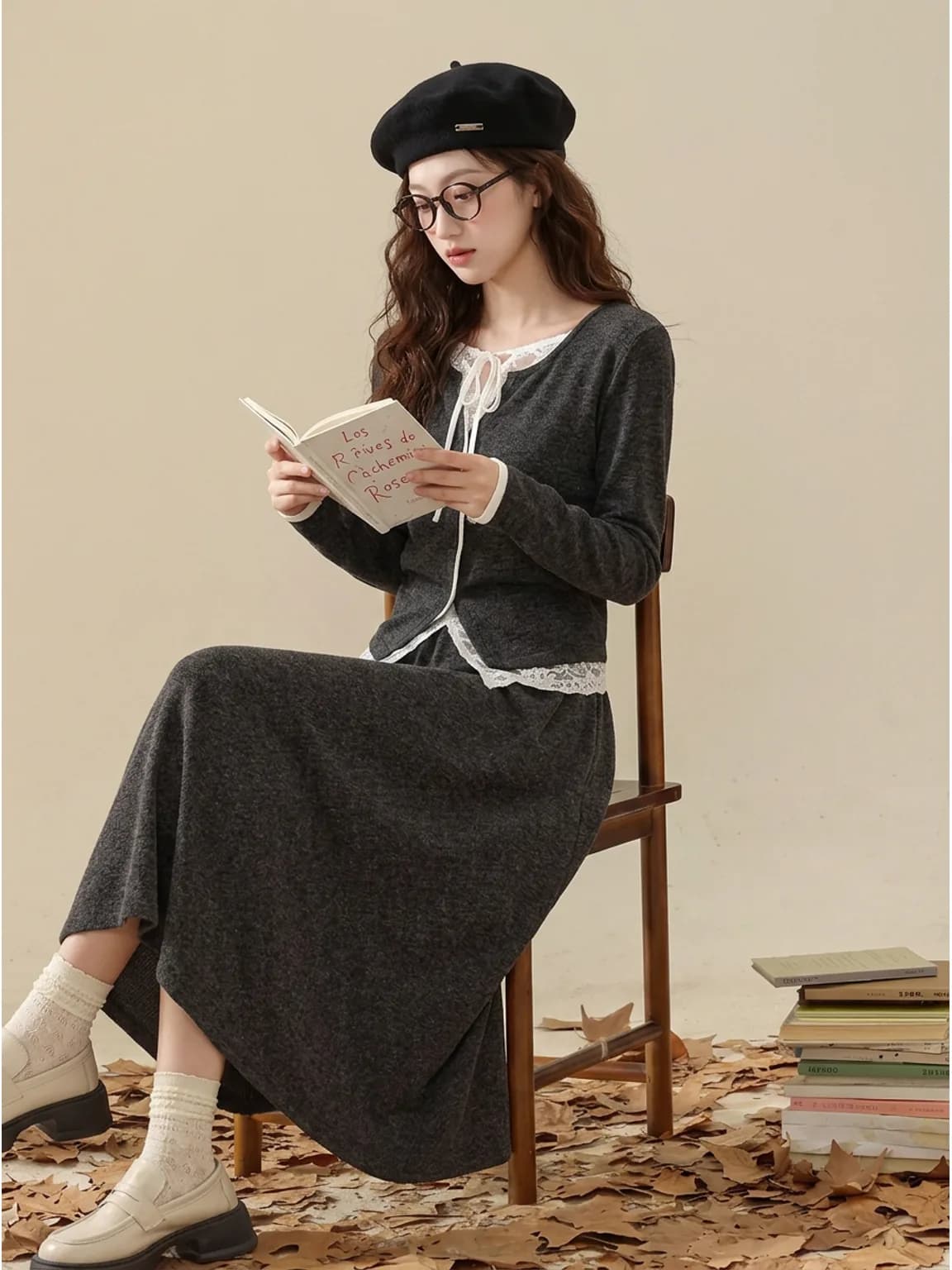
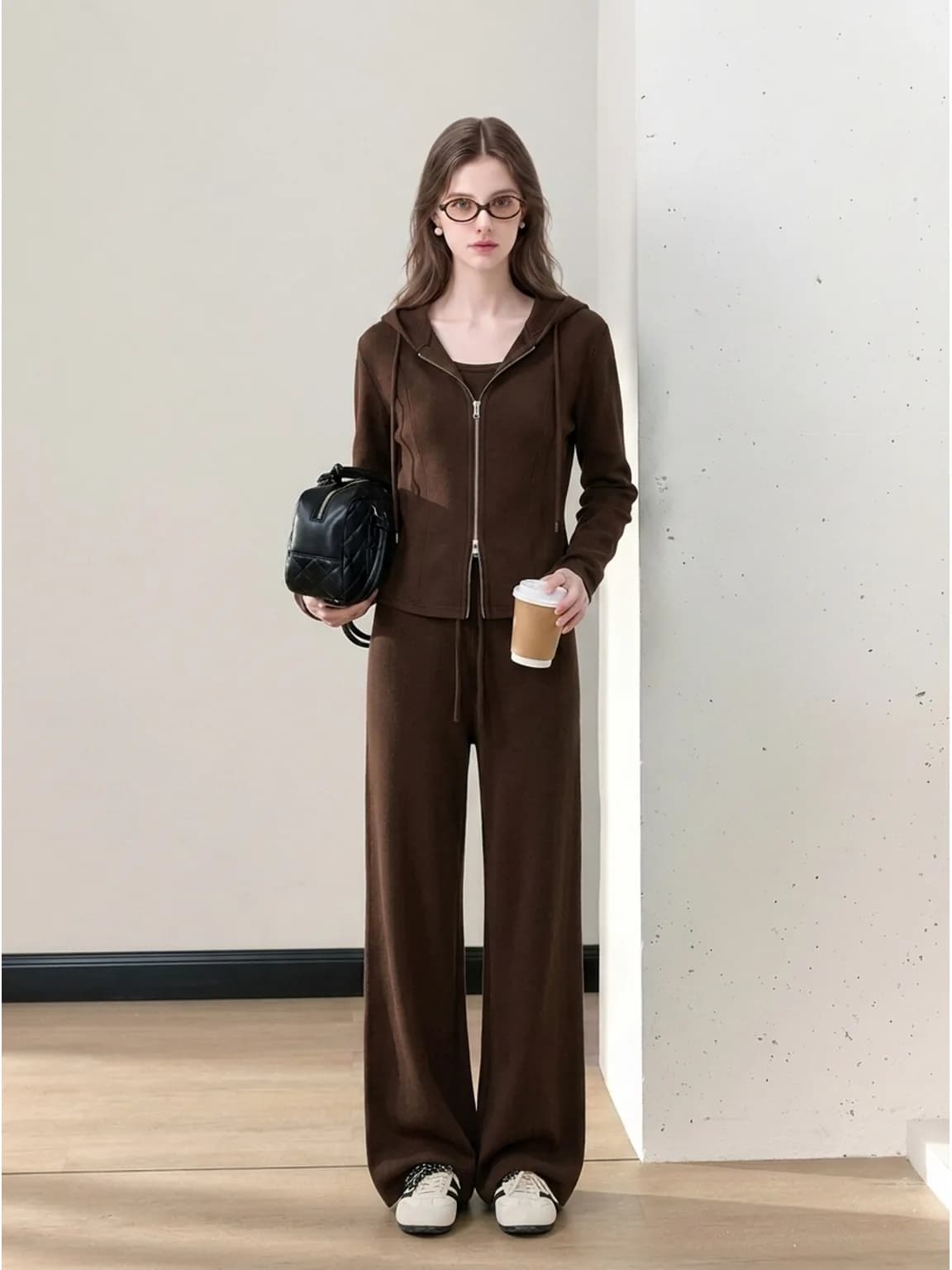
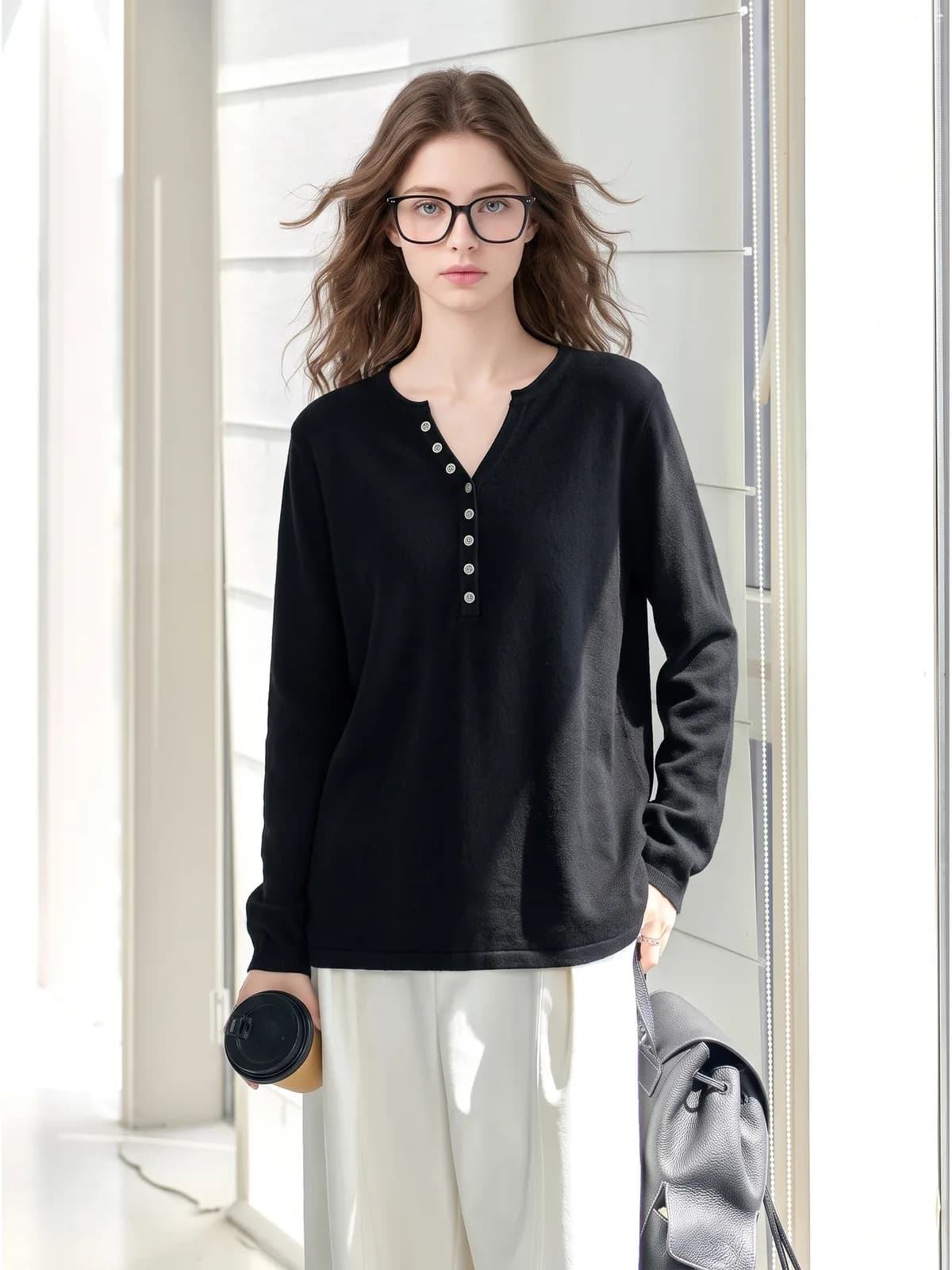
Key features
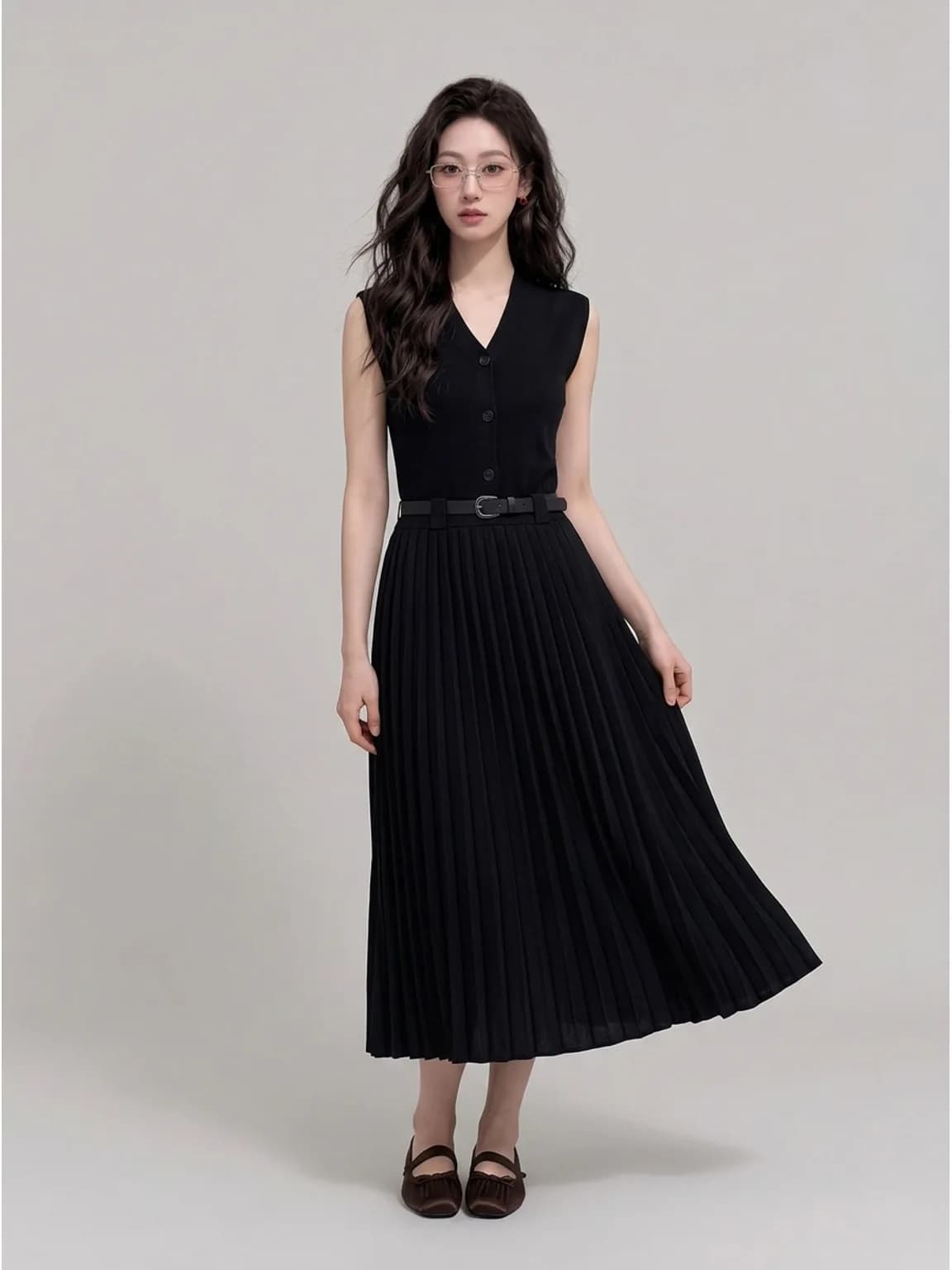
The accessory is the subject
A bag held at the hip in a full-length shot is decoration. Ask for a frame built around the item — a close crop on the face for eyewear, a shoulder-height frame for a bag, a low frame for shoes — and the buyer sees scale and proportion instead of guessing them from a description.
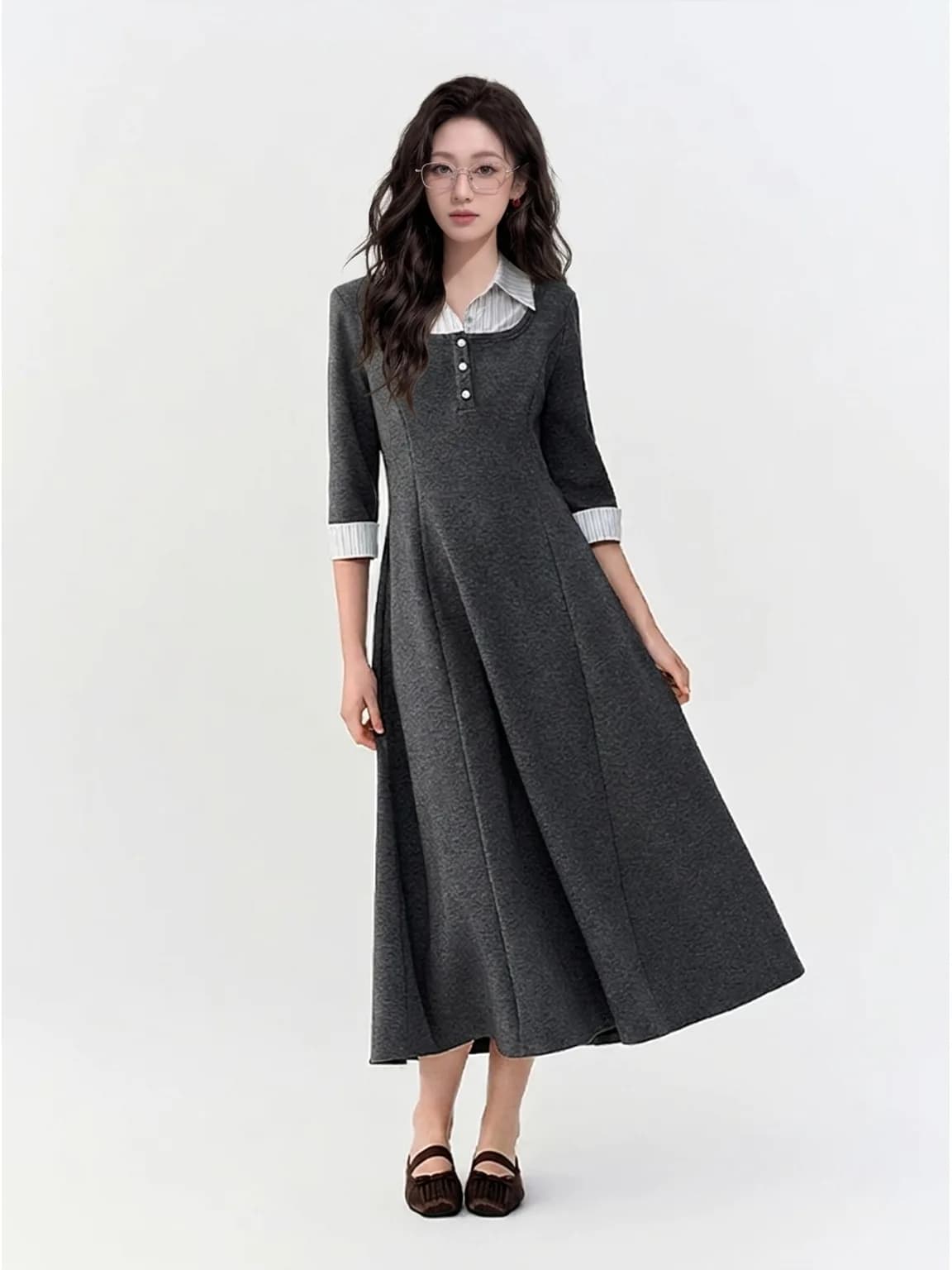
One item, several outfits
The same pair of glasses or the same hat can be generated against two or three different looks, which is how accessory listings answer the question buyers actually have: will this go with what I own. Each image is a separate generation and a separate charge.
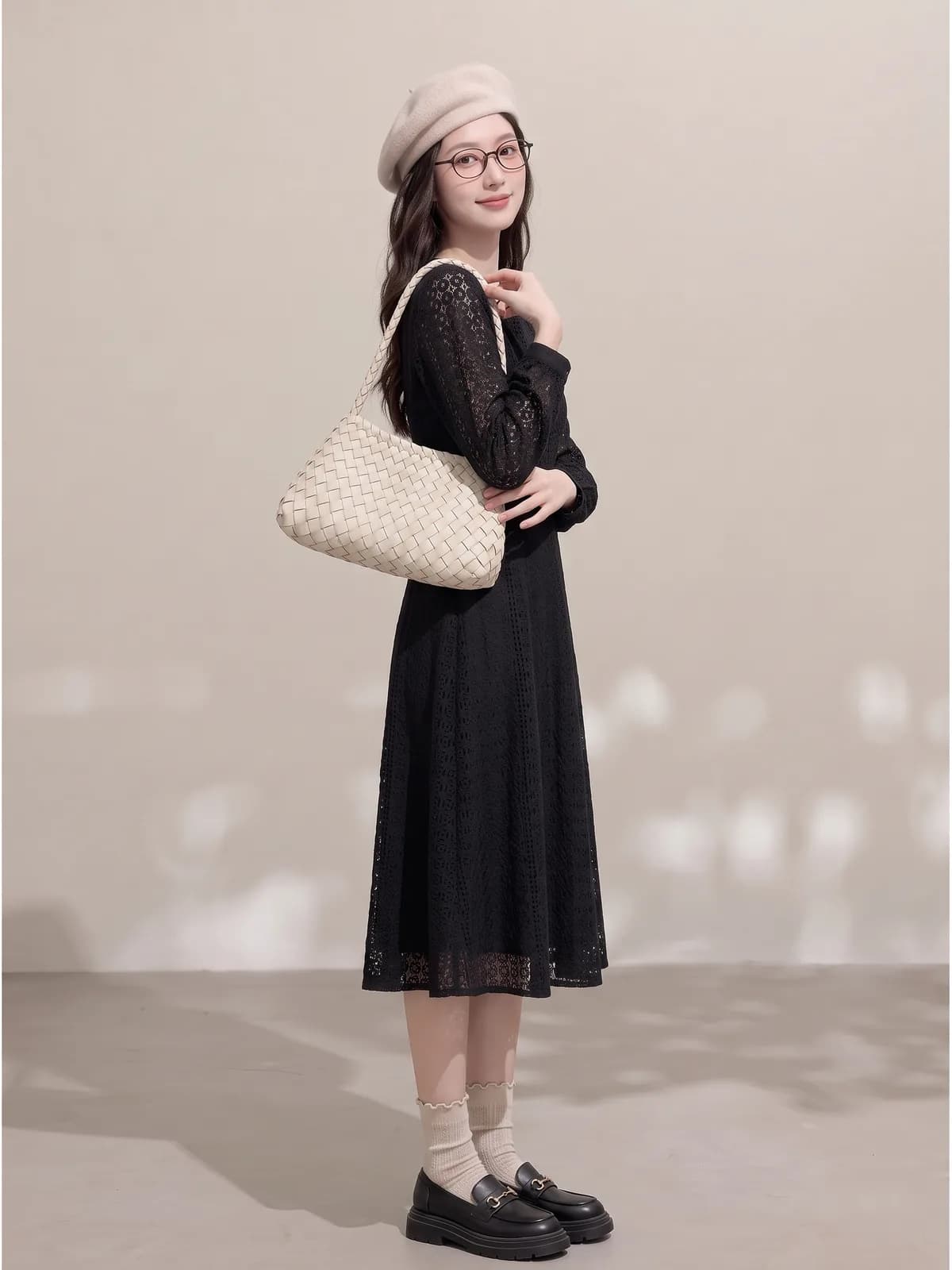
The item stays the item
Shape, colour, hardware position and weave are read from your photo. Small hardware is where AI drifts first, so on a buckle, a clasp or a logo plate, zoom in on the finished image and compare it against the original before it goes into a listing.
How it works
- 1Photograph the item on its own
Plain surface, even light, whole item in frame, in focus. For a bag, show the front and the strap; for shoes, show one shoe from the side. Sharpness matters more than resolution, and a hidden buckle will be invented rather than reproduced.
- 2Say who wears it and how it should be framed
Choose a saved persona, then describe both the outfit and the crop: “cream beret, black lace dress, three-quarter frame from the shoulders up”. Naming the crop is the step people skip, and it is the one that decides whether the accessory is visible.
- 3Zoom in before you publish
Open the result at full size and check the hardware, the stitching line and the scale of the item against the body. Regenerate the single frame if something is off; the other images in the set are untouched and are not charged again.
Who it is for
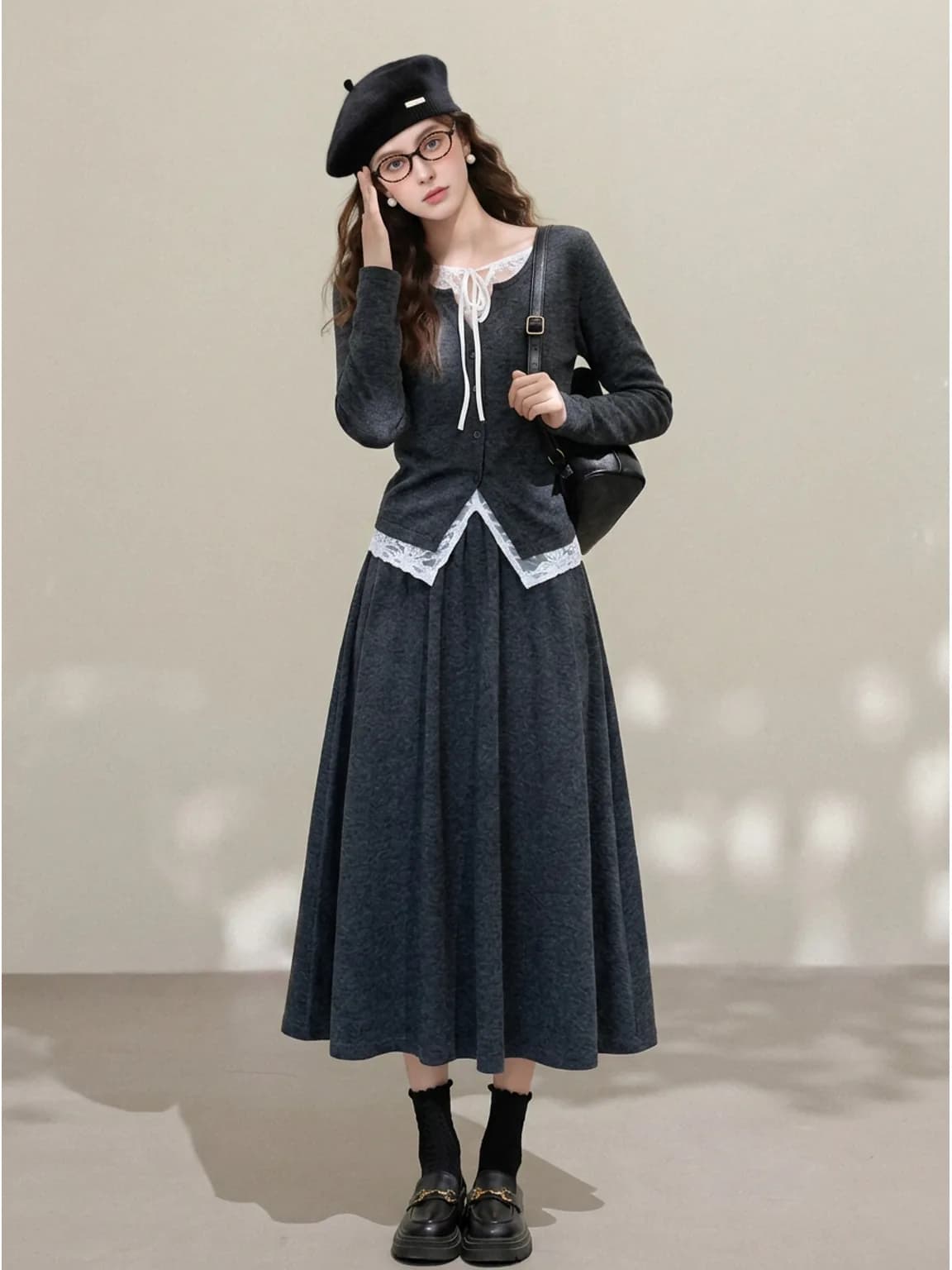
Resellers with single accessories
A one-off bag or hat is the hardest thing to photograph well and the easiest thing to list badly. One worn frame per item costs about as much as an image and does more for the listing than any flat lay.
See the seller guide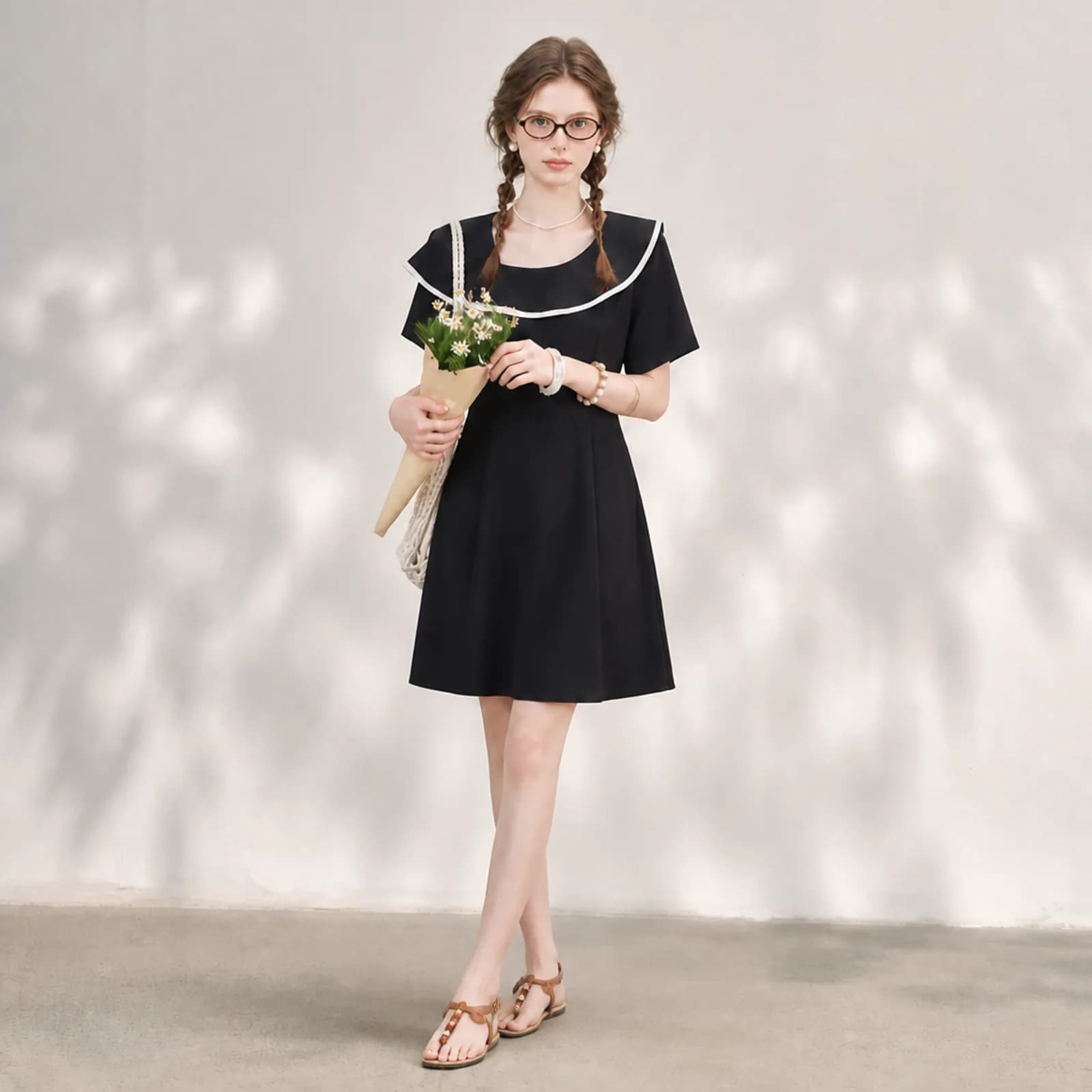
Etsy sellers making accessories
Handmade hats, bags and jewellery sell on scale and proportion, which a flat lay never shows. Etsy also asks sellers to disclose AI involvement, so put that in the description alongside the materials.
See the seller guide
Compared with a photo shoot
| What you are comparing | Photo shoot | Outsourced editing | Photopurr |
|---|---|---|---|
| Photographing a single accessory worn | A model for a full item that may be the only one you have | Editing cannot put an item on a person who was not there | One upload, one image, from $0.10 |
| Showing the item with several outfits | More styling time, more frames, more of the booked day | Not offered | Re-run the same upload with a different outfit described |
| Turnaround | Book, shoot, wait for retouching | Quoted per batch, normally in days | About a minute per image at 1K or 2K |
| When the hardware renders wrong | Reshoot the frame | A revision request | Regenerate that frame alone, priced as one image |
| Cost between listings | Nothing, but the day rate is the floor every time | Nothing between batches | No subscription, and credits do not expire |
Shoot and outsourcing costs vary by market, so this compares how you are charged rather than quoting other people's prices. The Photopurr figure is our own lowest per-image price, taken from the pricing page.
What it costs
From $0.10 an image, from 6 credits depending on model and resolution, with the price shown before you confirm. No subscription, credits never expire, and verifying your email grants 50 free credits. See pricing
Related
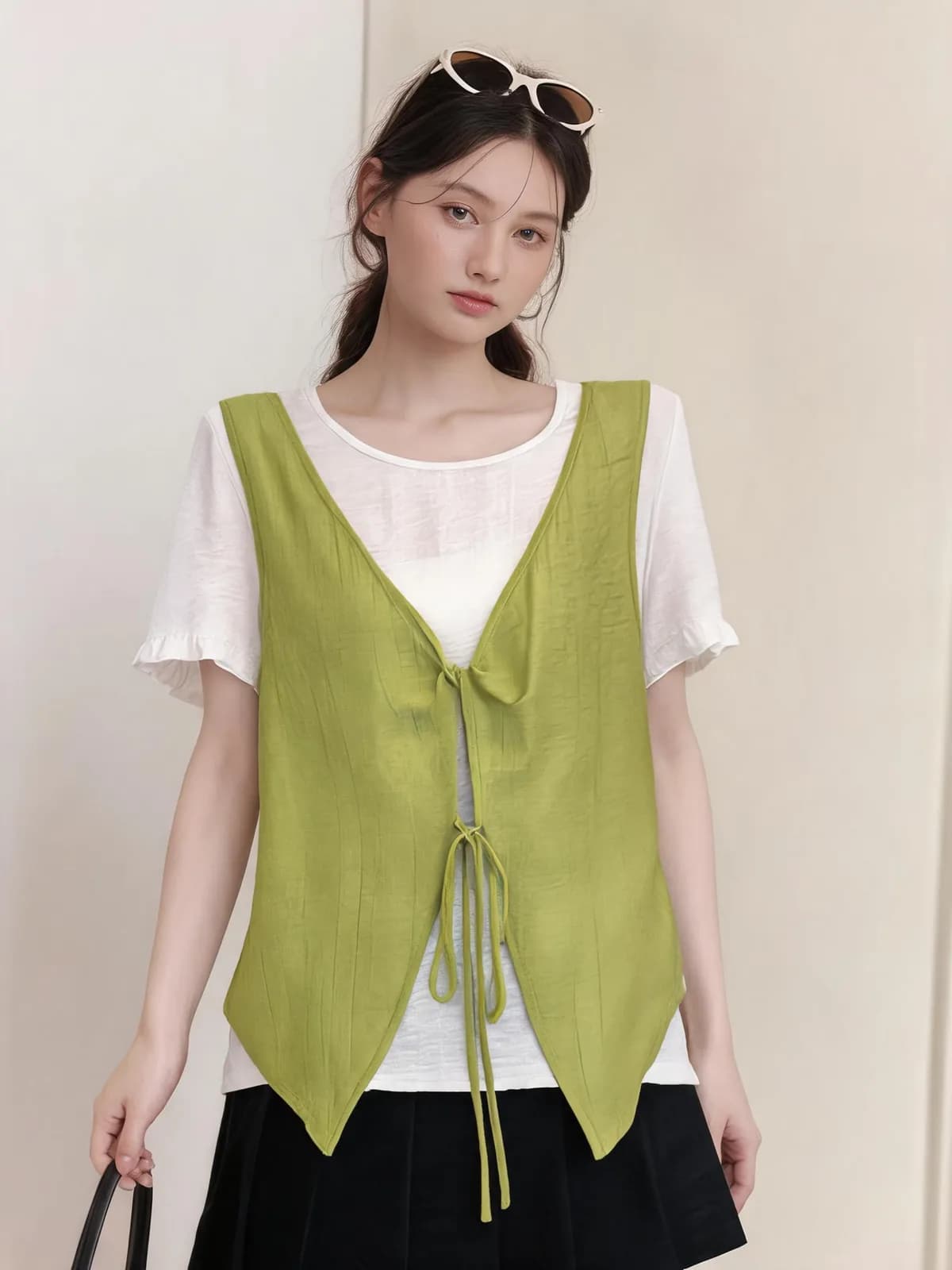
AI model swap
Change the model and keep the clothes. An AI model swap re-renders an existing photo on a different persona, with the garment read from your file.
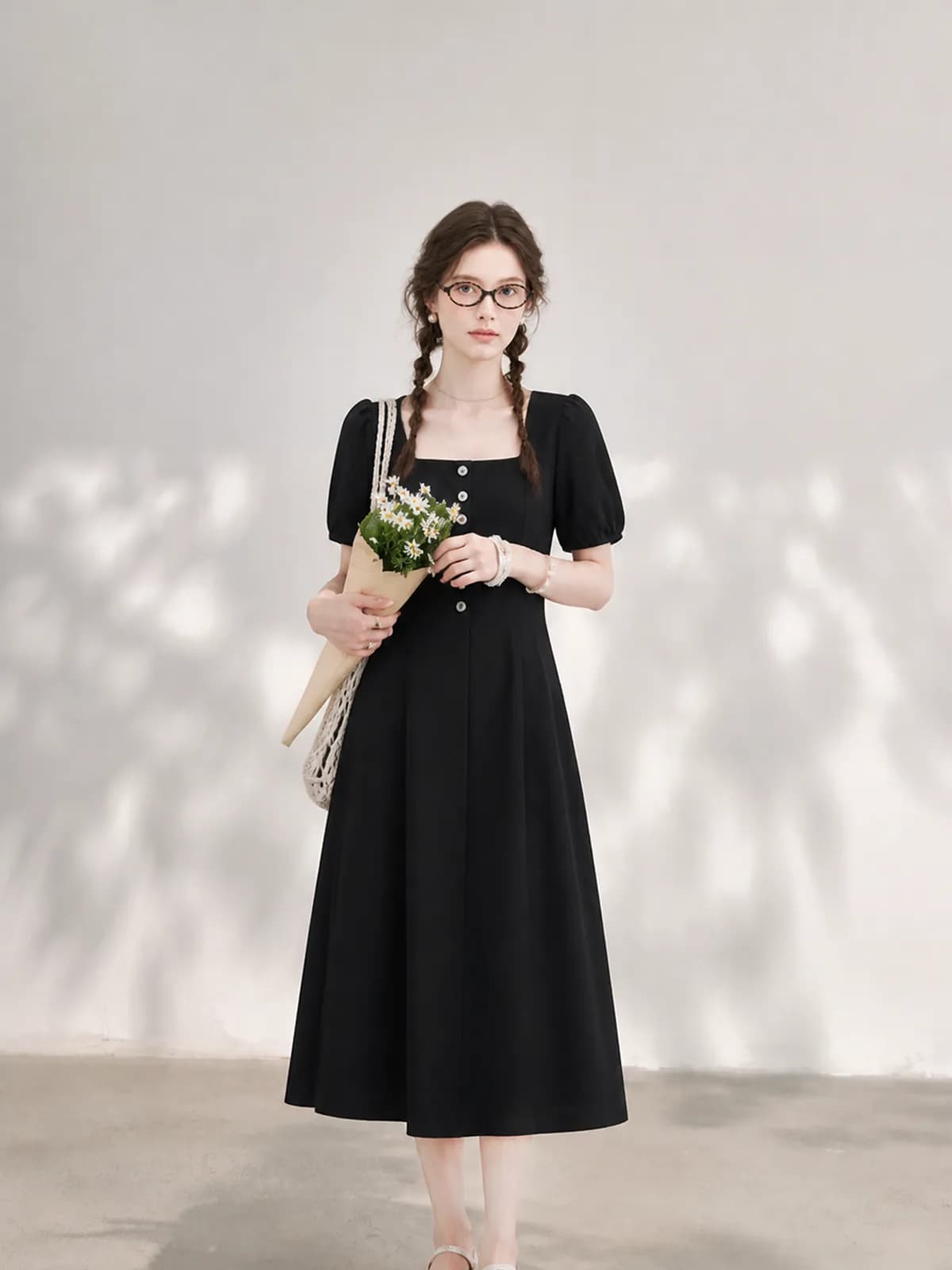
AI fashion model generator
Put your own garments on an AI fashion model you build once and reuse. One photo in, an on-model shot out, priced per image with no subscription.
How do I turn a flat lay into a model photo?
How to turn a flat lay into a model photo: what to photograph, which AI tool setting to use, and what to check before the image goes into a listing.
Questions
- Does this work for hats, glasses, bags and shoes?
- Those are the four it is used for most. Hats and eyewear sit on the face, so ask for a head-and-shoulders crop. Bags and shoes need a frame that includes the body for scale but still composes around the item, otherwise they end up as background detail.
- What if my product photo is low quality?
- Sharpness matters more than resolution. A phone photo in daylight with the whole item visible works. A blurry photo, or one where half the strap is out of frame, forces the model to invent the missing part, and invented hardware is exactly what a buyer will complain about.
- Can I keep the background from my product photo?
- Usually you will not want to, because the input is a table or a shelf. Describe the setting you want in one line, or choose a preset such as studio or street. If you do want the original background kept, say so explicitly in the note.
- Does the model change the shape of the item?
- The persona has a fixed body, so an item sits the same way across images. The item itself is read from your photo. Where drift shows up is in small metal parts and in printed marks, which is why the review step is zooming in on those rather than glancing at the whole frame.
- Can I use the same accessory across different models?
- Yes. Generate the item on two saved personas to show it on different looks or for different markets. The item is re-read from your file each time, so it stays the same object rather than being reinterpreted for each persona.
- Is this the same as virtual try-on?
- No. Virtual try-on lets a shopper see an item on themselves, usually live in a browser or an app. This is a seller producing listing photographs before anyone visits the page. Different job, different tool, and this one produces files you own and upload.
- Do I still need a plain product shot?
- Yes. Most marketplaces want one clean image of the item alone, and buyers want to see it without a person in the way. Treat the worn frame as the image that sells and the plain shot as the image that informs; a listing usually needs both.
- How do I show the size of a bag?
- A worn frame with a full or three-quarter body in shot is the clearest answer, because scale reads against a person. Back it up with measurements in the description. An AI image gives an impression of size; it is not a measurement, and it should not be presented as one.
- What happens if a generation fails?
- Failed generations are refunded automatically. If part of a multi-image run comes back and part does not, you are charged only for the images you received. That is what makes it reasonable to test a difficult item — a reflective buckle, a fine chain — rather than avoiding it.
Make one and see
Verify your email and 50 credits are yours. Failed runs are refunded automatically.
Make your first image free