WearView alternative
WearView sells monthly plans with a credit allowance that resets, and states plainly on its pricing page that it does not offer a free trial. Photopurr sells credits with no plan behind them: you buy a pack, each image is priced before you confirm, and nothing resets or expires. Everything stated here about WearView is taken from its own public pricing page.
We have not tested WearView ourselves. Everything stated about it here comes from its public pricing page, read on 2026-09-21.
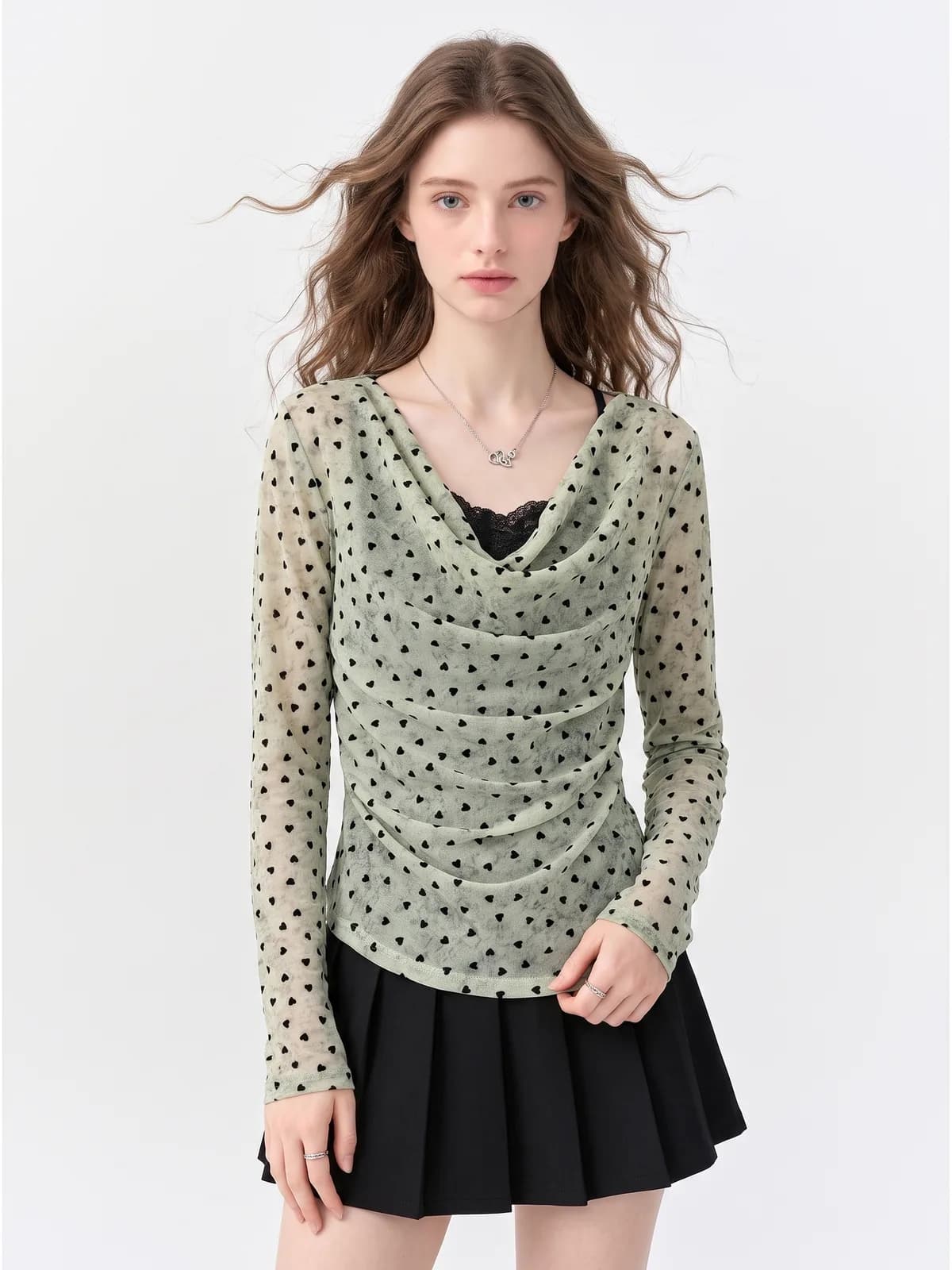
Three garments, run through Photopurr
The same three garments every tool in this category has to handle. These are our outputs.
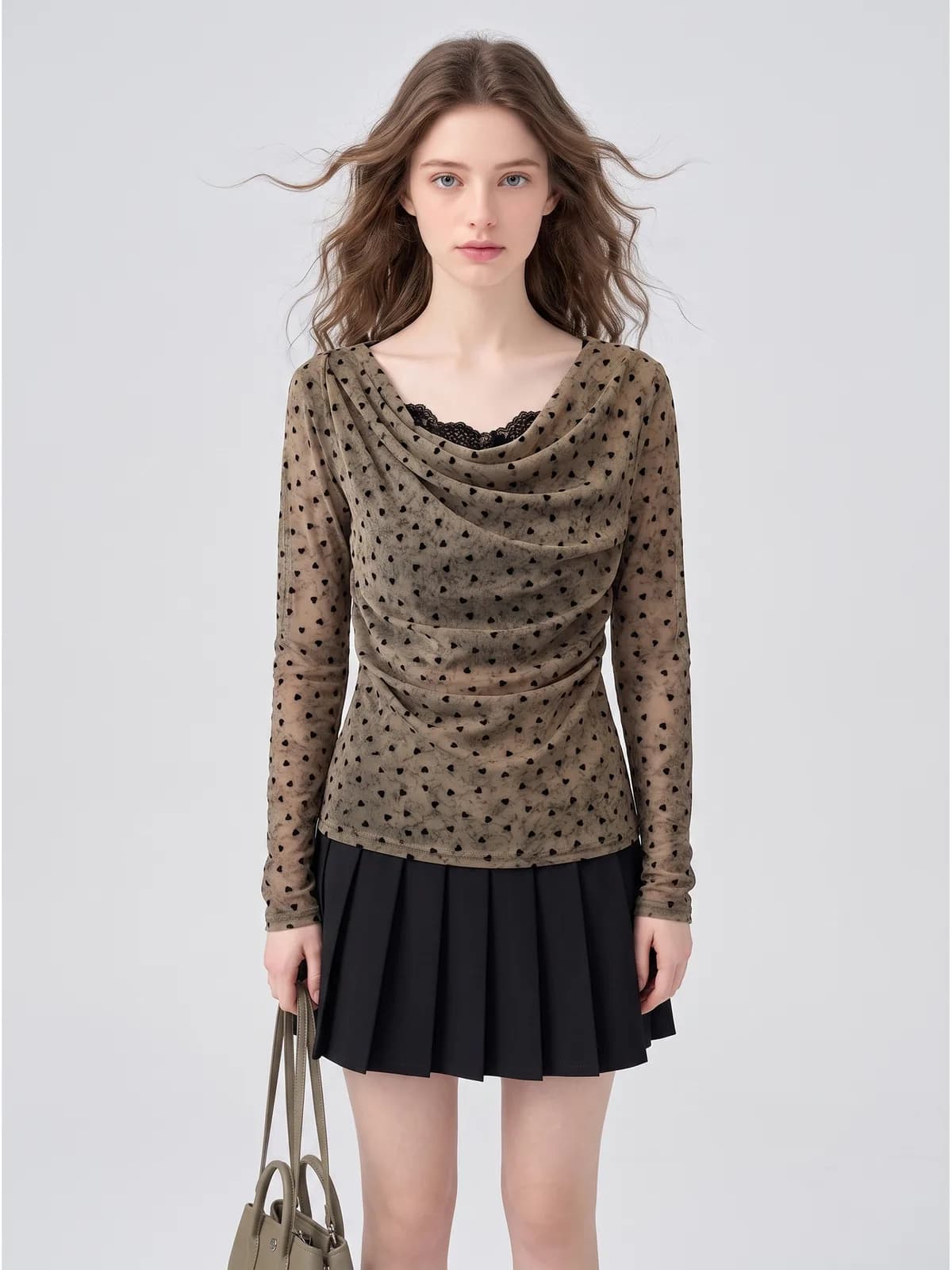
A sheer flocked-heart mesh top with a cowl neck
Sheer is the case that catches tools out twice. The mesh has to stay see-through where it crosses the arm, the small flocked hearts have to stay the same size whether the fabric is stretched over a shoulder or bunched in the cowl, and the lace cami underneath has to stay visible through it rather than being painted on. If any one of those slips, the listing is selling a solid top.
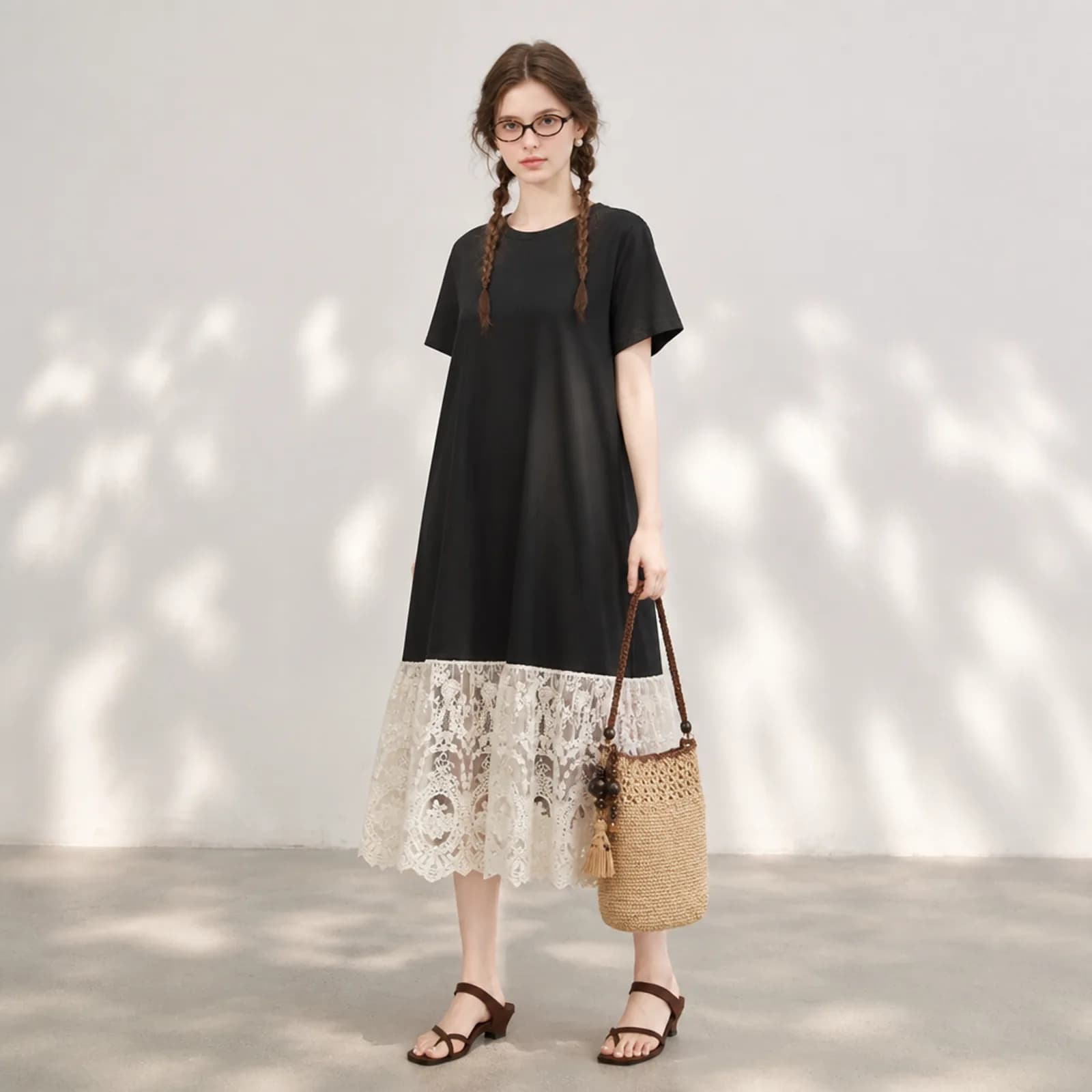
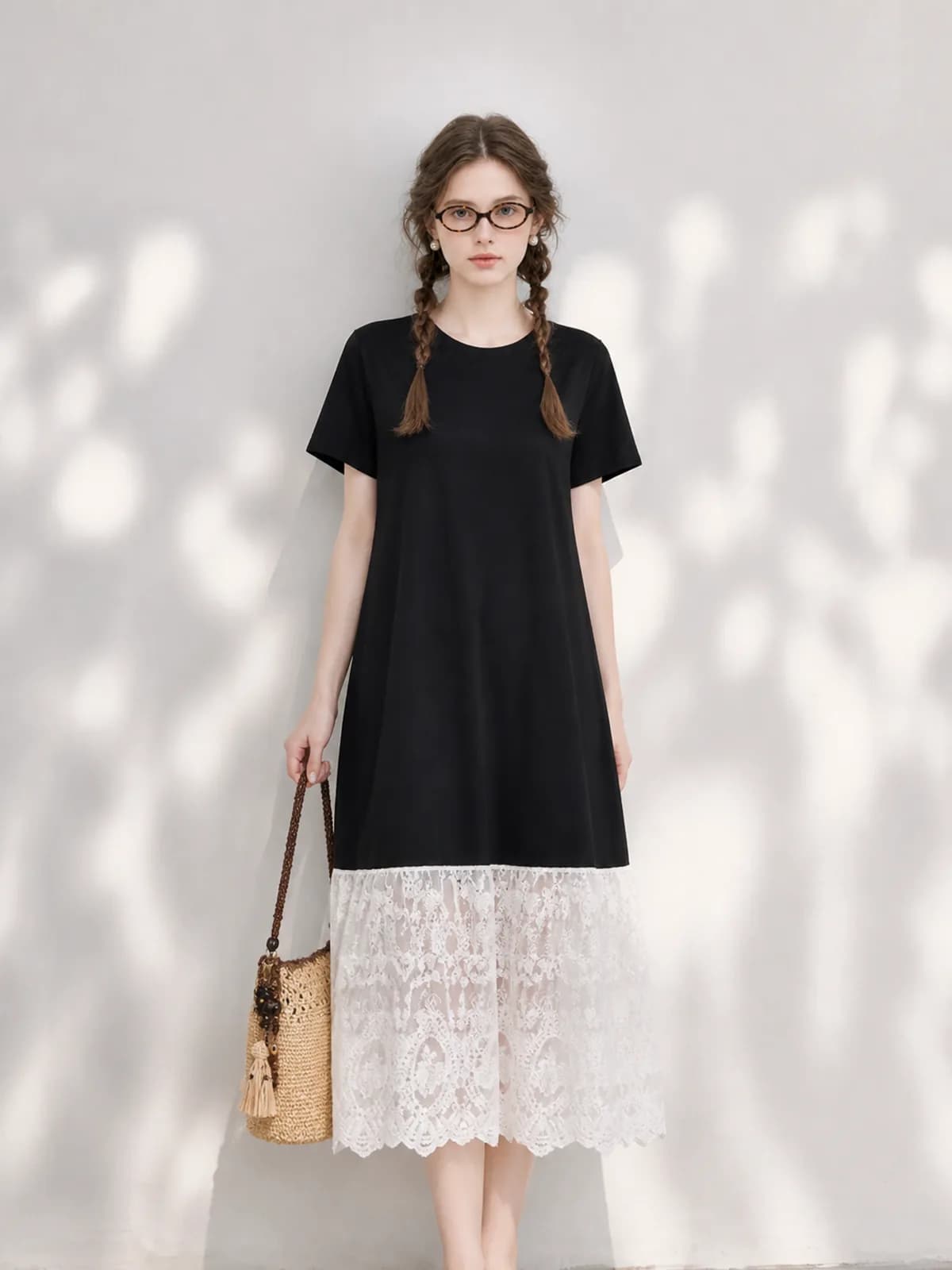
A black T-shirt dress with a deep guipure lace hem
Black on black hides everything and open lace is where cutouts collapse. The jersey body has to stay one shade rather than drifting grey towards the hem, the join between the jersey and the lace panel has to stay a hard line, and the scalloped lace edge has to read as holes with light behind it, not as a printed pattern on solid cloth.
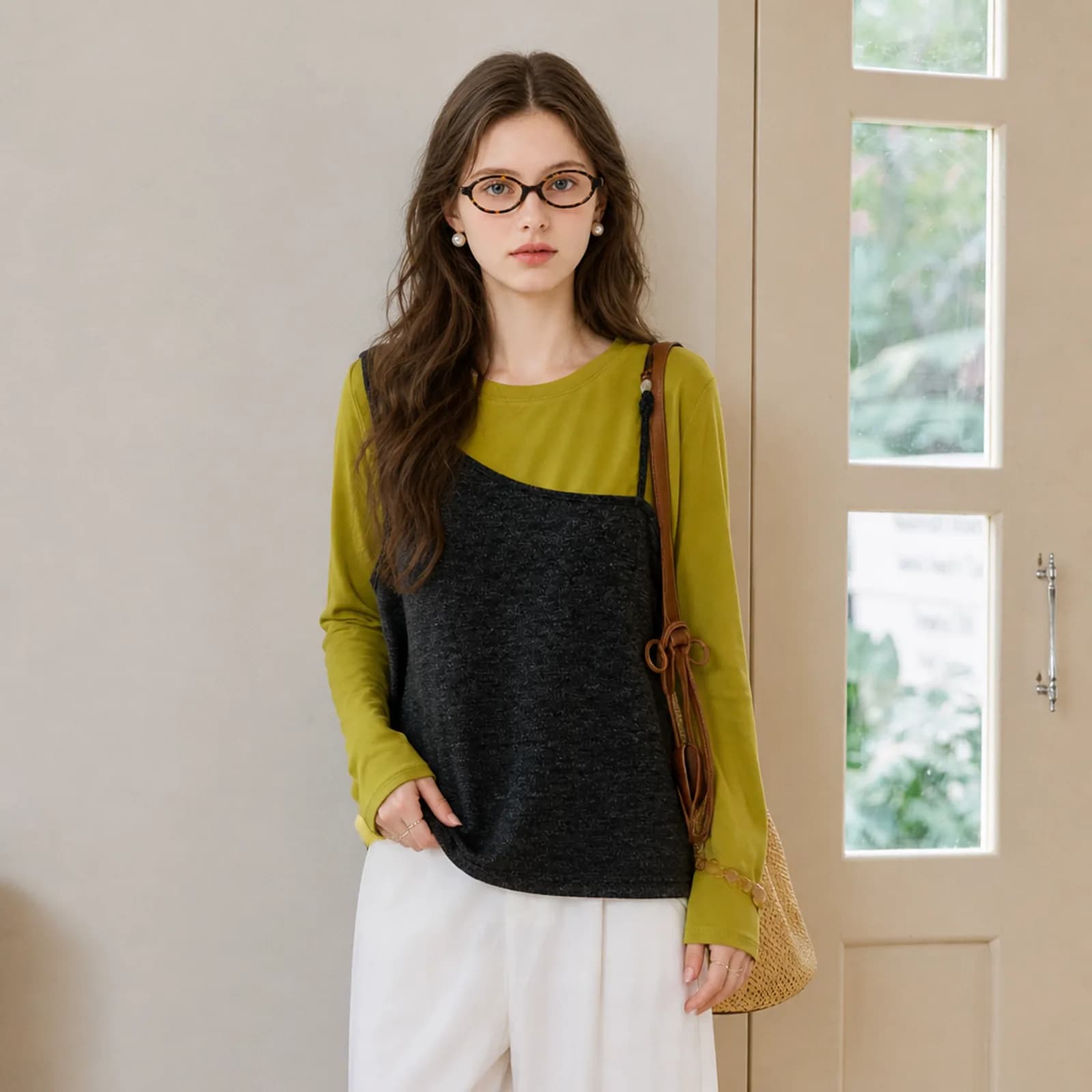
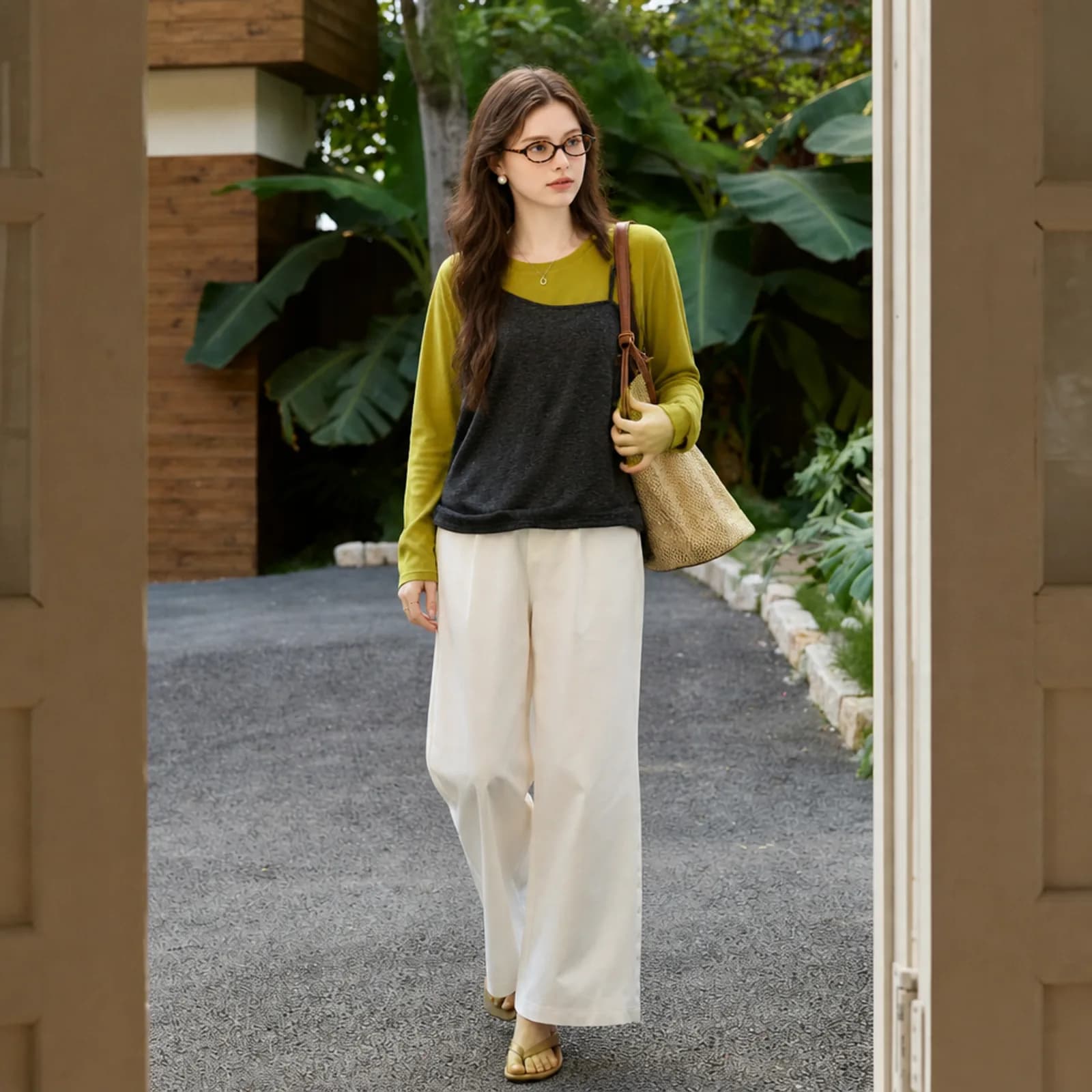
A charcoal cami layered over a chartreuse long-sleeve top
Two garments, two necklines, two very different colours touching along a strap. A layered listing needs the strap to sit on top of the sleeve, the chartreuse to stay chartreuse where the charcoal casts a shadow on it, and both hems to remain findable. Layering is a common way to sell a basic, and it is a common way for a generated image to turn two pieces into one.
How WearView charges
WearView sells subscriptions only. Its pricing page lists Lite at $29 a month for 50 credits, Pro at $49 for 200 and Advanced at $99 for 500, each cheaper paid annually at $24, $40 and $82 a month. Credits are spent by resolution: 2 for an HD image, 3 for 2K, 5 for 4K, 10 for a 720p video and 20 for 1080p. Monthly credits reset at the start of each billing cycle, and only the Advanced plan lists unlimited rollover; add-on packs do not expire. The page has a section explaining why there is no free trial, offering a money-back guarantee instead. Photopurr charges per image with no plan, and credits do not expire on any tier.
Photopurr and WearView, side by side
| What you are comparing | Photopurr | WearView |
|---|---|---|
| How you pay | Credits bought as a one-off. No plan, no monthly reset, nothing to cancel. | Subscription only: Lite, Pro or Advanced, monthly or annual. |
| Entry price | A credit pack, bought when you need it. The current per-image price is on our pricing page. | $29 a month for 50 credits on Lite, or $24 a month paid annually. |
| What one image costs | Priced in credits by model and resolution, shown before you confirm. | 2 credits at HD, 3 at 2K, 5 at 4K. Video is 10 credits at 720p and 20 at 1080p. |
| What the entry plan actually buys | Whatever the balance covers, spread over as many months as you like. | 50 credits a month is about 25 HD images, or 10 at 4K, and it resets. |
| Unused allowance | Credits never expire, on every pack. | Monthly credits reset each billing cycle; only Advanced lists unlimited rollover. Add-on packs do not expire. |
| Free start | 50 credits when you verify your email, with no card. | No free trial. The pricing page explains why and offers a money-back guarantee instead. |
| Team access | One account holds the balance; there is no seat model. | Pro includes 5 team members and Advanced includes 15. |
| What comes out | On-model images, white backgrounds, close-ups and a full listing set, clothing only. Stills, no video. | On-model imagery plus video, at 720p or 1080p. |
Figures for WearView taken from its public pricing page on 2026-09-21.
Choose WearView when
- Your volume is high and steady. At 500 credits a month the effective price per image on a subscription gets low, and Advanced is the one plan its page lists with unlimited rollover.
- You need video as well as stills. WearView prices video openly at 10 credits for 720p and 20 for 1080p, and Photopurr does not make video at all.
- Several people need to generate from the same account: Pro includes five team members and Advanced fifteen, which is a real feature and not a pricing trick.
- You would rather have a money-back guarantee on a plan than a handful of free credits to test with.
Choose Photopurr when
- You want to try it on your own garment before paying. WearView states on its pricing page that it does not offer a free trial; Photopurr gives 50 credits for verifying an email.
- Your listing volume is uneven. A monthly allowance that resets is the wrong shape for a seller who does thirty images one month and none the next.
- You need the white-background version, the close-ups and the full listing set as well as the on-model shot, all from the same garment photo.
- You want the maths to be simple: one balance, a price shown before each image, and a refund when a generation fails.
Examples
What it costs
From $0.10 an image, from 6 credits depending on model and resolution, with the price shown before you confirm. No subscription, credits never expire, and verifying your email grants 50 free credits. See pricing
Related
Botika alternative
Looking for a Botika alternative? Photopurr is pay-per-image, no subscription. Botika’s plans, credits and rollover rules, from its pricing page, dated.
Photoroom alternative for clothing
A Photoroom alternative built only for clothing, priced per image instead of per month. Photoroom’s credits, exports and API rates, dated.
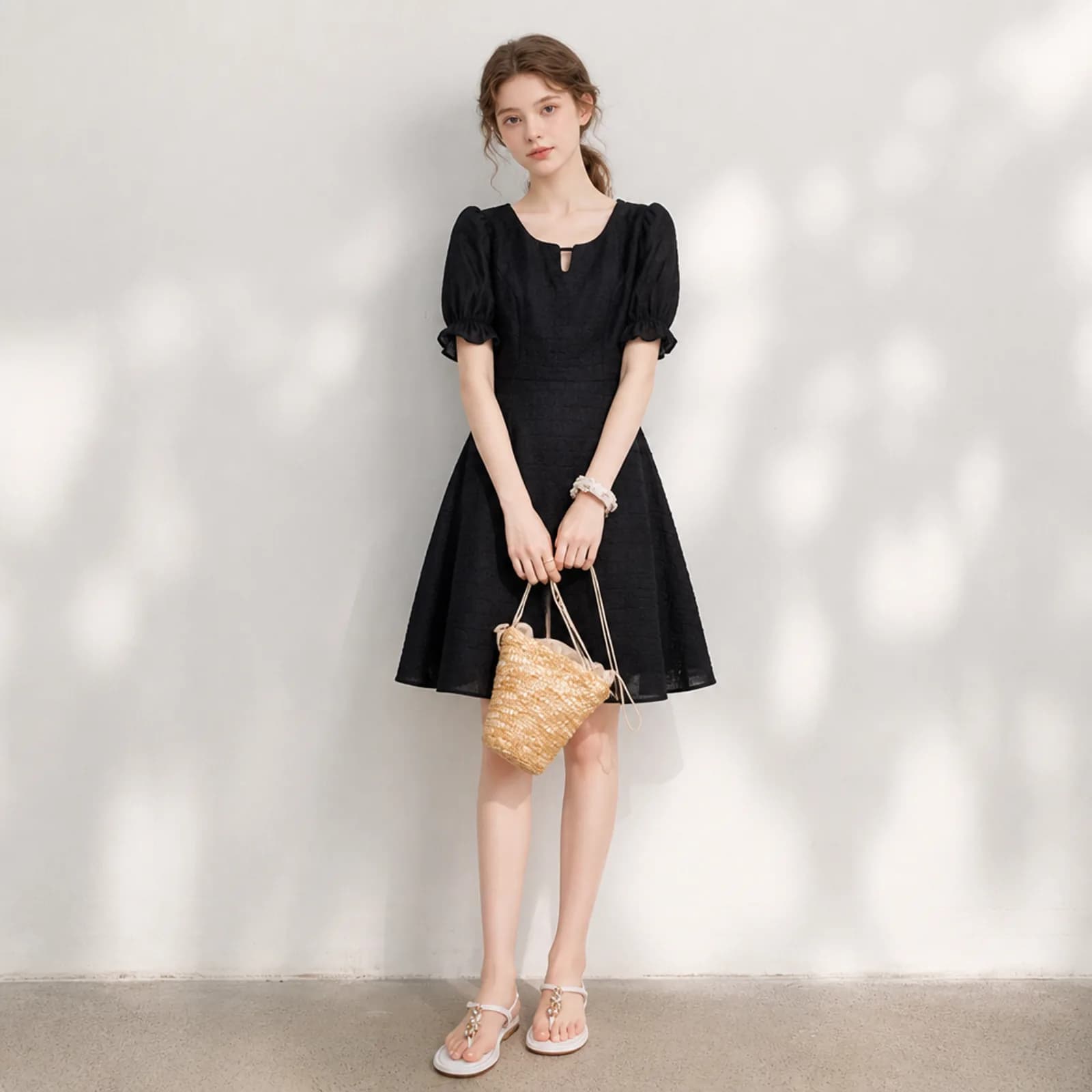
AI product photos for resellers
AI product photos for resellers on Poshmark, Depop, Vinted and eBay: turn a hanger or flat-lay phone shot into an on-model image, one listing at a time.
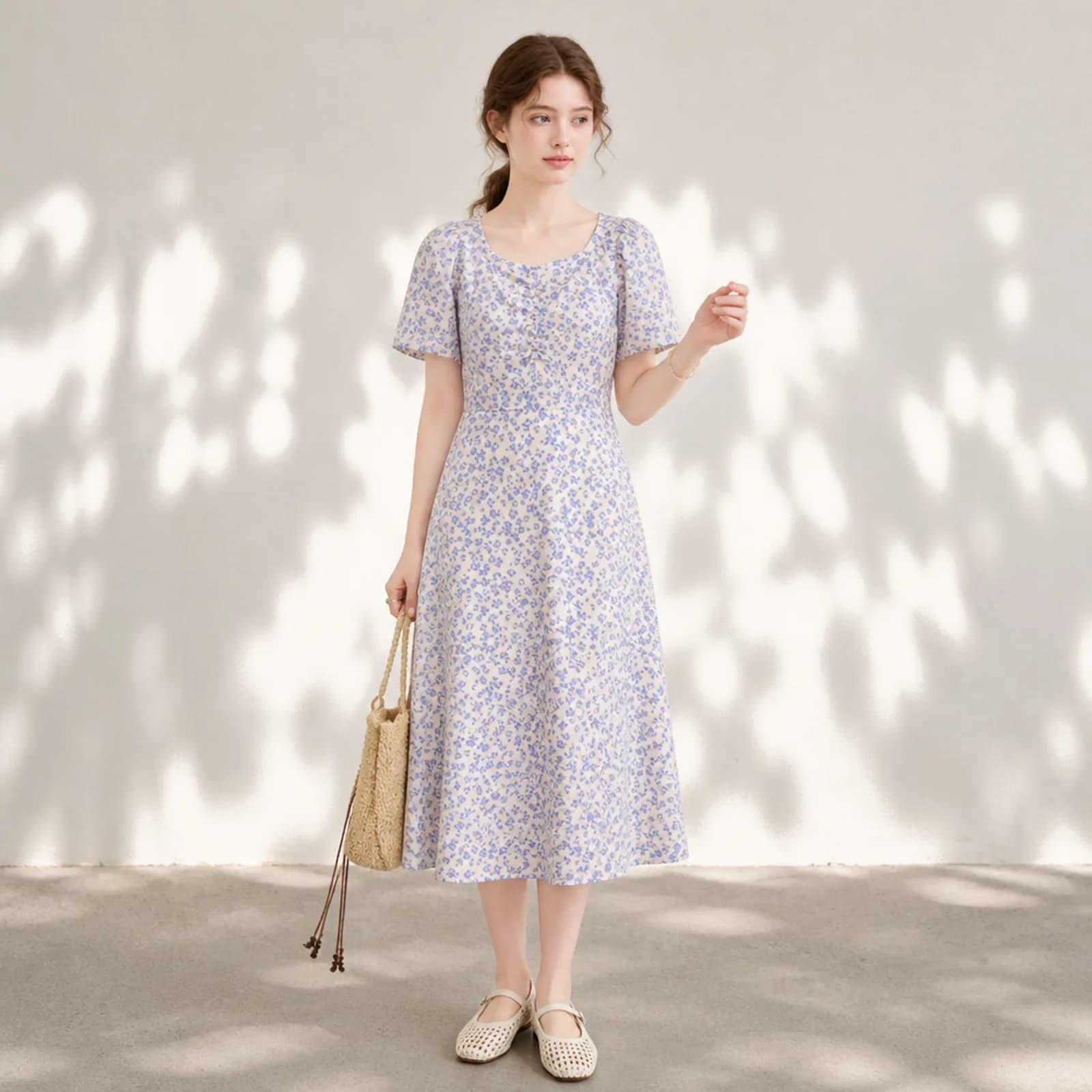
AI model photos for Etsy clothing
AI model photos for Etsy clothing: on-model shots from your own flat lay, one face across the whole shop, and the plain versions the search grid needs.
Questions
- How much does WearView cost?
- On its public pricing page, read on 21 September 2026: Lite $29 a month for 50 credits, Pro $49 for 200, Advanced $99 for 500, or $24, $40 and $82 a month paid annually. Images cost 2 credits at HD, 3 at 2K and 5 at 4K.
- Does WearView have a free trial?
- No. Its pricing page carries a section explaining why it does not offer one, and points to a money-back guarantee instead. If trying a tool on your own garment before paying matters to you, that is the difference this page exists to point out.
- Do WearView credits roll over?
- Its pricing page says monthly credits reset at the start of each billing cycle, and lists unlimited credit rollover only on the Advanced plan. Separately purchased add-on packs are described as never expiring. Check the current wording before you plan around it.
- How many images does the entry plan give me?
- Lite is 50 credits a month. At 2 credits per HD image that is about 25 images, or roughly 16 at 2K and 10 at 4K, and the allowance resets rather than accumulating. Work out which resolution you actually upload at before comparing plans.
- Is there a WearView alternative without a subscription?
- That is what Photopurr is. You buy a credit pack once, each image is priced in credits and shown before you confirm, and the credits do not expire. There is no plan to keep alive and nothing to cancel if you stop for three months.
- Have you tested WearView yourself?
- No. Testing it properly means paying for a plan, and since there is no free trial there is no honest way to do it cheaply. Everything on this page about WearView comes from its own public pricing page, read on the date shown above the comparison table.
- Can Photopurr make video?
- No. Photopurr makes still images: on-model shots, white backgrounds, detail close-ups and full listing sets for clothing. If video is part of what you need, WearView prices it openly at 10 credits for 720p and 20 for 1080p, and that is a genuine reason to choose it over us rather than a box we can tick later.
- Which works out cheaper?
- It depends on how many images you really make. A subscription is cheaper per image when you fill the allowance every month and more expensive when you do not, because an unfilled month is money spent on nothing. Count last month before you decide.
- What resolutions can I export?
- High-quality JPEG at 1K, 2K or 4K on the long edge. 2K clears the common marketplace recommendations, including Etsy’s 2000 pixel guidance and Amazon’s 1600 pixel recommendation, without resizing the file first. Pick the resolution per image rather than per plan, because most gallery slots do not need 4K.
- Can several people use one Photopurr account?
- There is one account and one balance rather than a seat model, so a small team shares a login. If separate seats and per-person access matter, WearView includes five team members on Pro and fifteen on Advanced, and that is the better fit.
Make one and see
Verify your email and 50 credits are yours. Failed runs are refunded automatically.
Make your first image free