AI model swap
A model swap takes a finished clothing photo and replaces the person wearing the garment while leaving the garment alone. Shops reach for it when a supplier photo shows someone they have no rights to use, when a second market wants a different look, or when a catalogue shot on three separate people needs to read as one shop.
Examples
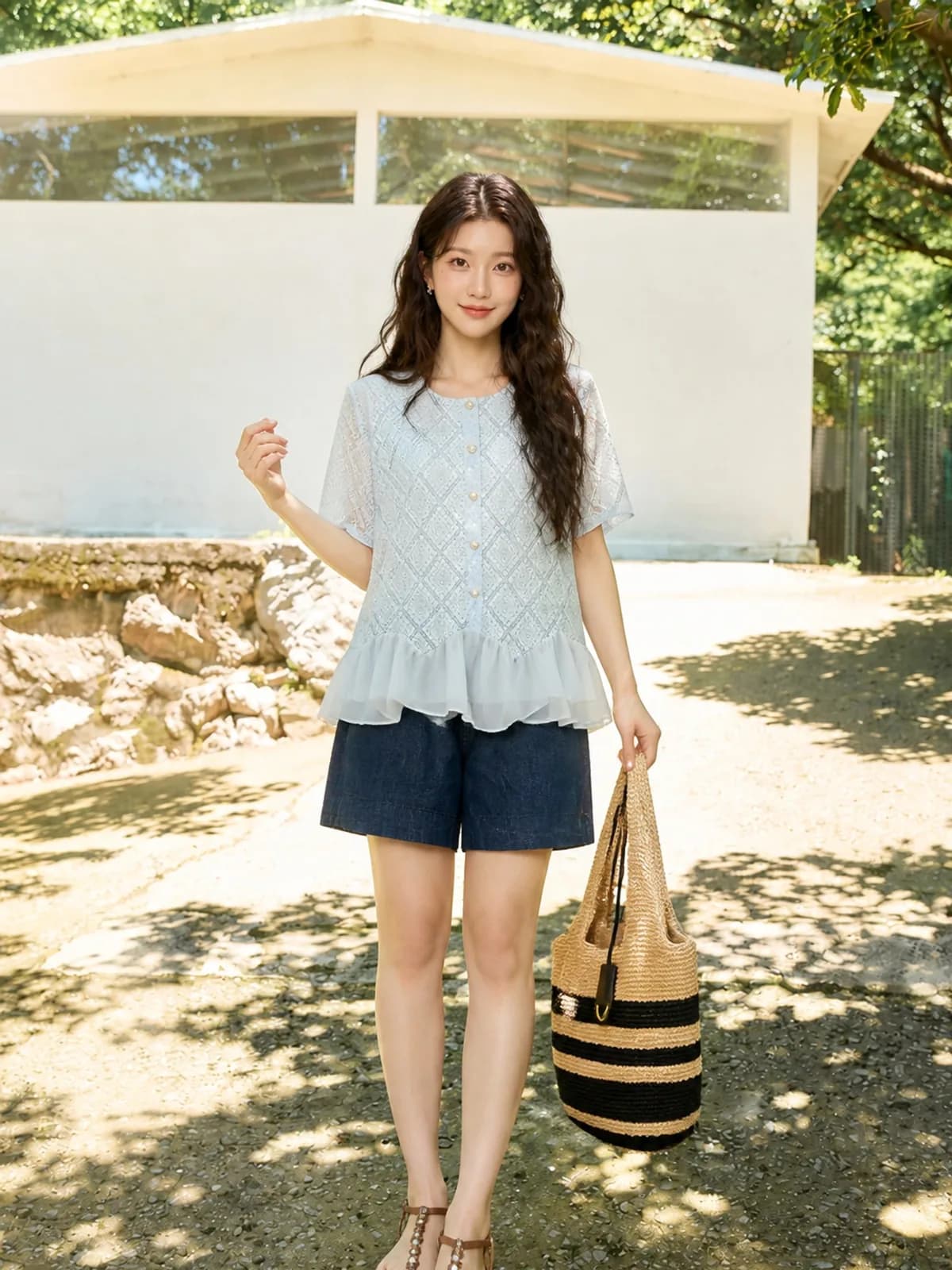
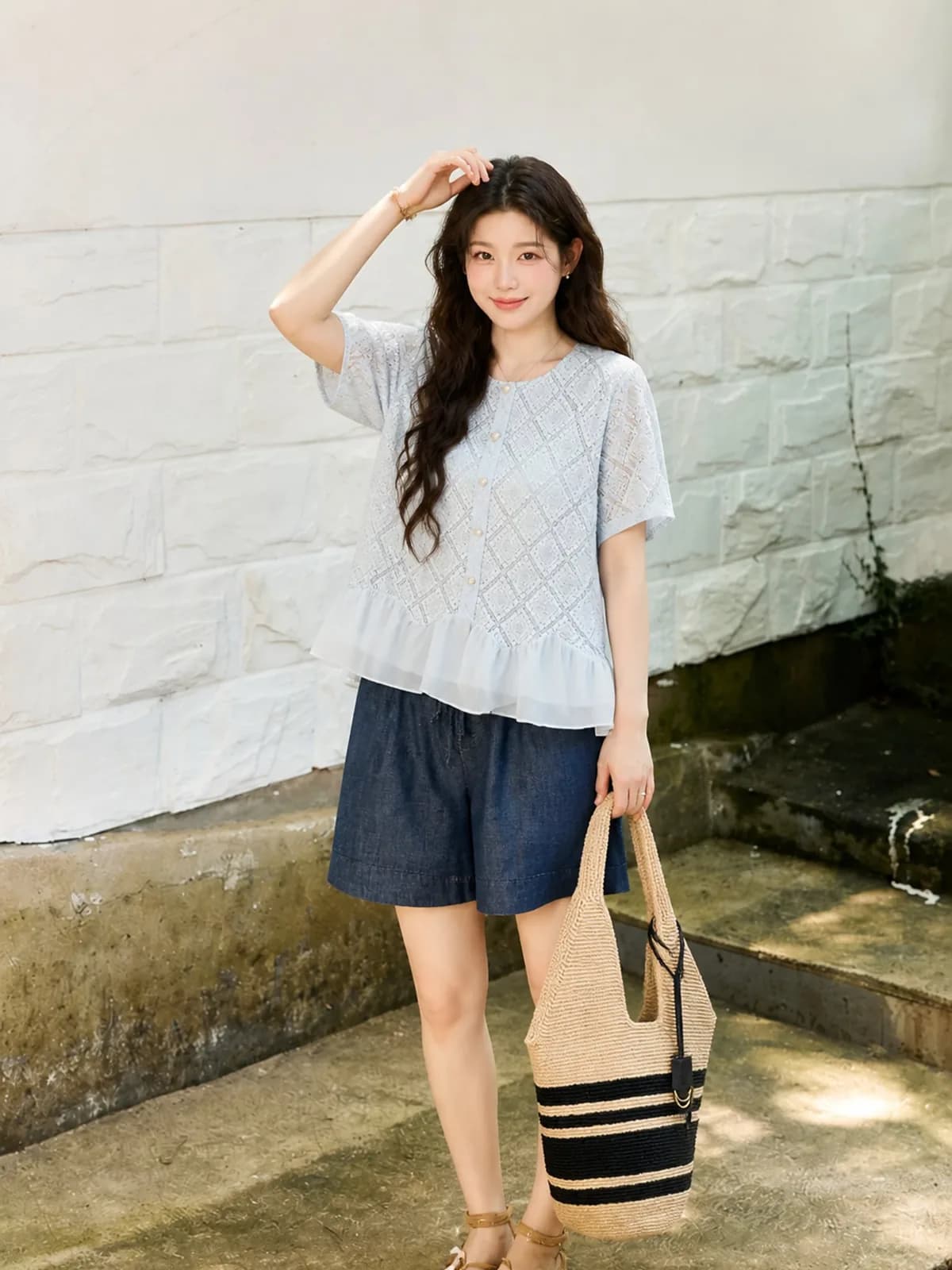
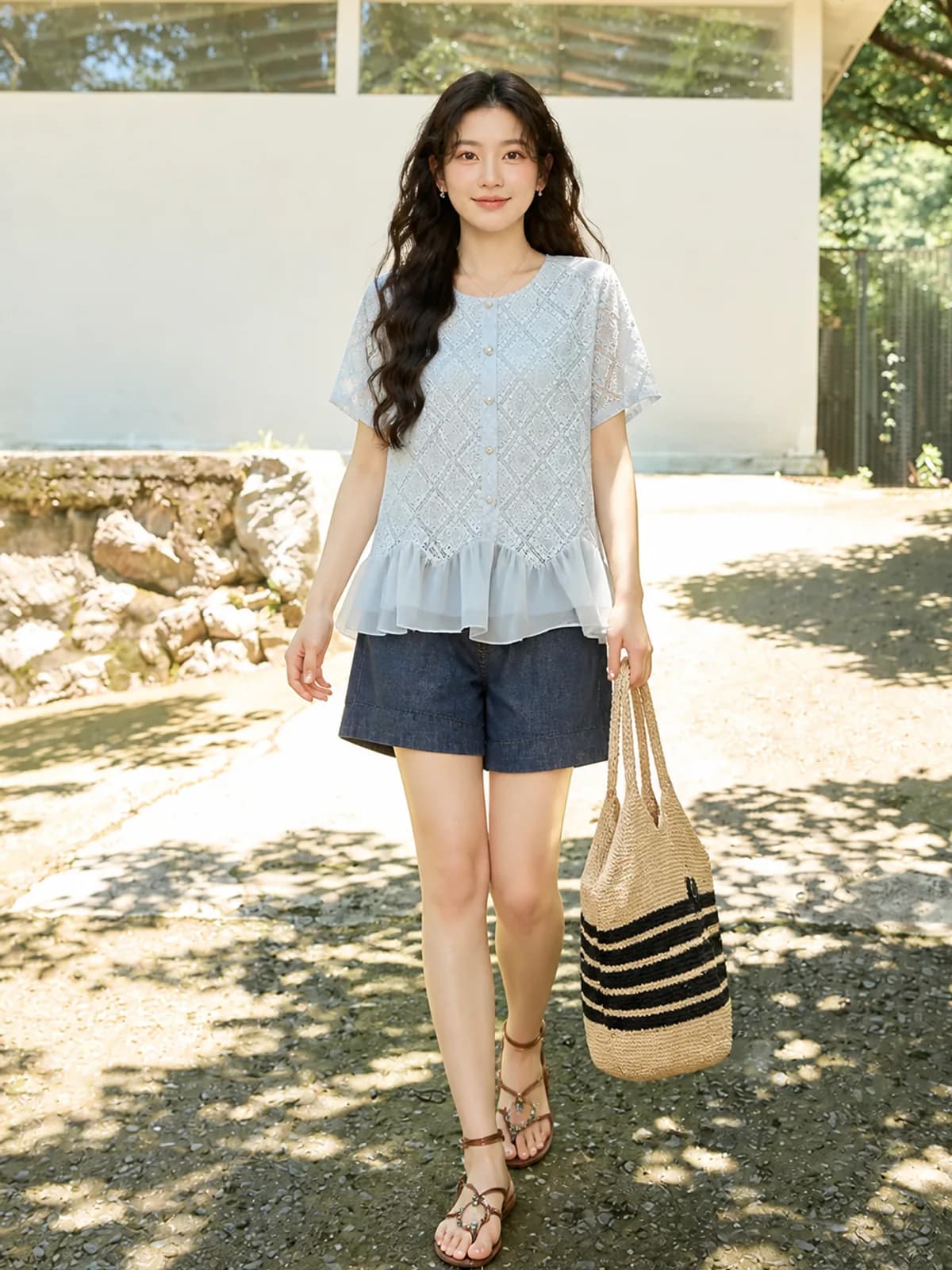
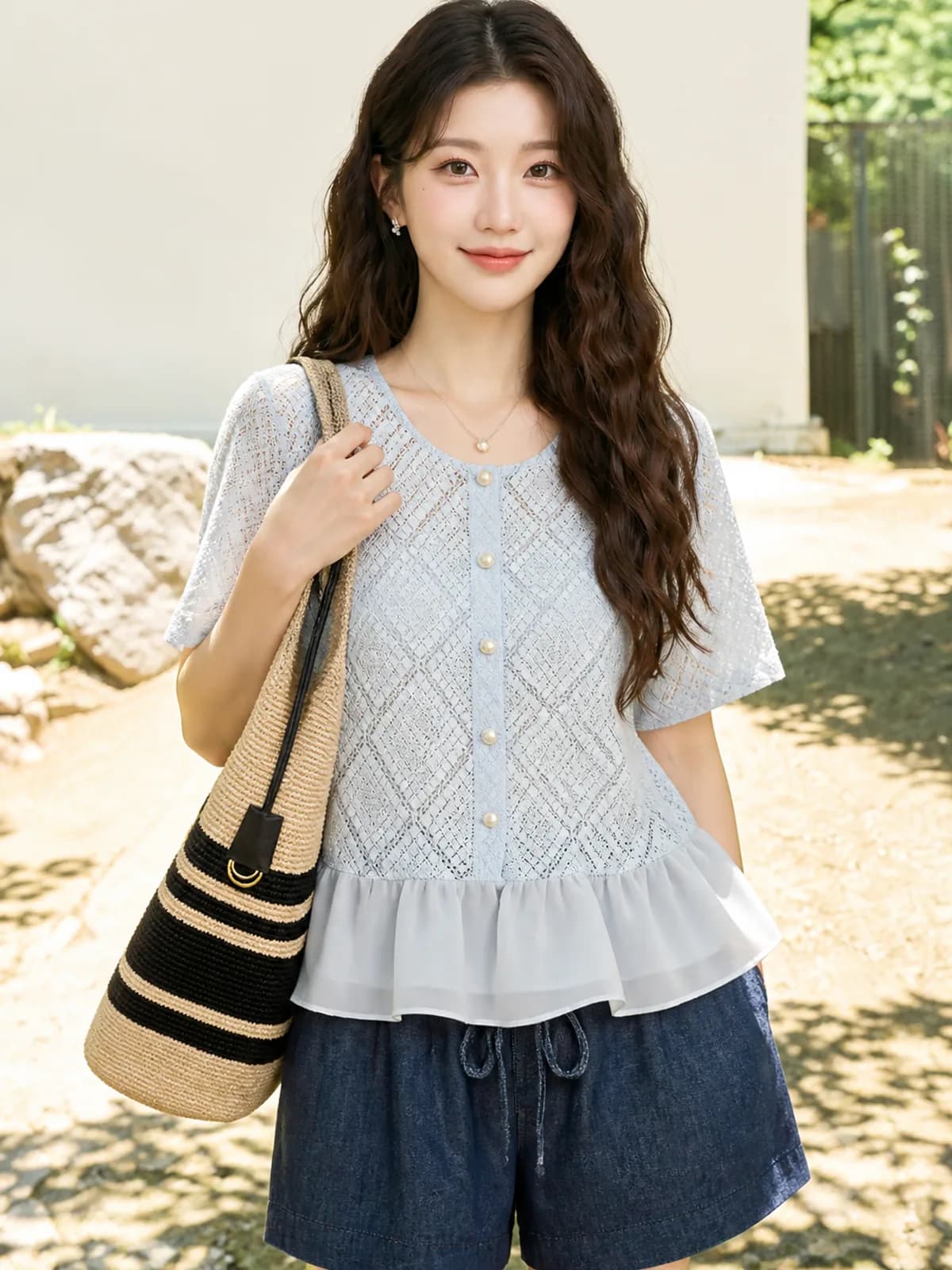
Key features
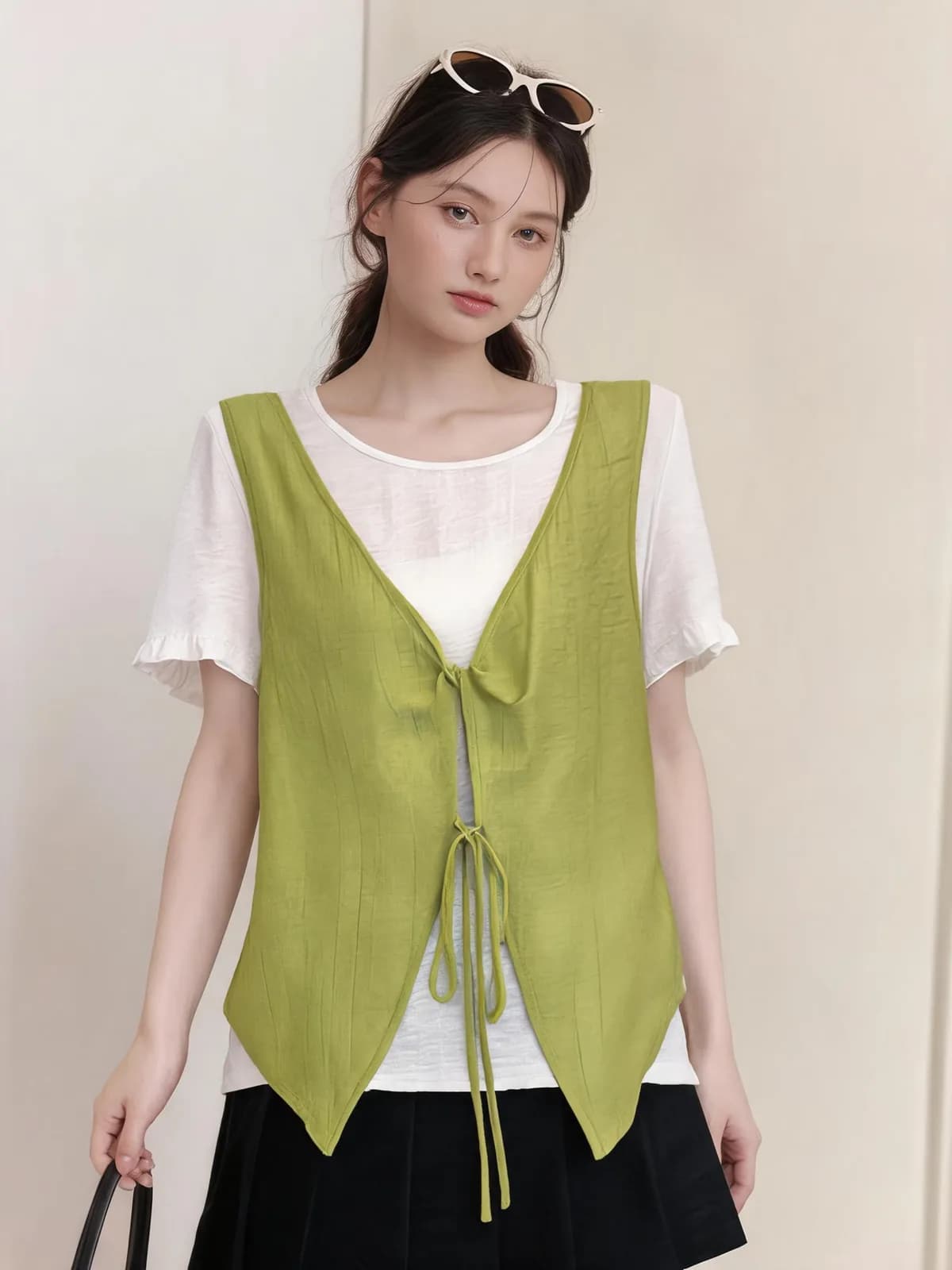
The garment is read, the person is replaced
Cut, colour, print and trim are taken from the source image; only the model changes. That is the whole point of the job: a supplier photo you cannot legally publish can become a photo of the same piece on a persona that belongs to your shop, without re-photographing the garment.
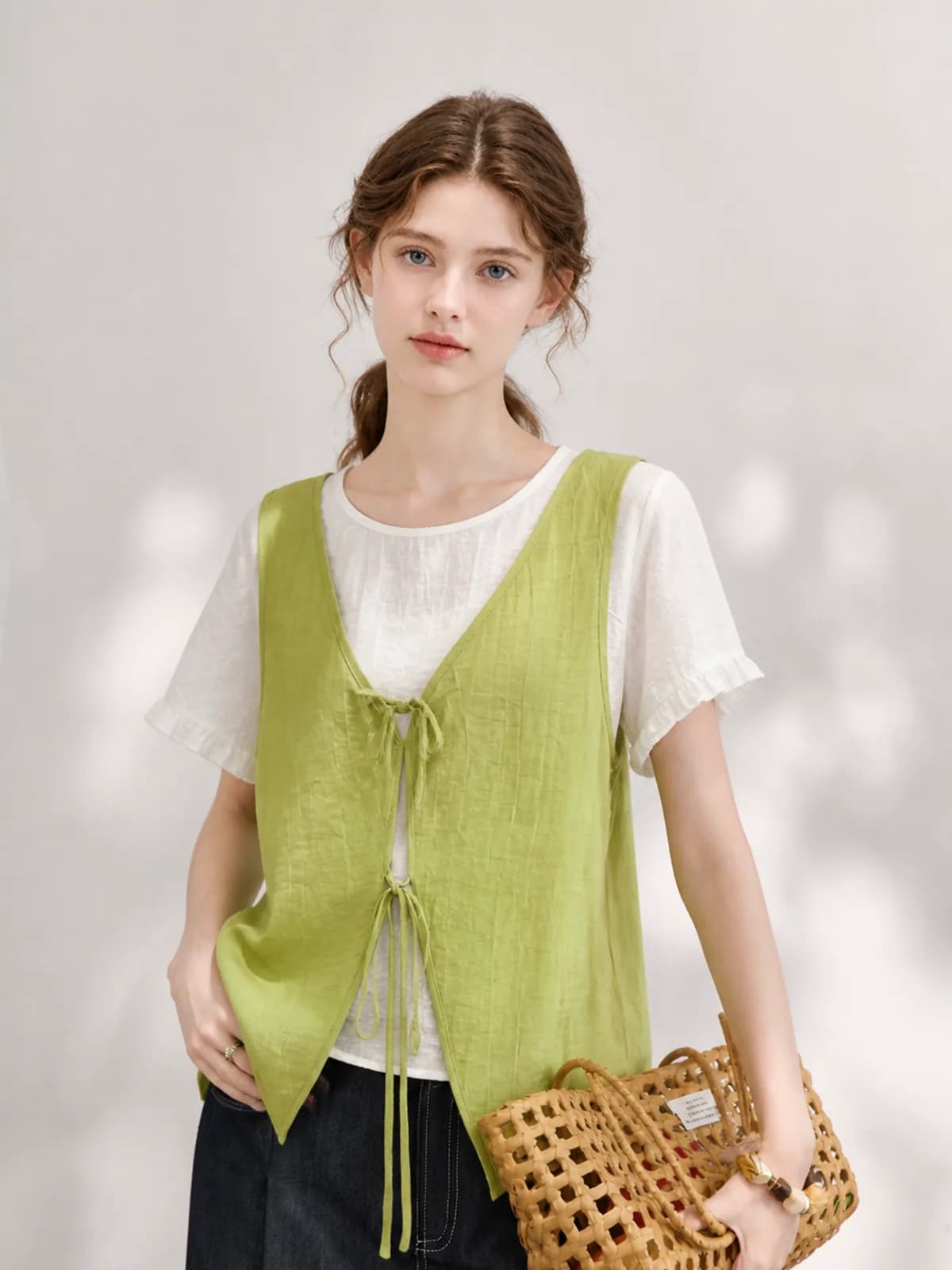
Swap to the market you sell into
The same vest can be shown on an Asian model for one storefront and a European model for another, from one source image. Nothing about the garment is regenerated in between, so the two listings are selling the same object rather than two similar-looking ones.
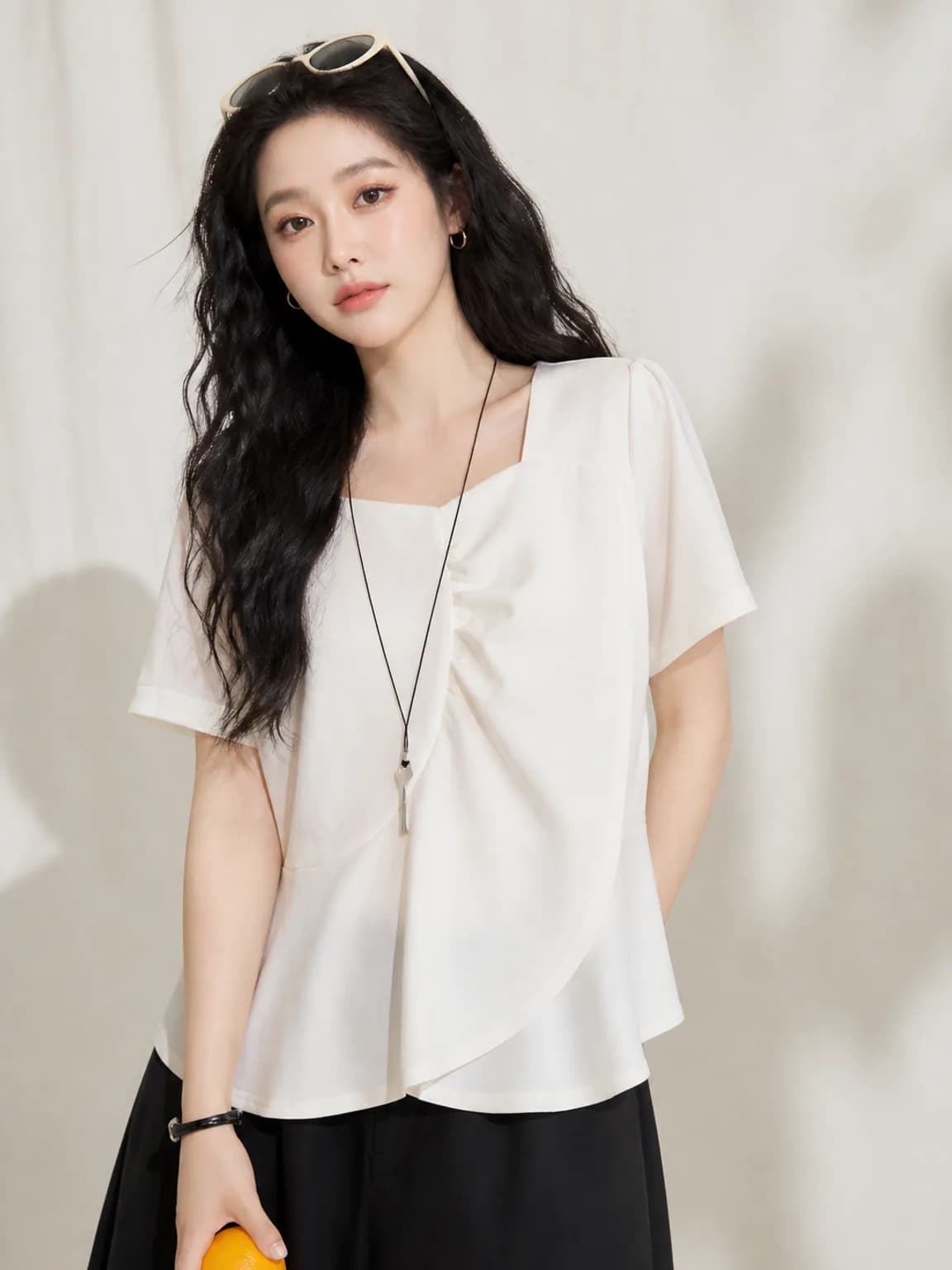
One image at a time, one charge at a time
Swaps are priced per image like everything else. Swap the hero and leave the rest of the gallery alone, or work through a set one frame at a time and stop when it looks right. Anything that fails is refunded automatically instead of becoming a dispute.
How it works
- 1Upload the photo you want changed
A supplier image, an old catalogue frame or something generated here. The garment is read from that file, so the clearer the source, the less the swap has to invent. Avoid sources where the model’s arm covers half the print.
- 2Choose the replacement persona
Pick any saved persona, or build a new one from options. Say whether the setting should change too: keeping the original background makes the swap easier to verify, changing it turns one source into a different-looking frame.
- 3Check the garment survived
Put the swapped image next to the source and look at print alignment, hem position and colour. Those three are where a swap goes wrong. If any of them moved, regenerate that frame before it replaces the original in your listing.
Who it is for
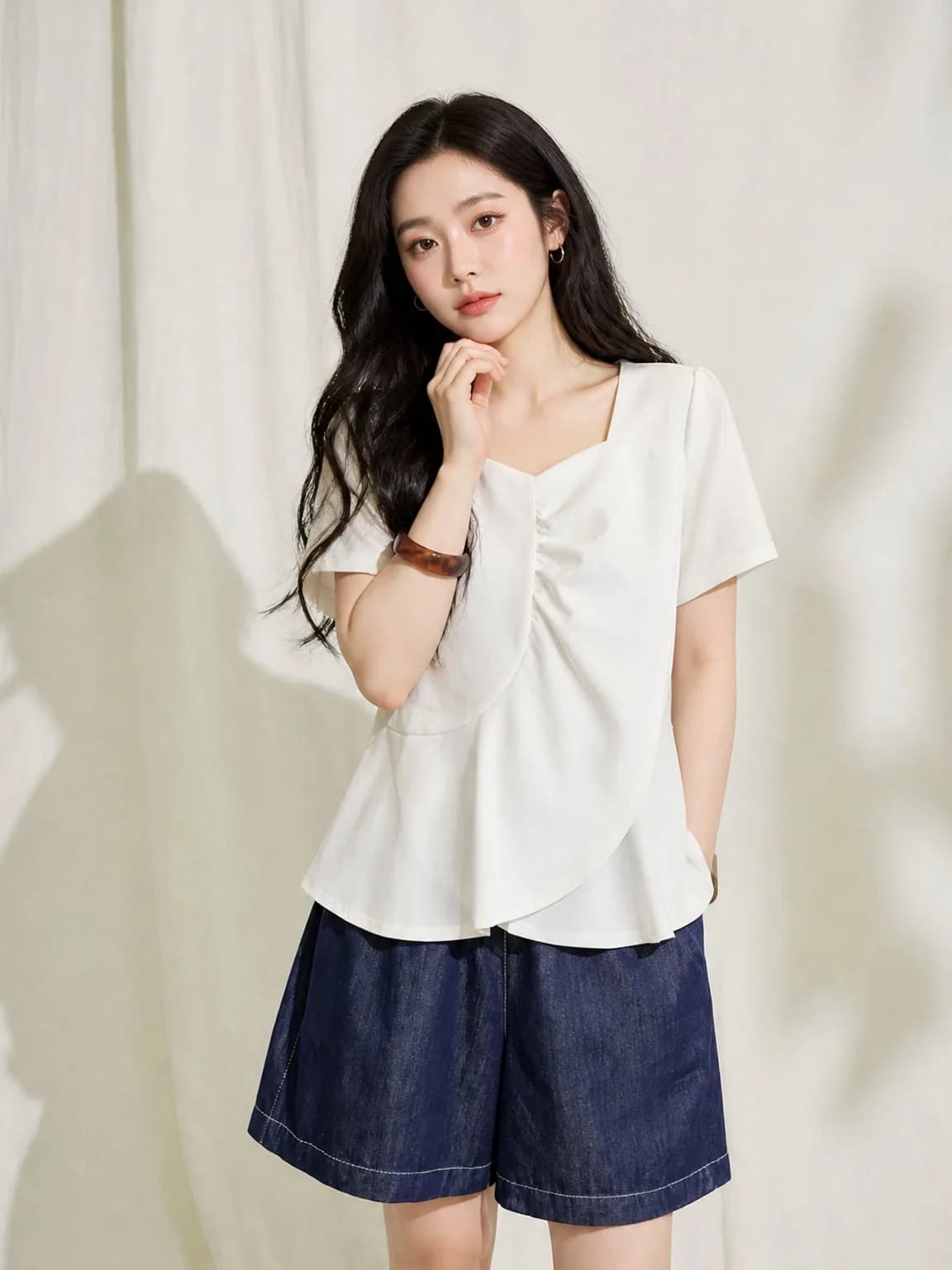
Resellers using supplier photos
Dropshipped and wholesale stock usually arrives with photos you cannot republish and models who appear on twenty other shops. A swap gives you a version of the same piece that is yours to use and does not look like everybody else’s listing.
See the seller guide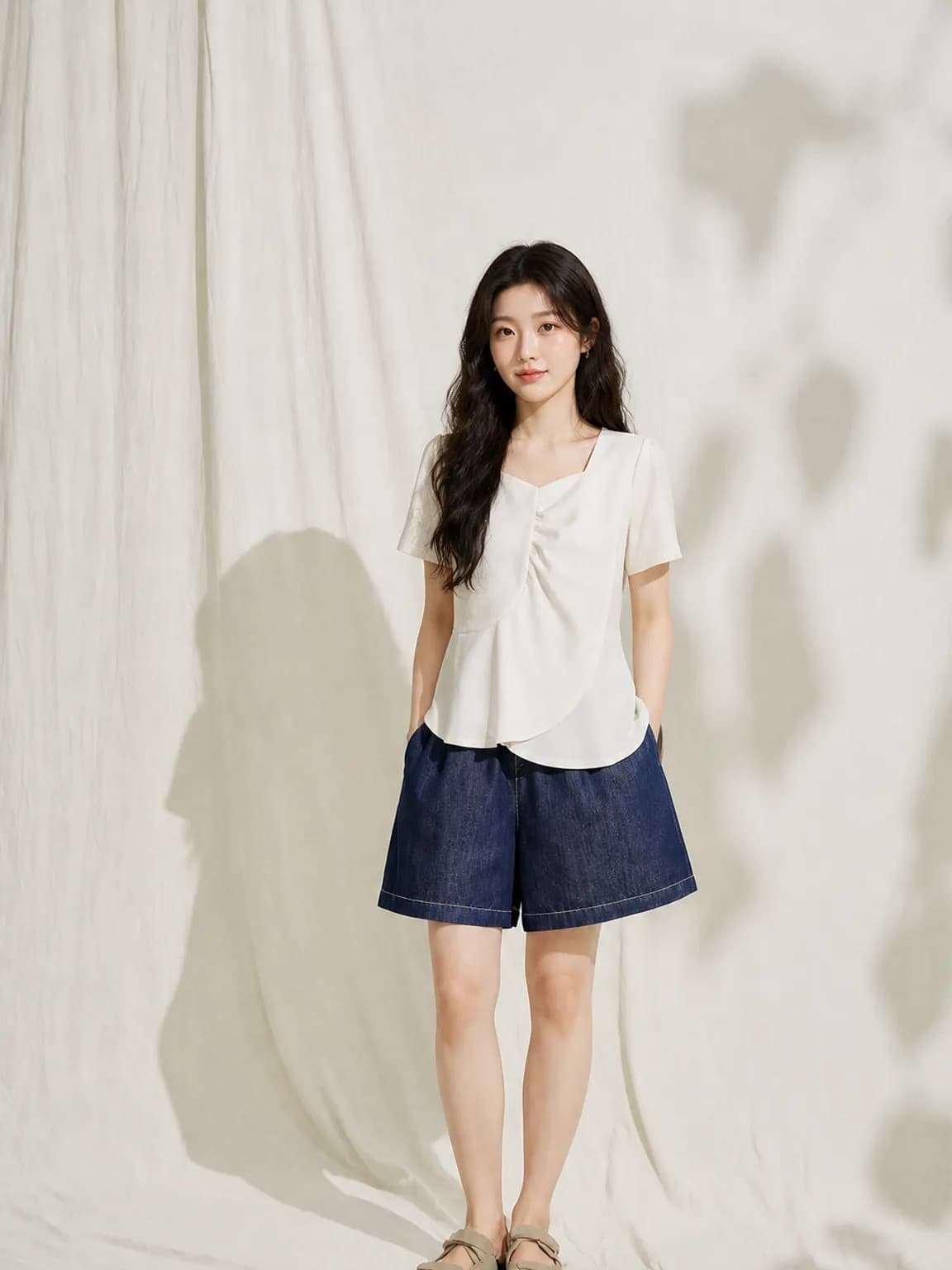
Etsy sellers with an inherited catalogue
Older listings shot on whoever was available make a shop look assembled rather than run. Swapping the model on your top sellers brings the front page into line without re-photographing anything, and Etsy asks you to disclose the AI use.
See the seller guide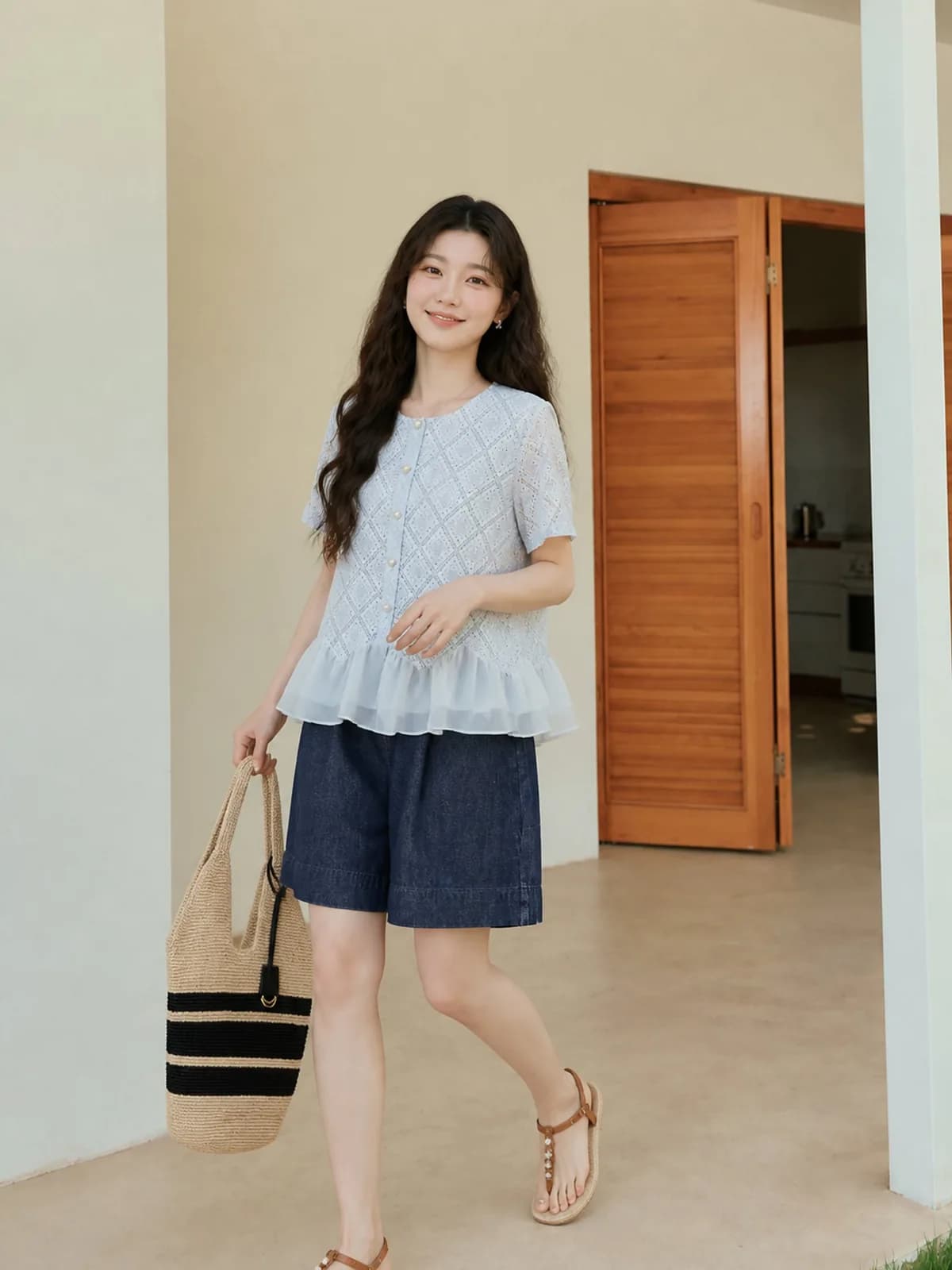
Amazon sellers running two storefronts
One catalogue, two regions, two sets of expectations about who is wearing the clothes. A swap produces the second set from the first without a second shoot, and the garment in both is demonstrably the same product.
See the seller guide
Compared with a photo shoot
| What you are comparing | Photo shoot | Outsourced editing | Photopurr |
|---|---|---|---|
| Changing who wears a finished photo | A new casting and a full reshoot of the garment | Outside what photo editing can do | One generation from the existing file, from $0.10 |
| A second version for a second market | A second model, a second day, a second set of releases | Not offered | Another persona, then the same per-image price |
| Bringing an old catalogue into line | Rebook everything and reshoot the archive | Retouching cannot make three people into one | Swap the frames that matter, one image at a time |
| When a swap comes out wrong | Another shooting day | A revision round, if included | Regenerate that frame alone and pay for one image |
| Standing cost | None between shoots, but every shoot starts at the day rate | None between batches | No subscription, and credits do not expire |
Shoot and outsourcing costs vary by market, so this compares how you are charged rather than quoting other people's prices. The Photopurr figure is our own lowest per-image price, taken from the pricing page.
What it costs
From $0.10 an image, from 6 credits depending on model and resolution, with the price shown before you confirm. No subscription, credits never expire, and verifying your email grants 50 free credits. See pricing
Related
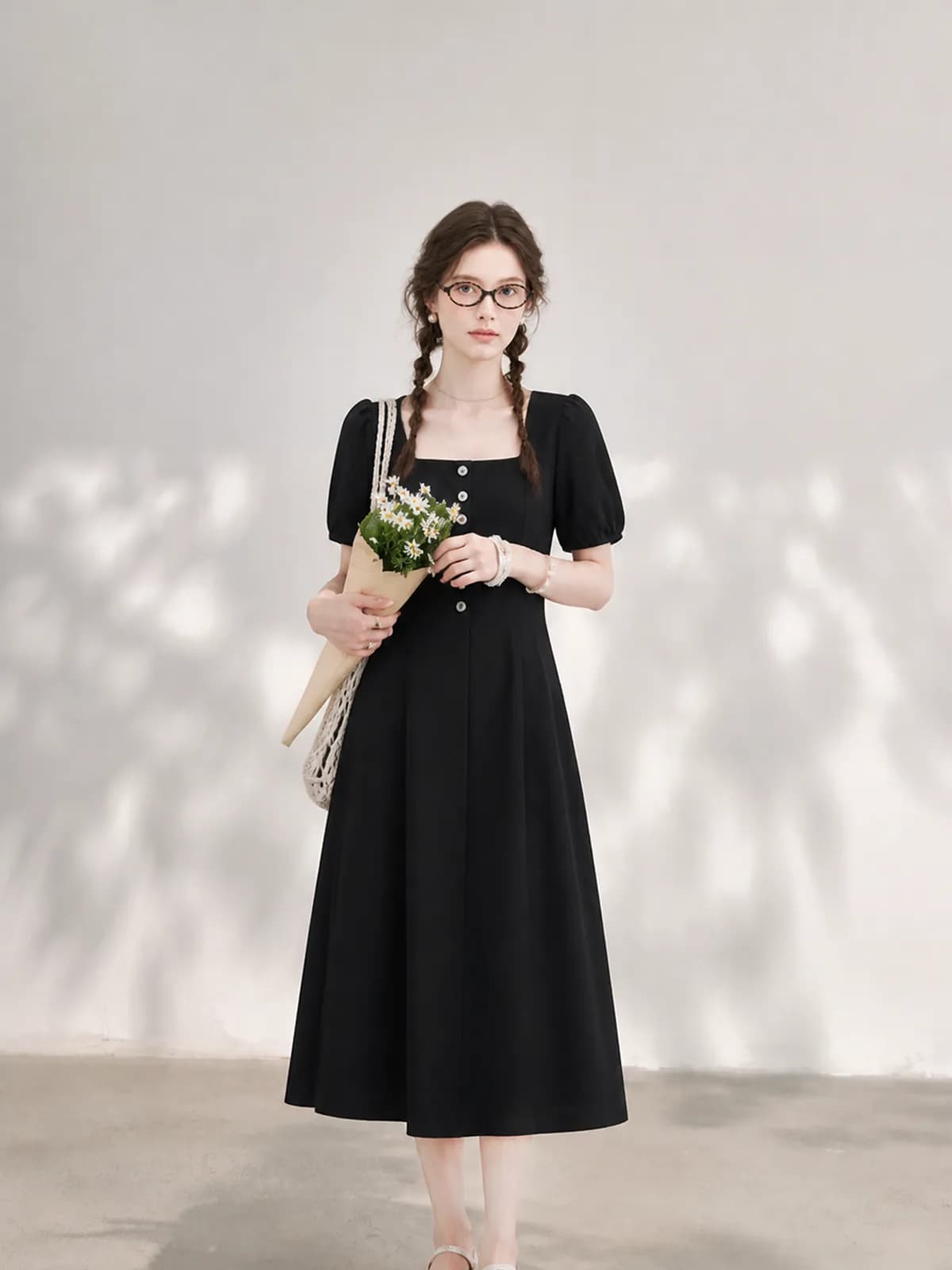
AI fashion model generator
Put your own garments on an AI fashion model you build once and reuse. One photo in, an on-model shot out, priced per image with no subscription.
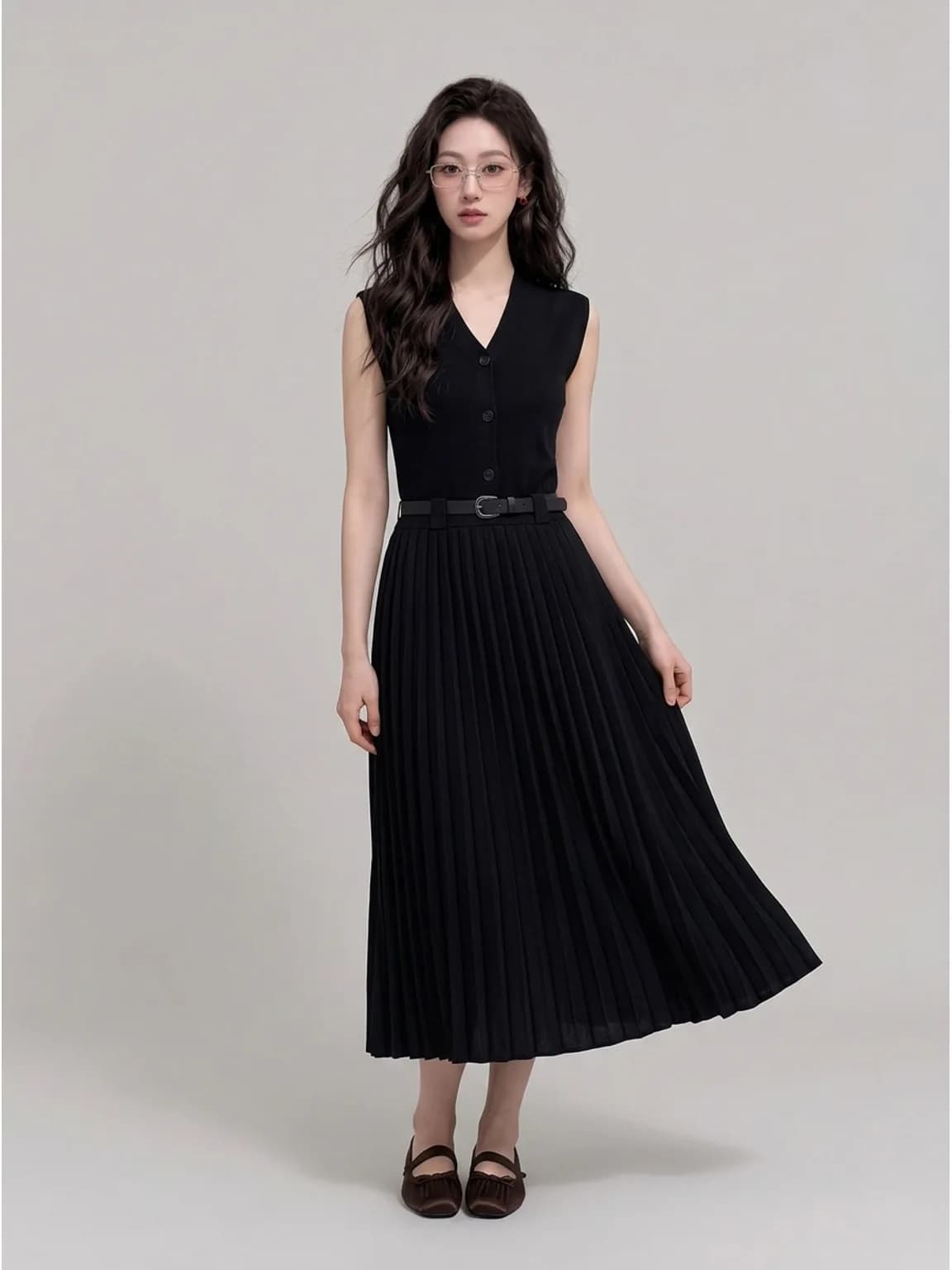
Product to model AI
Product to model AI for accessories: put a hat, a pair of glasses, a bag or shoes on a consistent model, from one photo of the product.
Botika alternative
Looking for a Botika alternative? Photopurr is pay-per-image, no subscription. Botika’s plans, credits and rollover rules, from its pricing page, dated.
Questions
- Can I swap the model on a photo I did not generate here?
- Yes. Upload the photo, choose a persona and describe any change to the setting. The garment is read from the uploaded image. Make sure you actually have the right to use the source photo in the first place — a swap changes the model, not the copyright on the original frame.
- Does the pose stay the same?
- By default the pose follows the source image, which keeps the garment sitting the way it was photographed and makes the result easy to verify. Ask for a different pose if you need one, but treat that as a bigger change: the further the body moves, the more the drape is reconstructed.
- Is this the same as virtual try-on?
- No. Virtual try-on is a shopper putting a garment onto themselves, usually live on a product page. A model swap is a seller changing who wears the garment in a listing photograph, before the shopper ever arrives. Different audience, different moment, different tool.
- Can I swap the model on a photo of a real person?
- Technically it will run, but be careful. Replacing an identifiable person in a photo you did not commission raises permission questions that have nothing to do with image quality. The clean case is supplier stock where you want the garment and not the model.
- What usually goes wrong in a swap?
- Print alignment across a seam, hem length, and colour shifting half a shade under a new light direction. Those three account for most bad swaps. Compare the result against the source at full size, in that order, before the new image replaces the old one.
- Can I change the background at the same time?
- Yes, but consider doing it in two passes. Swap the model first, with the background unchanged, so you can tell whether the garment survived. Then change the setting. Doing both at once makes it hard to see which step caused a problem.
- Will the swapped model match my other listings?
- If you swap to a saved persona, yes: the same face, body and skin tone are attached to every generation that uses it. That is why swapping is usually done towards a persona you already use rather than towards a new one built for a single image.
- How many swaps does a catalogue need?
- Fewer than people expect. The homepage row, the top sellers and anything running in ads carry most of the impression of a shop. Swapping ten frames often does more than swapping a hundred, and since this is priced per image you can stop when it looks right.
- Do I have to disclose that the model is generated?
- Check the platform. Etsy asks sellers to disclose AI involvement, and several marketplaces require images to represent the product accurately. A generated model is styling, not a fit claim, so keep real measurements in the description and read your own seller policy page rather than a summary of it.
Make one and see
Verify your email and 50 credits are yours. Failed runs are refunded automatically.
Make your first image free