AI fashion model generator
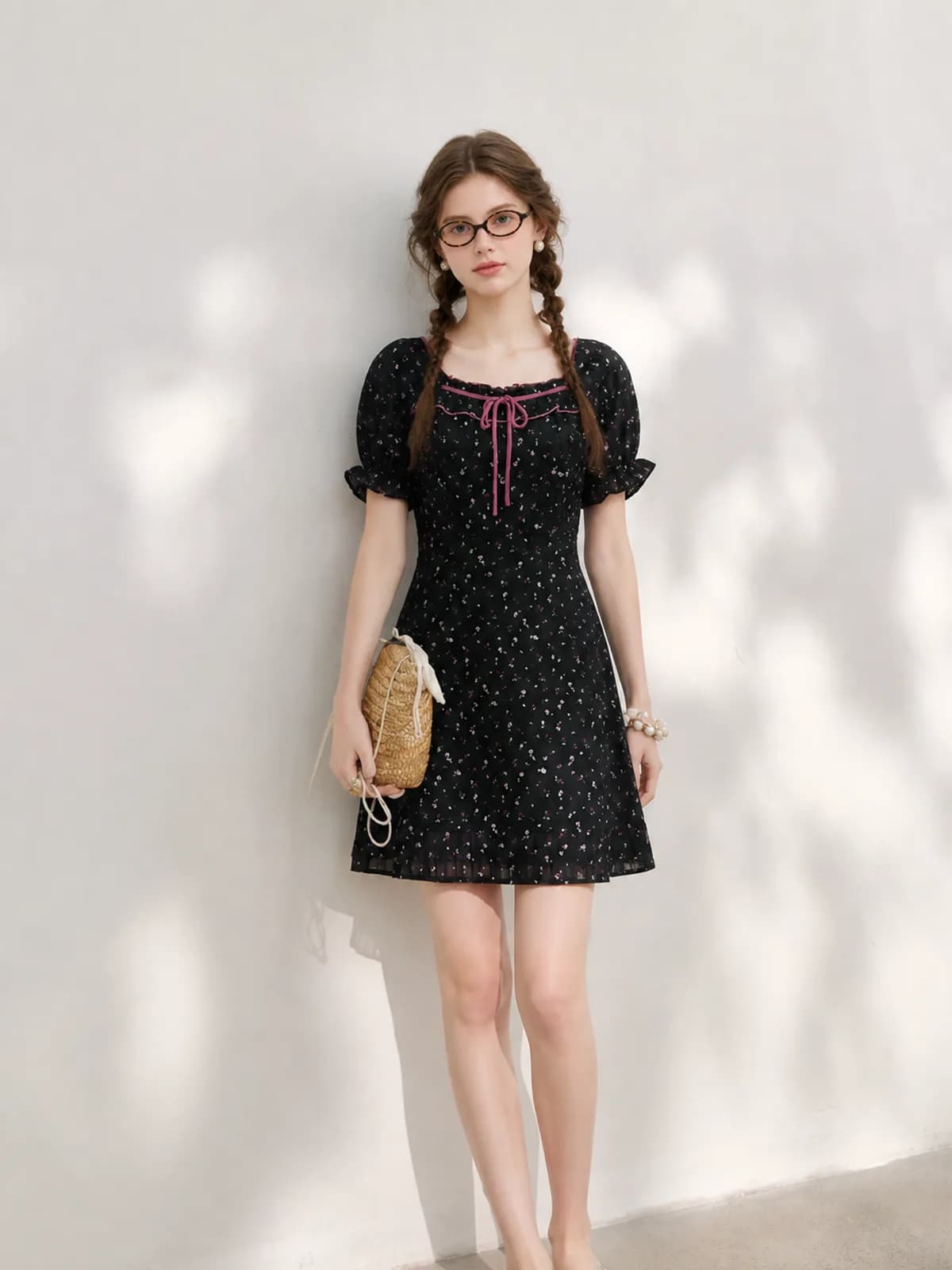
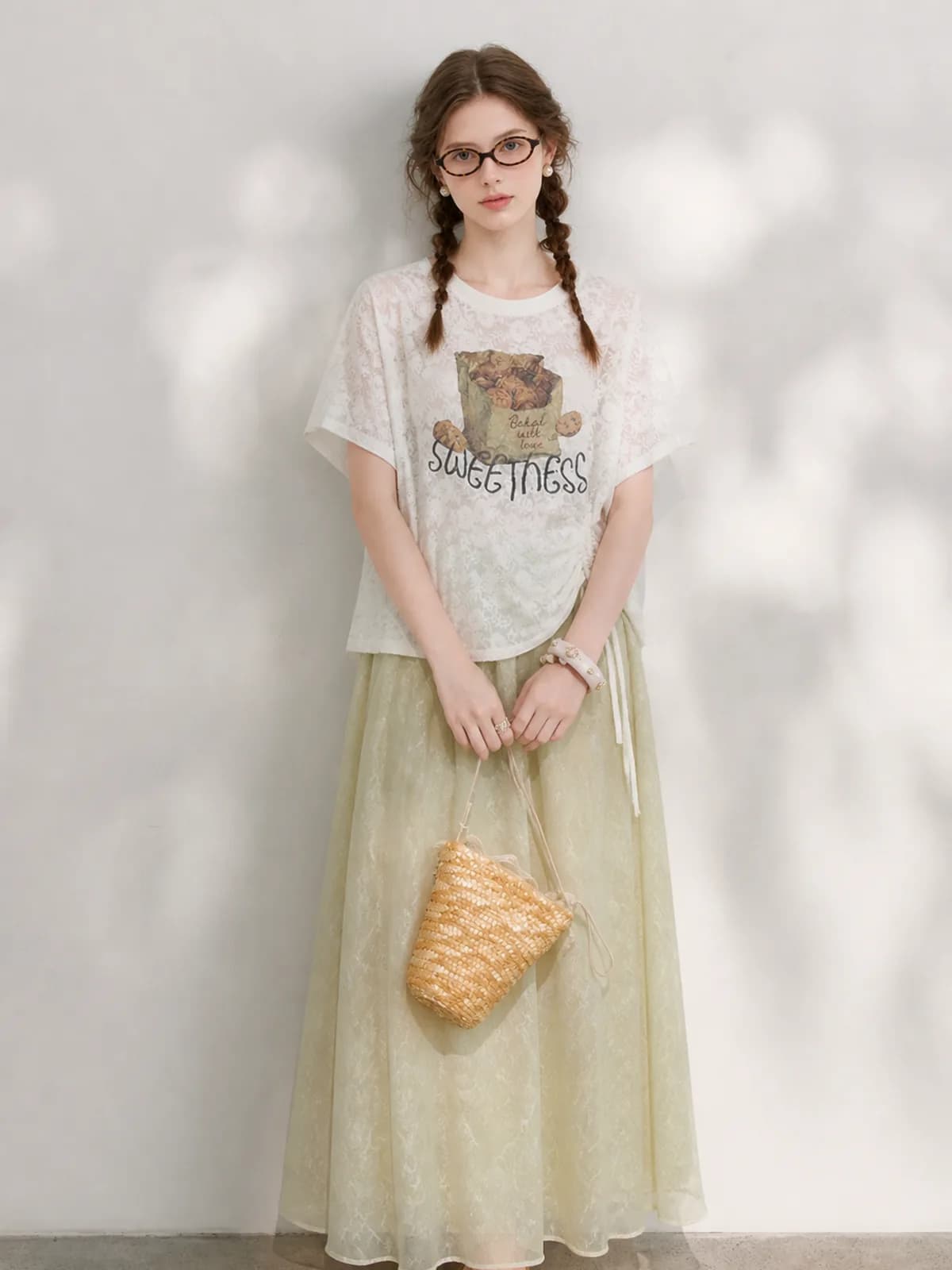
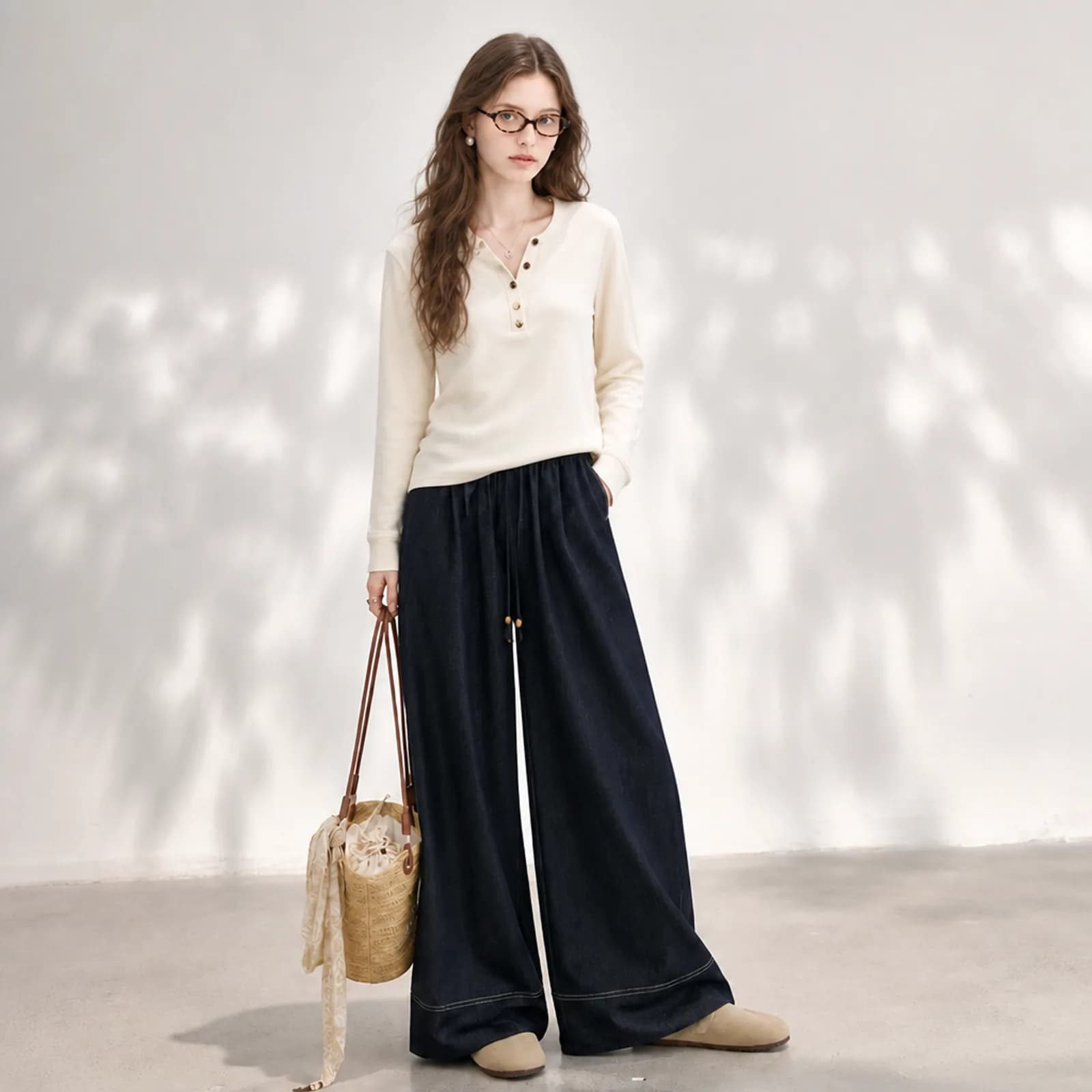
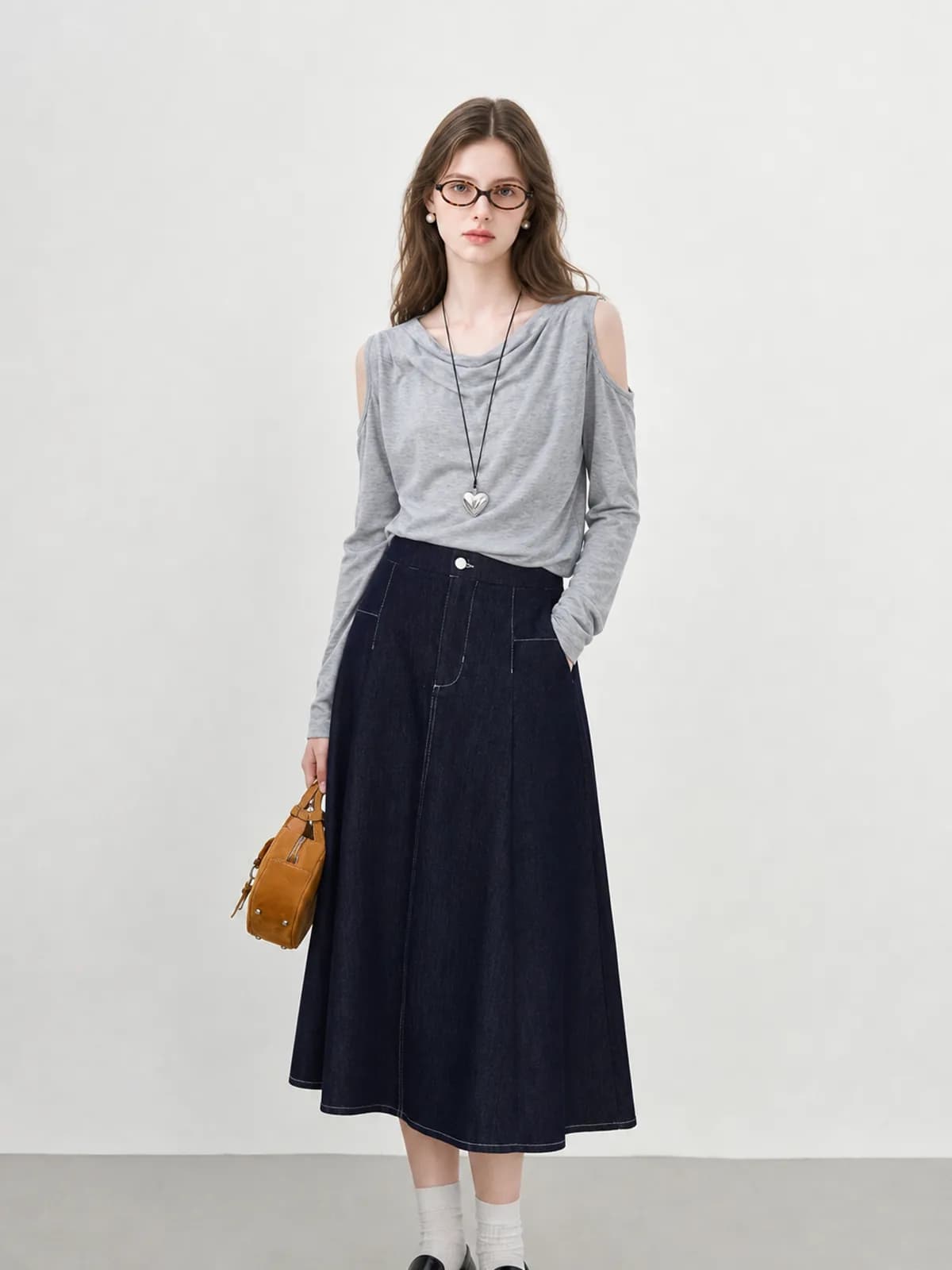
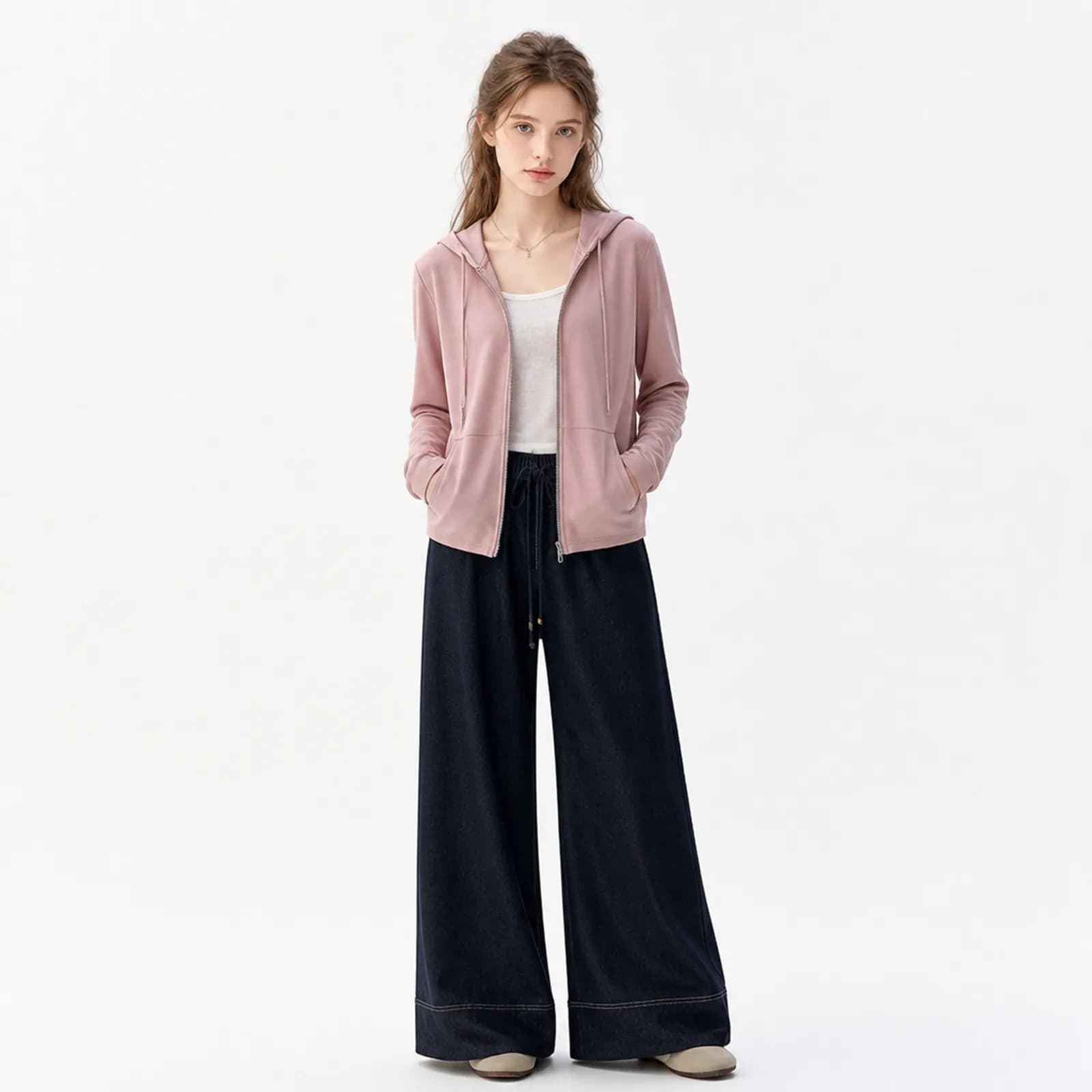
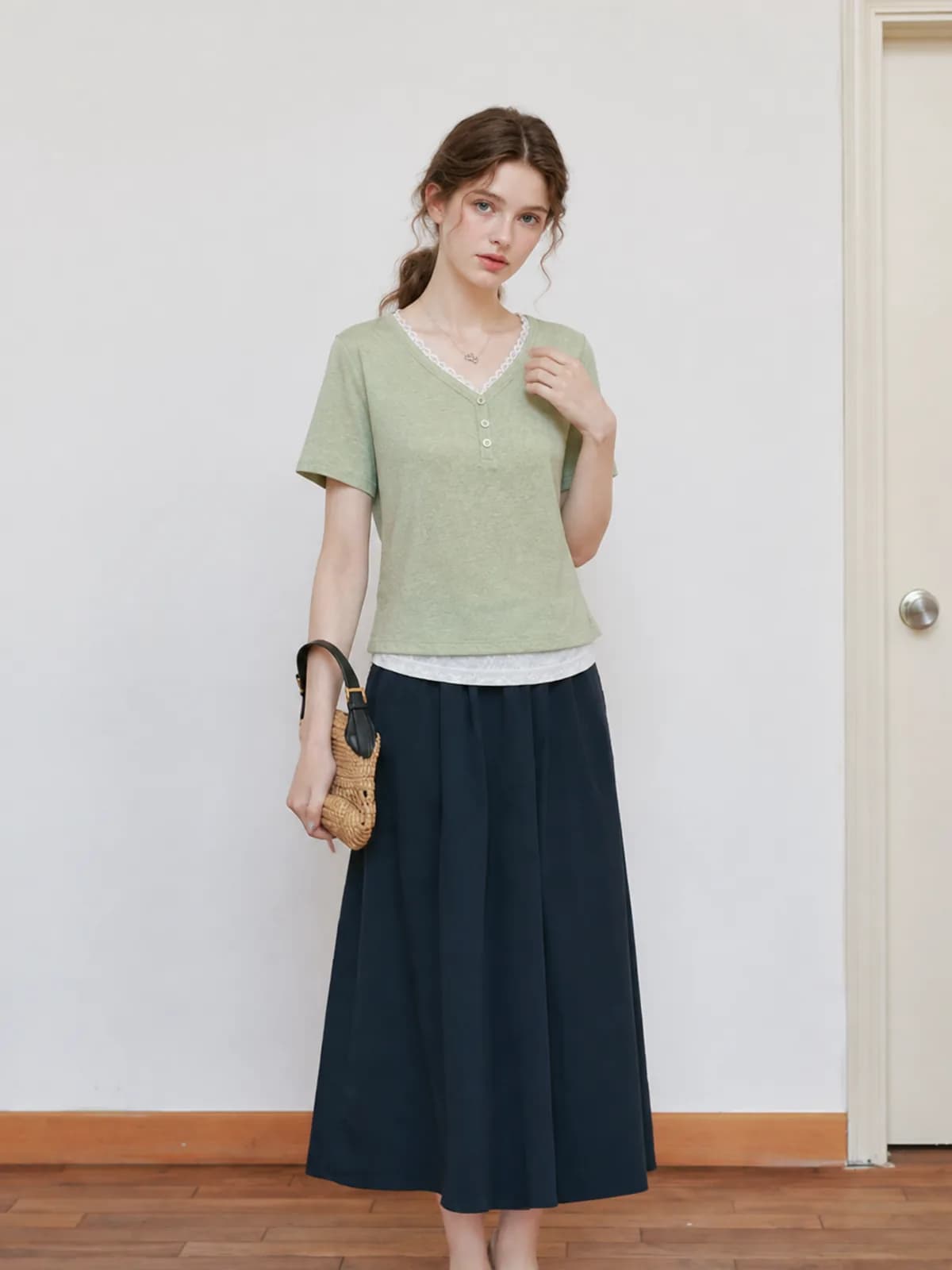
An AI fashion model generator puts the garment you already photographed onto a model who does not exist. You upload one photo of the piece, pick or build a persona, and get a wearable shot back. The face, body and skin tone are yours to set once and reuse, so a rail of unrelated stock starts to look like one catalogue instead of forty separate listings.
Examples
Key features
One saved model across the whole rail
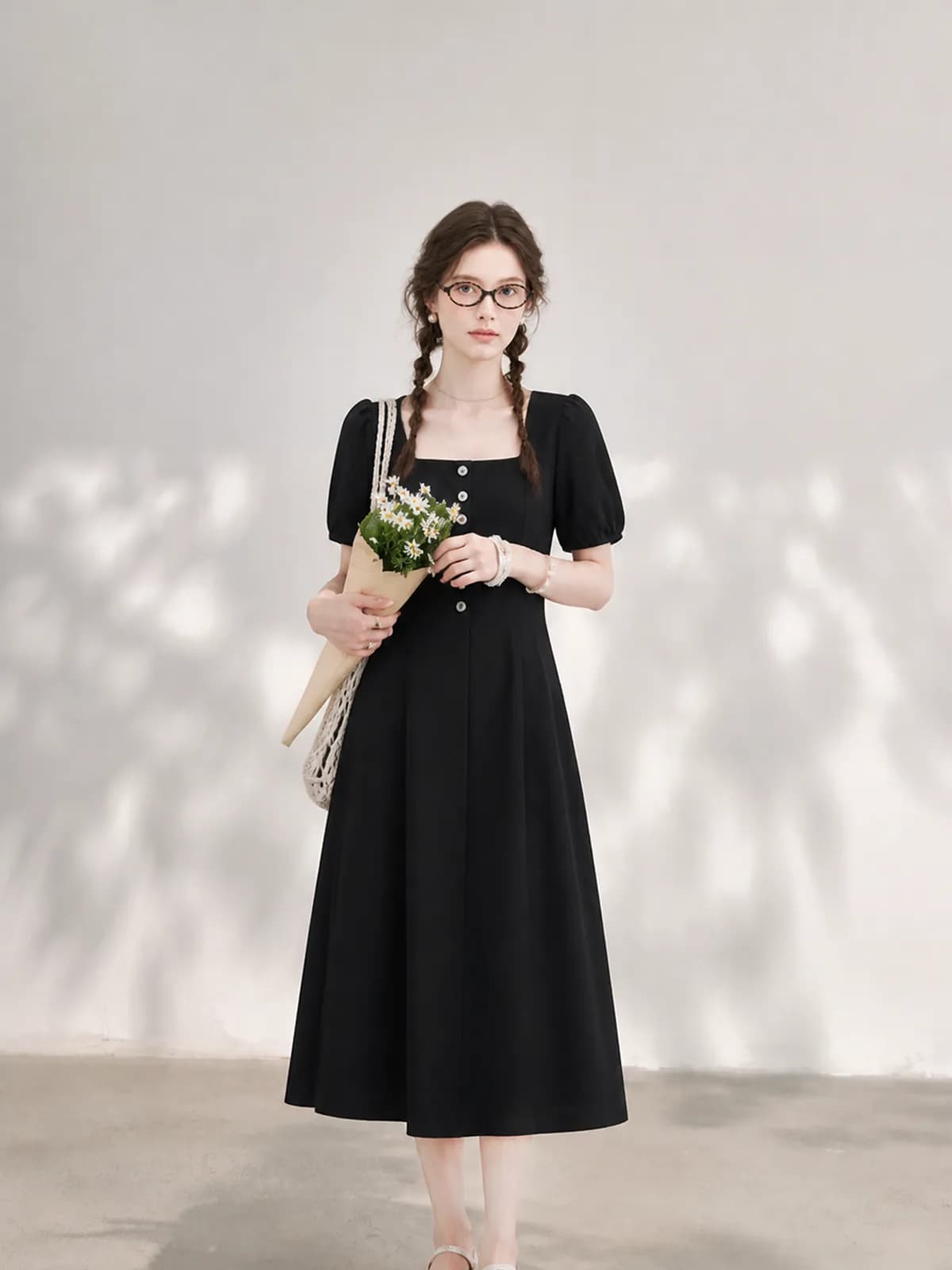
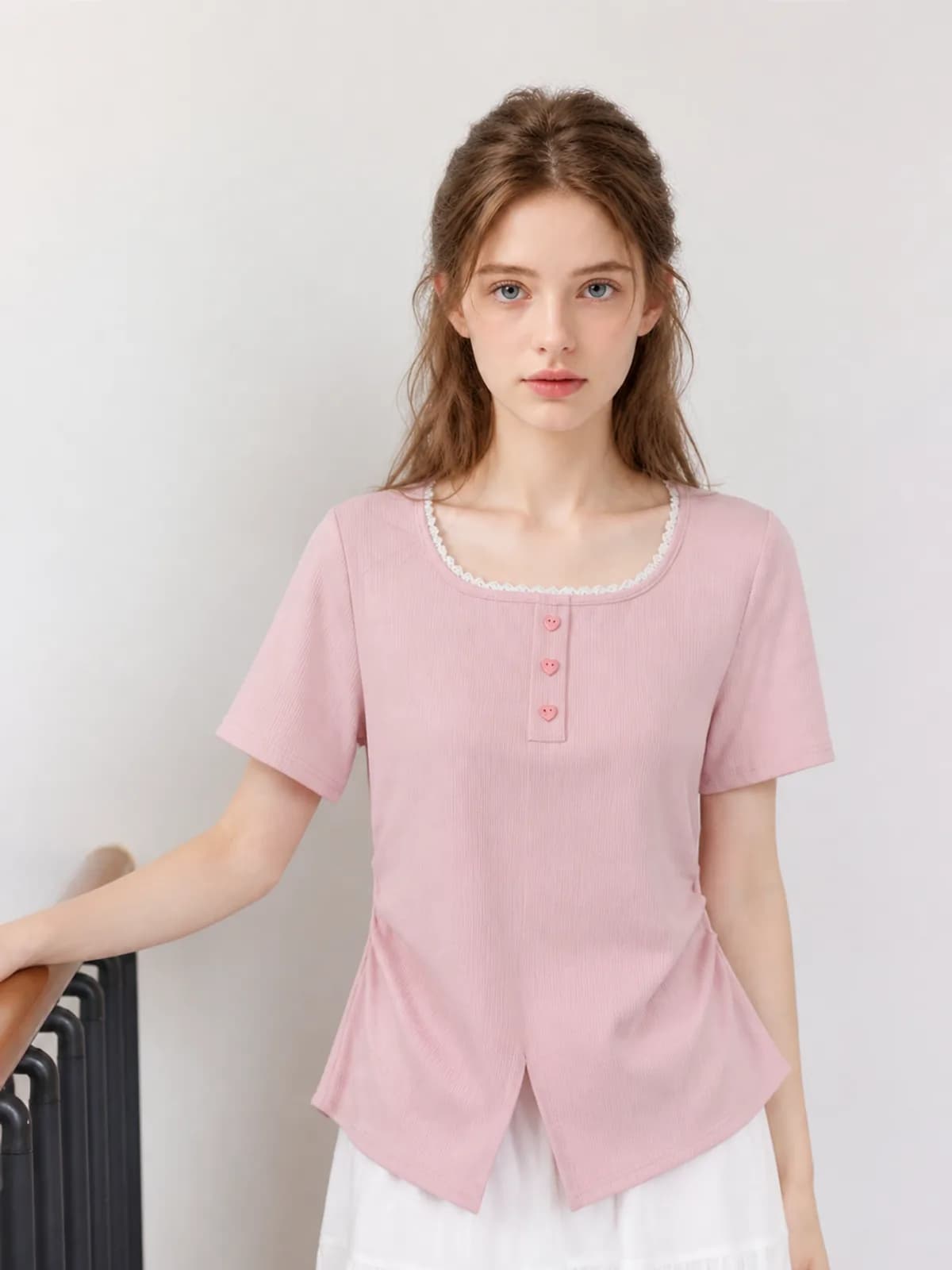
Build the persona once — gender, age range, body, skin tone, hair — and attach it to every generation after that. A seller photographing forty unrelated pieces ends up with forty images of the same woman, and that is what makes a mixed rail read as one shop rather than forty unconnected listings.
The print survives the transfer
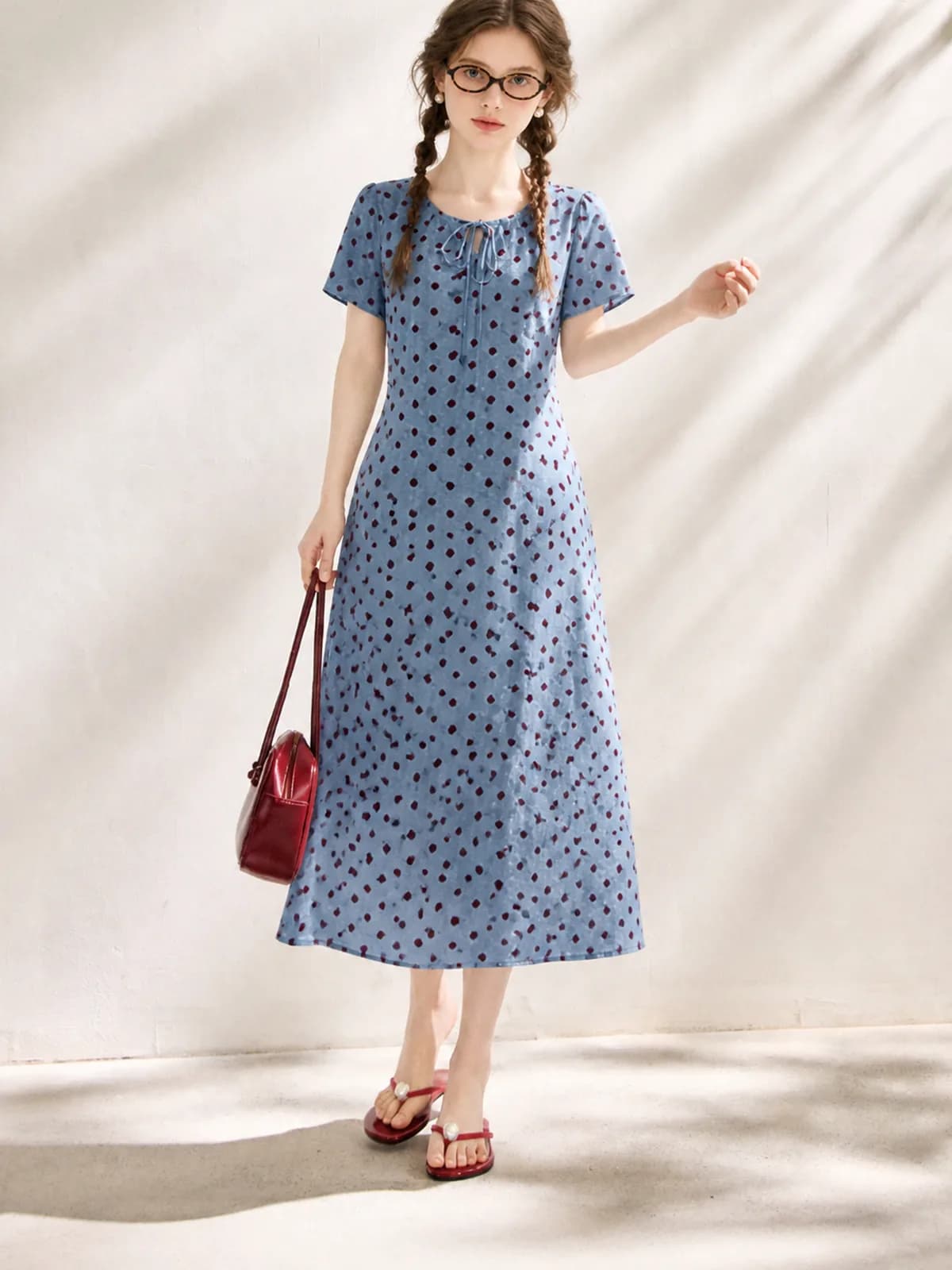
The generator works from your photo, not from a written description of it. Dot spacing, seam lines and the exact shade of a wash come off the file you uploaded. If a detail drifts on one frame — a hem length, a button count — regenerate that single image and compare it against the original before it goes live.
You pay for images, not for a month
There is no subscription and credits do not expire, so a shop that lists ten pieces in March and nothing in April pays for ten images. Every generation shows its credit cost before you confirm, and anything that fails is refunded automatically instead of turning into a support ticket.
How it works
- 1Build the persona once
Choose gender, age range, body proportions, skin tone and hair, or upload reference photos of the look you want. Give it a name and save it. From that point on it appears in the model list for every image you make, on every device you sign in from.
- 2Upload the garment and pick the persona
A flat lay, a hanger shot, a mannequin shot or an existing on-model photo all work as input. Select the saved persona, add one line describing the setting, and confirm the credit cost the app shows you before it starts.
- 3Compare against the original, then move on
Check neckline, hem length, print alignment and colour against the photo you uploaded. Regenerate any single frame that missed; the others are untouched and are not charged again. The persona stays saved for the next style you shoot.
Who it is for
Resellers and thrift sellers
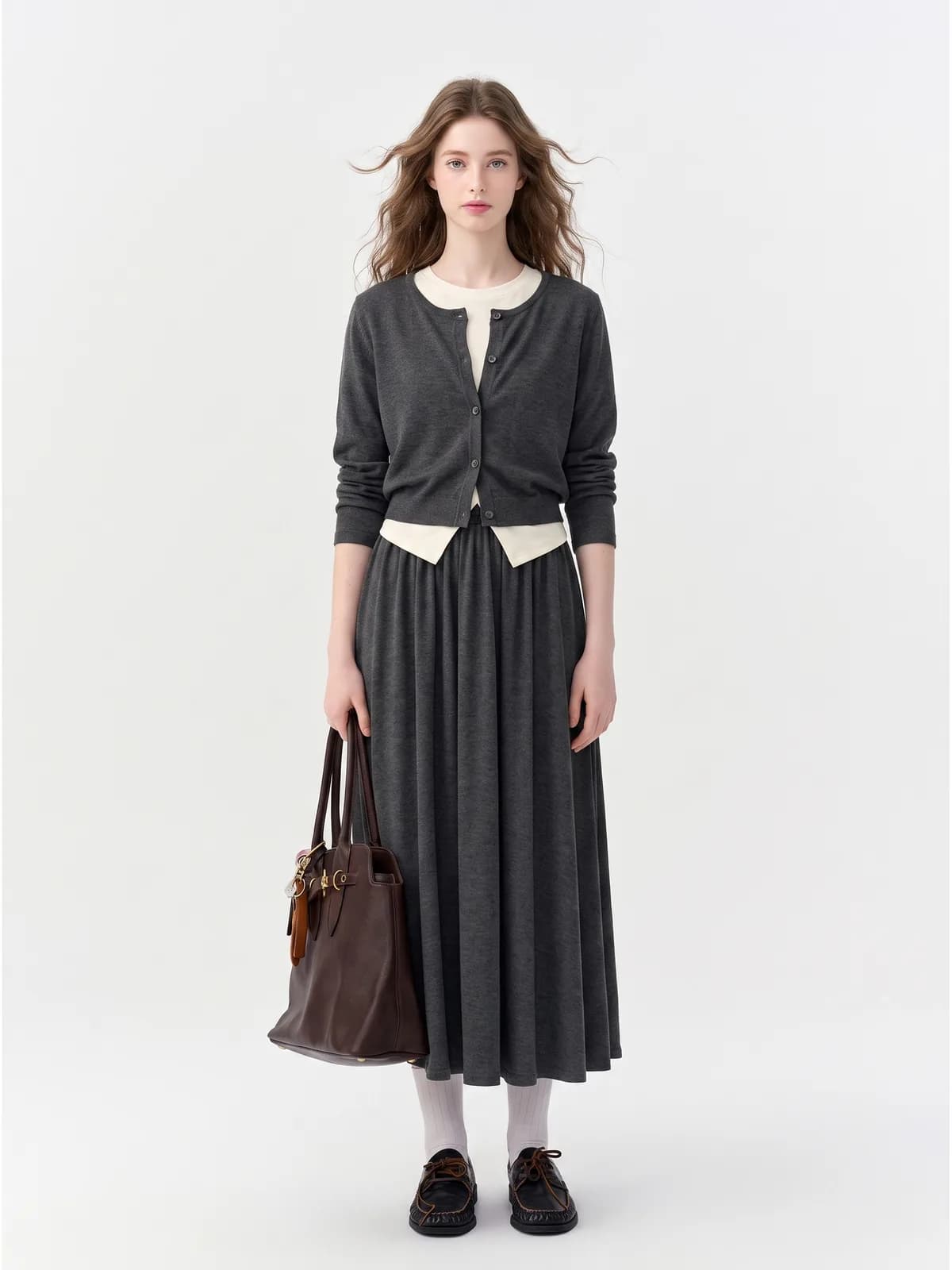
One-off pieces never justify a shoot, and a rail bought from six different places looks like six different shops. A saved persona is the cheapest way to make unrelated stock look deliberate.
See the seller guide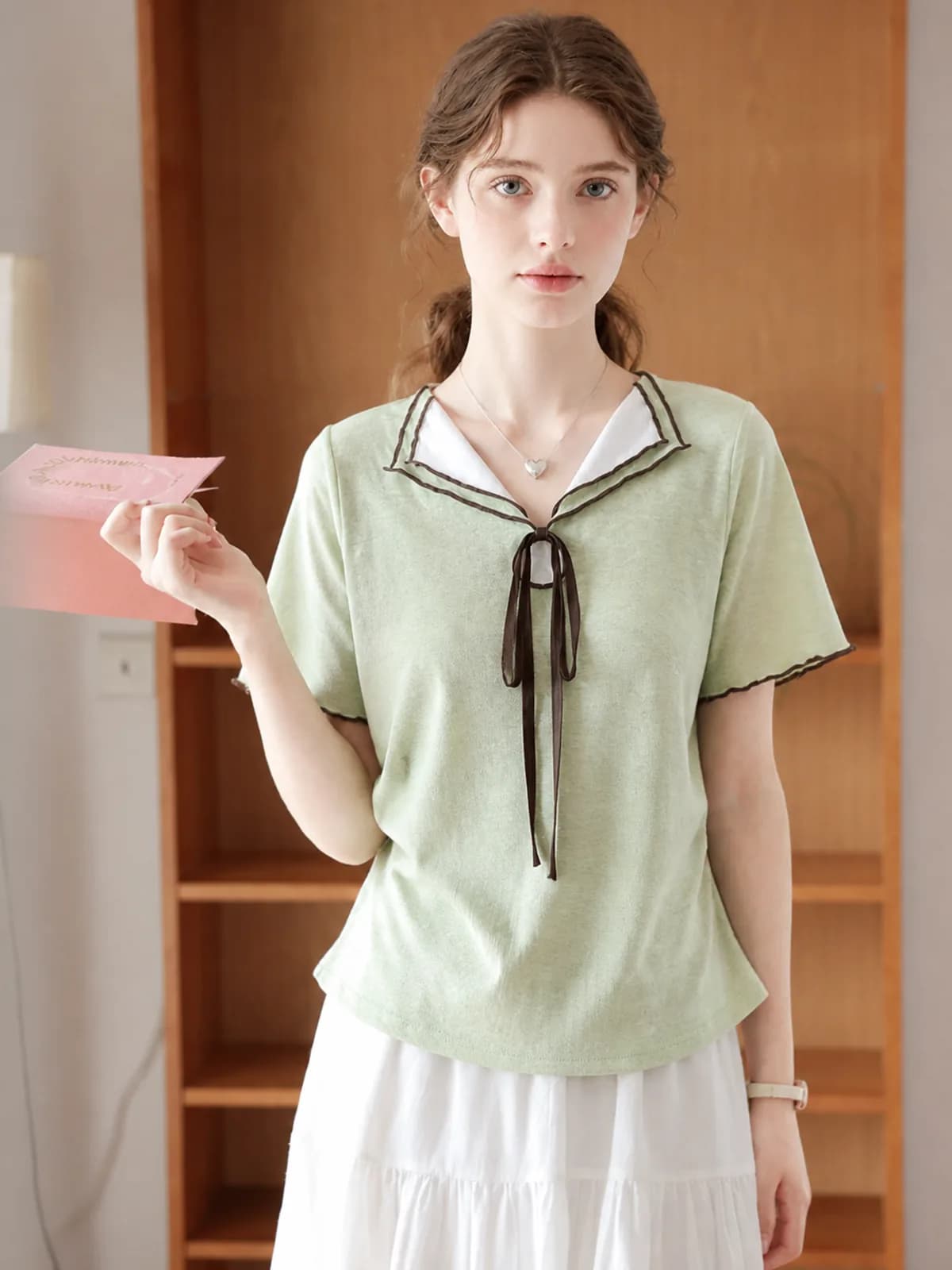
Etsy clothing sellers
Handmade and made-to-order listings sell better with a person in the frame, and a face that repeats across the shop reads as a brand rather than a hobby. Etsy asks you to disclose AI use, so say so in the listing.
See the seller guide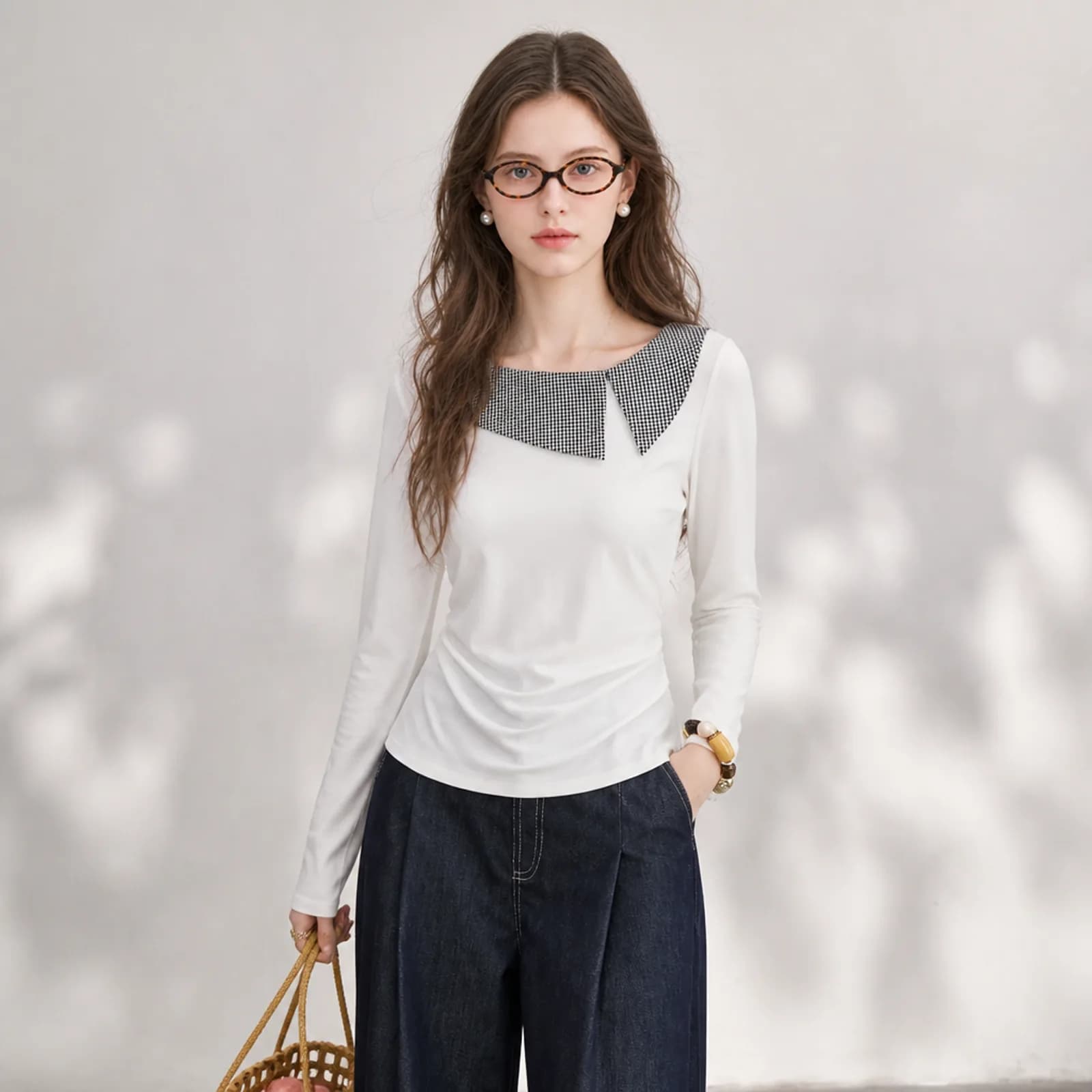
Amazon clothing sellers
Amazon has its own rules about what may appear on a main image for adult clothing. The generated on-model shots are for the gallery slots that decide the click, and the white-background version goes in alongside them.
See the seller guide
Compared with a photo shoot
| What you are comparing | Photo shoot | Outsourced editing | Photopurr |
|---|---|---|---|
| What you are paying for | Model, studio, photographer and retouching, each quoted separately | A per-image editing fee on top of the photos you still have to take yourself | One price per image, from $0.10, shown before you confirm |
| Minimum order | A half or full day, whether you have three styles or thirty | Usually a batch, so a single new arrival waits for the next one | One image |
| Adding a model | A second casting, a second day rate, a second set of releases | Not something an editing service can do for you | A second saved persona, then the same per-image price |
| Redoing one frame | A reshoot, which means booking the whole thing again | A revision request, if revisions are included | Regenerate that frame alone and pay for one image |
| Cost between drops | Nothing, but the day rate is the floor every time you restart | Nothing between batches | No subscription, and unused credits do not expire |
Shoot and outsourcing costs vary by market, so this compares how you are charged rather than quoting other people's prices. The Photopurr figure is our own lowest per-image price, taken from the pricing page.
What it costs
From $0.10 an image, from 6 credits depending on model and resolution, with the price shown before you confirm. No subscription, credits never expire, and verifying your email grants 50 free credits. See pricing
Related
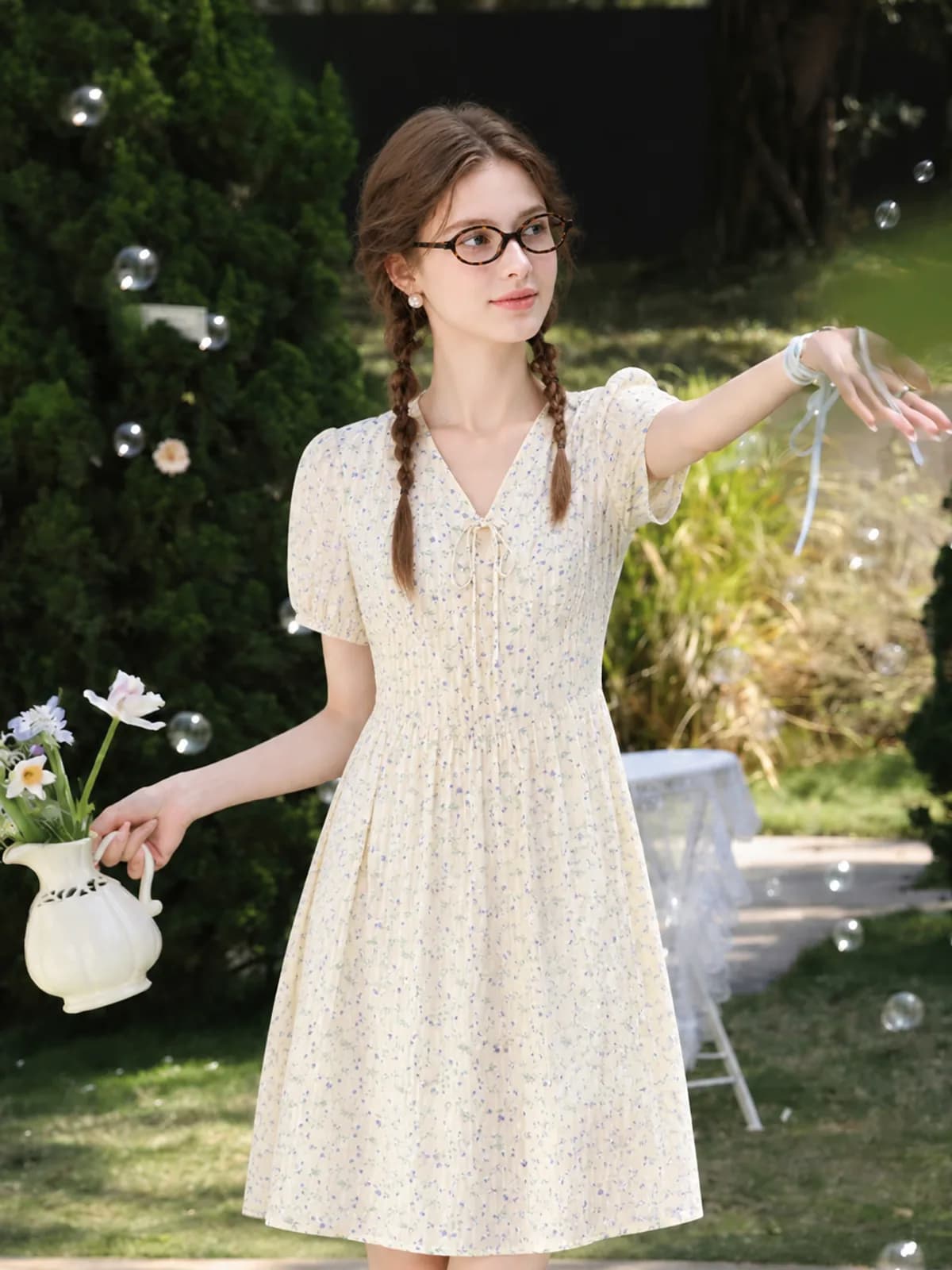
AI fashion photoshoot
Run an AI fashion photoshoot from one garment photo: the same piece in several settings on one saved model, with no studio, crew or booking.
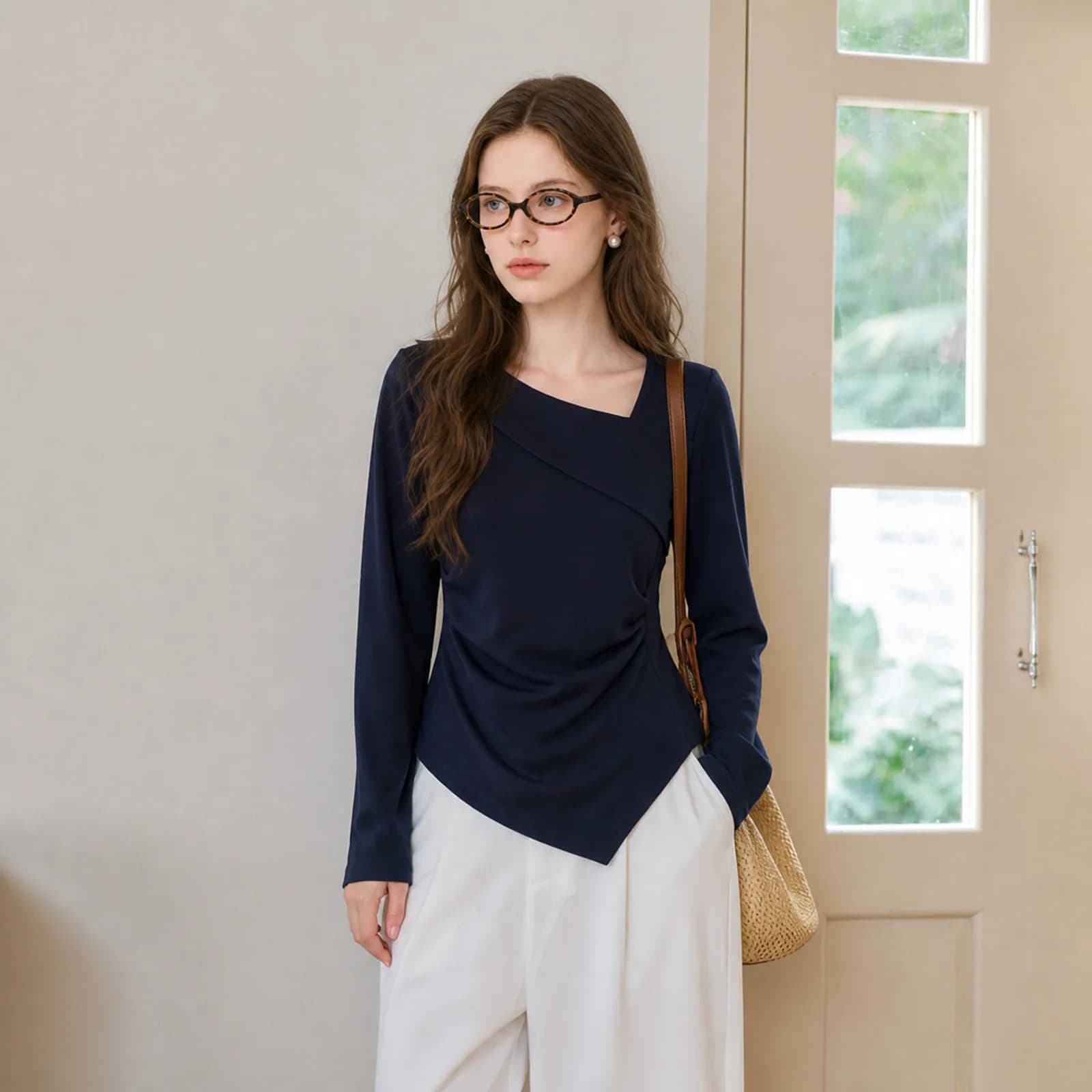
AI clothing photography
AI clothing photography for small sellers: on-model hero shots, white-background versions and fabric close-ups from one photo of the garment.
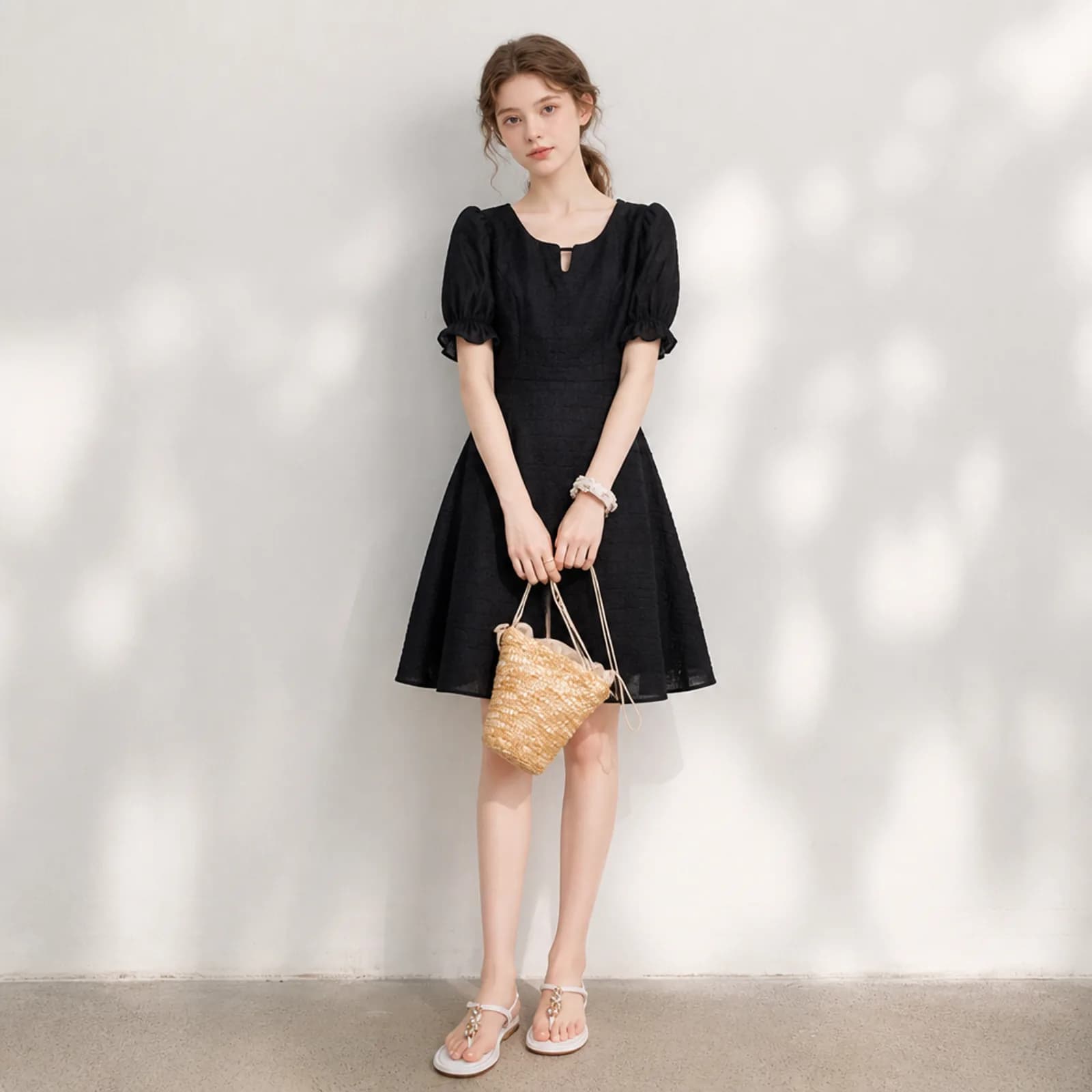
AI product photos for resellers
AI product photos for resellers on Poshmark, Depop, Vinted and eBay: turn a hanger or flat-lay phone shot into an on-model image, one listing at a time.
Questions
- Can I choose the model’s age, body type and skin tone?
- Yes. A persona is assembled from options — gender, age range, body proportions, skin tone, hair, overall styling — or from reference photos you upload. Once saved it is reusable, so the same face and body appear on every garment you run through it afterwards.
- Will the AI model change my garment?
- The pipeline is instructed to keep the cut, colour and fabric detail of the piece you uploaded. Most of the time it does. When a detail drifts, it is usually on a busy print or a complicated hem; regenerate that one image and compare it side by side with your original before publishing.
- Do I have to write prompts?
- No. Choose what the image is for — hero shot, detail shot, white background — and the photography rules for that purpose are added for you. A single line about the setting, such as “bright studio, model facing camera”, is all the writing involved.
- What input photo gives the best result?
- One clear photo showing the whole garment, evenly lit, with nothing folded out of sight. A phone photo on a table in daylight is enough. Sharpness matters far more than megapixels, and a sleeve hidden behind the body will be guessed rather than reproduced.
- How many personas can I keep?
- As many as you need. Most small shops keep one or two: a main persona that carries the catalogue, and a second for a different market or a different size range. Switching between them costs nothing; you only pay for the images you generate.
- Can one persona wear every category I sell?
- Dresses, knitwear, outerwear, trousers, tops and accessories all go through the same pipeline, so one persona can carry a whole mixed catalogue. Very structured pieces such as tailored coats hold their shape best when the input photo already shows the garment hanging properly.
- Is it free to try?
- Verifying your email address grants 50 credits, which never expire. That is enough for a first on-model image and a couple of retries on the cheapest model tier, which is the point: run one of your own garments through before deciding anything.
- What happens when a generation fails?
- Failed generations are refunded automatically, without a ticket. If only part of a multi-image run comes back, you are charged for the images you actually received. This matters more than it sounds: it is why testing a difficult garment is cheap rather than risky.
- Do I have to tell buyers the photos are AI?
- That depends on where you sell, and the rules move. Etsy asks sellers to disclose AI involvement, and several marketplaces require images to represent the product accurately. Check the policy page in your own seller account before you publish, and treat the model as styling rather than proof of fit.
Make one and see
Verify your email and 50 credits are yours. Failed runs are refunded automatically.
Make your first image free